HelloGrowthCRM software
Built for real small-business sales teams
HelloGrowthCRM helps reps qualify faster, follow up on time, and close more deals—with practical automation in one place.
- AI lead scoring and pipeline visibility
- Built-in dialer, WhatsApp, and email automation
- Sales forecasting and RevOps-ready reporting
Scheduling email means preparing an email message and setting it to send automatically at a later date and time you choose. This lets you plan your communication ahead, reach prospects at the best moment, and maintain consistent follow-up without manual effort.
Why this comes up / what goes wrong
Small-business owners often juggle multiple tasks and may miss timely communication with leads or customers. Sending emails immediately when composing them can be inefficient if the recipient is more likely to respond at certain times or if you want to space out follow-ups. Without scheduling, you might accidentally send too many emails at once, forget to follow up, or lose track of conversations. Scheduling email helps avoid these issues by automating the timing and ensuring your messages arrive when they are most effective.
Step-by-step
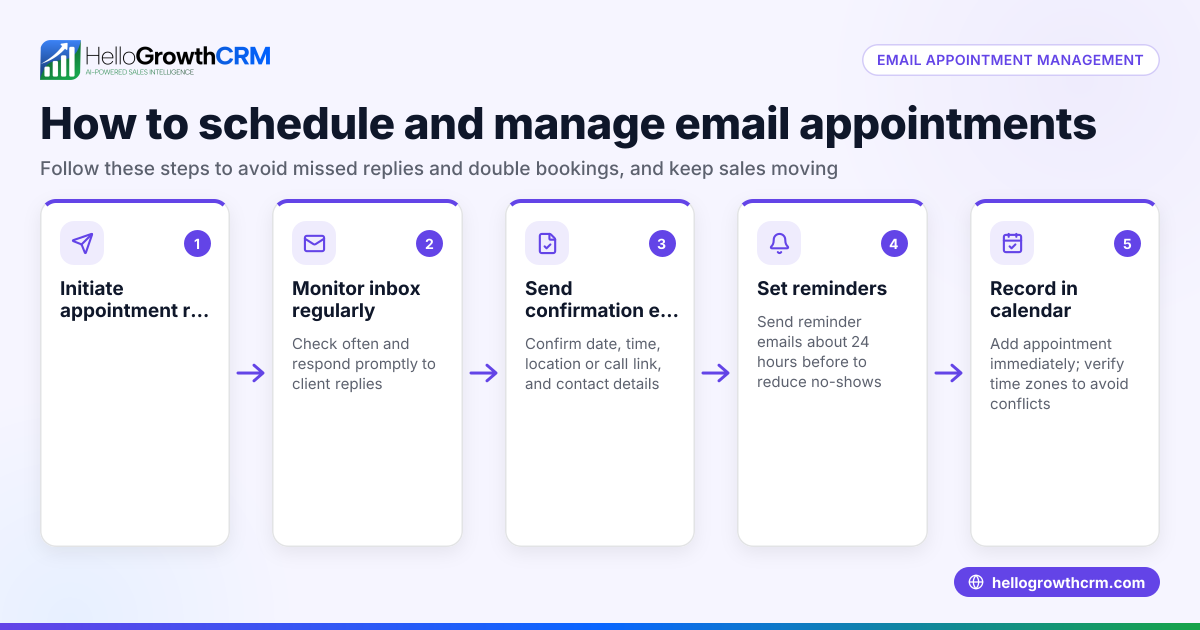
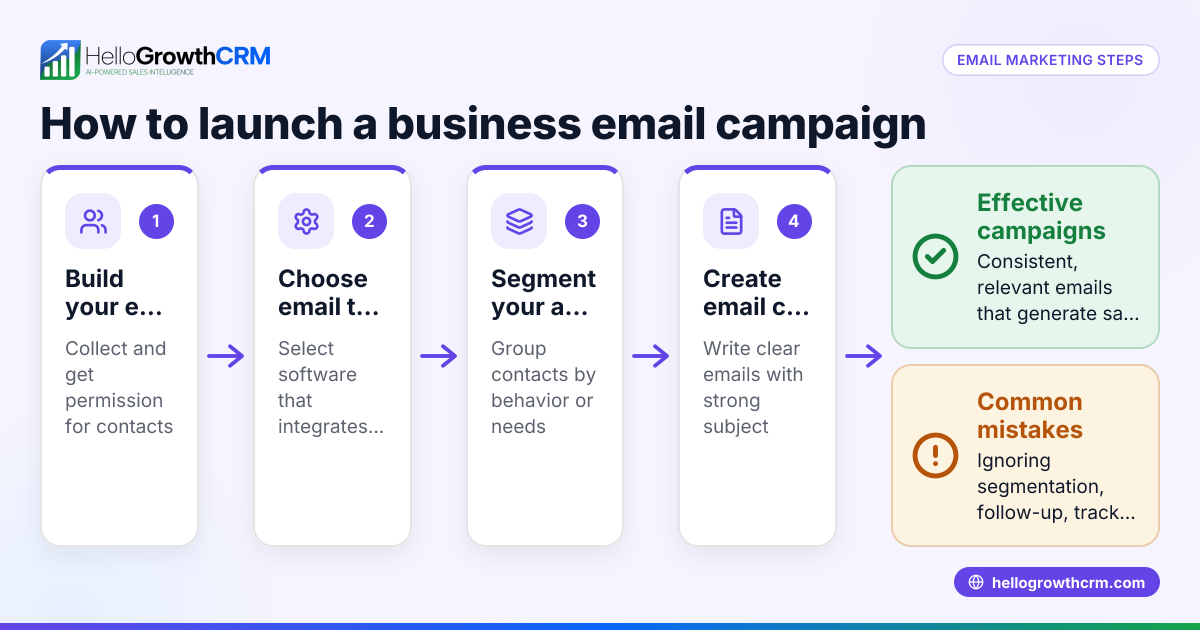
- Choose your email platform or CRM: Select a tool that offers email scheduling features, such as your email client or a CRM with built-in email automation.
- Compose your email: Write your message clearly, including the subject line, body text, and any attachments.
- Select the scheduling option: Look for options labeled “Send Later,” “Schedule Send,” or similar in your email interface.
- Set the date and time: Choose the exact day and time you want the email to be sent. Confirm the time zone to avoid sending it at an unintended hour.
- Confirm and save: Review your email content and scheduling settings, then confirm to schedule the email.
- Monitor scheduled emails: Keep track of your scheduled emails so you can edit or cancel them if needed before they are sent.
Scheduling emails can also be part of sequences or campaigns, where multiple emails are sent automatically over days or weeks to maintain contact without manual effort. To learn more about automating email follow-ups, see email automation and sequences.
Example (fictional figures)
GreenFlow Plumbing, a small plumbing company in Austin, Texas, wants to send a follow-up email to a lead after a site visit on 06/01/2026. They decide to schedule the email to send two days later at 10:00 AM, when the lead is more likely to read it.
- Date of site visit: 06/01/2026
- Scheduled email send date: 06/03/2026 at 10:00 AM
- Email content: Quotation and next steps
By scheduling the email, GreenFlow Plumbing ensures the message arrives when the lead is ready to consider it, improving chances of a response without needing to remember to send it manually.
Common mistakes
- Not confirming the scheduled time zone: Sending emails at the wrong time can reduce their effectiveness. Prevent this by always verifying the time zone before confirming the send time.
- Forgetting to review scheduled emails: Scheduled emails may contain outdated or incorrect information if not reviewed before sending. Prevent this by regularly checking and updating scheduled messages.
- Overloading recipients with too many scheduled emails: Sending too many emails in a short period can annoy recipients. Prevent this by spacing out emails and using sequences or campaigns to pace follow-ups properly.
- Ignoring recipient engagement: Continuing to send scheduled follow-ups after a prospect has replied can cause frustration. Prevent this by using automated sequences that pause when the prospect responds.
- Using multiple platforms without integration: Managing scheduled emails across different tools can cause confusion and lost messages. Prevent this by using a CRM with integrated scheduling and email management features.
To reduce scheduling confusion, consider tools that combine email, messaging, and scheduling in one place, such as HelloGrowthCRM’s features.
Doing this in HelloGrowthCRM
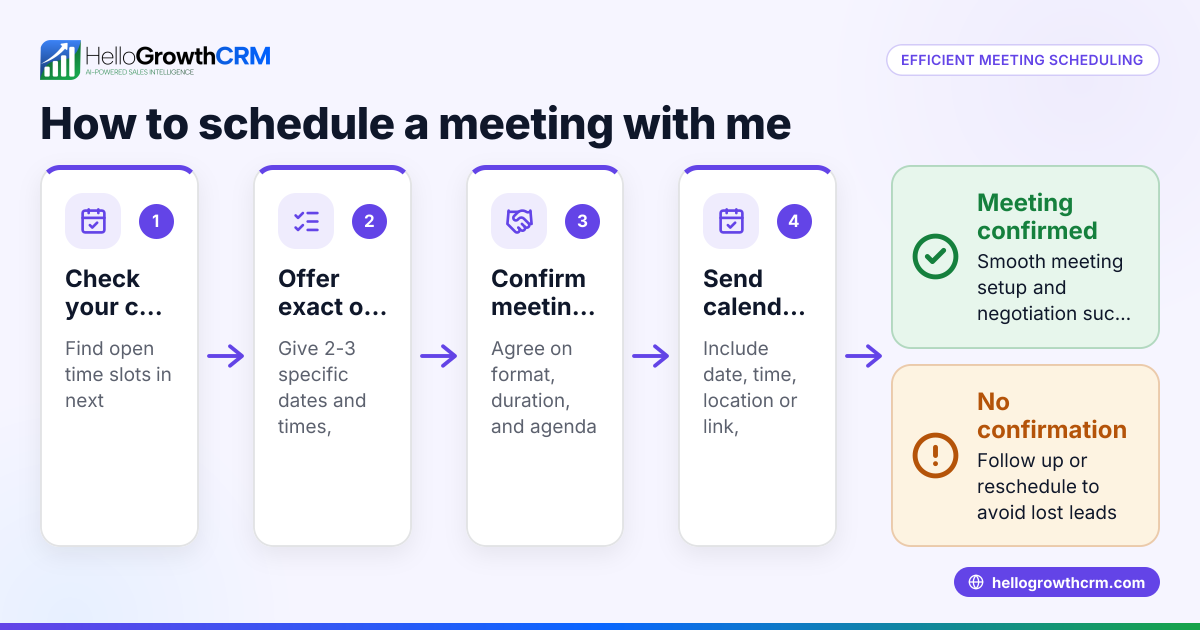
HelloGrowthCRM offers features that simplify scheduling and automating email communication for small businesses. Its HelloMail shared inbox lets your team see replies to quotation emails on the deal, avoiding lost messages. The Scheduling and booking feature allows prospects to pick meeting slots from a link, reducing back-and-forth communication on WhatsApp. With Sequences and campaigns, you can set up multi-step email follow-ups that run automatically over days or weeks and stop as soon as the prospect replies. Learn more about email automation and sequences and the meeting scheduler.
Frequently asked questions
Can I schedule emails to send outside business hours? Yes, you can schedule emails to send at any time, including outside business hours. Scheduling helps you reach recipients when they are most likely to read your message.
How can I edit or cancel a scheduled email? Most email platforms and CRMs let you view your scheduled emails in a queue or calendar. From there, you can edit the content, change the send time, or cancel the email before it goes out.
Does scheduling emails improve response rates? Scheduling emails to send at optimal times and spacing follow-ups through sequences can improve response rates by reaching prospects when they are more receptive and avoiding overwhelming them.
Is scheduling email different from email automation? Scheduling email means setting a single email to send later, while email automation involves workflows that send multiple emails automatically based on triggers or timing, such as sequences or campaigns.
Can HelloGrowthCRM help with scheduling emails? Yes. HelloGrowthCRM includes email sequences that automate multi-step follow-ups and a shared inbox for team visibility on replies, making scheduling and managing emails easier. See HelloGrowthCRM for the United States for details.
Key takeaways
- Scheduling email means setting a future send time to automate outreach.
- It helps small businesses maintain timely, consistent communication without manual effort.
- Use step-by-step scheduling and review regularly to avoid mistakes.
- Automated sequences pace follow-ups and stop when prospects reply.
- HelloGrowthCRM supports scheduling with shared inboxes, meeting scheduling, and email sequences.
Start scheduling your emails and improve your sales follow-up efficiency. Start on the Free Forever plan (200 leads, no credit card).
Ready to put this into practice?
Set up your pipeline, WhatsApp follow-ups, and AI lead scoring in minutes — free, no credit card.
Try HelloGrowthCRM freeGet CRM tips in your inbox
Join thousands of sales professionals who get weekly insights on CRM strategy, AI automation, and pipeline optimization.

The HelloGrowthCRM team publishes guides on CRM strategy, AI sales tools, and revenue operations for small business sales teams.