HelloGrowthCRM software
Built for real small-business sales teams
HelloGrowthCRM helps reps qualify faster, follow up on time, and close more deals—with practical automation in one place.
- AI lead scoring and pipeline visibility
- Built-in dialer, WhatsApp, and email automation
- Sales forecasting and RevOps-ready reporting
Email capture is the process of collecting email addresses from website visitors, prospects, or customers to build a list for marketing communication and sales follow-up. Small businesses use email capture to grow their contact database, nurture leads, and convert more prospects into customers.
Why this comes up / what goes wrong
Small business owners often struggle with slow or inconsistent follow-up on leads because they don’t have a reliable way to collect and organize email contacts. Many rely on manual methods like spreadsheets or scattered email threads, which leads to missed opportunities and lost sales. Without a systematic email capture process, it is hard to build a relationship with prospects or run automated campaigns that save time.
Step-by-step
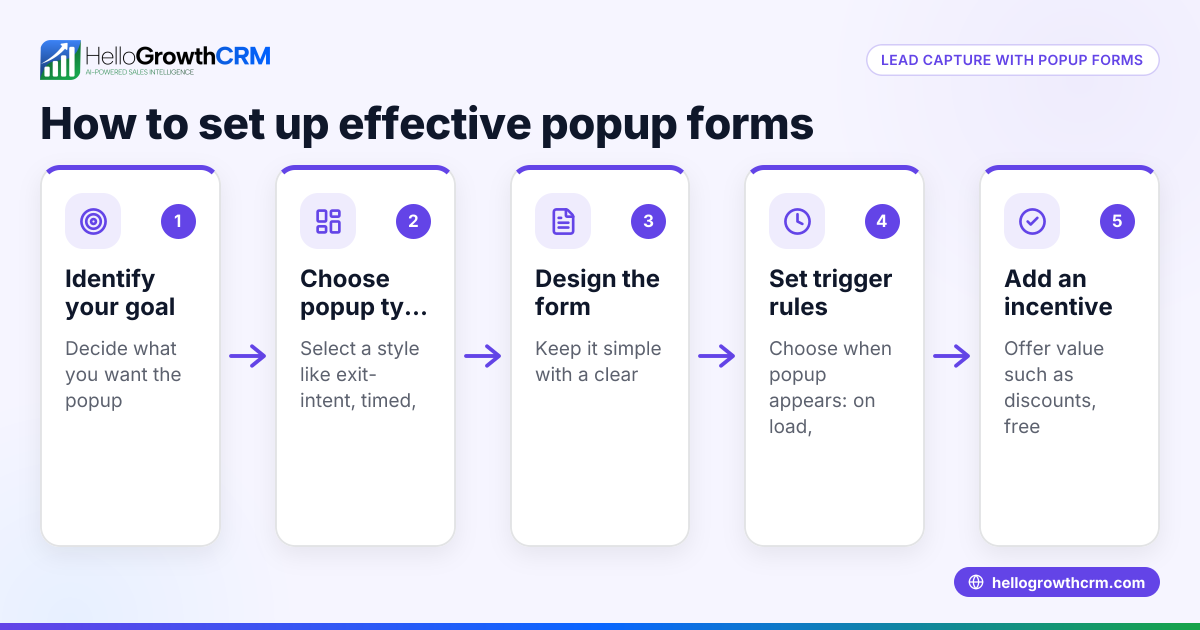
- Add an email capture form to your website or landing page
- Use a simple form that asks for the visitor's email address and optionally their name.
- Check that the form works on desktop and mobile devices.
- Offer a clear incentive or reason to share an email
- Examples include discounts, newsletters, free guides, or exclusive updates.
- Make sure the offer is relevant to your target audience.
- Ensure your form complies with privacy laws
- Include a short privacy statement or link to your privacy policy.
- Get explicit consent if required (e.g., GDPR or CAN-SPAM compliance). (ftc.gov)
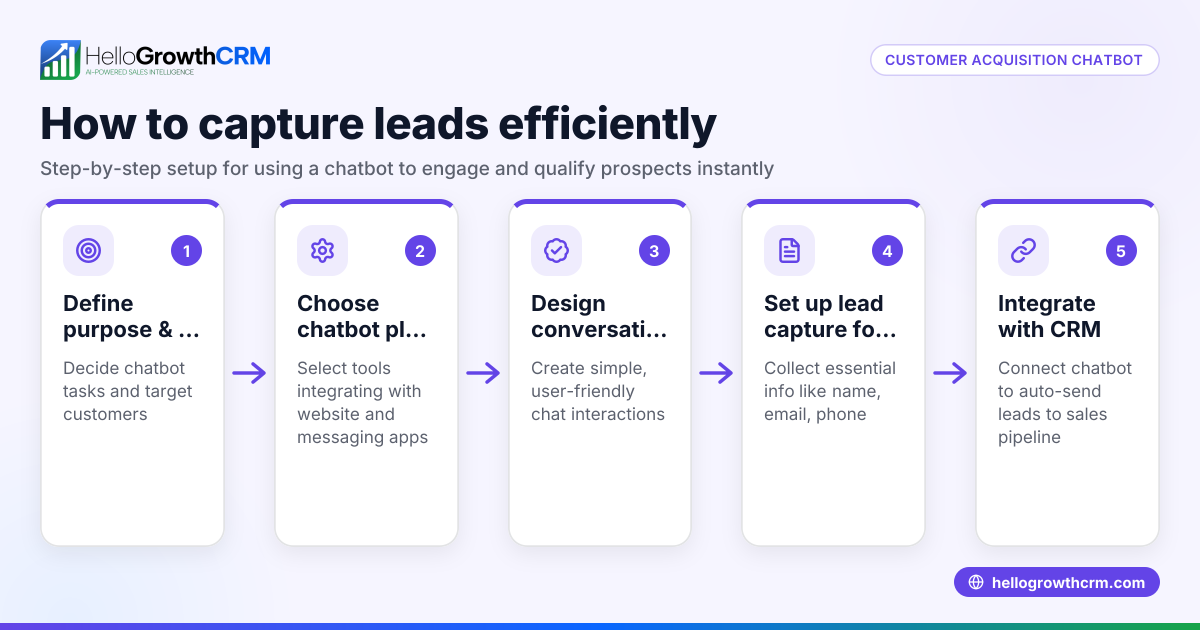
- Connect your email capture form to a CRM or email marketing tool
- This automates storing and organizing captured emails.
- Check the integration is working by submitting a test email.
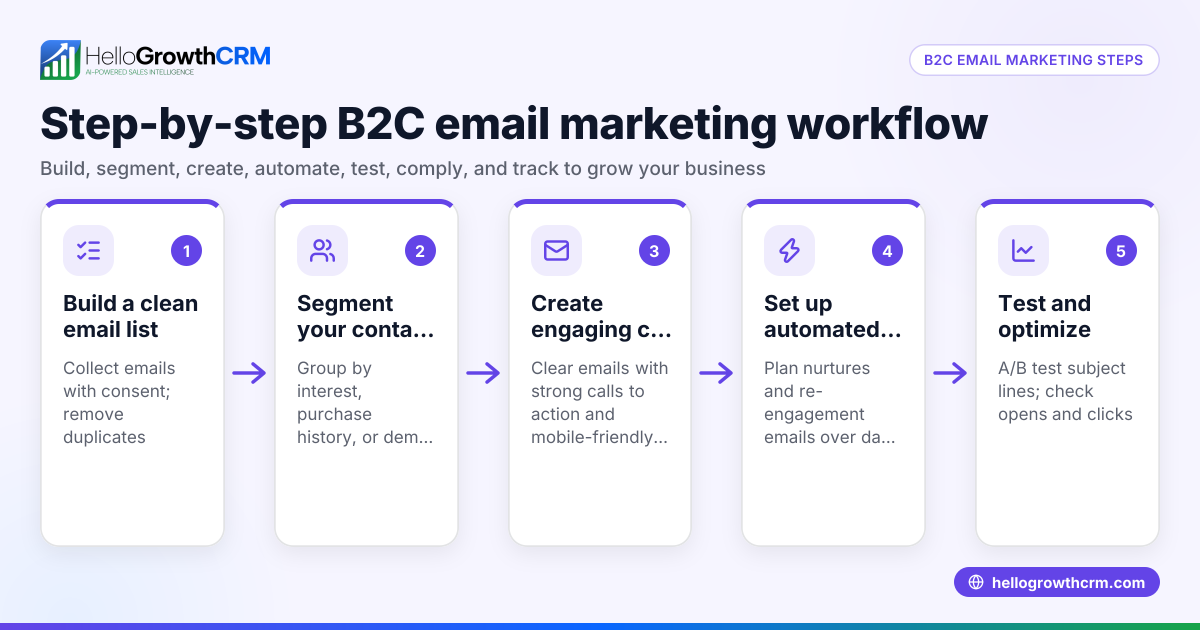
- Set up automated follow-up sequences
- Plan a series of emails to welcome new subscribers and nurture them.
- Monitor open and response rates to optimize the sequence.
- Regularly clean and update your email list
- Remove invalid or unresponsive emails to maintain deliverability.
- Segment contacts based on behavior or interests for targeted messaging.
Example (fictional figures)
A dental practice with two locations in Columbus, Ohio wants to grow its patient list by capturing emails on its website. They offer a free dental hygiene guide in exchange for email sign-ups.
- They add an email capture form on their homepage and appointment page.
- On 01/15/2026, they collect 200 emails.
- They set up a 5-step follow-up email sequence over two weeks to introduce services and book appointments.
If 15 patients book a $150 cleaning appointment:
Number of bookings = 15 Revenue from bookings = 15 × $150 = $2,250
This $2,250 is incremental revenue directly tied to their email capture and follow-up.
Common mistakes
- Not providing a clear value proposition: Visitors won’t share emails if they don’t see a benefit. Prevent this by offering relevant incentives.
- Using complicated or long forms: Ask only for essential information (usually just email) to reduce friction.
- Ignoring mobile optimization: Many users browse on phones; test forms on all devices.
- Failing to follow up promptly: Set up automated sequences to engage leads immediately after capture. See email automation and sequences for tools.
- Not integrating email capture with your CRM: Leads scattered in email inboxes or spreadsheets are hard to track. Connect forms to a CRM like HelloGrowthCRM.
- Neglecting list hygiene: Keep your email list clean to avoid spam filters and improve engagement.
Doing this in HelloGrowthCRM
HelloGrowthCRM supports email capture by allowing you to connect your web forms directly to your CRM database. Once captured, you can manage inbound emails using the HelloMail shared inbox, where replies to quotation emails or inquiries are visible to the entire sales team, ensuring no lead gets missed. You can also set up automated multi-step follow-up sequences that run over two weeks and stop as soon as the prospect replies, saving time and improving response rates. Learn more about email automation and sequences and how HelloGrowthCRM fits for the United States.
Frequently asked questions
What is the best way to capture emails on my website? Use a simple, prominent form with a clear incentive for visitors to share their email. Test the form on desktop and mobile to ensure it works smoothly.
How often should I follow up with captured email leads? A sequence of 4-5 emails over 1-2 weeks is effective. Automated sequences that pause when a prospect replies help maintain engagement without overwhelming them.
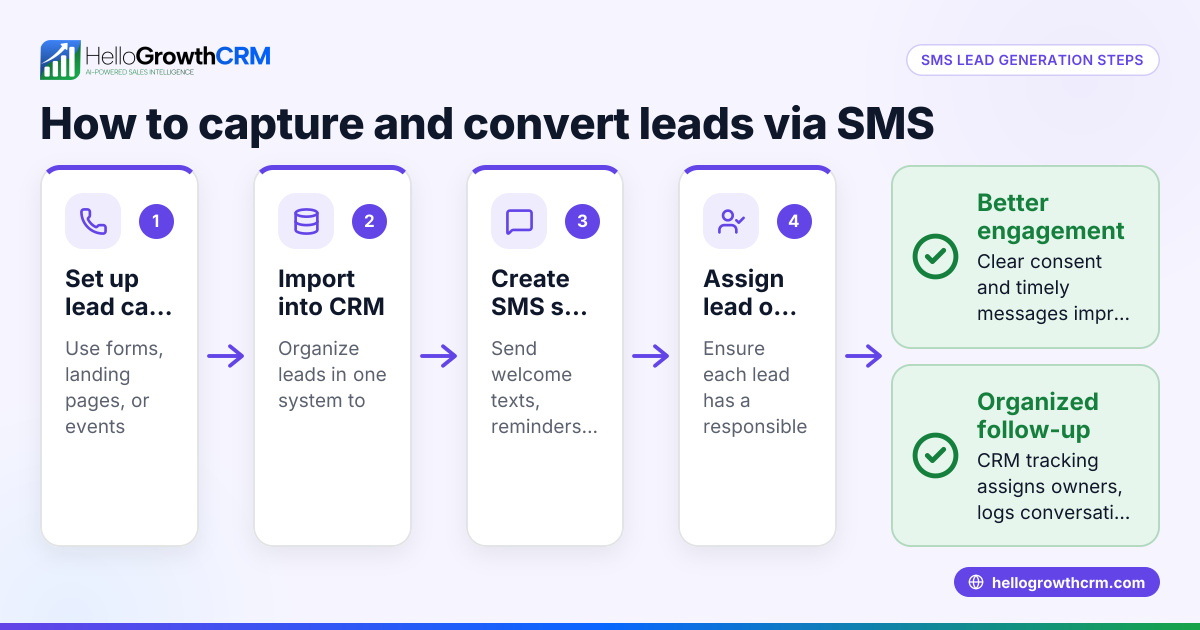
Can I capture emails through channels other than my website? Yes, you can capture emails through social media, events, or messaging apps. Integrating these channels with your CRM helps centralize all leads.
How do I keep my email list clean and effective? Regularly remove invalid or inactive emails and segment your list to send targeted messages. This improves deliverability and engagement.
What tools help me automate email capture and follow-up? CRM platforms like HelloGrowthCRM offer features like HelloMail shared inbox and automated sequences to streamline email capture and nurture leads. See WhatsApp and SMS CRM for multi-channel options.
Key takeaways
- Email capture collects contact emails to grow your marketing and sales reach.
- Simple, mobile-friendly forms with clear incentives increase sign-ups.
- Automate follow-up sequences to engage leads promptly and consistently.
- Integrate email capture with a CRM to organize leads and improve team visibility.
- Regularly clean and segment your email list to maintain effectiveness.
- HelloGrowthCRM offers tools like HelloMail shared inbox and sequences to manage email leads efficiently.
Start capturing and following up on email leads today to grow your business. Start on the Free Forever plan (200 leads, no credit card).
Ready to put this into practice?
Set up your pipeline, WhatsApp follow-ups, and AI lead scoring in minutes — free, no credit card.
Try HelloGrowthCRM freeGet CRM tips in your inbox
Join thousands of sales professionals who get weekly insights on CRM strategy, AI automation, and pipeline optimization.

The HelloGrowthCRM team publishes guides on CRM strategy, AI sales tools, and revenue operations for small business sales teams.