HelloGrowthCRM software
Built for real small-business sales teams
HelloGrowthCRM helps reps qualify faster, follow up on time, and close more deals—with practical automation in one place.
- AI lead scoring and pipeline visibility
- Built-in dialer, WhatsApp, and email automation
- Sales forecasting and RevOps-ready reporting
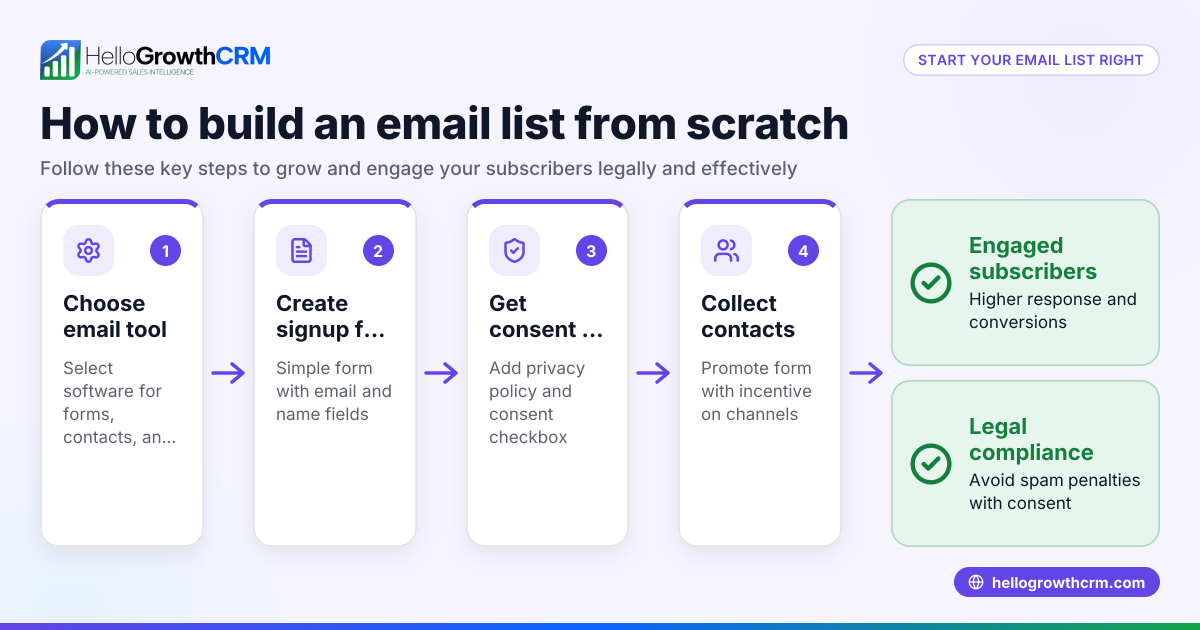
An email distribution list is a curated group of email addresses used to send targeted messages to customers, suppliers, or prospects in your wholesale or distribution business. It helps you efficiently communicate promotions, updates, or quotes to multiple contacts at once. This article covers why email lists matter in distribution, step-by-step creation and management, common pitfalls to avoid, a Canadian business example, and how HelloGrowthCRM supports email outreach.
Why this comes up / what goes wrong
For wholesale and distribution business owners or accountants in Canada, managing communication with a large number of customers and suppliers is complex. Without a proper email distribution list, messages can be missed, duplicated, or sent to the wrong contacts. This leads to lost sales opportunities, confusion in order processing, and inefficient follow-up. Many distributors rely on spreadsheets or email clients without segmentation, causing slow or inconsistent communication. An effective email distribution list tailored to your industry and customer segments helps streamline outreach, improve response rates, and maintain professional relationships.
Step-by-step
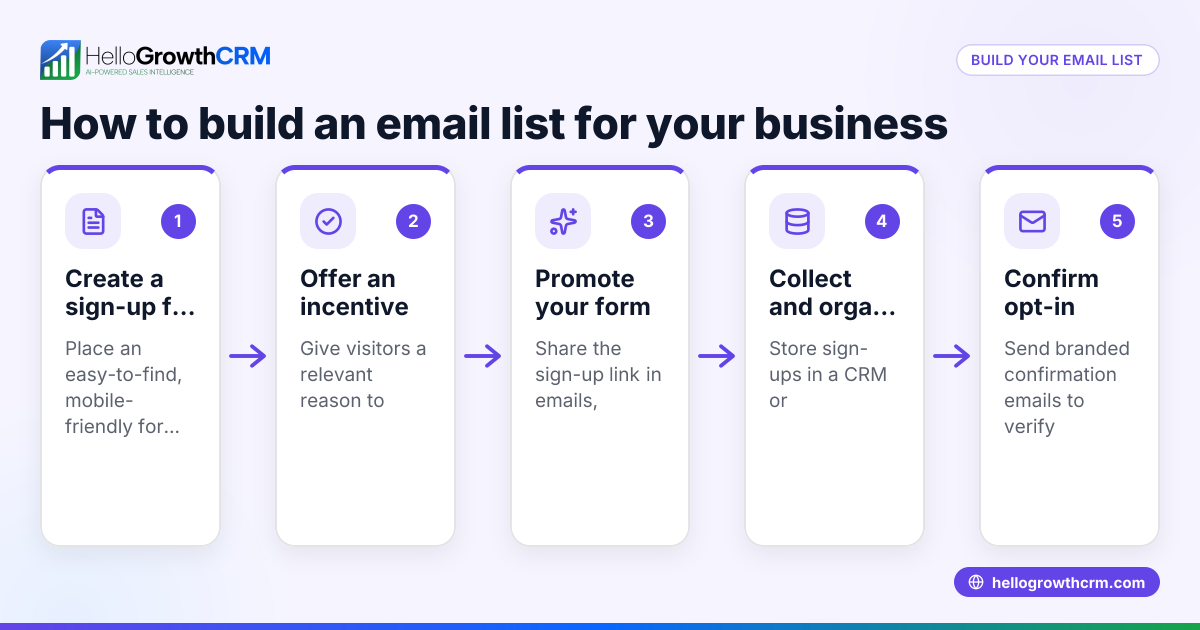
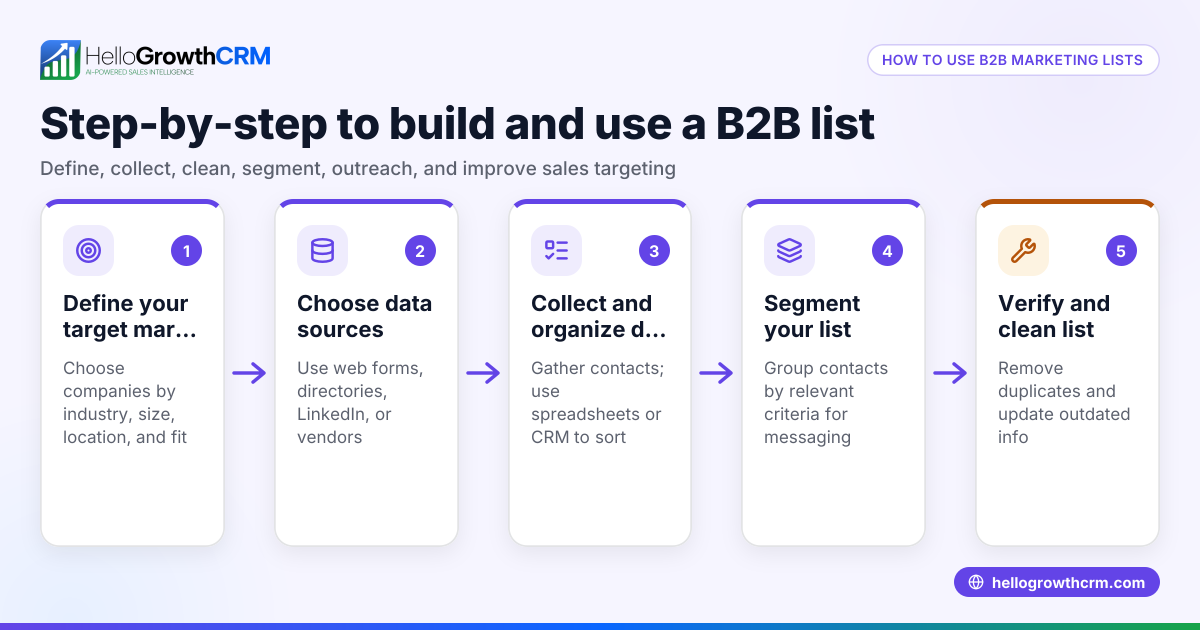
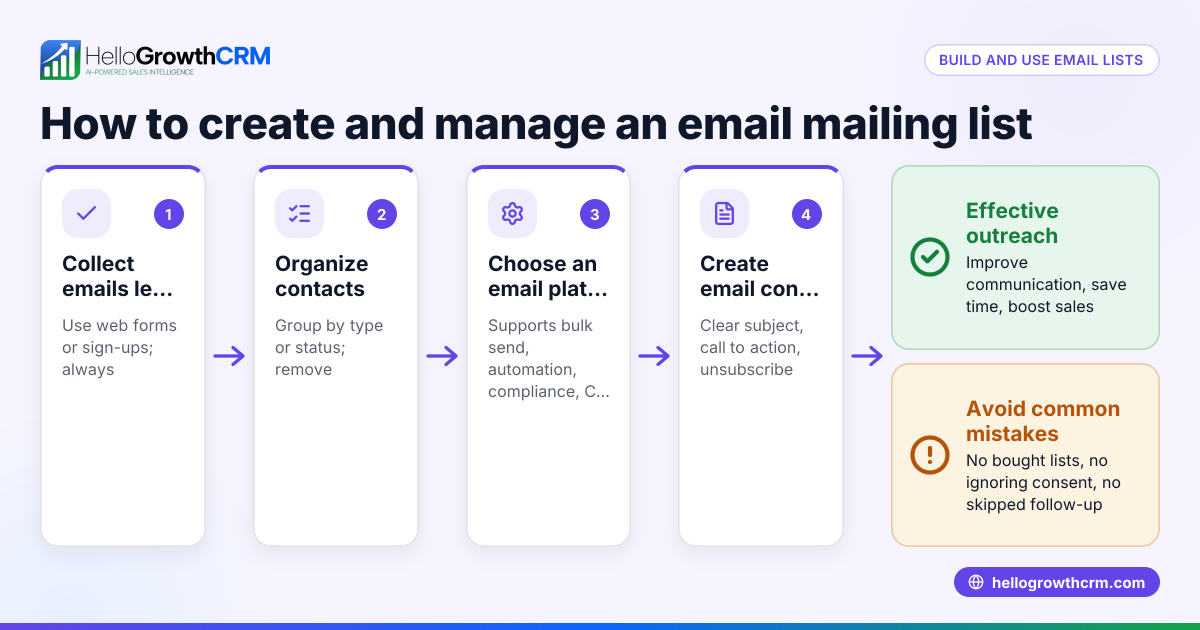
- Identify your audience segments: Separate your contacts into groups such as retailers, suppliers, or prospects. Check that each contact’s email is current and permission is granted for marketing messages.
- Choose your email list management tool: Decide if you will use your existing email client, a spreadsheet, or a CRM with email capabilities. Ensure it supports segmentation and easy updating.
- Collect and clean your email addresses: Gather emails from orders, inquiries, and past communications. Remove duplicates and invalid addresses to maintain deliverability.
- Create distribution lists based on purpose: For example, a list for new product announcements, another for pricing updates, and one for order confirmations. Check each list matches the intended recipients’ interests.
- Set up opt-in and opt-out options: Make sure recipients can easily unsubscribe to comply with Canadian anti-spam laws (CASL). Check your tool supports this functionality.
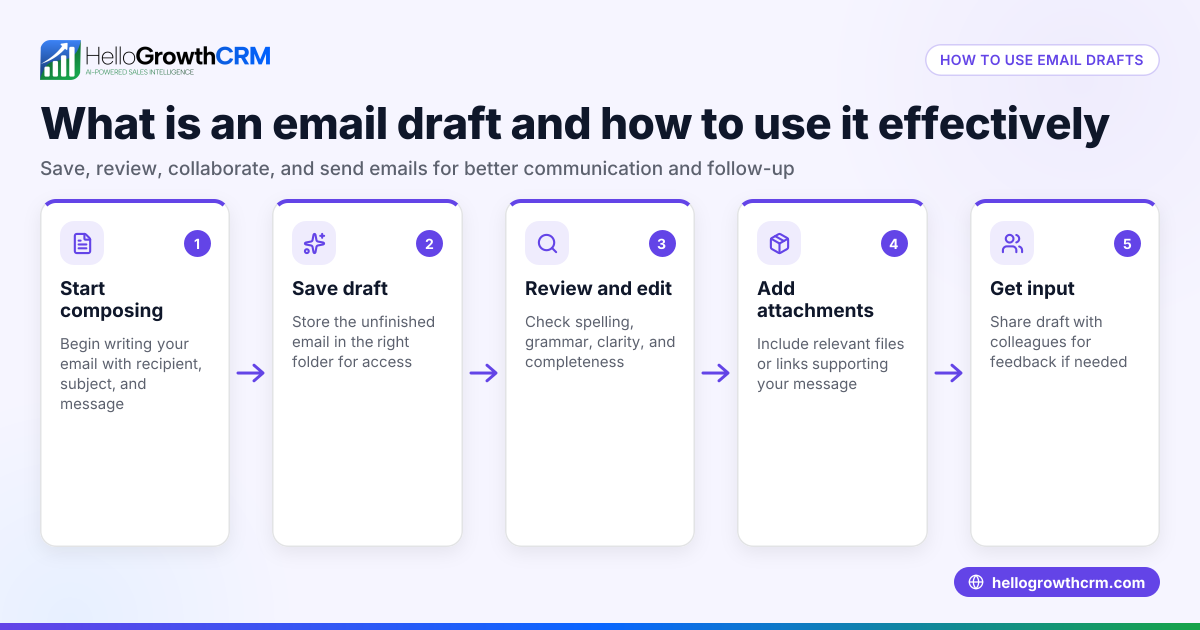
- Draft and test your email content: Personalize messages where possible and test sending to a small group before full distribution to check formatting and links.
- Schedule and send your emails: Use automation features if available to send at optimal times and avoid manual errors.
- Monitor responses and engagement: Track opens, clicks, and replies to adjust your lists and messaging for better results.
- Regularly update your lists: Remove inactive contacts and add new leads to keep your distribution lists accurate.
These steps ensure your email distribution list works effectively for your wholesale or distribution business. For more on email automation and sequences, see email automation and sequences.
Example (fictional figures)
A wholesale distributor in Mississauga, Ontario, called Maple Distributors, wants to send a pricing update email to 500 retailers and a new product announcement to 300 prospects.
- Total emails to send = 500 + 300 = 800
- They expect a 20% open rate on pricing updates and 30% on product announcements.
Pricing update opens: 500 × 20% = 100
Product announcement opens: 300 × 30% = 90
Total expected opens: 100 + 90 = 190
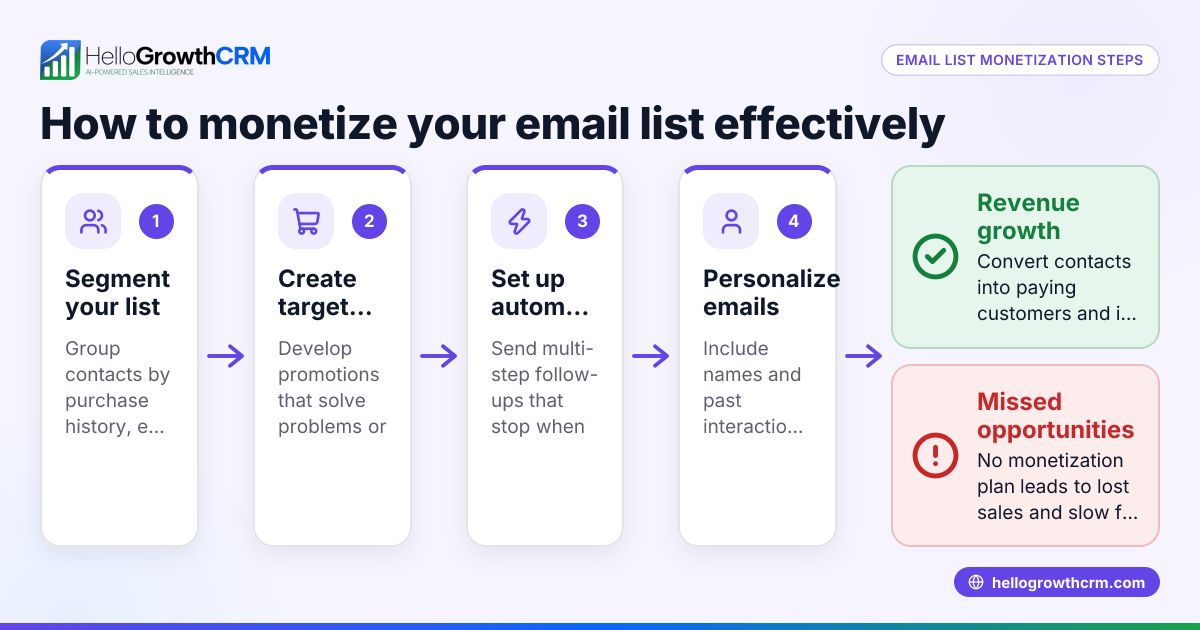
Maple Distributors plans a follow-up sequence for non-responders over two weeks. They automate this using email sequences that stop when the recipient replies, saving time and improving engagement.
Common mistakes
- Using one generic list for all contacts: Prevent this by segmenting your lists by customer type or message purpose to increase relevance.
- Not cleaning your email list regularly: Avoid sending to invalid addresses by verifying emails and removing bounced contacts.
- Ignoring opt-out requests: Ensure compliance with CASL by promptly removing unsubscribed contacts.
- Failing to track engagement: Use tools to monitor open and click rates to refine your lists and messaging.
- Sending emails manually without automation: This can cause delays and errors; use automation and sequences to maintain timely follow-up. Learn more about automation in email automation and sequences.
- Not sharing email replies within the team: Replies to quotes or questions can get lost if only one person sees them. Using a shared inbox helps prevent this.
Doing this in HelloGrowthCRM
HelloGrowthCRM offers a HelloMail shared inbox where replies to quotation emails are visible to the whole sales team on the deal, preventing lost messages. It also supports sequences and campaigns—automated five-step follow-ups over two weeks that run until the prospect replies, ensuring timely and consistent outreach. These features help distribution businesses manage email communication efficiently. For details, see HelloGrowthCRM for Canada.
Frequently asked questions
What is the difference between an email distribution list and a mailing list? An email distribution list is a group of contacts you send emails to, often segmented by purpose or audience. A mailing list can refer to the same thing but sometimes implies a physical mail list. In digital marketing, they are often used interchangeably.
How do I comply with Canadian anti-spam laws (CASL) when using email lists? You must have recipients’ consent before sending commercial emails, provide clear identification, and include an easy unsubscribe option. Regularly update your lists to respect opt-outs.
Can I use Excel or spreadsheets to manage my email distribution list? Yes, but spreadsheets lack automation and tracking features. For better efficiency and follow-up, consider tools with email automation and shared inboxes like HelloGrowthCRM.
How often should I update my email distribution list? Regularly review your list at least quarterly to remove inactive or bounced emails and add new contacts to keep your outreach effective.
What are the benefits of using email sequences in distribution? Sequences automate follow-up messages, save time, and increase the chance of engagement by sending timely reminders until the prospect responds.
Key takeaways
- Segment your email distribution list by customer type and message purpose for relevance.
- Regularly clean and update your lists to maintain deliverability and compliance.
- Use automation and sequences to send timely follow-ups and reduce manual errors.
- Ensure opt-in and opt-out options comply with Canadian anti-spam laws.
- Share email replies with your team using a shared inbox to avoid lost communications.
- HelloGrowthCRM supports these needs with shared inboxes and automated sequences.
Start managing your email distribution lists more effectively today. Start on the Free Forever plan (200 leads, no credit card).
Ready to put this into practice?
Set up your pipeline, WhatsApp follow-ups, and AI lead scoring in minutes — free, no credit card.
Try HelloGrowthCRM freeGet CRM tips in your inbox
Join thousands of sales professionals who get weekly insights on CRM strategy, AI automation, and pipeline optimization.

The HelloGrowthCRM team publishes guides on CRM strategy, AI sales tools, and revenue operations for small business sales teams.