HelloGrowthCRM software
Built for real small-business sales teams
HelloGrowthCRM helps reps qualify faster, follow up on time, and close more deals—with practical automation in one place.
- AI lead scoring and pipeline visibility
- Built-in dialer, WhatsApp, and email automation
- Sales forecasting and RevOps-ready reporting
An email finder for companies helps locate decision-makers' emails so you can reach out directly for sales or support. This article covers why finding emails matters, a step-by-step process, common mistakes, a worked example, and how HelloGrowthCRM supports outreach with multi-channel sequences and shared inboxes.
Why this comes up / what goes wrong
Small-business owners often need to contact potential clients, partners, or vendors directly via email. However, company websites rarely list direct emails for individuals, and generic contact forms can delay or block your message. Without a reliable way to find the right email, leads go cold, and sales opportunities slip away. Many owners try manual Google searches, LinkedIn browsing, or guesswork, which wastes time and often yields wrong or outdated emails.
Step-by-step
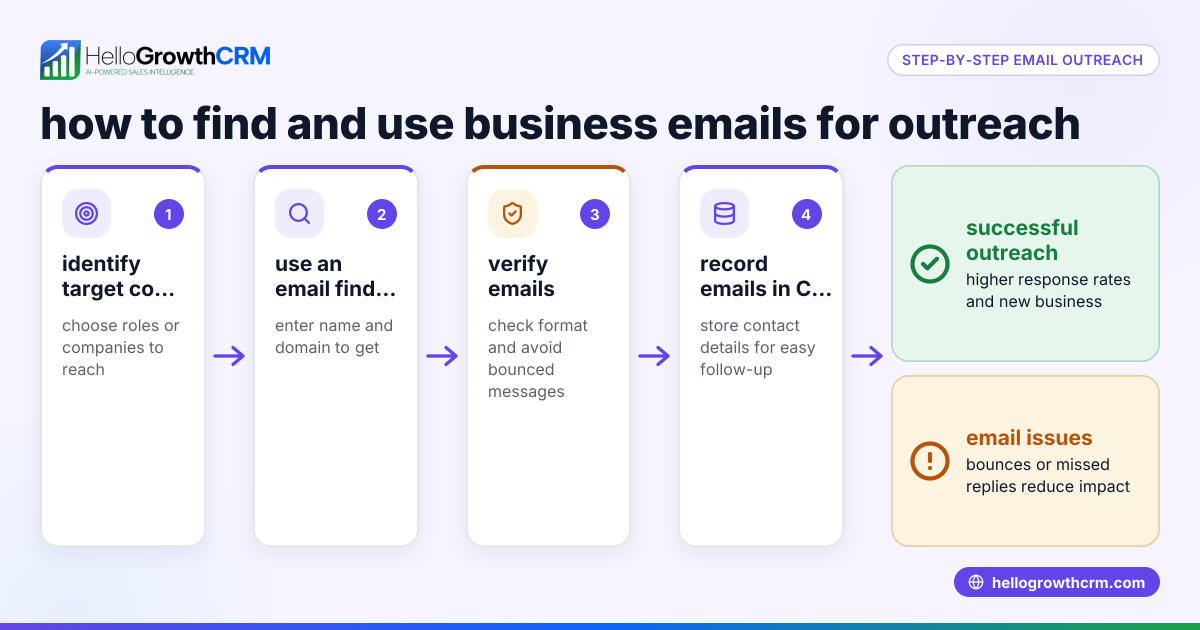
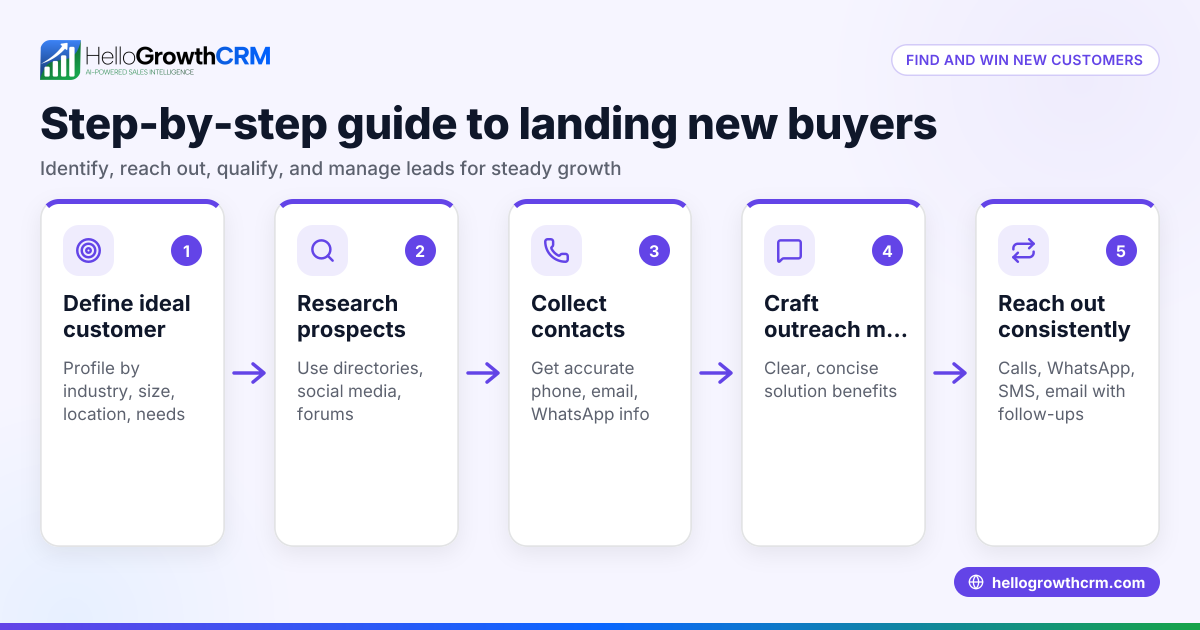
- Identify the target contact: Decide which role or person you need to email (e.g., sales manager, office manager). This focus helps narrow your search.
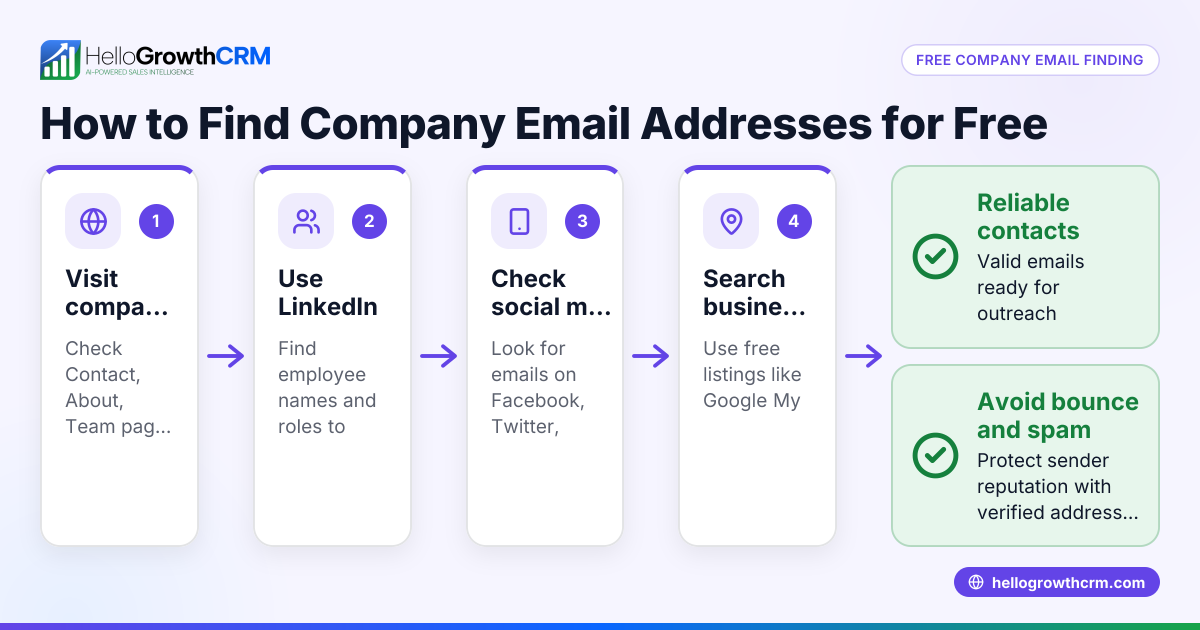
- Check the company website: Look for "Team," "Contact," or "About Us" pages where emails may be listed. Sometimes emails appear in press releases or blog posts.
- Use LinkedIn to find names: Search the company on LinkedIn and note employee names and titles. This helps confirm who to contact.
- Guess email formats: Common formats include first.last@company.com or firstinitiallastname@company.com. Confirm the company domain from the official website.
- Use an email verification tool: Paste your guessed email into a free or paid email verifier online to check if it’s deliverable and active.
- Try email finder tools: Use online services that search public sources and databases to find verified emails for company contacts. These tools save time and improve accuracy.
- Send a test email: Write a polite introductory message and watch for bounce-backs or auto-replies.
- Record and organize emails: Keep track of verified emails in a spreadsheet or CRM for follow-up, avoiding duplicates and missed contacts.
Check each email carefully for typos and confirm the domain matches the company’s official website to avoid errors.
Example (fictional figures)
A two-location dental practice in Columbus, Ohio wants to email the office manager at a nearby dental supply company.
- Target contact: Office Manager
- Company domain: dental-supplyco.com
- Contact name found on LinkedIn: Jane Smith
Step 1: Guess email format as firstnamelastname@company.com
Guess: janesmith@dental-supplyco.com
Step 2: Use an email verifier tool; it confirms the email is deliverable.
Step 3: Send a test email on 05/15/2026.
Step 4: No bounce-back received.
Step 5: Record email in contact list for follow-up.
Step 6: Set up an automated follow-up sequence to nurture the lead.
Financial impact example:
- Potential order value: $12,000
- Conversion rate increase by timely contact: 15%
Calculate expected revenue increase:
$12,000 × 15% = $1,800
Total expected revenue:
$12,000 + $1,800 = $13,800
This shows how finding the right email and timely follow-up can improve sales.
Common mistakes
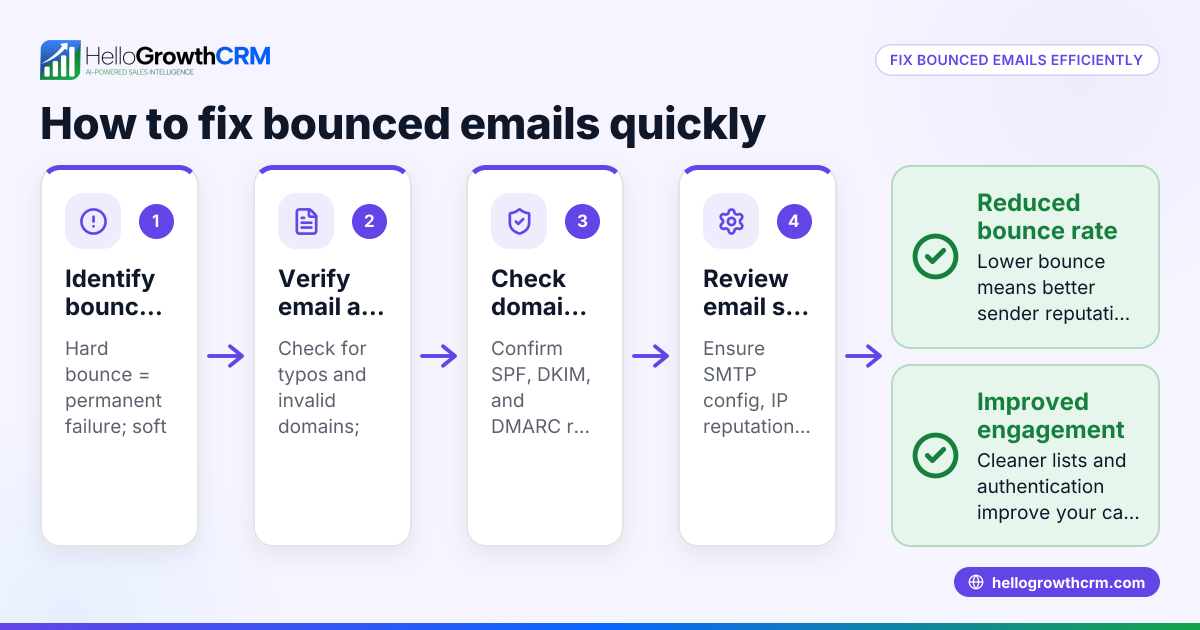
- Guessing emails without verification: Leads to bounced emails and damages sender reputation. Always verify with an email checker.
- Using outdated contact info: Company personnel change roles frequently. Check LinkedIn and company sites regularly.
- Ignoring privacy and spam laws: Only email contacts with legitimate business reasons and comply with CAN-SPAM and other US regulations.
- Not tracking your outreach: Without tracking, you risk duplicate emails or missing follow-ups. Use a CRM or organized spreadsheet.
- Relying solely on manual search: Manual methods are slow and error-prone. Combine with email finder tools for better efficiency.
- Overlooking personalization: Generic emails are often ignored. Personalize messages based on contact role and company.
Prevent these mistakes by combining manual research, verification tools, legal compliance, and organized tracking.
Doing this in HelloGrowthCRM
HelloGrowthCRM helps you manage your email outreach efficiently:
- HelloMail shared inbox: Your team can see replies to quotation emails on the deal, so no response is missed.
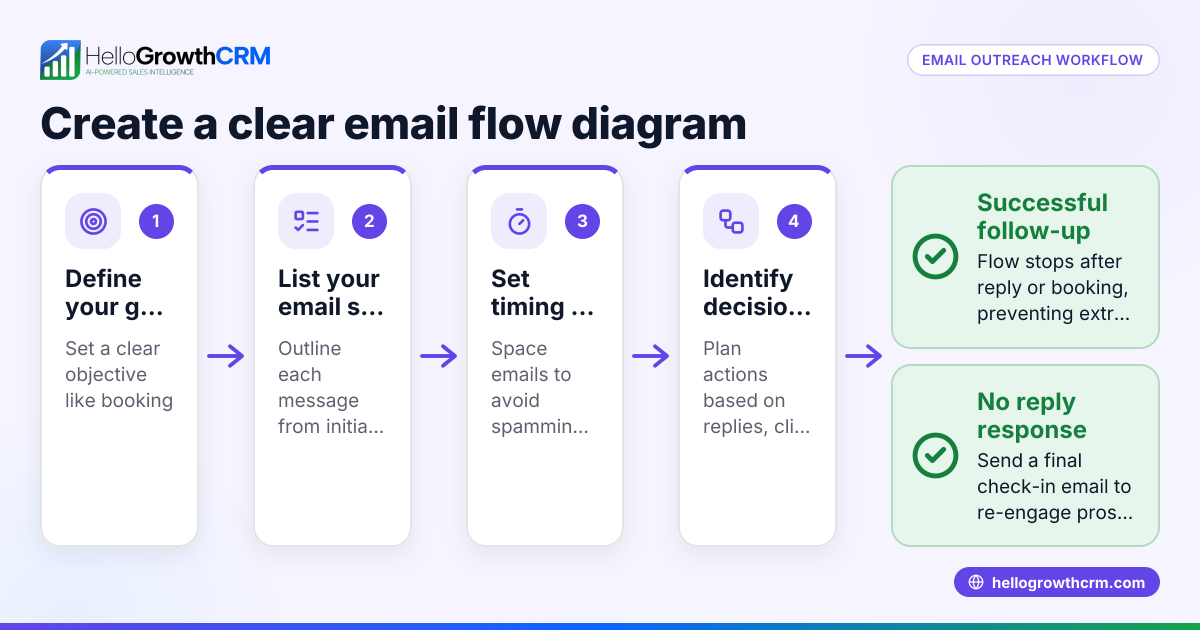
- Sequences and campaigns: Automate a five-step follow-up over two weeks that stops as soon as the prospect replies, saving you manual effort. Learn more about email automation and sequences.
- Managed RevOps: If you don’t have a sales manager, HelloGrowthCRM provides a specialist who manages your follow-up queue weekly, improving lead response.
This makes your email outreach more consistent and coordinated, increasing your chances of converting leads.
Frequently asked questions
What is an email finder for companies? An email finder is a tool or method used to locate the email addresses of employees or decision-makers at a company, enabling direct communication.
Are email finders legal to use? Using email finders for legitimate business outreach is generally legal if you comply with privacy and anti-spam laws like CAN-SPAM. Always use emails responsibly.
How accurate are email finder tools? Accuracy varies by tool and data source. Verifying guessed emails with online checkers or test emails reduces errors.
Can I automate email outreach after finding emails? Yes, tools like HelloGrowthCRM offer automated sequences and campaigns that follow up with prospects automatically until they respond. See how to use email automation and sequences.
How do I avoid my emails being marked as spam? Send relevant, personalized messages, avoid spam trigger words, and include an easy opt-out option. Verify emails before sending to reduce bounce rates.
Is it better to use a CRM for managing found emails? Yes, a CRM helps organize contacts, track outreach history, and automate follow-ups, improving your sales efficiency. HelloGrowthCRM supports this with WhatsApp and SMS CRM.
Key takeaways
- An email finder helps locate direct business emails to improve outreach success.
- Combine manual search, LinkedIn research, and email verification for best results.
- Avoid common mistakes like unverified guesses, outdated info, and poor tracking.
- Automate follow-ups with HelloGrowthCRM’s sequences and shared inbox features.
- Comply with legal and privacy rules when emailing prospects.
Start finding company emails efficiently and managing outreach with HelloGrowthCRM. Start on the Free Forever plan (200 leads, no credit card) today.
Ready to put this into practice?
Set up your pipeline, WhatsApp follow-ups, and AI lead scoring in minutes — free, no credit card.
Try HelloGrowthCRM freeGet CRM tips in your inbox
Join thousands of sales professionals who get weekly insights on CRM strategy, AI automation, and pipeline optimization.

The HelloGrowthCRM team publishes guides on CRM strategy, AI sales tools, and revenue operations for small business sales teams.