HelloGrowthCRM software
Built for real small-business sales teams
HelloGrowthCRM helps reps qualify faster, follow up on time, and close more deals—with practical automation in one place.
- AI lead scoring and pipeline visibility
- Built-in dialer, WhatsApp, and email automation
- Sales forecasting and RevOps-ready reporting
An email flow diagram is a visual representation of the path your email communications follow from start to finish. It outlines each message sent, the timing between emails, and decision points based on recipient actions like replies or clicks. For small businesses, having this clarity improves follow-up speed and consistency, reducing lost leads and missed opportunities.
Why this comes up / what goes wrong
Small business owners often struggle with managing email outreach because they rely on manual tracking with spreadsheets or fragmented tools. Without a clear email flow diagram, teams duplicate efforts, miss timely follow-ups, or send irrelevant messages. This leads to lost sales opportunities and frustrated prospects. An email flow diagram helps organize and automate these processes, making outreach predictable and easier to manage.
Step-by-step
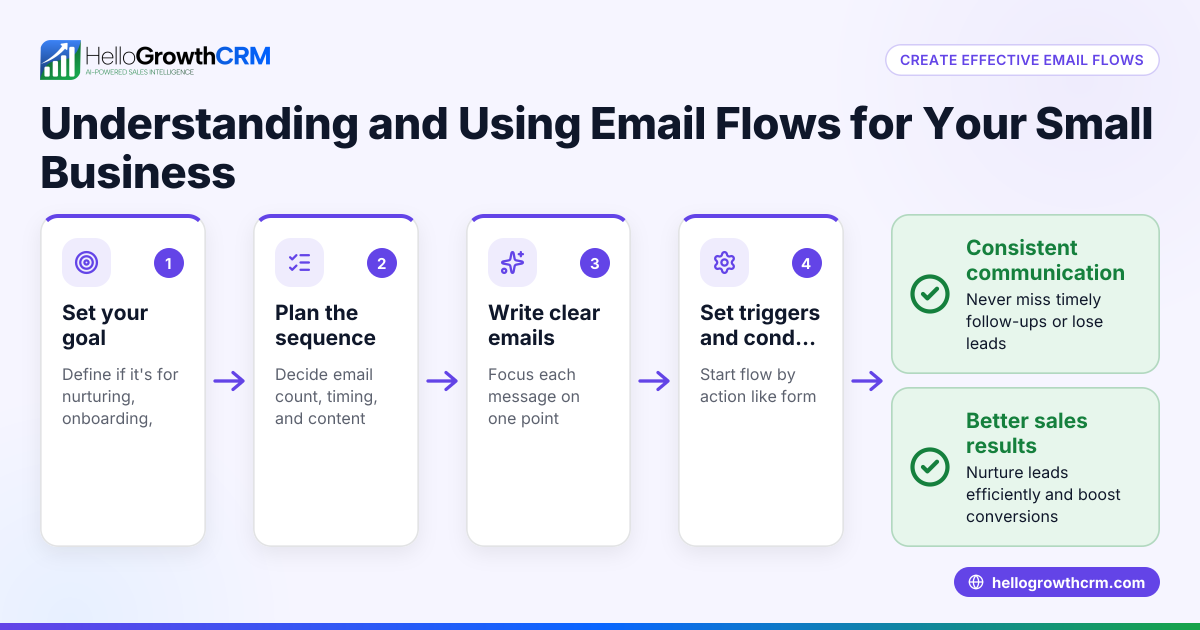
- Define your goal: Decide what you want your email flow to achieve, such as booking appointments, sending quotes, or nurturing leads. Clear goals keep your emails focused.
- List your email steps: Write down each email you plan to send, including the initial contact, follow-ups, and final reminders. Specify the content and purpose of each.
- Set timing intervals: Determine how many days to wait between each email to avoid overwhelming prospects while keeping your business top of mind.
- Identify decision points: Plan what happens if a prospect replies, clicks a link, or does not respond. These decisions guide the flow’s direction.
- Draw the flow: Use a simple diagram tool or paper to map each email and decision path with arrows showing progress and alternative routes.
- Test your flow: Send test emails internally to check timing, content, and links. Confirm that decision points trigger correctly.
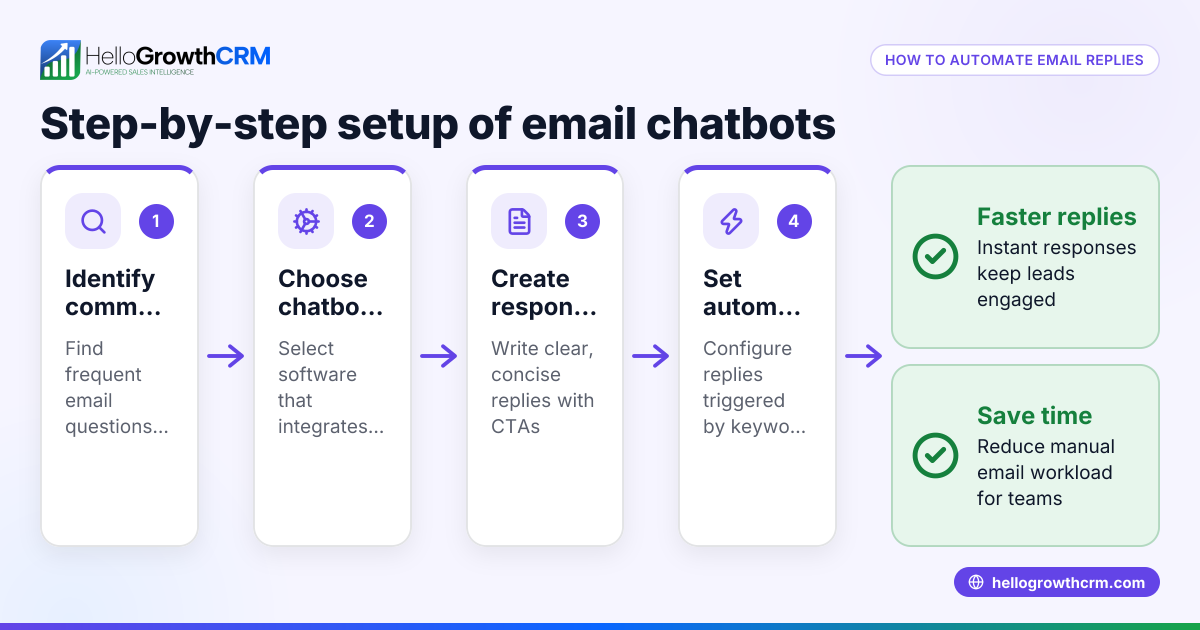
- Implement automation: Use email automation tools to run the flow automatically and track responses, reducing manual work.
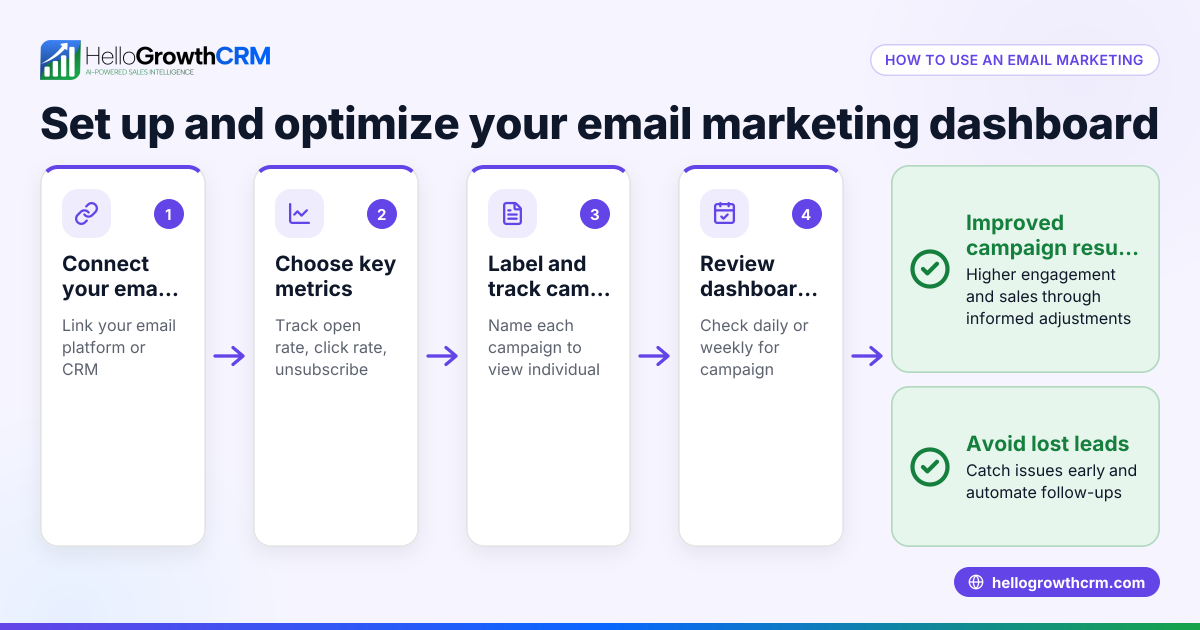
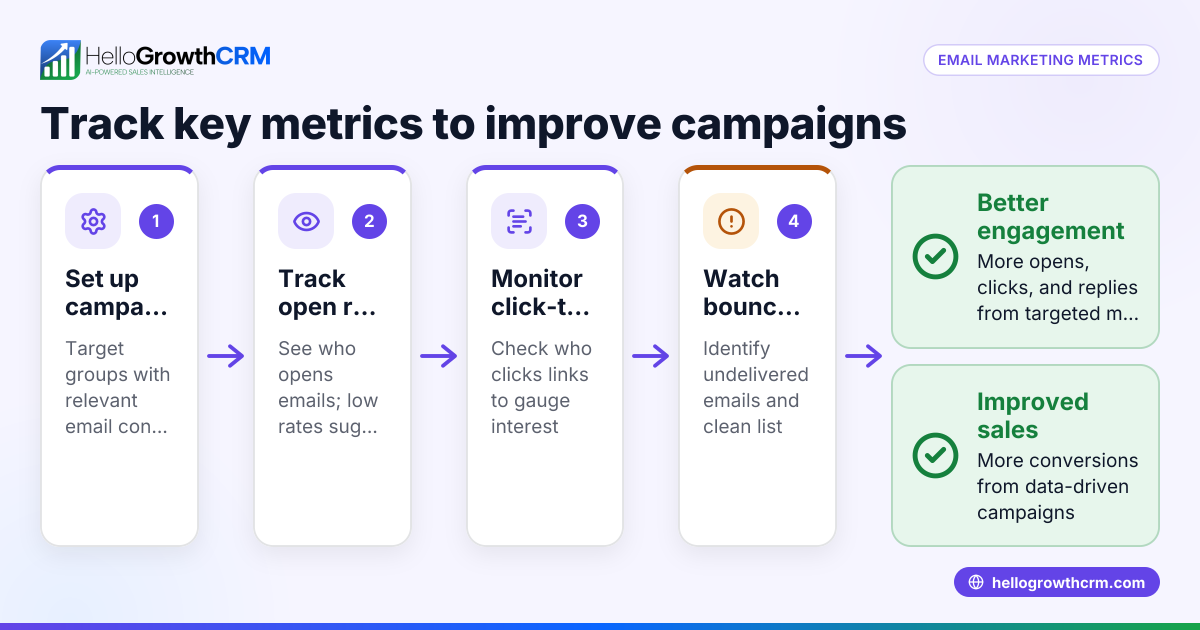
- Review and optimize: Monitor results like open rates, replies, and conversions. Adjust email content, timing, or steps to improve effectiveness.
Example (fictional figures)
A two-location dental practice in Columbus, Ohio wants to automate their new patient inquiry follow-up.
- Goal: Schedule a consultation appointment.
- Email 1 (Day 0): Welcome email with a new patient special offer.
- Email 2 (Day 3): Reminder email featuring patient testimonials.
- Email 3 (Day 7): Final chance email to book with the special offer.
Flow details:
- If the patient replies or books an appointment, the flow stops.
- If no reply after Email 3, send a final check-in email on Day 14.
Timing calculations: Day 0 = Email 1 sent Day 0 + 3 = Day 3 = Email 2 sent Day 3 + 4 = Day 7 = Email 3 sent Day 7 + 7 = Day 14 = Final check-in sent
This schedule spaces emails to avoid spamming while keeping contact warm.
Common mistakes
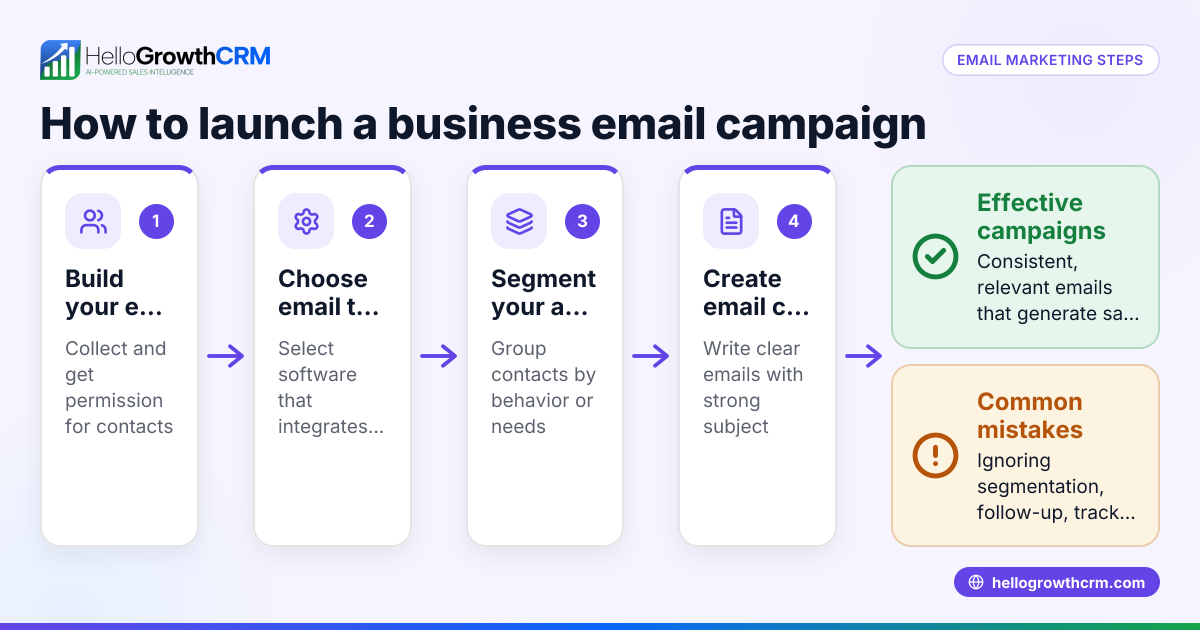
- Sending emails too frequently: Leads may feel spammed or annoyed. Prevent this by setting reasonable intervals between emails.
- Ignoring replies: Continuing to send emails after a prospect responds wastes effort and can damage relationships. Use automation that stops sequences immediately on reply.
- No clear goal: Emails without a defined purpose confuse prospects and reduce engagement. Always define your objective before creating your flow.
- Manual tracking errors: Using spreadsheets or separate tools can cause missed responses or duplicated efforts. Use shared inboxes to keep the team updated and aligned.
- Overcomplicated flows: Too many branches or decision points can confuse both staff and prospects. Keep your flow simple and easy to follow.
Doing this in HelloGrowthCRM
HelloGrowthCRM offers a shared inbox called HelloMail where replies to quotation emails are visible to the whole team on the deal, preventing missed responses. It also supports sequences and campaigns that automate multi-step follow-ups over two weeks, stopping immediately when a prospect replies. This helps small businesses maintain consistent, timely email outreach without manual tracking. Learn more about email automation and sequences and how HelloGrowthCRM integrates with WhatsApp and SMS CRM for multi-channel outreach.
Frequently asked questions
What is the main purpose of an email flow diagram? An email flow diagram helps visualize and plan the sequence of emails sent to prospects or customers. It clarifies timing, content, and actions based on recipient behavior to improve outreach effectiveness.
How detailed should my email flow diagram be? Keep it simple enough to follow easily but detailed enough to cover key steps and decision points like replies or clicks. Avoid unnecessary complexity that can confuse your team.
Can I create an email flow diagram without software? Yes, you can sketch one on paper or use basic drawing tools. The key is to clearly show each email step, timing, and decision paths.
How often should I update my email flow diagram? Review it regularly based on campaign results. Update flows when you add new offers, change timing, or find steps that do not work well.
How does automation help with email flows? Automation tools send emails on schedule, track replies, and stop sequences when prospects respond, saving time and reducing errors. HelloGrowthCRM sequences automate these multi-step workflows.
Key takeaways
- An email flow diagram maps the sequence and logic of your email outreach.
- It helps small businesses avoid lost leads by organizing follow-ups clearly.
- Create your flow by defining goals, steps, timing, and decision points.
- Common mistakes include ignoring replies and sending emails too often.
- HelloGrowthCRM supports email workflows with shared inboxes and automated sequences.
Start organizing your email outreach with an email flow diagram and improve your lead follow-up. To get started with automation, Start on the Free Forever plan (200 leads, no credit card).
Ready to put this into practice?
Set up your pipeline, WhatsApp follow-ups, and AI lead scoring in minutes — free, no credit card.
Try HelloGrowthCRM freeGet CRM tips in your inbox
Join thousands of sales professionals who get weekly insights on CRM strategy, AI automation, and pipeline optimization.

The HelloGrowthCRM team publishes guides on CRM strategy, AI sales tools, and revenue operations for small business sales teams.