HelloGrowthCRM software
Built for real small-business sales teams
HelloGrowthCRM helps reps qualify faster, follow up on time, and close more deals—with practical automation in one place.
- AI lead scoring and pipeline visibility
- Built-in dialer, WhatsApp, and email automation
- Sales forecasting and RevOps-ready reporting
An email pre header is the snippet of text that shows up in the inbox preview alongside the subject line. It acts as a second headline to encourage recipients to open your email. Most email clients display the first 35 to 90 characters of this pre header. Crafting a clear and compelling pre header can improve your email open rates and engagement.
Why this comes up / what goes wrong
Small-business owners often send marketing or sales emails but notice low open rates. They might write a strong subject line but overlook the pre header, missing an opportunity to catch attention. Without a meaningful pre header, recipients see default text like "View in browser" or the start of the email's first sentence, which may not be persuasive. This can cause your emails to be ignored or deleted, losing potential leads or sales.
Step-by-step
- Write your subject line first. Make it clear and relevant to your audience.
- Craft your pre header text. Use 35 to 90 characters to summarize or complement the subject line. It should add value or create curiosity.
- Place the pre header in your email code or editor. Many email marketing tools have a dedicated field for the pre header to ensure it displays correctly.
- Avoid repeating the subject line. The pre header should provide new information or a call to action.
- Test your email on multiple devices and email clients. Check how the pre header appears in inbox previews.
- Keep it concise and actionable. Use words that encourage opening the email, like "Exclusive offer inside" or "Your appointment details."
- Use personalization if possible. Adding a recipient's name or location can increase relevance.
- Avoid spammy language. Words like "Free," "Buy now," or excessive punctuation may trigger spam filters.
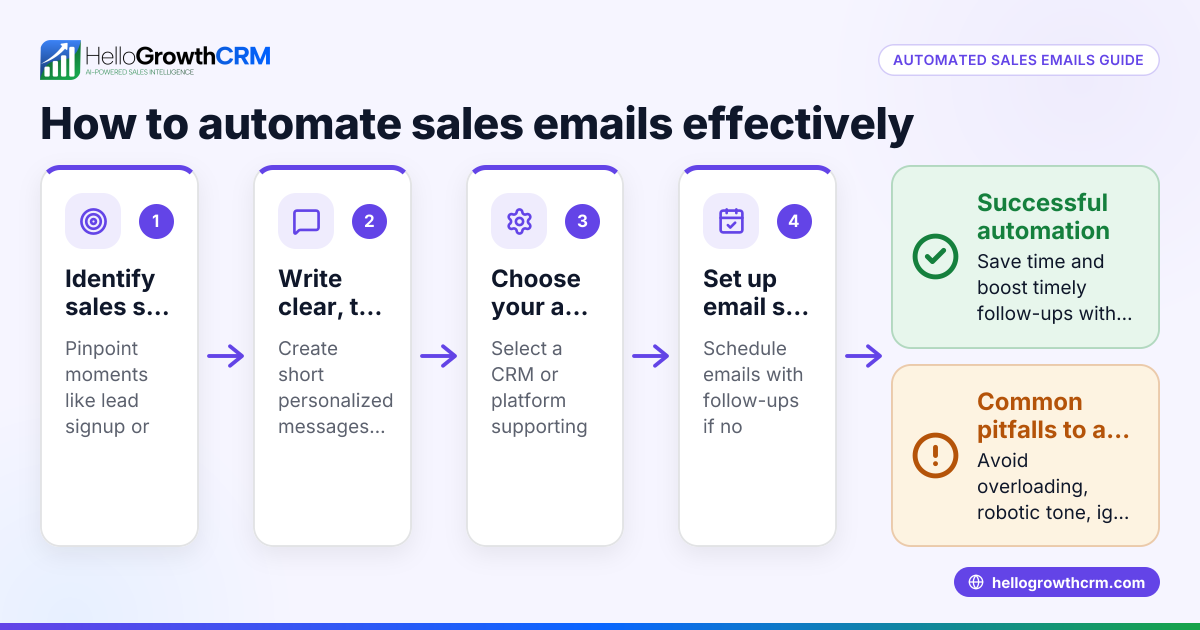
For managing follow-ups and sequences related to these emails, consider tools that automate multi-step outreach workflows to save time and ensure timely contact. Learn more about email automation and sequences.
Example (fictional figures)
A plumbing company in Austin, Texas, called "Austin Flow Plumbing," wants to send a promotional email about a spring discount.
- Subject line: "Spring Plumbing Checkup - Save 20% This April"
- Pre header: "Book your appointment before 04/30 and avoid costly repairs"
They expect 1,000 recipients.
If 150 recipients open the email, that is:
150 opens
If 15 bookings result from those who opened the email, and each service is worth $150, revenue is:
15 bookings × $150 = $2,250
Improving the pre header to better highlight urgency might increase open rates to 200 opens, leading to 20 bookings:
20 bookings × $150 = $3,000
This shows how a better pre header can affect business revenue by encouraging more opens and bookings.
Common mistakes
- Ignoring the pre header field: Leads to default or irrelevant text showing. Always set a custom pre header.
- Repeating the subject line: Wastes space and reduces impact. Use the pre header to add new information.
- Making it too long: Text beyond 90 characters may be cut off. Keep it concise.
- Using vague language: Be clear about the benefit or action. Avoid generic phrases like "Hello" or "Newsletter inside."
- Forgetting to test: Different email clients show pre headers differently. Preview on desktop and mobile.
- Neglecting follow-up: If recipients don’t respond, plan a sequence to follow up automatically. See how HelloGrowthCRM sequences and campaigns can help.
Doing this in HelloGrowthCRM
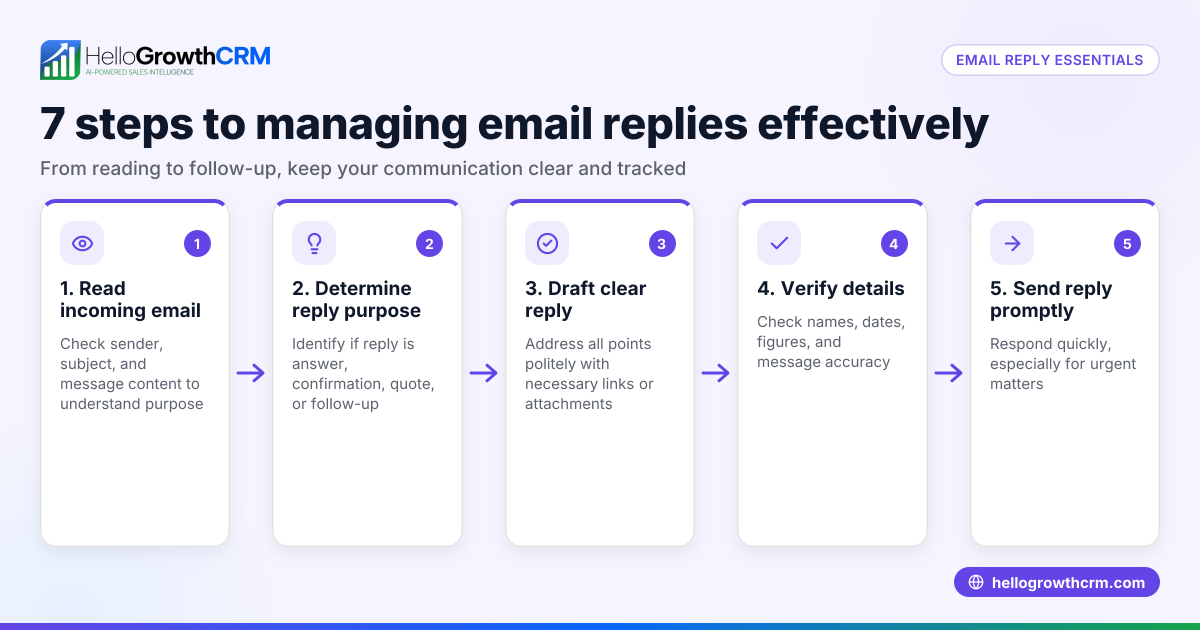
HelloGrowthCRM offers a shared inbox called HelloMail where your team can see replies to quotation emails together, ensuring no lead is missed. It also includes sequences and campaigns that automate multi-step follow-ups over two weeks, stopping immediately when a prospect replies. This helps small teams manage email outreach efficiently without manual tracking. Learn more at email automation and sequences.
Frequently asked questions
What is the ideal length for an email pre header? The ideal length is between 35 and 90 characters, depending on the email client. Keeping it concise ensures it won't be cut off in inbox previews.
Can I use the same text for my subject line and pre header? It's better to use different text. The pre header should complement or expand on the subject line to increase interest.
How do I add a pre header to my email? Most email marketing platforms have a specific field for the pre header. If coding manually, you add it as hidden text at the top of the email body.
Does the pre header affect spam filters? Yes, using spammy words or excessive punctuation in the pre header can increase the chance your email is flagged. Keep language professional and relevant.
How can I track if my pre header is working? Monitor your email open rates and perform A/B tests with different pre headers. Using CRM tools with email automation can help track performance easily.
Can I automate follow-ups if recipients don’t open my email? Yes, automated sequences can send follow-up emails or messages until the prospect responds. HelloGrowthCRM offers these features to help small businesses manage outreach efficiently. See WhatsApp and SMS CRM for multi-channel options.
Key takeaways
- An email pre header is the preview text shown next to the subject line in inboxes.
- It should be concise (35-90 characters), clear, and complement the subject line.
- Avoid repeating the subject line or using vague language.
- Test how your pre header appears on different devices.
- Use automation tools to manage follow-ups and improve engagement.
- HelloGrowthCRM supports shared inboxes and automated email sequences to streamline email communication.
Start improving your email open rates by adding effective pre headers and automating follow-ups. Start on the Free Forever plan (200 leads, no credit card).
Ready to put this into practice?
Set up your pipeline, WhatsApp follow-ups, and AI lead scoring in minutes — free, no credit card.
Try HelloGrowthCRM freeGet CRM tips in your inbox
Join thousands of sales professionals who get weekly insights on CRM strategy, AI automation, and pipeline optimization.

The HelloGrowthCRM team publishes guides on CRM strategy, AI sales tools, and revenue operations for small business sales teams.