HelloGrowthCRM software
Built for real small-business sales teams
HelloGrowthCRM helps reps qualify faster, follow up on time, and close more deals—with practical automation in one place.
- AI lead scoring and pipeline visibility
- Built-in dialer, WhatsApp, and email automation
- Sales forecasting and RevOps-ready reporting
An email reply is a response sent back to the sender of an email message. It is the basic way to continue a conversation or address a request made in the original email. This article explains why email replies matter for small businesses, how to handle them step-by-step, common mistakes to avoid, and how HelloGrowthCRM can improve your email reply management.
Why this comes up / what goes wrong
Small-business owners often rely on email to communicate with prospects, customers, and partners. When a lead or client sends an email, they expect a timely and clear reply. However, managing email replies can become challenging when sales teams use multiple tools like text messages, spreadsheets, and personal email accounts. Replies can get lost, delayed, or duplicated, causing lost leads and frustrated customers. Without a clear process, it’s hard to track who replied, what was said, and what the next step is.
Step-by-step
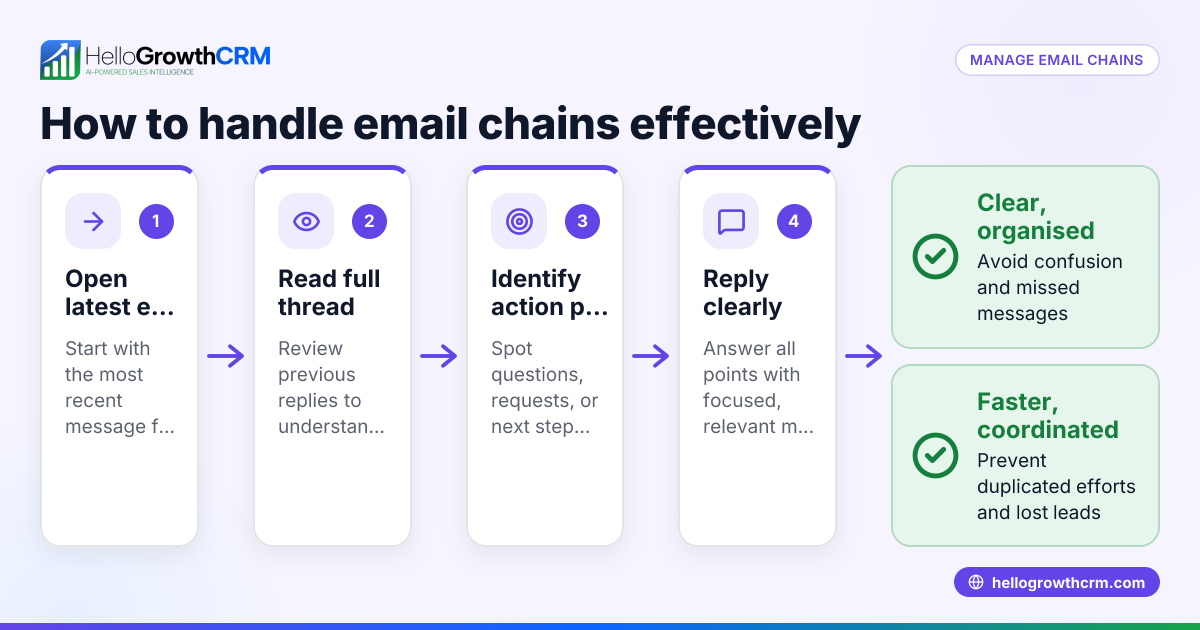
- Read the incoming email carefully. Check the sender’s details, subject, and message content to understand the context.
- Determine the purpose of the reply. Is it to answer a question, confirm a meeting, send a quotation, or follow up?
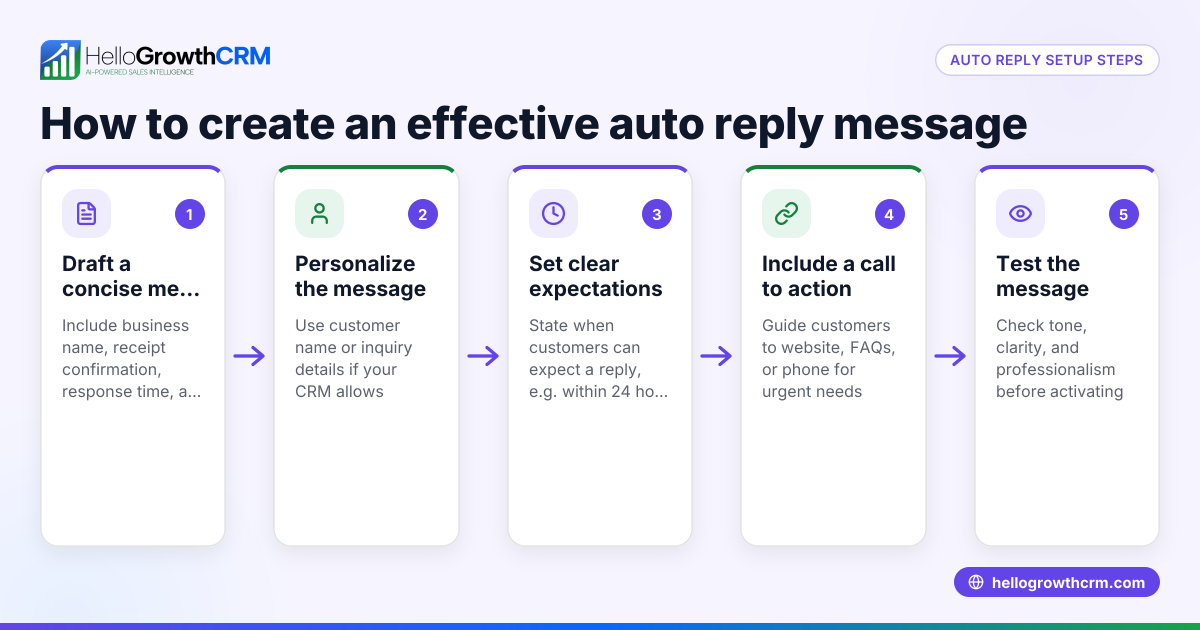
- Draft a clear, concise reply. Address all points raised, use a polite tone, and include any necessary attachments or links.
- Check for accuracy and professionalism. Make sure names, dates, and figures are correct and that the message is free of typos.
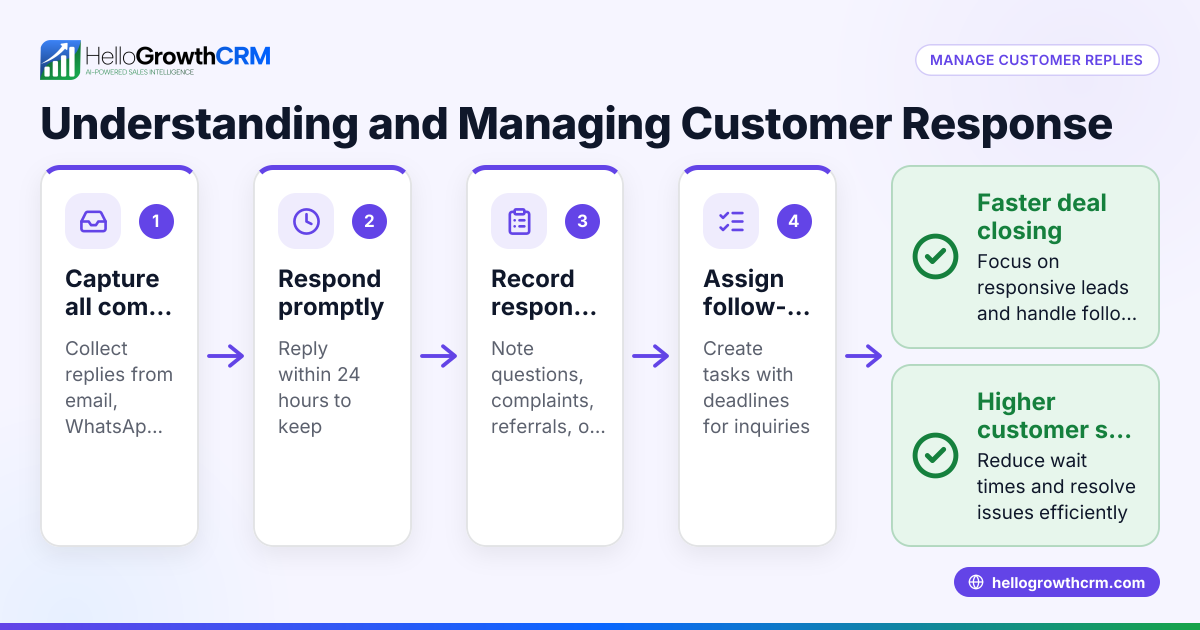
- Send the reply promptly. Try to respond as quickly as possible, especially if the matter is urgent.
- Log or track the reply. Record the reply in your CRM or communication system so the whole team knows the status.
- Set a follow-up reminder if needed. Schedule a task or sequence to continue the conversation if you do not get a further response.
Using a system like HelloGrowthCRM can automate steps 6 and 7, making it easier to manage replies without losing track.
Example (fictional figures)
A B2B software reseller in Denver, Colorado, receives an email on 04/15/2026 from a prospect asking for a price quotation.
Step 1: Read the email and note the request. Step 2: Purpose is to send a quotation. Step 3: Draft the reply including the price list.
Quotation details:
- Software license: $12,000
- Setup fee: $3,000
- Annual support: $1,500
Calculate total: $12,000 + $3,000 = $15,000 $15,000 + $1,500 = $16,500
Step 4: Verify all figures and contact details. Step 5: Send the reply on 04/15/2026. Step 6: Log the reply in CRM. Step 7: Set a follow-up reminder for 04/22/2026 if no response.
This process ensures the prospect receives a clear, timely reply and the sales team tracks the conversation properly.
Common mistakes
- Ignoring or delaying replies. Prevent by setting a daily check and response routine.
- Replying from personal email accounts. Prevent by using a shared inbox or CRM to keep replies visible to the team.
- Not tracking replies. Prevent by logging each reply in a CRM or shared system.
- Sending incomplete or unclear replies. Prevent by reviewing the message carefully before sending.
- Forgetting to follow up. Prevent by scheduling follow-up tasks or using automated sequences like those in HelloGrowthCRM.
Learn more about managing email with automation and sequences at email automation and sequences.
Doing this in HelloGrowthCRM
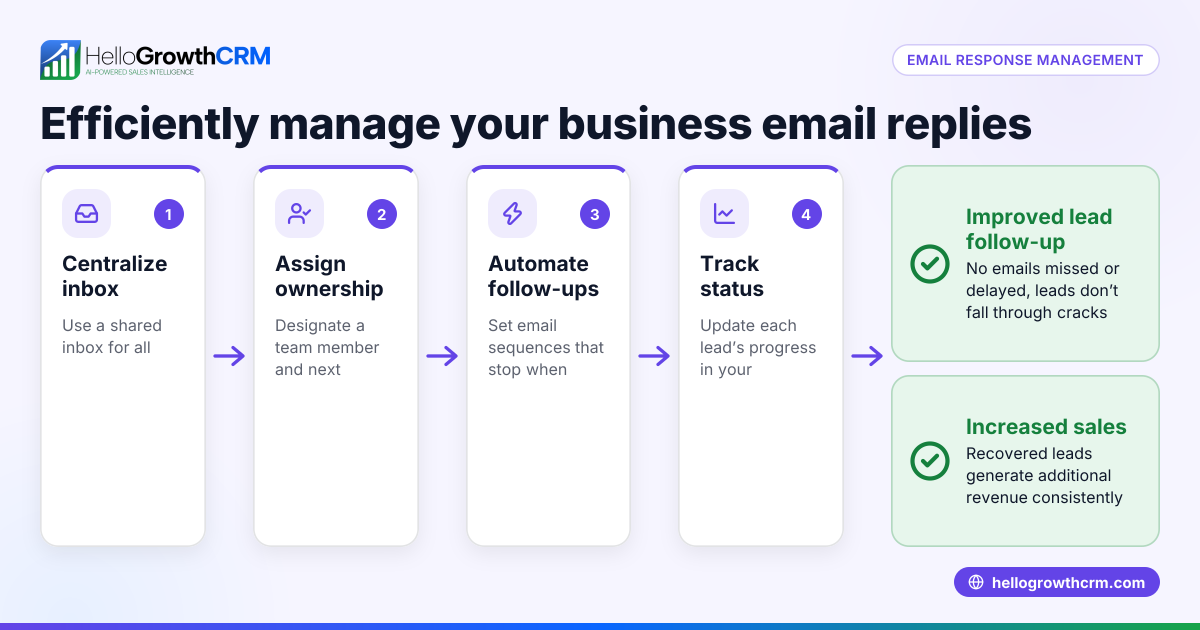
HelloGrowthCRM offers a HelloMail shared inbox where replies to quotation emails and other messages are visible to the whole team on the deal. This prevents lost or duplicated replies. Additionally, sequences and campaigns allow you to create a five-step follow-up over two weeks that runs automatically and stops the moment the prospect replies. This helps maintain consistent communication without manual tracking. Explore these features at email automation and sequences.
Frequently asked questions
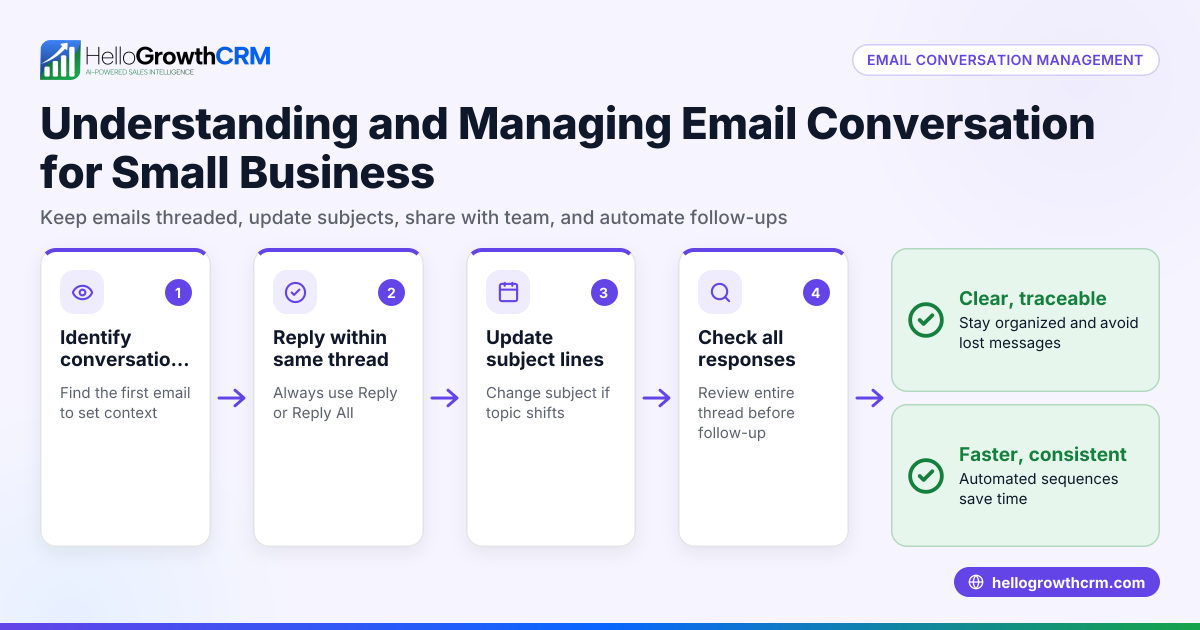
What is the difference between reply and reply all? A reply sends your response only to the original sender, while reply all sends it to everyone included in the original email thread. Use reply all only when everyone needs to see your response to avoid clutter.
How fast should I reply to a business email? Aim to reply within 24 hours. Faster responses improve customer satisfaction and increase chances of closing deals. For urgent matters, reply as soon as possible.
Can I automate email replies? Yes, automation tools like HelloGrowthCRM’s sequences can send follow-up emails automatically until a prospect replies, at which point the sequence stops. This saves time and ensures no lead is forgotten.
How do I keep the team updated on email replies? Use a shared inbox or CRM system that logs all replies and makes them visible to the team. This avoids duplicate responses and keeps everyone informed.
Should I customize my email replies? Always personalize replies to address the recipient’s specific questions or needs. Generic replies can seem unprofessional and reduce engagement.
Learn more about managing messages across channels at WhatsApp and SMS CRM.
Key takeaways
- An email reply is a direct response to an incoming email, essential for ongoing communication.
- Respond promptly, clearly, and professionally to maintain good relationships.
- Track and log replies in a shared system to keep the whole team informed.
- Avoid common mistakes like delayed replies, untracked responses, and unclear messaging.
- Use HelloGrowthCRM’s HelloMail shared inbox and automated sequences to manage replies efficiently.
Start managing your email replies better today. Start on the Free Forever plan (200 leads, no credit card).
Ready to put this into practice?
Set up your pipeline, WhatsApp follow-ups, and AI lead scoring in minutes — free, no credit card.
Try HelloGrowthCRM freeGet CRM tips in your inbox
Join thousands of sales professionals who get weekly insights on CRM strategy, AI automation, and pipeline optimization.

The HelloGrowthCRM team publishes guides on CRM strategy, AI sales tools, and revenue operations for small business sales teams.