HelloGrowthCRM software
Built for real small-business sales teams
HelloGrowthCRM helps reps qualify faster, follow up on time, and close more deals—with practical automation in one place.
- AI lead scoring and pipeline visibility
- Built-in dialer, WhatsApp, and email automation
- Sales forecasting and RevOps-ready reporting
Customer response is the reply or reaction your customers give after you contact them with sales offers, service updates, or support requests. This could be a message, a phone call, an email reply, or even no reply at all. Managing customer response effectively helps small businesses close deals faster, keep customers satisfied, and avoid losing opportunities.
Why this comes up / what goes wrong
Small-business owners often face challenges with customer response because they use scattered tools like text messages, emails, and spreadsheets. Without a centralized system, leads or customers can easily fall through the cracks if responses are slow or missed. For example, a residential real-estate team might send an offer via WhatsApp but not track if the client replied or asked questions, losing the chance to close the sale. Without clear tracking, it’s difficult to know who needs follow-up or what issues customers currently have. This problem leads to delayed responses, frustrated customers, and lost revenue.
Step-by-step
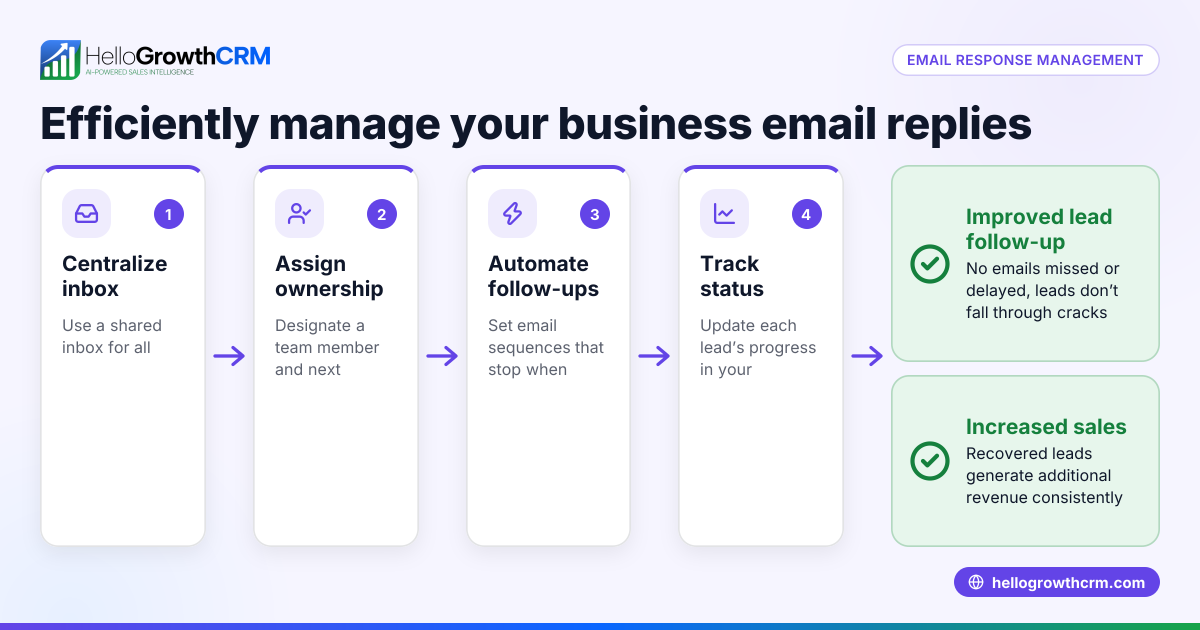
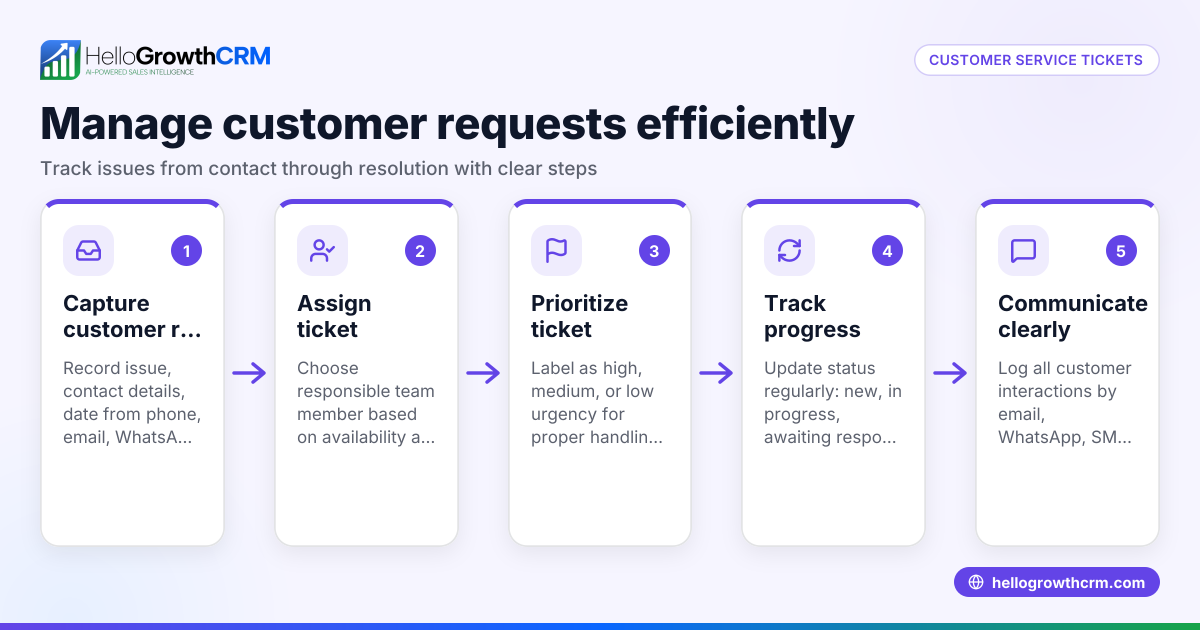
- Capture all customer communications in one place. Check that your system or CRM collects replies from email, WhatsApp, SMS, and calls. This prevents missing any response and keeps communication organized.
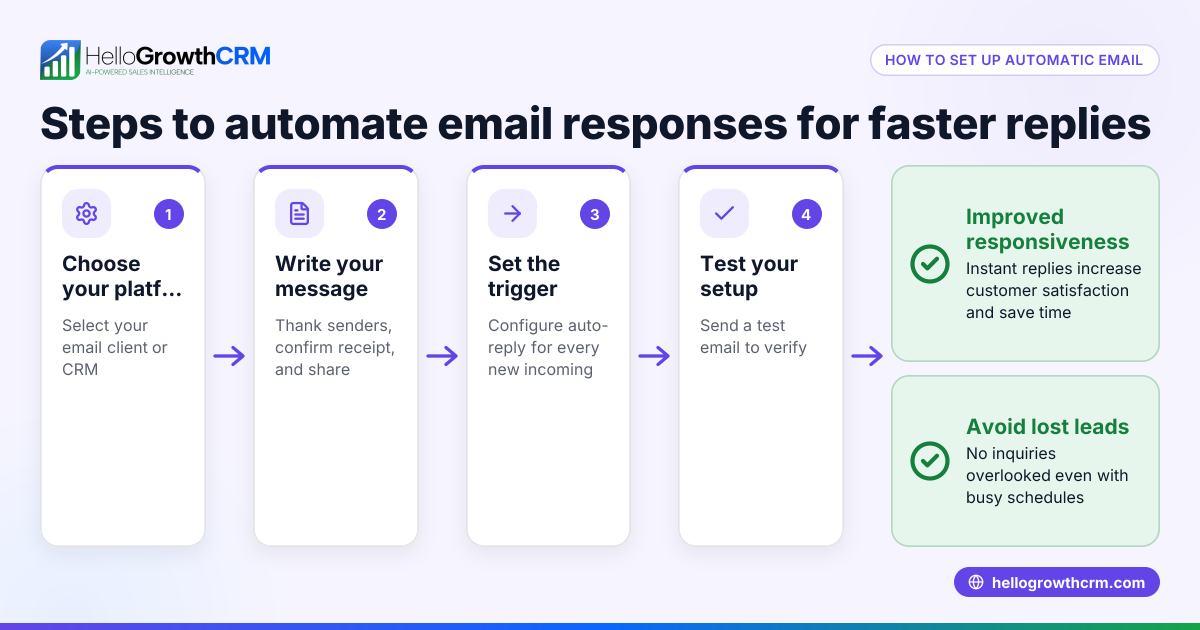
- Respond promptly. Aim to reply to customer questions or concerns within 24 hours to keep engagement high and show reliability.
- Record the customer’s response clearly. Note if it’s a question, complaint, referral, or positive feedback to prioritize next steps.
- Assign follow-up tasks. If the response requires action (e.g., scheduling a demo, resolving a ticket), create a task or ticket with a deadline to ensure timely handling.
- Use a customer portal for self-service. Allow customers to check status, submit tickets, or find answers anytime, reducing wait times and easing your workload.
- Track response rates and times regularly. Review reports to identify slow responses or ignored customers and improve your process.
- Encourage referrals and feedback. Use your CRM’s referral tracking to grow your network and improve service quality.
Example (fictional figures)
A residential real-estate team in Phoenix, Arizona, uses WhatsApp to communicate property offers. On 04/10/2026, they sent a property offer to 50 leads.
- They received 20 responses the same day.
- Of those, 10 requested a property tour.
- They scheduled tours for 8 out of 10 within 2 days.
- The team tracked all responses and follow-ups in their CRM.
Calculation of response rate:
Responses received = 20 Leads contacted = 50 Response rate = 20 ÷ 50 = 0.4 or 40%
Tours scheduled = 8 Responses = 20 Tour conversion rate = 8 ÷ 20 = 0.4 or 40%
This tracking helped them focus on leads who responded and improve their follow-up speed.
Common mistakes
- Ignoring or missing customer replies. Prevent this by centralizing all communications in one CRM to avoid lost messages.
- Delaying responses. Set reminders or SLA policies to respond within a set time, ideally within 24 hours.
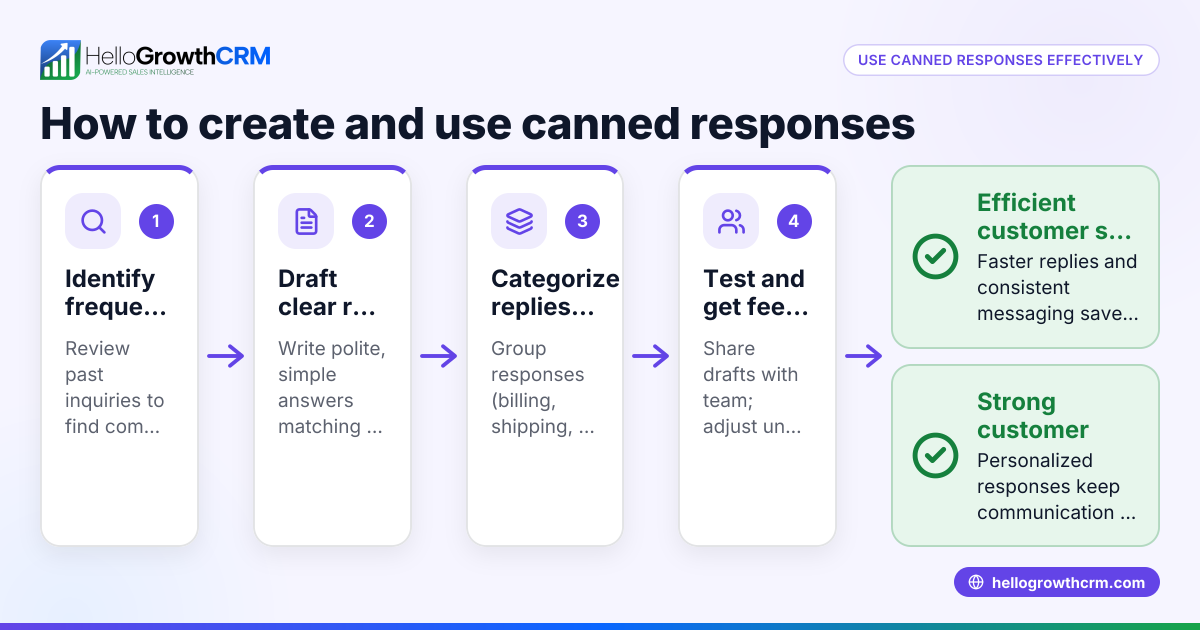
- Not recording the type of response. Use categories like inquiry, complaint, or referral to prioritize and assign tasks correctly.
- Failing to follow up on service requests. Use support tickets linked to the customer record to track progress and avoid losing requests.
- Lacking self-service options. Implement a customer portal so customers can find answers or submit tickets anytime, reducing repetitive queries.
- Not measuring response metrics. Regularly review reports to spot bottlenecks or unresponsive leads and adjust your process.
Doing this in HelloGrowthCRM
HelloGrowthCRM helps you manage customer response with a branded self-service customer portal, referrals tracking, support tickets, and a knowledge base. After the sale, service requests and tickets stay linked on the same customer record as the deal, so your team has full context and can respond efficiently. This keeps responses organized and easy to track. Learn more about how HelloGrowthCRM supports customer health and service at customer health score.
Frequently asked questions
What is a good customer response time? A good response time varies by industry but generally within 24 hours is recommended for sales and support. Faster responses improve customer satisfaction and lead conversion.
How can I track customer responses across channels? Use a CRM that integrates WhatsApp, SMS, email, and calls into a single customer record. This prevents missed replies and helps your team respond consistently. HelloGrowthCRM offers such integration with WhatsApp and SMS CRM features (/product/whatsapp-sms-crm).
Why is customer response important for small businesses? Because small businesses often have limited resources, timely and organized responses prevent lost sales and unhappy customers. It builds trust and encourages referrals.
How do I encourage customers to respond? Make communications clear and actionable. Use personalized messages, ask direct questions, and offer easy ways to reply, such as via WhatsApp or a customer portal.
Can customer response data improve my sales process? Yes. Tracking who responds and how quickly allows you to prioritize leads, improve messaging, and forecast sales more accurately.
What role does a customer portal play in managing responses? A customer portal lets customers submit tickets, check status, and find answers anytime. This reduces wait times and repetitive questions, improving overall response management and customer satisfaction.
Key takeaways
- Customer response is any reply or reaction from your customers to your outreach.
- Centralize all communications to avoid missed replies.
- Respond promptly and record the type of response.
- Use tickets and a customer portal to manage service requests efficiently.
- Track response metrics to improve sales and support.
- HelloGrowthCRM’s customer portal and tickets keep all service requests linked to deals for better follow-up.
Start improving your customer response today by organizing your leads and support in one place. Start on the Free Forever plan (200 leads, no credit card).
Ready to put this into practice?
Set up your pipeline, WhatsApp follow-ups, and AI lead scoring in minutes — free, no credit card.
Try HelloGrowthCRM freeGet CRM tips in your inbox
Join thousands of sales professionals who get weekly insights on CRM strategy, AI automation, and pipeline optimization.

The HelloGrowthCRM team publishes guides on CRM strategy, AI sales tools, and revenue operations for small business sales teams.