HelloGrowthCRM software
Built for real small-business sales teams
HelloGrowthCRM helps reps qualify faster, follow up on time, and close more deals—with practical automation in one place.
- AI lead scoring and pipeline visibility
- Built-in dialer, WhatsApp, and email automation
- Sales forecasting and RevOps-ready reporting
An extension quote template is a formal document used by UK small businesses to propose changes such as extra time or additional work beyond the original contract. It clearly outlines the new scope, timeline, pricing, and terms to ensure both parties agree and avoid confusion.
Why this comes up / what goes wrong
Small business owners often face requests from clients to extend project deadlines or add services. Without a clear extension quote, agreements can become informal, leading to misunderstandings about costs, delivery dates, or responsibilities. Sending extension details via WhatsApp or email without a structured format risks losing important information or creating disputes. Having a ready-to-use extension quote template helps maintain professionalism, speeds up approvals, and provides a clear record of the updated agreement.
Many small businesses still run sales processes on WhatsApp, email, and spreadsheets, which makes tracking changes and follow-ups difficult. Without a proper template, key details may be missed or confused with the original quote, causing delays or payment issues.
Step-by-step
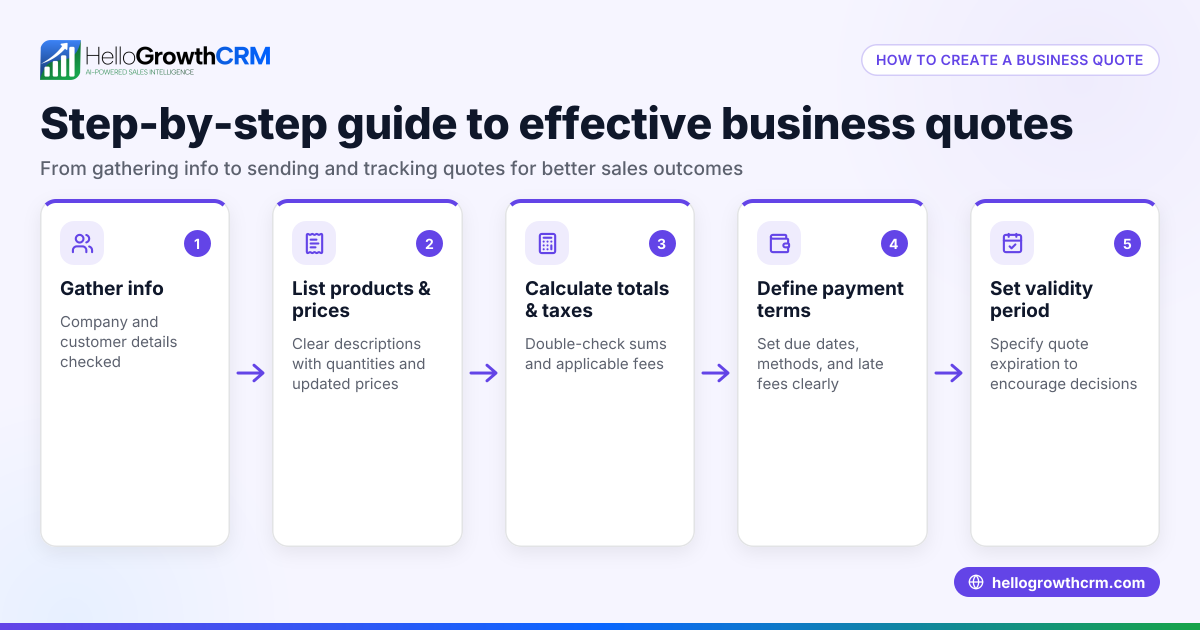
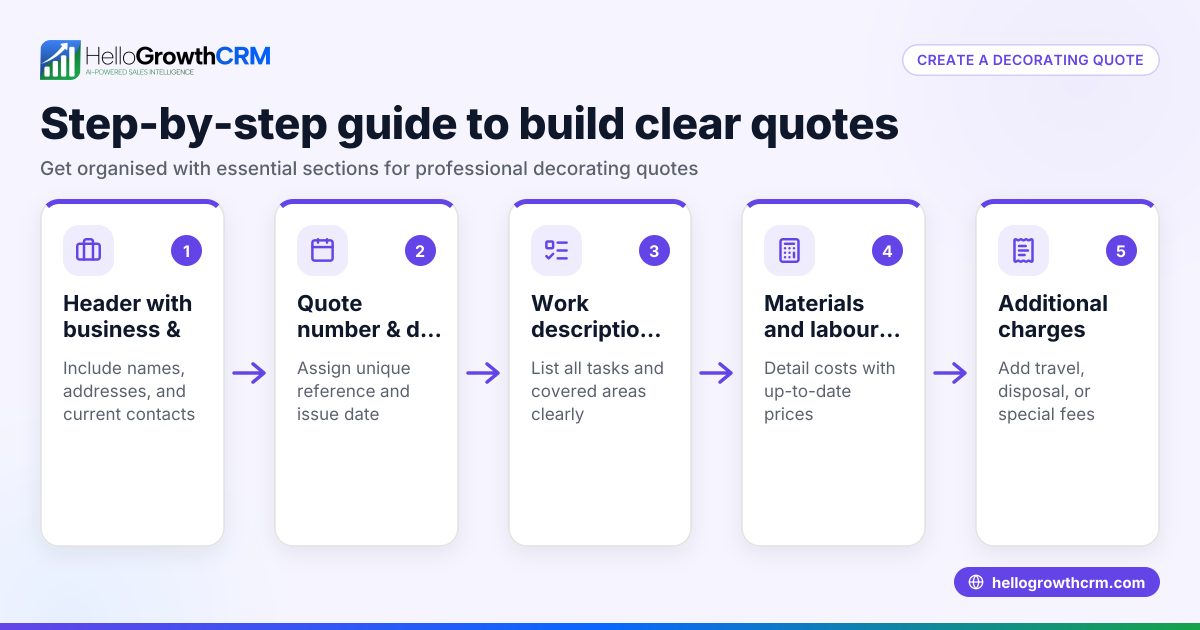
- Include your company and client details: Start with your business name, address, contact information, and the client’s details. Verify accuracy to avoid communication delays.
- Reference the original quote or contract: State the original quote number or contract date to link the extension to the existing agreement.
- Explain the reason for the extension: Briefly describe why the extension is needed, such as additional work requested or unforeseen delays.
- Specify the new scope or deliverables: List any extra tasks or changes compared to the original project. Confirm this matches discussions with your client.
- Set the new timeline: Clearly state the extended deadline or delivery dates.
- Detail the updated pricing: Provide the cost for the extension, breaking down fees if necessary. Double-check all calculations.
- State payment terms: Clarify how and when payment should be made for the extension work.
- Add terms and conditions: Include clauses about changes, cancellations, or liabilities relevant to the extension.
- Provide a sign-off area: Leave space for client signatures or written acceptance.
- Review and send: Proofread the document and send it as a formal PDF or through a CRM quoting tool to track status.
Using templates can save time and reduce errors. You can find free sales templates and tools at HelloGrowthCRM’s sales templates and free sales tools and calculators pages.
Example (fictional figures)
A recruitment consultancy in Bristol is extending a candidate search project.
- Original contract date: 15/03/2026
- Original fee: £12,000
- Extension reason: Client requested an additional 2 weeks to widen candidate search
- New deadline: Extended from 30/04/2026 to 14/05/2026
- Extension fee: £3,000
Calculations:
£12,000 ÷ 6 weeks = £2,000 per week
Extension duration: 2 weeks
£2,000 × 2 = £4,000 (full cost for 2 weeks)
Discount offered: £1,000
£4,000 - £1,000 = £3,000 (extension fee)
The extension quote states:
"Extension of candidate search by 2 weeks, new completion date 14/05/2026, extension fee £3,000 payable within 14 days of acceptance."
Common mistakes
- Vague descriptions: Avoid unclear scope or timelines. Specify exactly what the extension covers to prevent disputes.
- Incorrect calculations: Double-check pricing to ensure correct charges and avoid underbilling.
- Missing references: Always link the extension quote to the original contract or quote number.
- Ignoring payment terms: Clearly state payment deadlines and methods to avoid late payments.
- No acceptance confirmation: Without client sign-off or written acceptance, the extension may not be enforceable.
- Not using templates: Writing quotes from scratch increases errors; use templates or CRM tools to standardise and speed up the process.
Using templates from our sales templates can help prevent these errors and keep your process organised.
Doing this in HelloGrowthCRM
HelloGrowthCRM offers a built-in quoting and proposal tool that lets you create, send and track extension quotes directly from a deal record. The quotation status (sent, viewed, accepted) appears alongside the follow-up task, helping you manage client responses efficiently. Additionally, you can download free sales tools and templates, including follow-up cadences and pipeline templates, without needing an account at free sales tools and calculators.
Frequently asked questions
What should be included in an extension quote template? An extension quote template should include company and client details, a reference to the original contract, reason for extension, new scope and timeline, updated pricing, payment terms, and acceptance confirmation.
How do I calculate the price for an extension? Calculate the original project’s weekly or monthly rate, multiply by the extension duration, and adjust for any discounts or additional costs. Always show your calculations clearly to the client.
Can I send an extension quote via WhatsApp or email? Yes, but it’s best to send it as a formal document or PDF and confirm receipt and acceptance to avoid misunderstandings.
Is it necessary to get a client’s signature on an extension quote? While not always legally required, having a signed or written acceptance protects both parties and confirms agreement on new terms.
Where can I find free templates for extension quotes? You can find free sales templates and tools at HelloGrowthCRM’s sales templates and free sales tools and calculators pages.
Key takeaways
- Use a clear, structured extension quote template to formalise changes.
- Reference the original contract and specify reasons for extension.
- Detail new scope, timelines, and updated pricing with clear calculations.
- Include payment terms and acceptance confirmation to avoid disputes.
- Use templates and CRM tools to reduce errors and track quotes efficiently.
Start managing your extension quotes efficiently with HelloGrowthCRM. Start on the Free Forever plan (200 leads, no credit card).
Ready to put this into practice?
Set up your pipeline, WhatsApp follow-ups, and AI lead scoring in minutes — free, no credit card.
Try HelloGrowthCRM freeGet CRM tips in your inbox
Join thousands of sales professionals who get weekly insights on CRM strategy, AI automation, and pipeline optimization.

The HelloGrowthCRM team publishes guides on CRM strategy, AI sales tools, and revenue operations for small business sales teams.