HelloGrowthCRM software
Built for real small-business sales teams
HelloGrowthCRM helps reps qualify faster, follow up on time, and close more deals—with practical automation in one place.
- AI lead scoring and pipeline visibility
- Built-in dialer, WhatsApp, and email automation
- Sales forecasting and RevOps-ready reporting
A field sales CRM helps businesses with sales teams working on the go to organize customer data, schedule visits, and follow up efficiently. It typically includes mobile-friendly features like visit logging, territory management, and messaging integration to keep field reps connected and managers informed.
Why this comes up / what goes wrong
Canadian small-business owners with sales teams in the field often struggle with scattered information and slow follow-up. Sales reps use phones for calls and messages but rely on spreadsheets or notes to track leads. Managers can’t see daily activities or pipeline status in real time. This leads to lost leads, missed appointments, and inaccurate sales forecasts. The search for a “field sales CRM” arises from the need to unify mobile sales activity, automate routine tasks, and improve team coordination.
Step-by-step
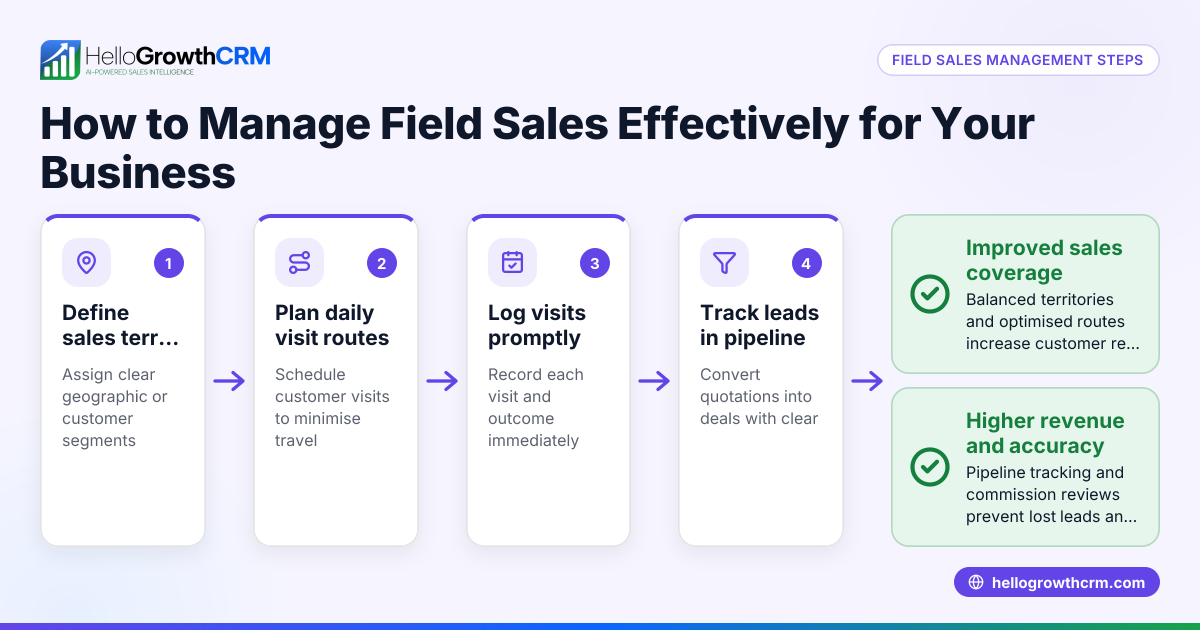
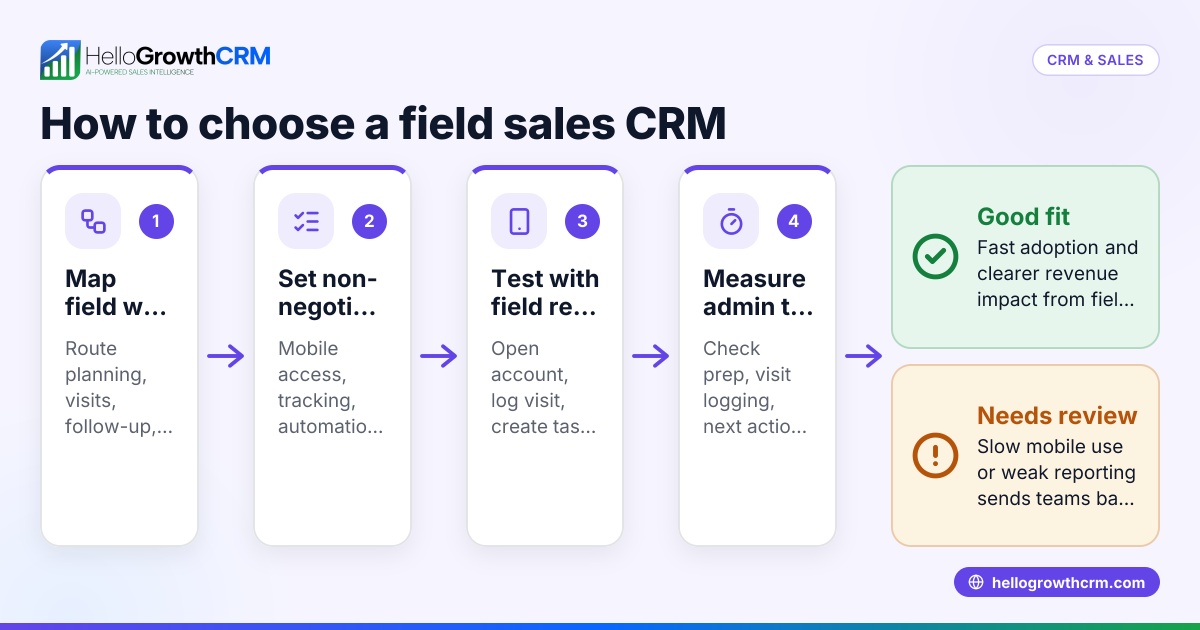
- Identify your field sales team’s daily activities: List what reps do on the road — calls, visits, messaging, quoting — and what managers need to track.
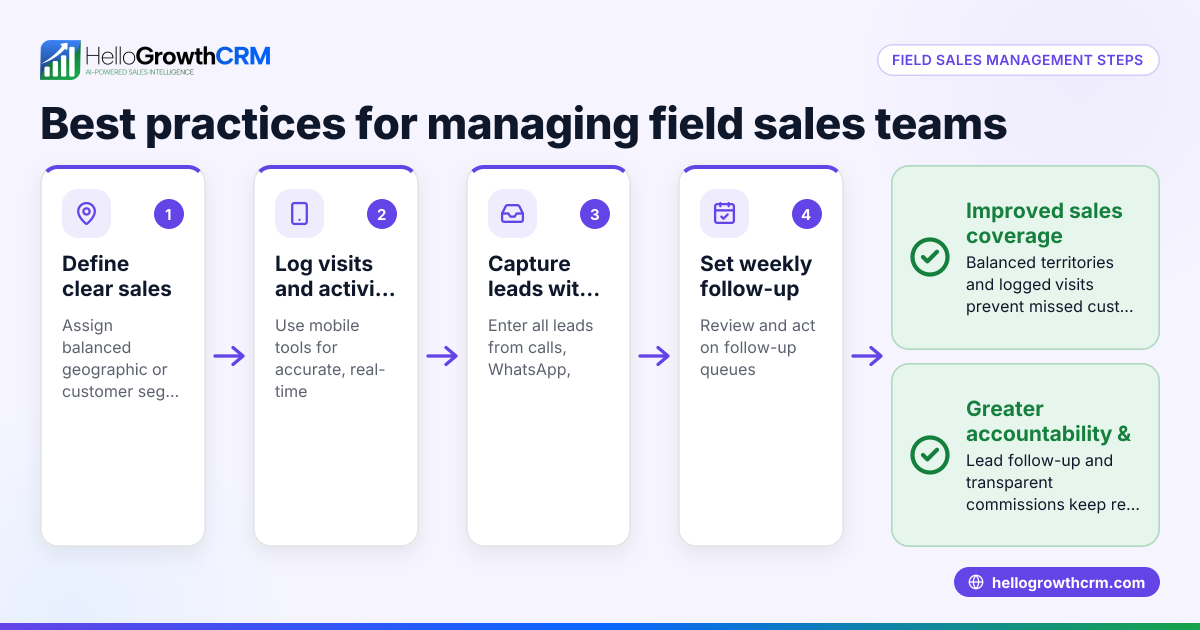
- Check for mobile capabilities: Ensure the CRM supports visit logging, route planning, and mobile data entry to avoid double work.
- Evaluate territory management features: Confirm if you can define territories and assign reps to them for clear ownership and reporting.
- Look for communication integration: A CRM that logs WhatsApp and SMS conversations helps keep all client interactions in one place.
- Assess pipeline and deal tracking: The CRM should show deals at various stages with follow-up reminders to prevent leads from slipping through.
- Consider commission tracking if relevant: For sales teams paid by commission, integrated tracking linked to deals simplifies payroll and motivation.
- Test ease of use and adoption: The CRM should be intuitive so your team actually uses it daily.
- Review reporting and forecasting tools: Managers need dashboards to monitor sales progress and plan resources.
- Check integration with existing tools: See if the CRM connects with your web forms or other software to capture leads automatically.
- Trial and compare pricing: Use free trials or demos to compare features and see what fits your budget and needs.
Example (fictional figures)
A home-renovation contractor in Calgary, Alberta, has 5 field sales reps. They currently use spreadsheets and phone calls but lose leads due to slow follow-up.
- Monthly leads from web forms: 120
- Average deal value: C$15,000
- Conversion rate without CRM: 15%
- Expected increase with CRM: 5% improvement (to 20%)
Current closed deals per month: 120 leads × 15% = 18 deals
Expected closed deals with field sales CRM: 120 leads × 20% = 24 deals
Additional deals per month: 24 - 18 = 6 deals
Additional revenue per month: 6 deals × C$15,000 = C$90,000
Annual additional revenue: C$90,000 × 12 = C$1,080,000
This example shows how a field sales CRM can help capture more leads and close more deals by improving follow-up and pipeline management.
Common mistakes
- Choosing a CRM without mobile features: Field reps need to log visits and update deals on the go. Prevent this by testing mobile apps before buying.
- Ignoring territory management: Without clear territories, reps overlap or miss clients. Use tools like HelloGrowthCRM’s territory management to assign and track areas.
- Relying only on email or phone calls: Important conversations get lost. Integrate WhatsApp and SMS messaging to keep communication logged and follow-ups automated, as supported by HelloGrowthCRM’s WhatsApp and SMS CRM.
- Not tracking pipeline stages actively: Deals stuck without follow-up lead to lost sales. Use CRM deal pipelines to set reminders and monitor progress, like HelloGrowthCRM’s Deals (pipeline).
- Overlooking user adoption: A complex system won’t be used. Choose a CRM with simple interfaces and mobile-first design.
- Failing to review reporting: Without sales reports, managers can’t plan or coach effectively. Pick a CRM with clear dashboards.
Doing this in HelloGrowthCRM
HelloGrowthCRM supports field sales teams with tools to log visits from mobile devices, so managers see the day’s beat. Its territory management lets you define and assign sales areas clearly. Deals are tracked in a pipeline with stages and follow-up dates to avoid missed opportunities. WhatsApp conversations with leads are logged automatically, and follow-ups can be sent as messages directly from the CRM. These features help Canadian small businesses keep field sales organised and responsive.
Frequently asked questions
What is a field sales CRM? A field sales CRM is a customer relationship management tool designed for sales teams that work outside the office. It focuses on mobile features like visit logging, territory management, and mobile messaging to help reps manage leads and deals while on the go.
Why do I need a mobile-first CRM for my field sales team? Field sales reps spend most of their time away from a desk. A mobile-first CRM lets them update customer information, log visits, and communicate without returning to the office, improving data accuracy and response time.
How does territory management help my field sales team? Territory management assigns specific geographic areas to reps, preventing overlap and ensuring coverage. It also helps managers track performance by territory and plan visits efficiently. HelloGrowthCRM offers territory tools for this purpose (/product/territory-management).
Can I use WhatsApp and SMS with a field sales CRM? Yes, many field sales CRMs now integrate WhatsApp and SMS to keep conversations in one place and automate follow-ups. HelloGrowthCRM logs WhatsApp messages on lead records and supports sending follow-ups as messages (/product/whatsapp-sms-crm).
What features should I prioritize when choosing a field sales CRM? Prioritize mobile usability, territory management, pipeline tracking with follow-up reminders, and messaging integration. Also consider commission tracking if your team is paid on sales outcomes.
Is there a CRM designed specifically for Canadian small businesses? Some CRMs, like HelloGrowthCRM, offer features tailored to Canadian SMBs, including mobile tools, territory and commission tracking, and local support (/canada).
Key takeaways
- Field sales CRM centralizes mobile sales activities like visit logs and messaging.
- Territory management prevents sales overlap and improves coverage.
- Pipeline tracking with follow-up reminders reduces lost leads.
- Mobile messaging integration (WhatsApp, SMS) keeps communication organised.
- User-friendly mobile apps ensure team adoption.
- HelloGrowthCRM offers these features for Canadian SMBs.
To explore options and pricing for Canadian businesses, see Canadian pricing.
Ready to put this into practice?
Set up your pipeline, WhatsApp follow-ups, and AI lead scoring in minutes — free, no credit card.
Try HelloGrowthCRM freeGet CRM tips in your inbox
Join thousands of sales professionals who get weekly insights on CRM strategy, AI automation, and pipeline optimization.

The HelloGrowthCRM team publishes guides on CRM strategy, AI sales tools, and revenue operations for small business sales teams.