HelloGrowthCRM software
Built for real small-business sales teams
HelloGrowthCRM helps reps qualify faster, follow up on time, and close more deals—with practical automation in one place.
- AI lead scoring and pipeline visibility
- Built-in dialer, WhatsApp, and email automation
- Sales forecasting and RevOps-ready reporting
A field sales CRM is software designed to help businesses with sales teams working outside the office to manage customer visits, track deals, and follow up efficiently. This article explains why UK small businesses look for field sales CRM, the key steps to evaluate one, common mistakes to avoid, and how HelloGrowthCRM supports field sales with features like territory management, deal tracking, and WhatsApp messaging.
Why this comes up / what goes wrong
Small and mid-sized UK businesses with field sales teams often struggle to keep track of customer visits, manage their sales pipeline, and ensure timely follow-up. Sales reps working remotely or on the road may rely on WhatsApp, email, or spreadsheets, which can cause lost leads, missed appointments, and poor sales visibility for managers. Without a dedicated field sales CRM, it is hard to coordinate territories, log visits, and keep deals moving forward. This leads to frustration for sales leaders and lost revenue.
Step-by-step
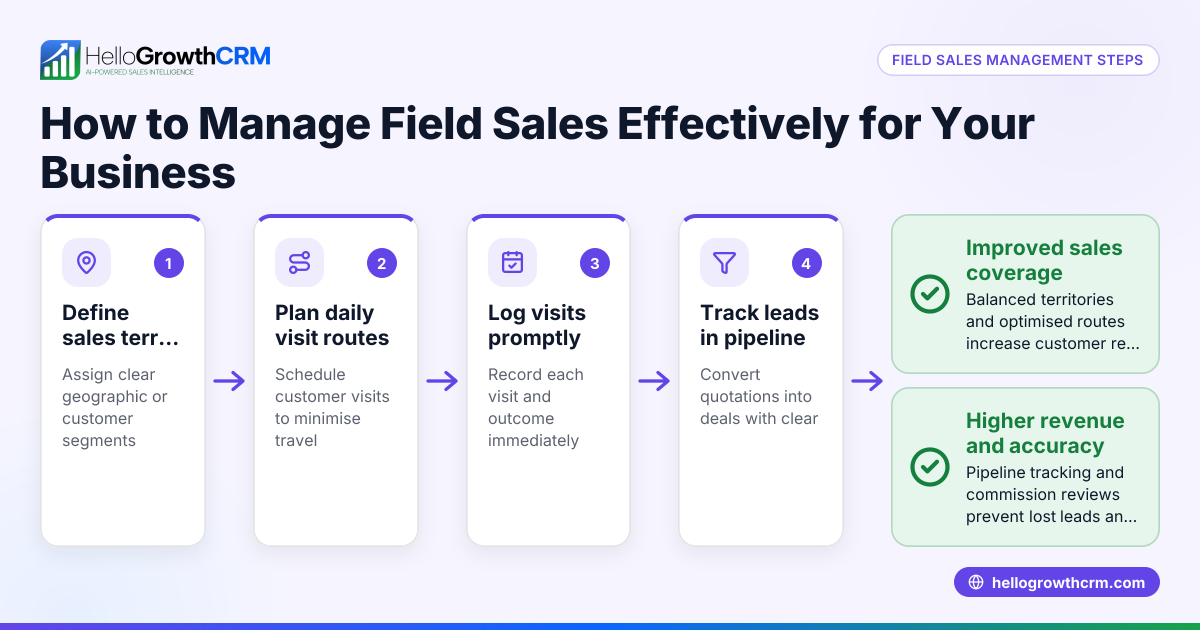
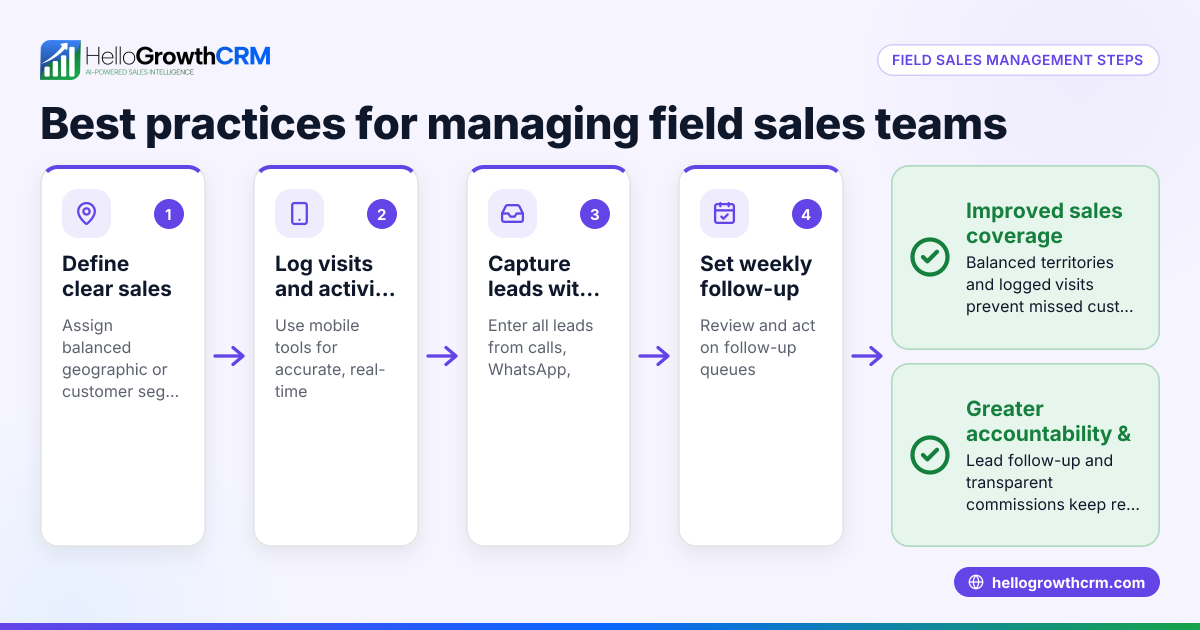
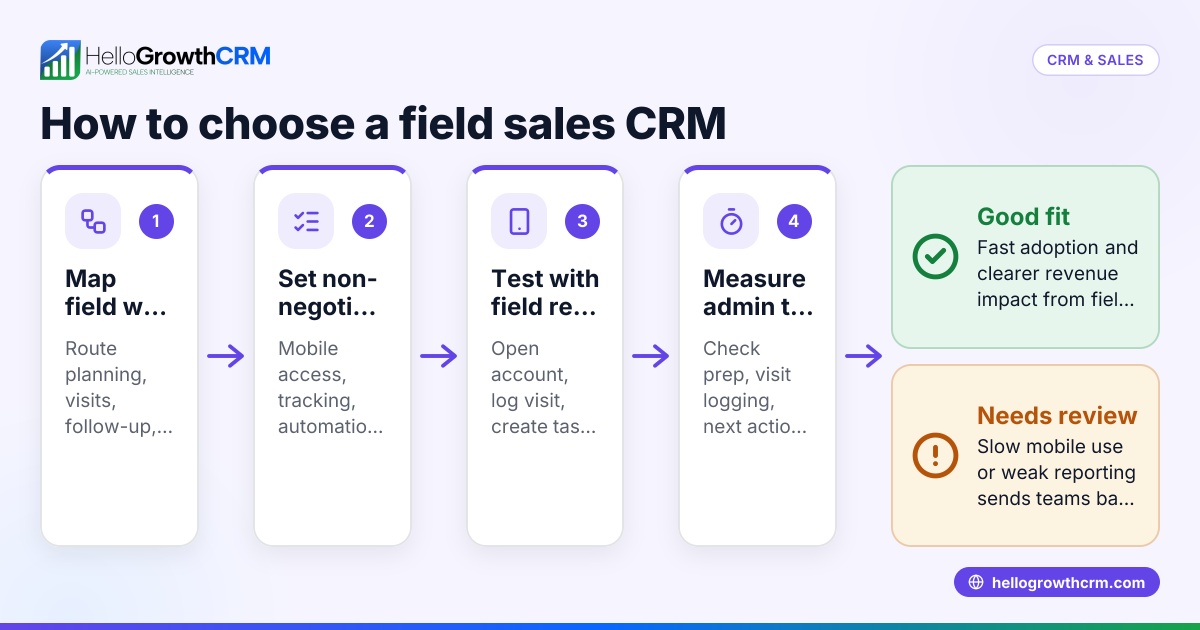
- Identify your field sales needs: Determine how your sales team works outside the office. Do they visit customers regularly, need route planning, or require mobile logging of visits? Check if commission tracking is important.
- Check CRM features for field operations: Look for territory management tools that allow defining and assigning sales areas. Confirm the CRM supports visit logging and on-site activity capture from mobile devices.
- Evaluate pipeline and deal tracking: The CRM should track deals from first contact through to close, with stages, follow-up dates, and probability to avoid losing quotes or leads.
- Assess communication channels: Your CRM should support WhatsApp and SMS messaging to log conversations and send follow-ups directly from the system.
- Consider ease of use and adoption: The CRM must be simple enough for your team to use daily on their phones without switching between apps.
- Request demos and trials: Test the CRM with your team, focusing on mobile visit logging, deal updates, and messaging workflows.
- Review integration and reporting: Check if the CRM integrates with your web forms or other tools for lead capture, and if it offers sales forecasting and reporting.
- Compare costs and plans: Understand the pricing tiers and what features are included, especially for field sales capabilities.
For more on managing sales territories, see territory management.
Example (fictional figures)
An accountancy practice in Birmingham employs 8 field sales reps visiting local businesses. They want to track visits and follow up on proposals.
- Monthly sales target: £120,000
- Average deal size: £3,000
- Expected close rate: 25%
Step 1: Calculate needed proposals per month
£120,000 ÷ £3,000 = 40 proposals
Step 2: Calculate leads needed to generate proposals (assuming 50% of leads turn into proposals)
40 ÷ 0.5 = 80 leads
Step 3: Track visits logged and follow-ups
If reps log 100 visits but only 60 proposals are recorded, the CRM highlights a gap in converting visits to proposals.
Step 4: Use CRM deal stages to follow up
Deals at 'quote sent' stage have follow-up dates set, ensuring no proposal is forgotten.
This example shows how a field sales CRM helps the manager see daily activity and keep pipeline healthy.
Common mistakes
- Relying on separate apps for messaging and CRM: Prevent by choosing a CRM with integrated WhatsApp and SMS to log conversations automatically.
- Ignoring territory management: Without clear territories, reps may overlap or miss areas. Use CRM tools for territory definition and ownership.
- No follow-up reminders on deals: Leads and quotes get forgotten. Ensure the CRM supports pipeline stages with follow-up dates.
- Poor mobile usability: If reps find the CRM hard to use on phones, adoption will be low. Test mobile features before buying.
- Overcomplicating setup: Avoid CRMs with unnecessary features that confuse your team. Focus on field sales essentials.
- Neglecting reporting: Without sales forecasting and reports, managers can't plan effectively. Choose a CRM with clear reporting.
See how WhatsApp and SMS CRM can improve follow-up at WhatsApp and SMS CRM.
Doing this in HelloGrowthCRM
HelloGrowthCRM offers specific features for field sales teams. Territories, field operations and commissions tools let field reps log visits from their phones while managers view the day's beat, helping coordinate sales activity effectively. Deals (pipeline) tracking shows open opportunities with stages and follow-up dates, so quotations are not forgotten. WhatsApp and SMS messaging is integrated, logging conversations on lead records and enabling follow-ups through messages. These features support UK small businesses in managing their field sales efficiently. Learn more about territory management and WhatsApp and SMS CRM.
Frequently asked questions
What is a field sales CRM? A field sales CRM is software designed to help sales teams working outside the office manage customer visits, track deals through a sales pipeline, and communicate effectively. It often includes mobile visit logging, territory management, and messaging features.
How does territory management help field sales? Territory management defines sales areas and assigns reps, preventing overlap and ensuring coverage. It helps managers monitor field activity and plan routes, improving efficiency and accountability.
Can I use WhatsApp for sales follow-up in a CRM? Yes, some CRMs, like HelloGrowthCRM, integrate WhatsApp messaging directly. This logs conversations on the lead record and allows sending follow-ups without switching apps, saving time and keeping communication organised.
What should I check before choosing a field sales CRM? Check if it supports mobile visit logging, territory management, pipeline tracking with follow-up reminders, and integrated messaging. Also test ease of use on mobile and reporting capabilities.
Is a pipeline essential for field sales? Yes, a sales pipeline tracks deals from first contact to close, helping salespeople prioritise follow-ups and managers forecast revenue. Without it, leads can be lost or forgotten.
Key takeaways
- A field sales CRM helps track customer visits, manage territories, and keep deals moving.
- Mobile visit logging and territory management are crucial for coordinating outside sales teams.
- Integrated WhatsApp and SMS messaging improves follow-up and records conversations.
- Pipeline management with follow-up dates prevents lost leads and forgotten quotes.
- Ease of use on mobile devices ensures your team actually uses the CRM daily.
- Test features like reporting and sales forecasting before deciding.
Start managing your field sales better today with HelloGrowthCRM. Start on the Free Forever plan (200 leads, no credit card).
Ready to put this into practice?
Set up your pipeline, WhatsApp follow-ups, and AI lead scoring in minutes — free, no credit card.
Try HelloGrowthCRM freeGet CRM tips in your inbox
Join thousands of sales professionals who get weekly insights on CRM strategy, AI automation, and pipeline optimization.

The HelloGrowthCRM team publishes guides on CRM strategy, AI sales tools, and revenue operations for small business sales teams.