HelloGrowthCRM software
Built for real small-business sales teams
HelloGrowthCRM helps reps qualify faster, follow up on time, and close more deals—with practical automation in one place.
- AI lead scoring and pipeline visibility
- Built-in dialer, WhatsApp, and email automation
- Sales forecasting and RevOps-ready reporting
Financial document automation refers to using software tools to automatically generate, process, and manage financial documents like invoices, purchase orders, and expense reports. Instead of manually entering data for each document, automation pulls data from your systems, formats documents according to templates, routes them for approval, and stores them securely. This reduces errors, saves time, and speeds up billing and payments.
Why this comes up / what goes wrong
Small business owners often struggle with slow and error-prone financial document processes. For example, manually creating invoices from sales data can lead to mistakes or delays in billing customers. Tracking payments and reconciling expenses on spreadsheets takes time and is prone to human error. These inefficiencies can cause lost revenue, frustrated customers, and cash flow problems. As your business grows, handling documents manually becomes overwhelming and risky.
Many small businesses rely on emails, text messages, and spreadsheets to manage sales and financial documents. This scattered approach increases the risk of missed invoices, delayed payments, and inaccurate records. Without automation, sales teams spend valuable time on repetitive tasks instead of closing deals. The lack of integration between sales and finance systems also causes data duplication and errors.
Step-by-step
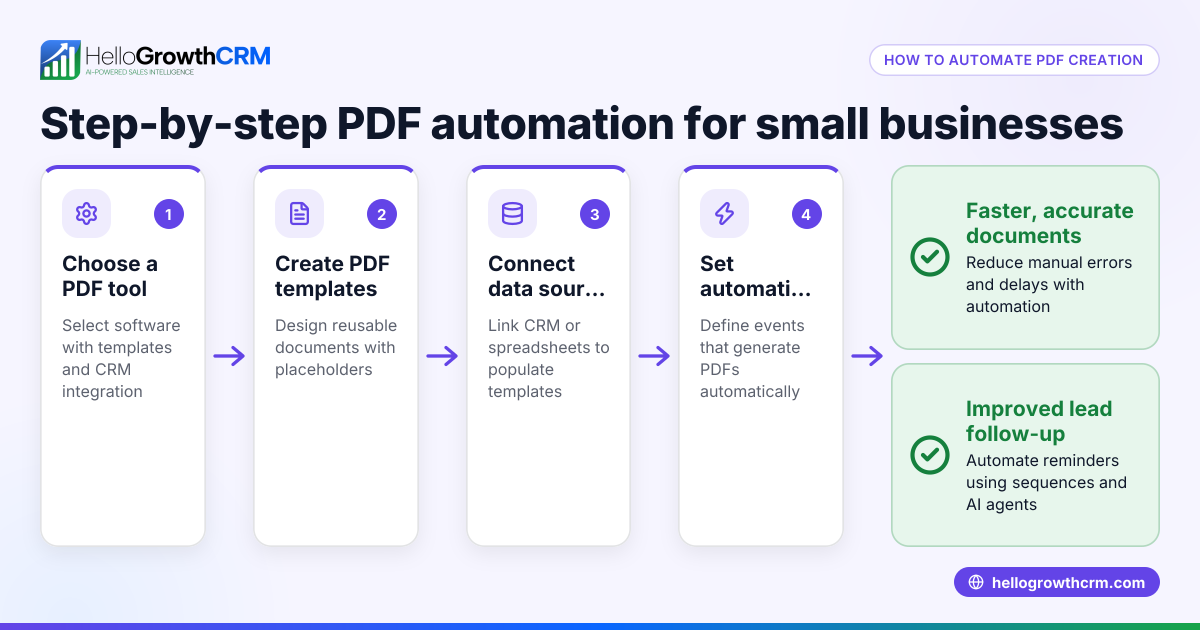
- Identify which financial documents to automate. Common types include invoices, purchase orders, expense reports, and payment reminders. Focus on documents that cause delays or errors.
- Evaluate your current tools and data sources. Check if your CRM, accounting, or sales software can export data or connect via API to automation tools. This ensures data flows smoothly without manual entry.
- Choose automation software compatible with your systems. Look for solutions that allow template creation, workflow setup, and document routing. Integration with your CRM or sales tools helps keep data consistent.
- Create document templates. Define layouts, required fields, and compliance elements for each document type. Work with your finance team to validate templates meet legal and business standards.
- Set up workflows for document generation, approval, and distribution. For example, invoices might trigger automatically after a sale closes and require manager approval before being emailed to clients.
- Test the automation process with a small batch of documents. Verify data accuracy, formatting, and timely delivery. Adjust templates and workflows based on feedback.
- Train your staff on using the automation tools and handling exceptions. Clear instructions reduce errors and resistance.
- Monitor the process regularly and improve. Collect feedback, track errors, and update workflows and templates as your business evolves.
For more on automating sales follow-up and workflows, see AI CRM and WhatsApp and SMS CRM.
Example (fictional figures)
Consider a Denver-based B2B software reseller automating invoice generation for monthly sales.
- Total monthly sales: $150,000
- Number of invoices: 30
Manual invoicing takes 20 minutes per invoice, so total manual time is:
30 invoices × 20 minutes = 600 minutes = 10 hours
Assuming $25/hour labor cost, manual invoicing costs:
10 hours × $25/hour = $250
With automation, each invoice takes 2 minutes to review and send:
30 invoices × 2 minutes = 60 minutes = 1 hour
Labor cost with automation:
1 hour × $25/hour = $25
Savings per month:
$250 - $25 = $225
Annual savings:
$225 × 12 = $2,700
This also speeds up cash flow by sending invoices promptly, reducing the time between sale and payment.
Common mistakes
- Automating without a clear workflow: Prevent this by mapping out all document steps before automation. Understand who approves and when documents should be sent.
- Ignoring data quality: Ensure source data is accurate to avoid errors in documents. Regularly audit your CRM and accounting data.
- Overcomplicating templates: Keep document templates simple and compliant. Complex designs can cause formatting errors and slow processing.
- Not training staff: Provide clear instructions to reduce errors and resistance. Make sure everyone understands how to use the automation tools and handle exceptions.
- Skipping testing: Always pilot automation on a small batch before full rollout. This helps catch issues early and avoids costly mistakes.
- Neglecting integration between sales and finance: Using separate systems without integration increases errors and duplicate work. Choose tools that connect or sync data.
For more on avoiding common pitfalls in sales and lead management automation, see HelloGrowthCRM for the United States.
Doing this in HelloGrowthCRM
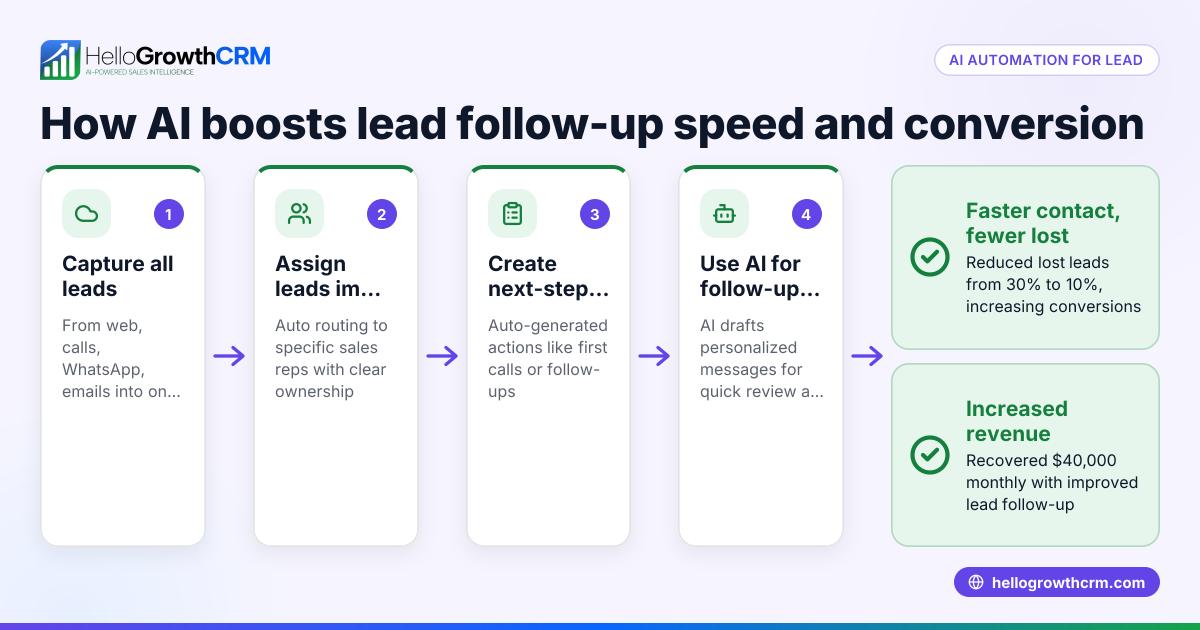
HelloGrowthCRM offers Sequences and campaigns that automate multi-step follow-ups over two weeks, stopping as soon as a prospect replies. Its AI agents draft follow-up messages after calls for quick review and sending. Workflows and lead routing automatically assign new enquiries and create first-call tasks, reducing manual work. These features streamline your sales and communication workflows alongside financial document processes. Learn more about these capabilities at AI CRM.
Frequently asked questions
What types of financial documents can be automated? Invoices, purchase orders, expense reports, payment reminders, and receipts are common documents that benefit from automation.
How does automation improve accuracy? Automation pulls data directly from your systems, reducing manual entry errors and ensuring consistent formatting.
Is financial document automation expensive for small businesses? Costs vary, but many tools offer scalable plans. Savings in time and error reduction often justify the investment.
Can I integrate financial automation with my sales CRM? Yes, integrating your CRM with financial automation tools streamlines data flow and improves efficiency.
How do I handle exceptions in automation? Set up alerts and manual review steps for unusual cases or errors to maintain control.
How can automation improve cash flow? By generating and sending invoices promptly, automation reduces delays in billing and helps you get paid faster.
Key takeaways
- Financial document automation saves time by reducing manual data entry.
- Automating invoices and expense reports speeds up billing and cash flow.
- Clear workflows and templates are essential for successful automation.
- Training and testing prevent common mistakes.
- Integration between sales and finance systems reduces errors.
- HelloGrowthCRM offers automation features that support sales and communication workflows.
Start simplifying your financial document processes today. You can Start on the Free Forever plan (200 leads, no credit card) to try automation features alongside your sales workflows.
Ready to put this into practice?
Set up your pipeline, WhatsApp follow-ups, and AI lead scoring in minutes — free, no credit card.
Try HelloGrowthCRM freeGet CRM tips in your inbox
Join thousands of sales professionals who get weekly insights on CRM strategy, AI automation, and pipeline optimization.

The HelloGrowthCRM team publishes guides on CRM strategy, AI sales tools, and revenue operations for small business sales teams.