HelloGrowthCRM software
Built for real small-business sales teams
HelloGrowthCRM helps reps qualify faster, follow up on time, and close more deals—with practical automation in one place.
- AI lead scoring and pipeline visibility
- Built-in dialer, WhatsApp, and email automation
- Sales forecasting and RevOps-ready reporting
PDF document automation lets you create and manage PDF files automatically using templates and data integration. Small businesses often need this to speed up generating invoices, contracts, and proposals without manual editing. This article explains why PDF automation is sought, the steps to implement it, a worked example, common errors to watch for, and how HelloGrowthCRM supports automation in sales processes.
Why this comes up / what goes wrong
Small-business owners often handle sales, billing, and customer communication manually using text messages, emails, and spreadsheets. When it comes to documents like quotes or contracts, manually creating PDFs can cause delays, errors, or inconsistencies. Common problems include: missing data fields, formatting errors, and repetitive manual work that wastes time and risks losing leads due to slow follow-up. Automating PDF document creation helps reduce these issues by generating accurate, consistent documents quickly from data already collected, such as customer info or sales details.
Step-by-step
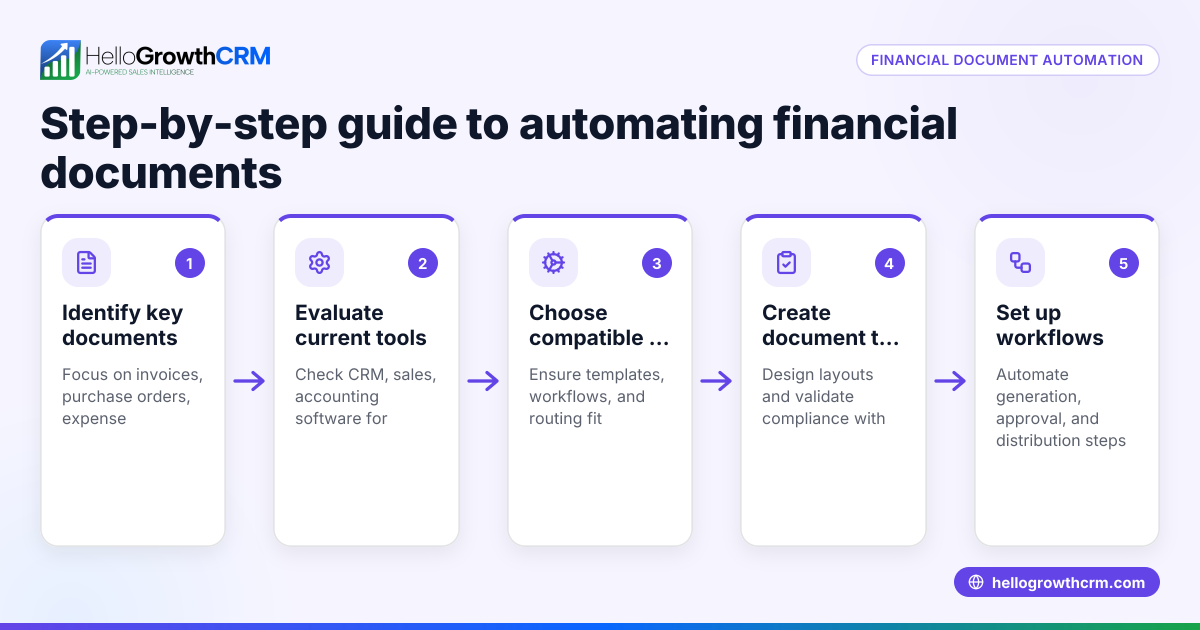
- Choose a PDF automation tool or software: Select a platform that supports PDF template creation and data merging. Check it can integrate with your CRM or sales tools.
- Create your PDF templates: Design reusable PDF templates for invoices, contracts, or proposals. Include placeholders for dynamic data like customer name, date, and amounts.
- Connect your data source: Link your CRM, spreadsheet, or form data source to the PDF tool. Ensure data fields match the placeholders in your templates.
- Set up automation triggers: Define when PDFs should be generated automatically—such as after a new lead is qualified or a sale is closed.
- Test the automation: Generate sample PDFs to verify data populates correctly and the formatting is consistent. Check for missing or incorrect information.
- Deploy and monitor: Start using the automation in your workflow. Monitor generated PDFs for errors and adjust templates or data mappings as needed.
- Ensure secure storage and sharing: Automate saving PDFs to cloud storage or sending them securely to clients via email or messaging apps.
Example (fictional figures)
A plumbing company in Austin, Texas, wants to automate invoice PDFs after a job is completed.
- Job completed on 06/15/2026
- Customer: John Smith
- Service charge: $1,200
- Parts cost: $300
- Tax rate (assumed): 8.25%
Calculations:
$1,200 + $300 = $1,500 (subtotal) $1,500 × 8.25% = $123.75 (tax) $1,500 + $123.75 = $1,623.75 (total)
The PDF invoice template uses placeholders for customer name, date, service charge, parts cost, tax, and total. When the job is marked complete in the CRM, the automation triggers and fills in these values, generating a ready-to-send PDF invoice instantly.
Common mistakes
- Not matching data fields correctly: Ensure placeholders in your PDF template exactly match the data field names. Prevent by double-checking mappings during setup.
- Skipping testing: Always generate test PDFs before going live. This catches formatting or data errors early.
- Overcomplicated templates: Keep templates simple to avoid formatting issues. Use standard fonts and avoid complex layouts.
- Ignoring automation triggers: Define clear, reliable triggers (e.g., status change in CRM) to avoid missing or duplicated PDFs.
- Neglecting security: Automate secure storage and delivery of PDFs to protect sensitive client data.
- Manual follow-up on automated documents: Use tools like HelloGrowthCRM’s sequences and AI agents to automate follow-up after sending documents, preventing lost leads. Learn more about AI CRM and WhatsApp and SMS CRM.
Doing this in HelloGrowthCRM
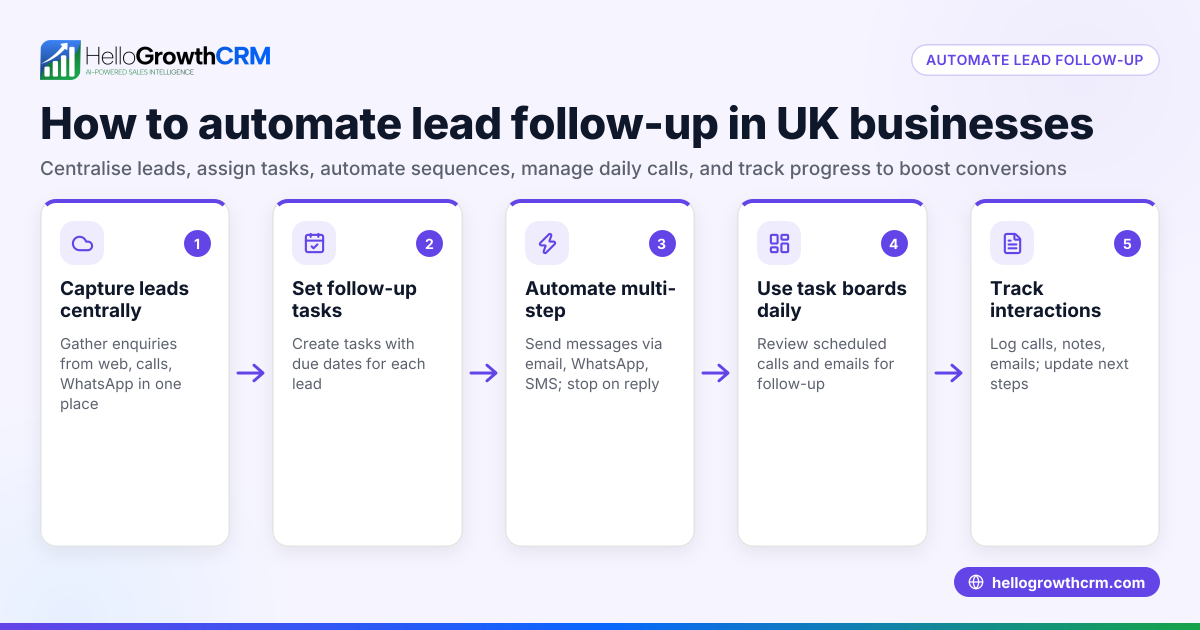
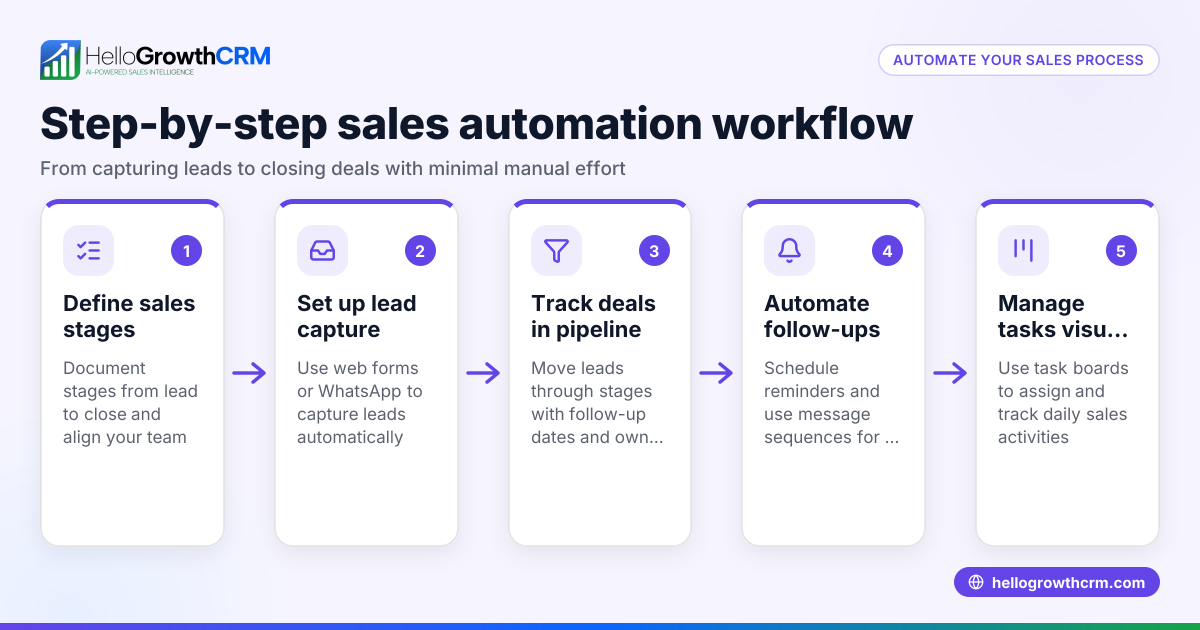
HelloGrowthCRM supports PDF document automation indirectly by automating the sales communication that triggers document generation and follow-up. Its Sequences and campaigns feature runs a five-step follow-up over two weeks that stops once the prospect replies, ensuring timely engagement after a PDF document like a quote or contract is sent. AI agents draft follow-up messages after calls, so reps only review and send, saving time. Workflows and lead routing automate task creation and lead assignment, ensuring no PDF-related sales step is missed. Explore more about HelloGrowthCRM for the United States here.
Frequently asked questions
What software can I use for PDF document automation? Popular options include dedicated PDF automation tools, document generation software, or CRM platforms with PDF integration. Choose one that fits your data source and workflow needs.
Can I automate PDF creation from Excel or Google Sheets? Yes, many tools support connecting spreadsheets as data sources to populate PDF templates automatically.
How do I ensure data accuracy in automated PDFs? Map data fields carefully, test your templates thoroughly, and validate data input in your CRM or source system before automation triggers.
Is PDF automation secure for client documents? Security depends on the tool used. Look for encryption, secure storage, and controlled sharing features to protect sensitive information.
Does HelloGrowthCRM create PDF documents directly? HelloGrowthCRM focuses on automating sales communication and workflows that can trigger document generation using connected tools. Its AI agents and sequences help ensure timely follow-up after sending documents.
Key takeaways
- Automate PDF creation by linking templates to your data source and setting clear triggers.
- Test your PDF templates thoroughly to avoid errors in documents sent to clients.
- Keep templates simple and data mappings accurate to prevent formatting and data issues.
- Use automation tools to secure and streamline PDF document delivery.
- Combine PDF automation with sales workflow automation like HelloGrowthCRM’s sequences and AI agents for better lead follow-up.
Start automating your PDF documents and sales processes today. To try sales automation features that support this workflow, start on the Free Forever plan (200 leads, no credit card).
Ready to put this into practice?
Set up your pipeline, WhatsApp follow-ups, and AI lead scoring in minutes — free, no credit card.
Try HelloGrowthCRM freeGet CRM tips in your inbox
Join thousands of sales professionals who get weekly insights on CRM strategy, AI automation, and pipeline optimization.

The HelloGrowthCRM team publishes guides on CRM strategy, AI sales tools, and revenue operations for small business sales teams.