HelloGrowthCRM software
Built for real small-business sales teams
HelloGrowthCRM helps reps qualify faster, follow up on time, and close more deals—with practical automation in one place.
- AI lead scoring and pipeline visibility
- Built-in dialer, WhatsApp, and email automation
- Sales forecasting and RevOps-ready reporting
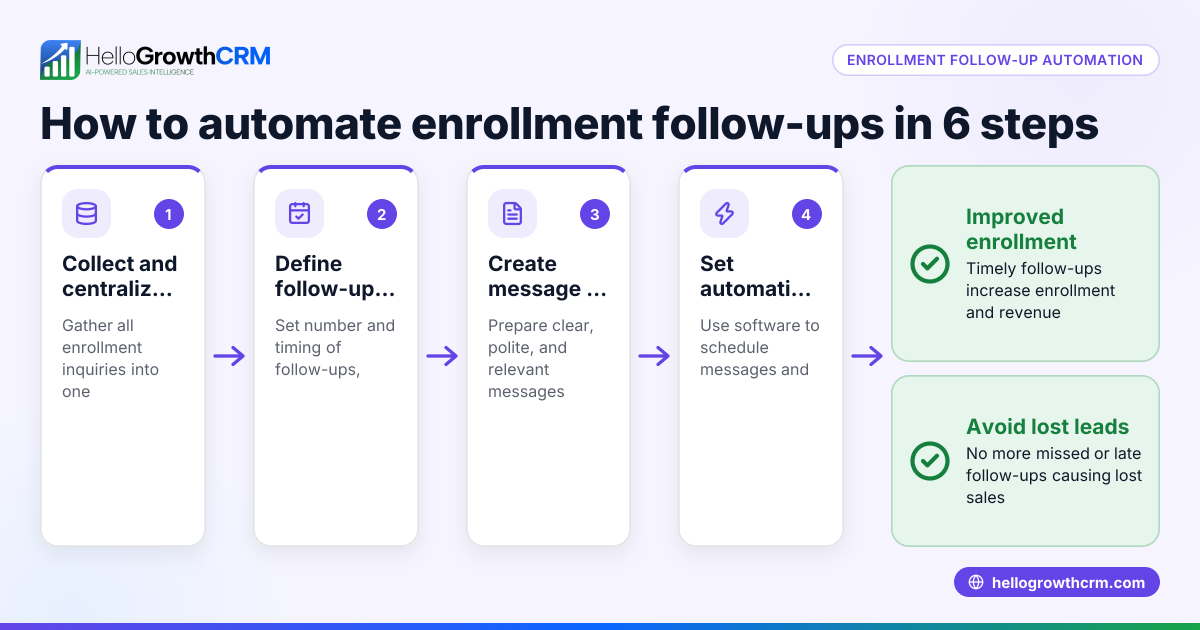
Follow-up automation solutions automate contacting leads after initial outreach, ensuring timely and consistent follow-ups without manual effort. This prevents losing leads due to slow or missed responses. This article explains why follow-up automation matters, provides step-by-step guidance to implement it, shares a Canadian business example, highlights common mistakes, and shows how HelloGrowthCRM supports this process.
Why this comes up / what goes wrong
Small-business owners in Canada often lose leads because follow-up is inconsistent or delayed. Sales teams juggling emails, texts, phone calls, and spreadsheets can forget who to contact next or when. Without a system, follow-ups rely on memory or manual tracking, which fails as the business grows or the team expands. Leads cool off quickly if no timely contact happens, resulting in lost sales opportunities and wasted marketing spend.
Step-by-step
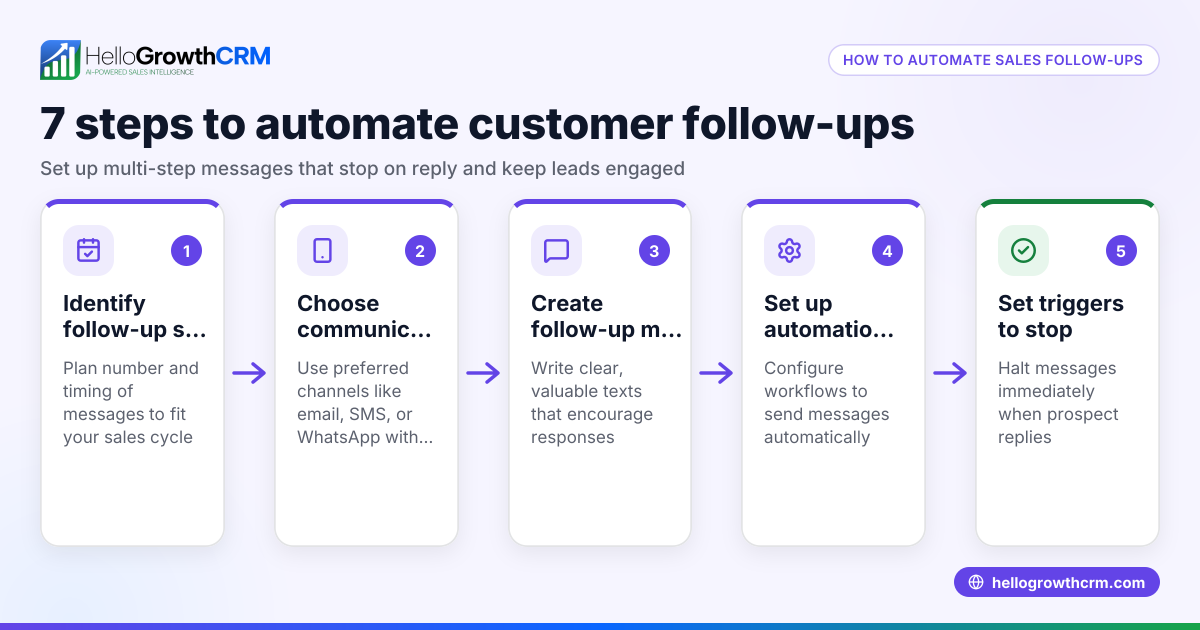
- Identify your follow-up triggers: Determine when a follow-up should happen, such as after a website form submission, a phone inquiry, or a meeting.
- Choose your communication channels: Decide which channels to use for follow-up messages—email, WhatsApp, SMS, or calls—and ensure you have the right contact details.
- Create a follow-up schedule: Plan the timing and number of follow-ups (e.g., five steps over two weeks) to stay in touch without overwhelming prospects.
- Set up automation tools: Use CRM software or automation platforms to schedule and send follow-up messages automatically, stopping when the prospect replies.
- Assign tasks and reminders: Convert each follow-up into a task with a due date for your sales team to manage calls and messages efficiently.
- Monitor and adjust: Track follow-up success rates and adjust timing, message content, or channels based on what works best.
Check that your system logs all activities and interactions for easy review and handoffs.
Example (fictional figures)
A mortgage brokerage in Mississauga, Ontario, receives 50 new leads monthly from their website form. They decide to implement a five-step follow-up sequence over two weeks via email and WhatsApp.
- Each lead is contacted within 1 day of form submission.
- Follow-ups occur on days 3, 7, 10, and 14 after the initial contact.
- They expect better lead engagement and more conversions by following up promptly.
Calculation of potential additional revenue from improved follow-up:
Number of new leads per month = 50
Current conversion rate without automation = 20% = 0.20
Average mortgage deal size = C$400,000
Estimated additional conversions depend on improved follow-up effectiveness but cannot be precisely quantified here. NEEDS EXPERT REVIEW
Even a small increase in conversion rate can significantly raise monthly revenue.
Common mistakes
- Not automating early enough: Relying on manual follow-up causes delays. Prevent by setting up automation as soon as leads enter the system.
- Over-communicating: Sending too many messages can annoy prospects. Prevent by spacing follow-ups and stopping when a reply is received.
- Ignoring channel preferences: Using only email when prospects prefer WhatsApp or SMS reduces engagement. Prevent by diversifying channels.
- No task management: Without clear tasks, reps forget calls or messages. Prevent by using task boards to assign and track follow-ups.
- Not reviewing results: Failing to monitor which follow-ups work wastes effort. Prevent by regularly analyzing response data and adjusting sequences.
Doing this in HelloGrowthCRM
HelloGrowthCRM supports follow-up automation with several practical features. Activities and task boards turn each follow-up into a task with a due date, so your team sees daily calls and messages as a list rather than relying on memory. Sequences and campaigns automate multi-step outreach across email, WhatsApp, and SMS, running a five-step follow-up over two weeks and stopping immediately when a prospect replies. AI agents (currently in beta) draft follow-up messages after calls, letting reps review and send quickly. These tools help Canadian small businesses manage leads efficiently and reduce lost opportunities. Learn more on the AI CRM and email automation and sequences pages, and see how HelloGrowthCRM is tailored for HelloGrowthCRM for Canada.
Frequently asked questions
What is follow-up automation? Follow-up automation uses software to send scheduled messages to leads after initial contact, ensuring consistent communication without manual effort. It helps sales teams stay on top of prospects and respond quickly.
How many follow-ups should I send? A common approach is five follow-ups spread over two weeks. This balances persistence with respectfulness, and automation tools can stop the sequence as soon as the prospect replies.
Which channels work best for follow-ups? Email, WhatsApp, SMS, and phone calls are common. Using multiple channels increases chances of engagement, but always respect the prospect’s preferred contact method.
Can follow-up automation replace personal sales calls? No, automation complements personal calls by handling routine messages and reminders. Sales reps still need to engage personally when prospects show interest.
How do I avoid annoying prospects with follow-up automation? Space out messages thoughtfully, limit the total number of follow-ups, and stop immediately when a prospect responds. Personalize messages where possible.
Key takeaways
- Follow-up automation ensures timely, consistent contact with leads, reducing lost sales.
- Plan your follow-up schedule and channels before automating.
- Use task boards to manage daily calls and follow-ups without relying on memory.
- Stop automated sequences as soon as a prospect replies to avoid over-contacting.
- Monitor and adjust follow-up workflows based on results.
- HelloGrowthCRM offers tools like task boards, sequences, and AI agents to simplify follow-up automation for Canadian businesses.
Start improving your lead follow-up process today. Start on the Free Forever plan (200 leads, no credit card) to try HelloGrowthCRM’s follow-up automation features.
Ready to put this into practice?
Set up your pipeline, WhatsApp follow-ups, and AI lead scoring in minutes — free, no credit card.
Try HelloGrowthCRM freeGet CRM tips in your inbox
Join thousands of sales professionals who get weekly insights on CRM strategy, AI automation, and pipeline optimization.

The HelloGrowthCRM team publishes guides on CRM strategy, AI sales tools, and revenue operations for small business sales teams.