HelloGrowthCRM software
Built for real small-business sales teams
HelloGrowthCRM helps reps qualify faster, follow up on time, and close more deals—with practical automation in one place.
- AI lead scoring and pipeline visibility
- Built-in dialer, WhatsApp, and email automation
- Sales forecasting and RevOps-ready reporting
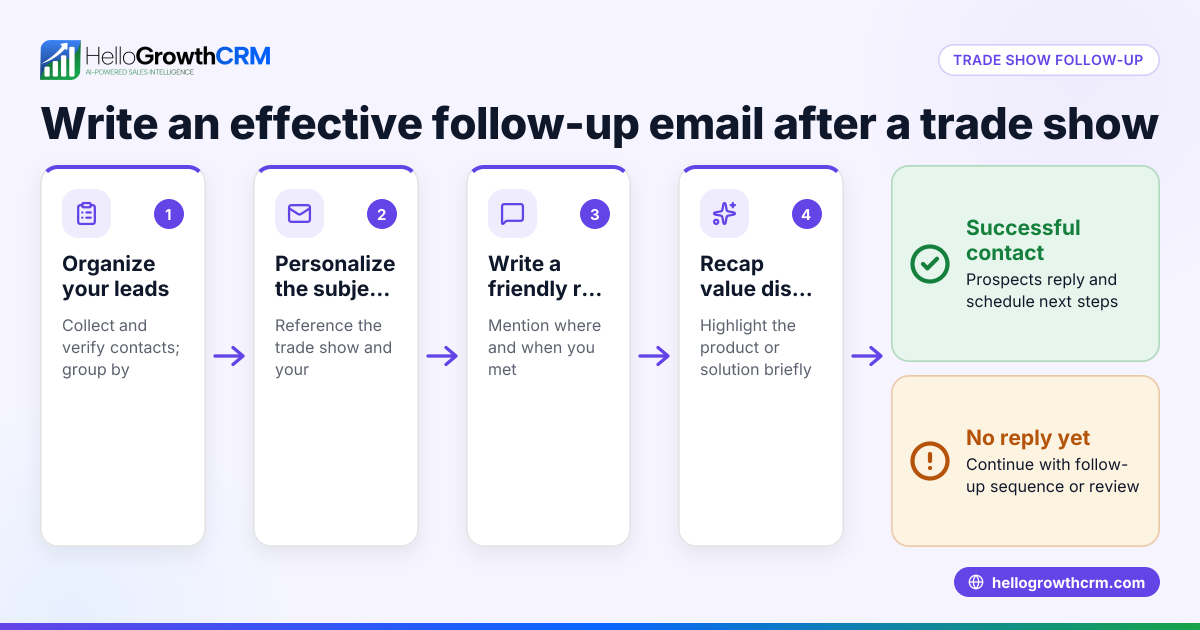
A follow up email after a phone call is a brief message sent within 24 hours to recap the discussion, confirm next steps, and keep the prospect engaged. It should be clear, polite, and focused on what was agreed. This article explains why follow-up emails matter, provides step-by-step instructions, a detailed example with USD figures, common mistakes, and how HelloGrowthCRM can help automate the process.
Why this comes up / what goes wrong
Small-business owners and sales teams often rely on phone calls to connect with leads, but without a follow up email, key details can be forgotten and momentum lost. After a call, prospects may not remember important points or agreed next steps. Without a written follow-up, leads can go cold or move to competitors. Many small-business owners struggle to write timely, effective follow-up emails because they lack a clear process or are overwhelmed managing leads manually across text messages, email, and spreadsheets.
Step-by-step
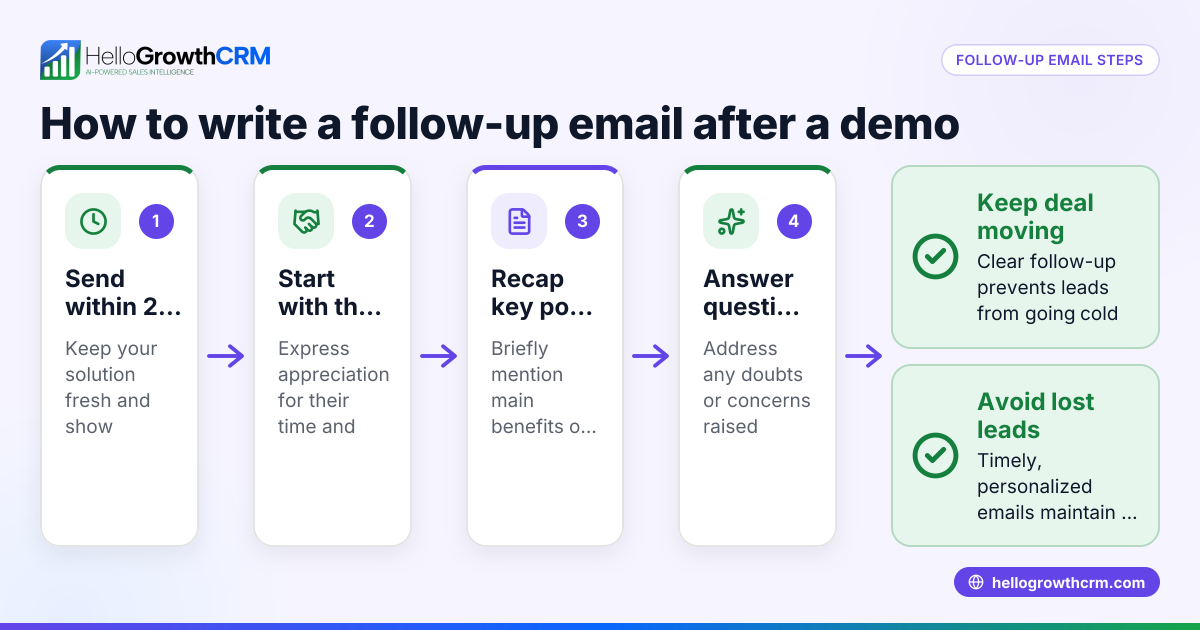
- Send the email within 24 hours of the call. This keeps your conversation fresh and shows professionalism.
- Start with a thank you. Express appreciation for the prospect’s time and attention.
- Summarize key points discussed. Briefly recap main topics or pain points mentioned to show you listened.
- Confirm agreed next steps. Clearly state what you or the prospect will do next, including any deadlines or meetings.
- Include your contact information. Make it easy for the prospect to reply or ask questions.
- Keep it concise and focused. Aim for 3-5 short paragraphs that are easy to scan.
- Use a clear subject line. For example, "Follow up on our call about [topic]".
- Proofread before sending. Check spelling, grammar, and clarity.
To stay organized, use sales task boards to track each follow-up as a task with a due date. This prevents missed emails and keeps your sales process smooth.
Example (fictional figures)
Consider a residential real-estate team in Phoenix, Arizona, that calls a potential home seller on 06/10/2026. The call lasts 20 minutes, during which they discuss the local market and the prospect’s timeline to sell.
They agree the real-estate team will send a market analysis report and schedule a property visit.
The follow-up email sent on 06/11/2026 reads:
"Subject: Follow up on our call about your property at 123 Main St"
"Hi Jane,
Thank you for speaking with me yesterday about selling your home. As discussed, I’ve attached the market analysis report for your neighborhood, showing recent sales averaging $450,000 per property.
Next, I will call you on 06/15/2026 to schedule a property visit at your convenience.
Please let me know if you have any questions.
Best, John"
The market analysis report includes these figures:
- Average recent sale price in the area: $450,000
- Estimated home value based on condition: $460,000
- Suggested listing price: $455,000
Calculation example:
$450,000 (average price) + $10,000 (premium for condition) = $460,000 (estimated value)
$460,000 - $5,000 (competitive pricing adjustment) = $455,000 (suggested listing price)
This email confirms the call outcome and sets clear next steps to keep the lead engaged.
Common mistakes
- Waiting too long to send the email. Prevent this by setting reminders or using activities and task boards to schedule timely follow-ups.
- Writing overly long emails. Keep your message concise to respect the prospect’s time.
- Not confirming next steps. Always clearly state what happens next to avoid confusion.
- Sending generic or vague messages. Personalize by referencing specific call details.
- Failing to proofread. Check spelling and grammar to maintain professionalism.
- Relying on memory to track follow-ups. Use a CRM or task management tool to stay organized.
Doing this in HelloGrowthCRM
HelloGrowthCRM helps automate and organize your follow-up emails with Sequences and campaigns: a five-step follow-up over two weeks runs automatically and stops as soon as the prospect replies. Each follow-up becomes a task with a due date in Activities and task boards, so the day's calls and emails are a clear list, not a memory test. The built-in dialer lets your telecaller work a call list from inside the CRM, logging outcomes on each lead. Learn more about email automation and sequences, sales task boards, and the built-in CRM dialer.
Frequently asked questions
How soon should I send a follow up email after a phone call? Send it within 24 hours to keep the conversation fresh and show professionalism.
What should I include in a follow up email? Include a thank you, a brief recap of the call, confirmed next steps, and your contact information.
Can I automate follow up emails? Yes, HelloGrowthCRM offers automated sequences that send timed follow-ups until the prospect replies.
What if the prospect doesn’t respond to my follow up email? Try a polite second follow-up or consider calling again. Automation can help schedule these attempts.
Should I use the same email template for every follow up? No, personalize each email based on the call details to build rapport and show you listened.
Key takeaways
- Send your follow up email within 24 hours of the call.
- Keep the email concise, polite, and focused on next steps.
- Use task boards or CRM tools to track follow-up tasks and deadlines.
- Personalize emails by referencing specific call points.
- Automate follow-up sequences to save time and ensure consistency.
- Proofread emails to maintain professionalism.
Start managing your follow-ups better with HelloGrowthCRM. Start on the Free Forever plan (200 leads, no credit card) to organize calls, emails, and tasks in one place.
Ready to put this into practice?
Set up your pipeline, WhatsApp follow-ups, and AI lead scoring in minutes — free, no credit card.
Try HelloGrowthCRM freeGet CRM tips in your inbox
Join thousands of sales professionals who get weekly insights on CRM strategy, AI automation, and pipeline optimization.

The HelloGrowthCRM team publishes guides on CRM strategy, AI sales tools, and revenue operations for small business sales teams.