HelloGrowthCRM software
Built for real small-business sales teams
HelloGrowthCRM helps reps qualify faster, follow up on time, and close more deals—with practical automation in one place.
- AI lead scoring and pipeline visibility
- Built-in dialer, WhatsApp, and email automation
- Sales forecasting and RevOps-ready reporting
Follow up notes are written records created after contacting a lead or customer to summarize what was discussed, any commitments made, and the next steps to take. They serve as reminders to keep your sales process on track and ensure timely follow-up. This article covers why follow up notes are important for small businesses, how to write them effectively, a worked example, common mistakes to avoid, and how HelloGrowthCRM can make follow-up easier.
Why this comes up / what goes wrong
Small business owners and sales teams often struggle to keep track of conversations with leads and customers. Without clear follow up notes, important details get forgotten, next steps are missed, and leads can slip through the cracks. This is especially true when sales happen over phone calls, text messages, or emails without a centralized system. The result is lost opportunities and slower sales cycles.
Follow up notes solve this by capturing key information immediately after each interaction, making sure the sales team remembers what to do next. They also provide a history of communication that anyone on the team can review.
Step-by-step
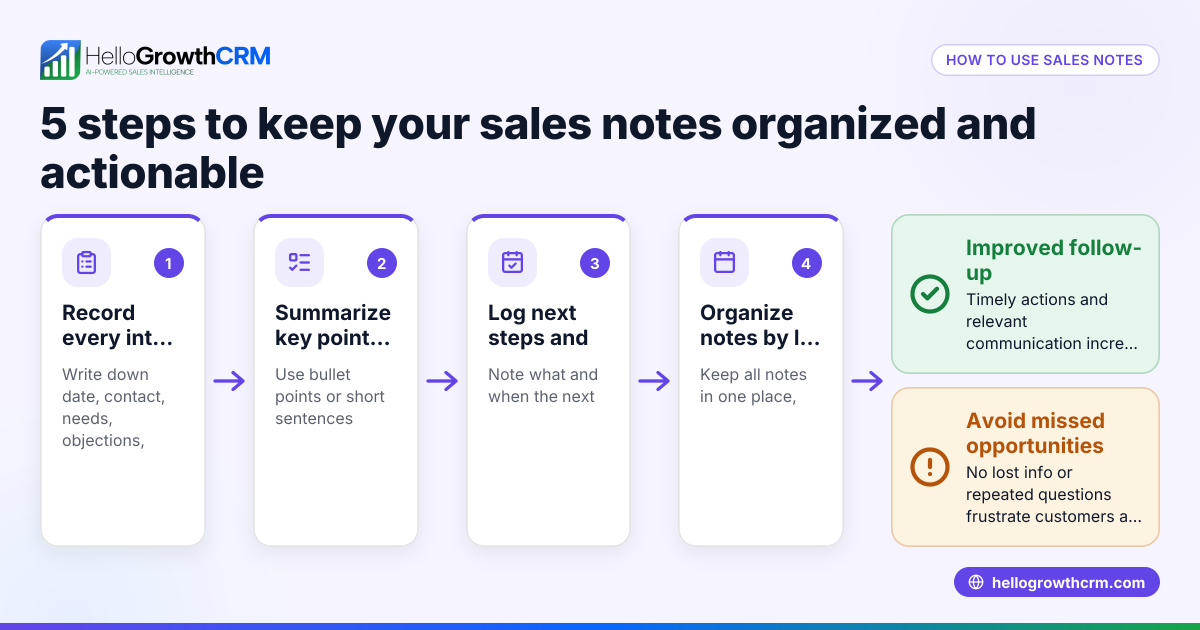
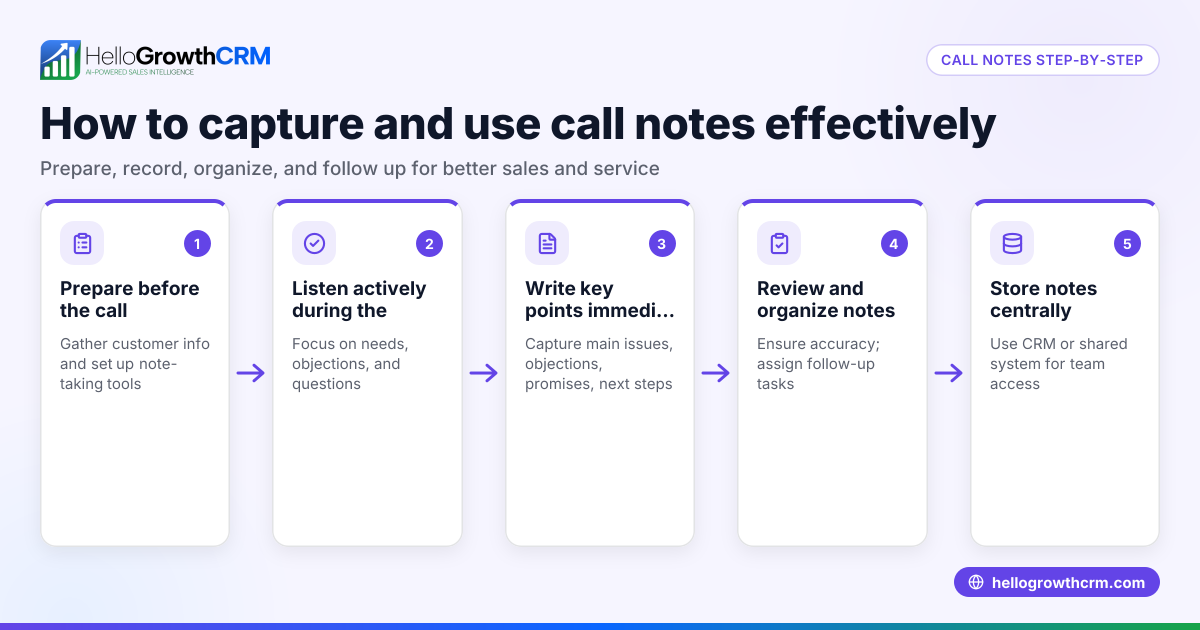
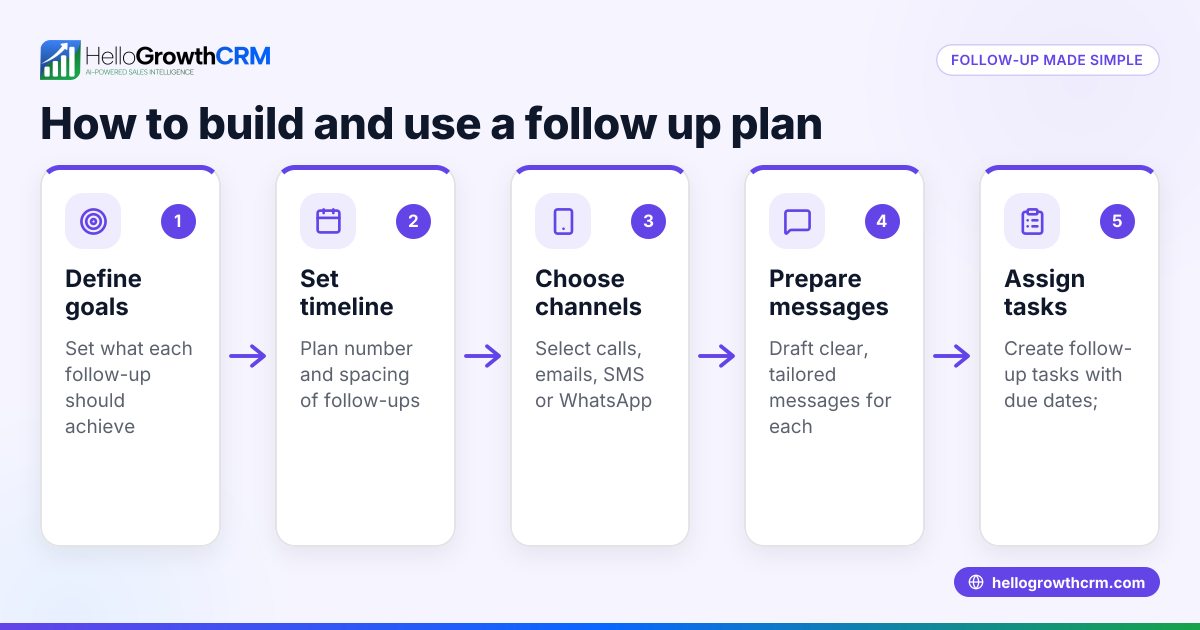
- Write notes immediately after the interaction. Capture key points while they are fresh: what the lead said, questions asked, objections, and any promises you made.
- Summarize the main outcomes. Clearly state what was agreed on or decided, such as sending a proposal or scheduling another call.
- Specify the next steps with deadlines. Write down exactly what you or the lead will do next and by when.
- Record contact details and context. Include the lead’s name, company, contact info, and the date of the interaction.
- Organize notes in one place. Use a CRM or a centralized system so all team members can access the information easily.
- Set reminders or tasks for follow-up actions. Make sure you don’t rely on memory by creating actionable tasks with due dates.
- Review and update notes as needed. After each follow-up, add new information and mark completed tasks.
For managing these tasks efficiently, consider using sales task boards to keep follow-ups visible and organized.
Example (fictional figures)
A two-location dental practice in Columbus, Ohio, called SmileBright, spoke with a potential corporate client on 04/10/2026. The lead requested a pricing quote for employee dental plans.
- Interaction date: 04/10/2026
- Lead: John Smith, HR Manager at TechCorp
- Key points: Interested in plans for 50 employees, asked about coverage details
- Next step: Send pricing proposal by 04/15/2026
Follow up note: "Called John Smith at TechCorp on 04/10/2026. Discussed employee dental plan options for 50 employees. John requested detailed pricing and coverage info. Will email proposal by 04/15/2026. John’s email: jsmith@techcorp.com."
Task created: "Email pricing proposal to John Smith by 04/15/2026."
This clear note helps the dental practice remember the lead’s request and ensures timely follow-up.
Common mistakes
- Waiting too long to write notes. Prevent this by writing notes immediately after each call or meeting.
- Being too vague or brief. Include enough detail to understand the context without needing to recall the conversation.
- Not specifying next steps or deadlines. Always state what happens next and by when to avoid delays.
- Scattering notes across email, text, and spreadsheets. Use a centralized system or CRM to keep all follow-up notes in one place.
- Failing to set reminders or tasks for follow-up. Use task boards or reminders to avoid forgetting.
- Not updating notes after follow-ups. Keep notes current to track progress and avoid confusion.
Using email automation and sequences can help automate follow-ups and reduce manual errors.
Doing this in HelloGrowthCRM
HelloGrowthCRM supports follow up notes with several features:
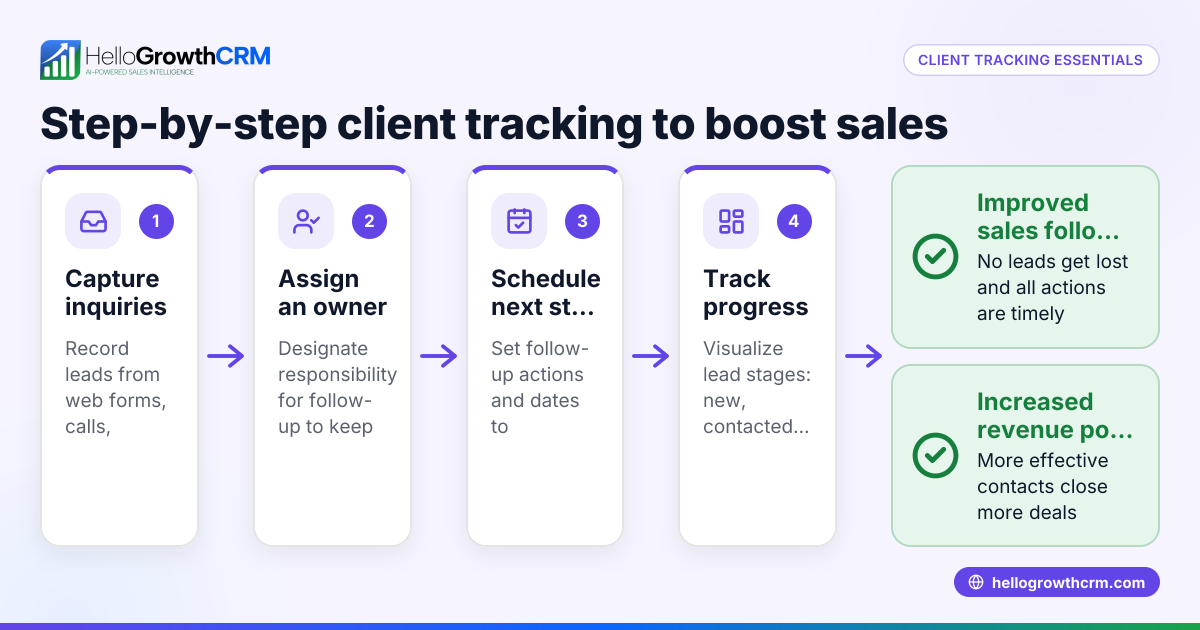
- Activities and task boards: Each follow-up becomes a task with a due date, so your day’s calls and actions appear as a clear list rather than relying on memory. You can log calls, meetings, and notes tied to every lead.
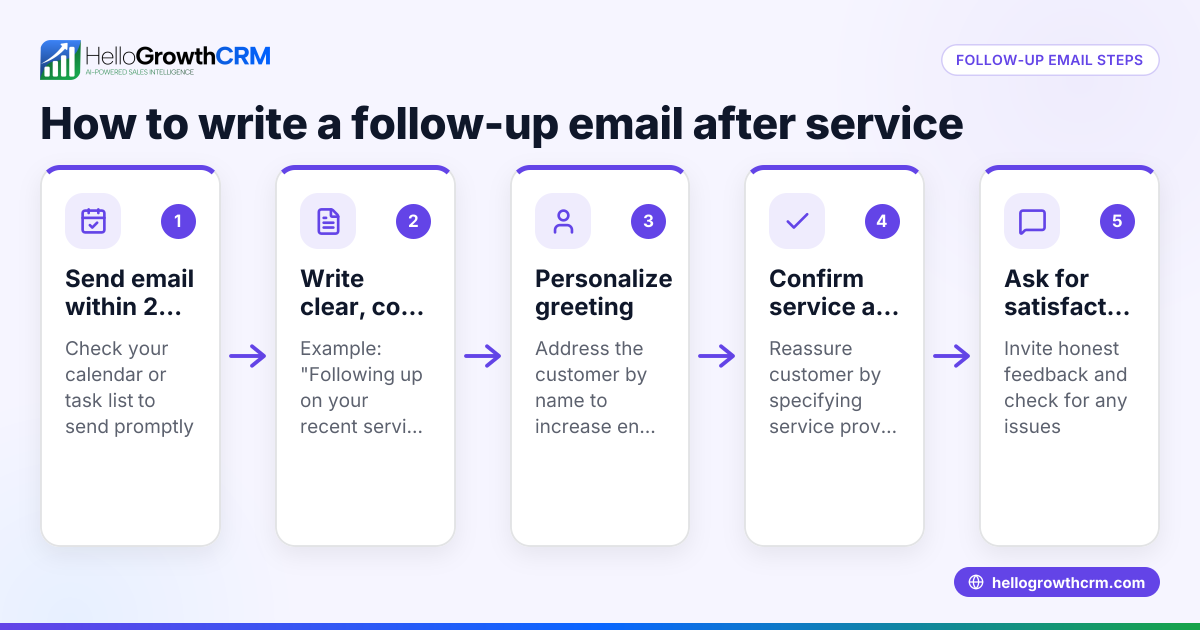
- Sequences and campaigns: You can set up automated five-step follow-up sequences over two weeks that run on their own and stop as soon as the prospect replies.
- AI agents: In beta, AI agents draft follow-up messages after calls, so sales reps only need to review and send them.
Learn more about HelloGrowthCRM for the United States and how it helps small businesses stay on top of follow-ups.
Frequently asked questions
What should I include in follow up notes? Include the date, lead’s name and contact info, summary of the conversation, key points discussed, any commitments made, and clear next steps with deadlines.
How soon should I write follow up notes? Write them immediately after each interaction while details are fresh. Delays increase the chance of forgetting important information.
Can I automate follow up notes? You can automate reminders and follow-up messages using CRM sequences. Some CRMs, like HelloGrowthCRM, also offer AI agents to draft follow-ups.
Why are follow up notes important for small businesses? They prevent lost leads and slow follow-up by keeping all communication history and next steps visible to the team, improving sales consistency.
How do I keep follow up notes organized? Use a CRM or a centralized system with task boards to keep notes and follow-up tasks accessible to all team members.
Key takeaways
- Follow up notes capture key details and next steps immediately after each interaction.
- Clear notes prevent lost leads and missed deadlines in small businesses.
- Use a centralized system or CRM to organize and share follow-up notes.
- Set tasks with due dates to ensure timely follow-up.
- Avoid common mistakes like vague notes or delayed entry.
- HelloGrowthCRM offers task boards, automated sequences, and AI agents to streamline follow-up.
Start managing your follow-up notes effectively today. Start on the Free Forever plan (200 leads, no credit card) with HelloGrowthCRM.
Ready to put this into practice?
Set up your pipeline, WhatsApp follow-ups, and AI lead scoring in minutes — free, no credit card.
Try HelloGrowthCRM freeGet CRM tips in your inbox
Join thousands of sales professionals who get weekly insights on CRM strategy, AI automation, and pipeline optimization.

The HelloGrowthCRM team publishes guides on CRM strategy, AI sales tools, and revenue operations for small business sales teams.