HelloGrowthCRM software
Built for real small-business sales teams
HelloGrowthCRM helps reps qualify faster, follow up on time, and close more deals—with practical automation in one place.
- AI lead scoring and pipeline visibility
- Built-in dialer, WhatsApp, and email automation
- Sales forecasting and RevOps-ready reporting
A follow-up email after service provided is a message sent to your customer confirming the service was completed, asking if they are satisfied, and encouraging future engagement or referrals. Sending this email promptly demonstrates professionalism and care, which helps build customer loyalty and increases the chance of repeat business.
Why this comes up / what goes wrong
Small-business owners often focus all their energy on delivering the service and overlook sending a timely follow-up email. Without this follow-up, customers might feel uncertain if the job is fully done or neglected, which can harm your reputation and reduce repeat sales. Managing follow-ups manually using email, text messages, and spreadsheets is error-prone and inefficient, especially as your customer base grows. Missed or delayed follow-ups can result in lost upsell opportunities and weaker customer relationships.
Step-by-step
- Send the follow-up email within 24 to 48 hours after completing the service. Check your calendar or task list to ensure you send it promptly.
- Write a clear, concise subject line. For example: "Following up on your recent service with [Your Company Name]".
- Address the customer by name. Personalization increases engagement and shows you care.
- Confirm the specific service provided and the completion date. This reassures the customer of your professionalism.
- Politely ask if they are satisfied or if there are any issues. Invite honest feedback.
- Offer further assistance or next steps. For example, suggest scheduling maintenance, additional services, or answering questions.
- Include your contact information. Make it easy for them to reply or call.
- Close the email professionally with thanks. Show appreciation for their business.
- Proofread the email for clarity, tone, and errors. Keep the message concise and jargon-free.
- Set a reminder task to follow up again if there is no reply within a week. This keeps you organized and persistent without being pushy.
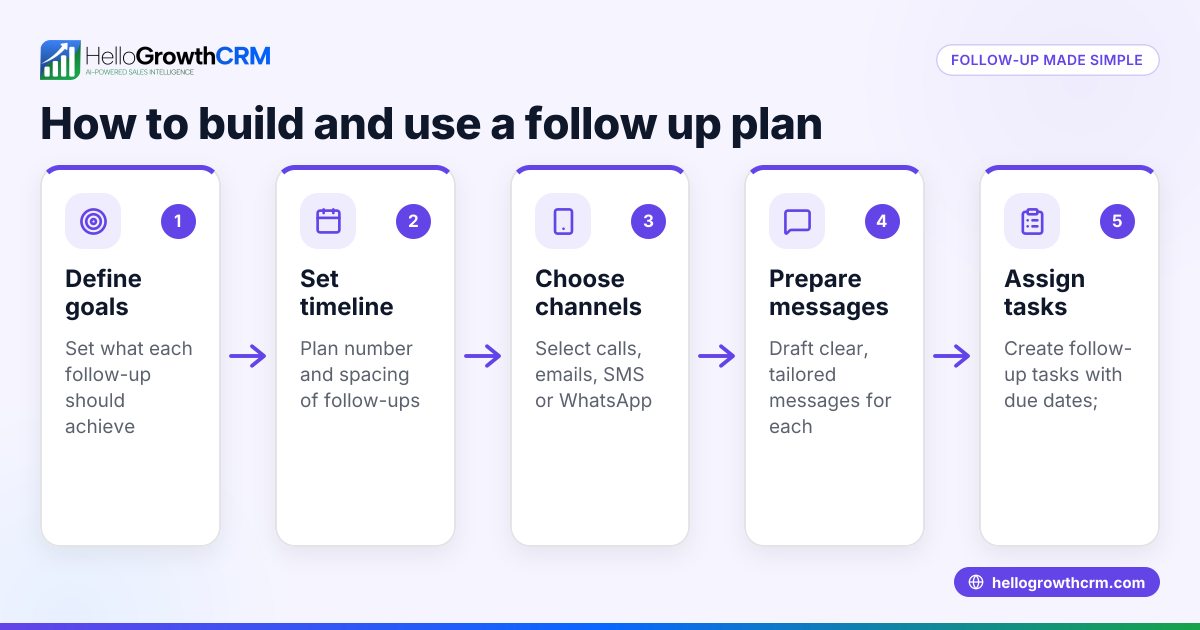
To manage multiple follow-ups efficiently, consider using email automation and sequences to run multi-step outreach automatically.
Example (fictional figures)
A B2B software reseller in Denver, Colorado completed a software installation for a client on 06/15/2026. The follow-up email is sent the next day, 06/16/2026.
Subject: Following up on your software installation on 06/15/2026
Email body: "Hi Sarah,
I wanted to confirm that your software installation was completed successfully on 06/15/2026. Please let me know if everything is working as expected or if you have any questions.
We're here to help with any training or additional setup you might need.
Thank you for choosing Tech Solutions.
Best regards, John Doe Sales Manager john.doe@techsolutions.com (303) 555-1234"
If Sarah does not reply by 06/23/2026, John sets a reminder task to call her:
06/23/2026 - Follow-up call task due
This keeps the follow-up organized and timely.
To illustrate the value of this service relationship, suppose the software installation contract was for $48,000.
John expects a 9% upsell opportunity from additional modules.
Calculation: $48,000 × 9% = $4,320
Total potential revenue: $48,000 + $4,320 = $52,320
Following up promptly helps secure this upsell by maintaining good communication.
Common mistakes
- Sending the follow-up too late. Prevent this by scheduling tasks or reminders immediately after service completion.
- Using generic, impersonal emails. Prevent this by including the customer's name and specific service details.
- Failing to request feedback or next steps. Prevent this by adding clear questions or offers for additional help.
- Not tracking replies or follow-ups. Prevent this by using tools like task boards or shared inboxes to keep organized.
- Overloading the email with too much information. Prevent this by keeping the message concise and focused on key points.
- Neglecting to proofread. Prevent this by always reviewing your email before sending.
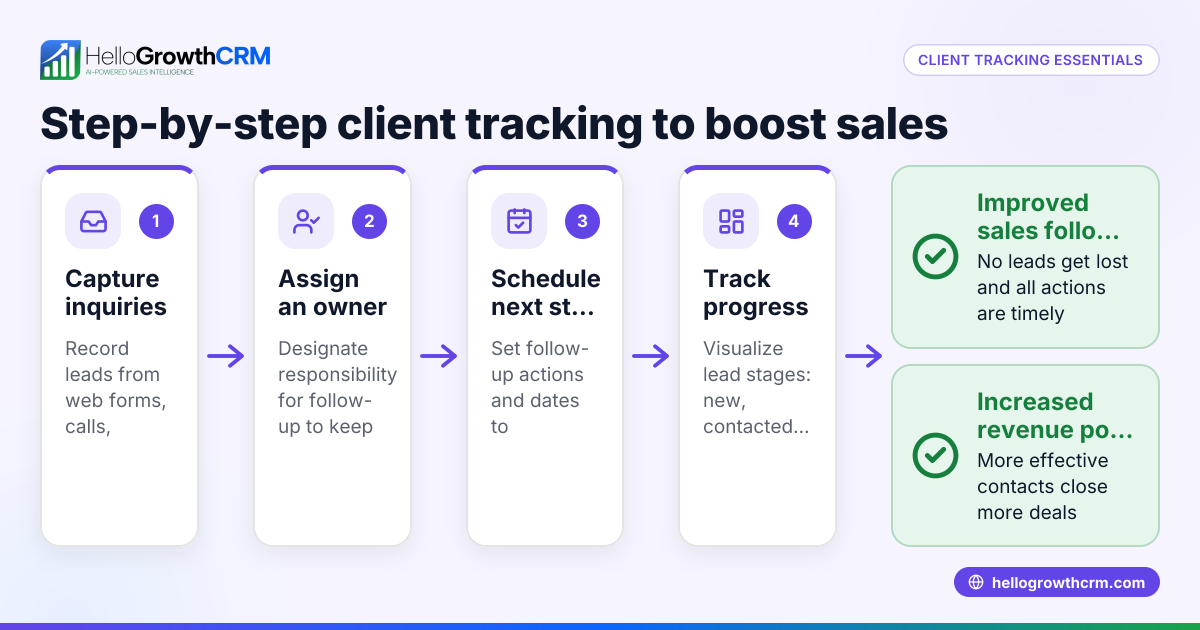
Using a CRM with activities and task boards helps avoid these mistakes by turning each follow-up into a manageable task with clear due dates.
Doing this in HelloGrowthCRM
HelloGrowthCRM helps small businesses manage follow-ups efficiently. Each follow-up becomes a task with a due date on your activity and task boards, so today's calls and emails appear as a clear list, not a memory test. The HelloMail shared inbox keeps all replies to quotation or follow-up emails visible to the whole team, avoiding missed responses. You can also set up sequences and campaigns to automate a five-step follow-up over two weeks that stops as soon as the prospect replies. Learn more about WhatsApp and SMS CRM and email automation and sequences in HelloGrowthCRM.
Frequently asked questions
How soon should I send a follow-up email after service is provided? Send it within 24 to 48 hours to confirm completion and show attentiveness.
What should I include in a follow-up email after service? Include a greeting, confirmation of service, a satisfaction check, offer of further help, and contact info.
Can I automate follow-up emails? Yes, automation tools like email sequences can send multiple follow-ups over days or weeks until the customer responds.
What if the customer doesn’t reply to my follow-up email? Schedule a reminder to call or send another message. Persistence helps but avoid spamming.
Should follow-up emails be personalized? Yes, personalization increases engagement and shows you care about the individual customer.
Key takeaways
- Send follow-up emails shortly after service completion to maintain good customer relationships.
- Personalize emails with customer name and service details.
- Ask for feedback and offer next steps or assistance.
- Use task boards or automation to track and manage follow-ups.
- Keep emails clear, concise, and polite.
- Automate multi-step follow-ups to save time and ensure consistency.
Follow these steps to improve customer relationships and increase repeat business. Start on the Free Forever plan (200 leads, no credit card) today to manage your follow-ups easily with HelloGrowthCRM.
Ready to put this into practice?
Set up your pipeline, WhatsApp follow-ups, and AI lead scoring in minutes — free, no credit card.
Try HelloGrowthCRM freeGet CRM tips in your inbox
Join thousands of sales professionals who get weekly insights on CRM strategy, AI automation, and pipeline optimization.

The HelloGrowthCRM team publishes guides on CRM strategy, AI sales tools, and revenue operations for small business sales teams.