HelloGrowthCRM software
Built for real small-business sales teams
HelloGrowthCRM helps reps qualify faster, follow up on time, and close more deals—with practical automation in one place.
- AI lead scoring and pipeline visibility
- Built-in dialer, WhatsApp, and email automation
- Sales forecasting and RevOps-ready reporting
A free CRM with Gmail integration allows your small business to organise leads, contacts, and email conversations efficiently without paying upfront. Gmail integration means your emails sync with the CRM, so you can track communication and follow-ups in one system. This article covers why small business owners search for such a CRM, a step-by-step guide to evaluate options, a practical example, common mistakes to avoid, and how HelloGrowthCRM fits this need.
Why this comes up / what goes wrong
Many small businesses in the UAE rely heavily on Gmail for communication and use spreadsheets or WhatsApp to manage sales leads. This creates problems like lost leads, slow follow-up, and disorganised contact data. Owners search for a free CRM with Gmail integration to centralise emails and sales activities without upfront costs. However, free CRMs vary in features and Gmail syncing quality, so owners must carefully evaluate options to avoid switching costs or missing critical sales steps.
Step-by-step
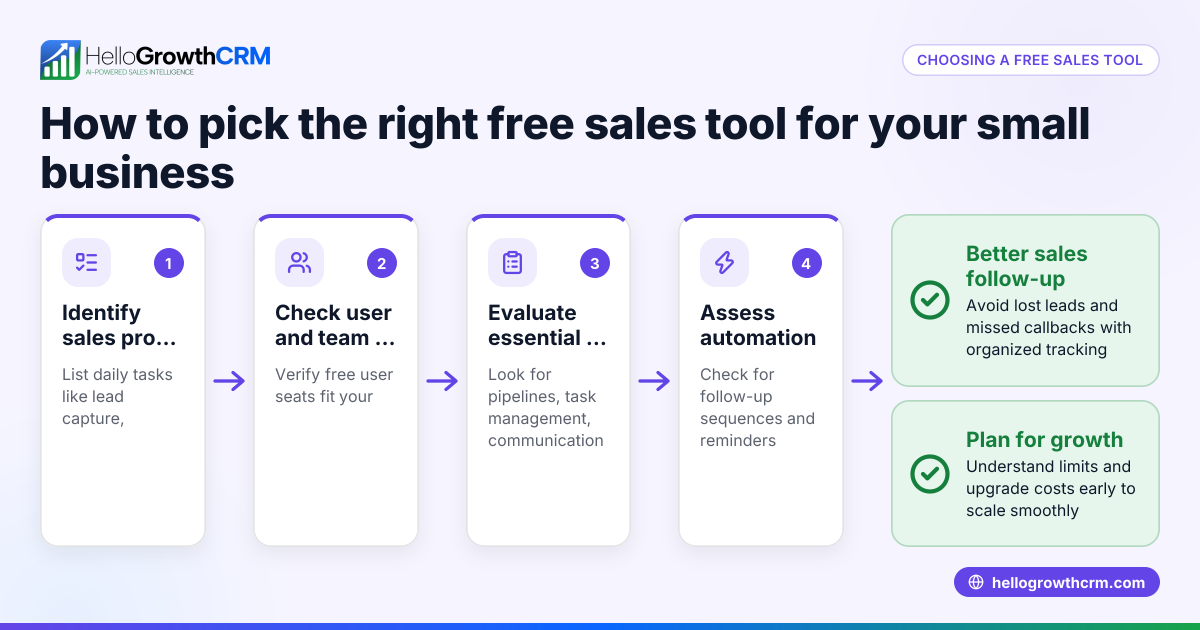
- List your must-have features: Besides Gmail integration, decide if you need pipeline management, task boards, email templates, or mobile messaging. Check if the CRM supports your team size and sales process.
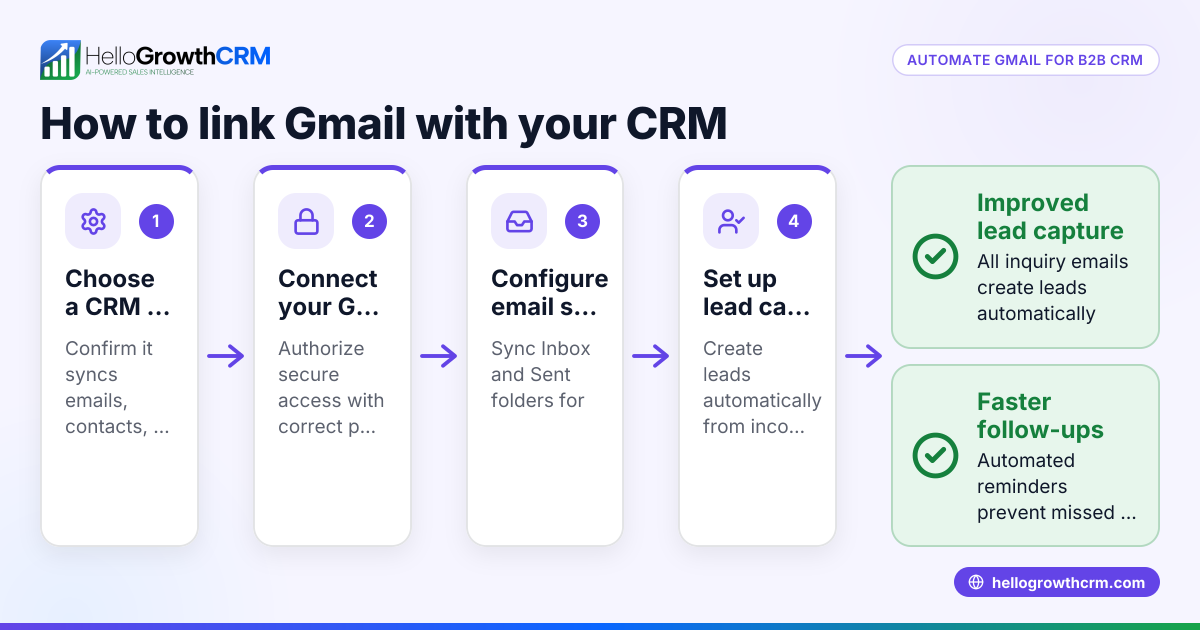
- Check Gmail integration type: Confirm if the CRM syncs emails automatically or requires manual upload. Look for two-way sync so replies update in both Gmail and CRM.
- Evaluate free plan limits: Understand lead, contact, and email volume limits on the free plan. See if adding users or features requires paid upgrades.
- Test user experience: Try the CRM interface with your Gmail account. See if it’s easy for your sales team to use daily without extra training.
- Review integration with other tools: If you use platforms like IndiaMART or JustDial, check if the CRM can import leads from these sources. This helps avoid manual data entry.
- Consider future needs: Look for CRMs that offer paid plans with calling, WhatsApp automation, or advanced reporting if your business grows.
- Check data security and compliance: Make sure the CRM provider complies with UAE data protection standards and offers secure Gmail integration.
Example (fictional figures)
A dental clinic in Jumeirah, Dubai, wants a free CRM with Gmail integration to organise patient inquiries and appointment follow-ups.
- The clinic receives 150 inquiries monthly via Gmail.
- They want to track each inquiry as a lead in the CRM.
- The free CRM plan allows up to 200 leads.
- The clinic uses Gmail daily and wants emails logged automatically.
Steps:
- Sign up for the free CRM plan.
- Connect the clinic’s Gmail account.
- Import existing contacts and leads.
- Set up pipeline stages: New Inquiry, Contacted, Appointment Booked, Follow-up.
- Use email templates to reply faster.
Calculations: 150 leads per month < 200 leads free limit, so the free plan suffices.
This setup saves time and reduces missed follow-ups, helping the clinic convert more inquiries into patients.
Common mistakes
- Choosing a CRM without true Gmail sync: Prevent by testing email syncing thoroughly before committing.
- Ignoring free plan limits: Prevent by reviewing lead and user limits to avoid unexpected costs.
- Overlooking team usability: Prevent by involving sales staff in testing to ensure adoption.
- Not checking integration with other lead sources: Prevent by confirming if your enquiry platforms integrate, avoiding manual data entry.
- Underestimating future needs: Prevent by selecting a CRM that scales with paid features like calling or WhatsApp.
- Neglecting data security: Prevent by verifying the CRM’s compliance with local data protection laws.
Doing this in HelloGrowthCRM
HelloGrowthCRM offers a Free Forever plan ideal for small UAE businesses starting with CRM. Two-person teams can manage pipelines at no cost until they require calling or WhatsApp automation. It supports API and integrations, allowing enquiries from IndiaMART and JustDial to arrive automatically as leads. While WhatsApp and SMS messaging are on paid plans, email templates and scheduling are available on the free plan. This makes HelloGrowthCRM a practical choice for businesses wanting to combine Gmail email management with pipeline organisation. Learn more about HelloGrowthCRM’s Free Forever plan and integrations.
Frequently asked questions
What is Gmail integration in a CRM? Gmail integration means the CRM connects with your Gmail account to sync emails and contacts. This allows you to track email conversations with leads inside the CRM, improving follow-up and record-keeping.
Are free CRMs with Gmail integration reliable for small businesses? Many free CRMs offer solid Gmail syncing, but they often have limits on leads, users, or features. Test the CRM’s Gmail integration and check limits to ensure it fits your business size and sales process.
Can I use HelloGrowthCRM with Gmail? HelloGrowthCRM supports email templates and scheduling on its Free Forever plan, helping you manage emails alongside your pipeline. While it does not have direct Gmail sync, it integrates with other lead sources and logs communication effectively.
How do I choose between a free CRM and paid plans? Start with a free plan to test basic features and Gmail integration. Upgrade when you need calling, WhatsApp automation, or more advanced integrations. Consider team size and sales volume when deciding.
Does HelloGrowthCRM integrate with other platforms? Yes, HelloGrowthCRM integrates with platforms like IndiaMART and JustDial, allowing enquiries to flow directly into the CRM as leads. See integrations for details.
Key takeaways
- A free CRM with Gmail integration centralises emails and sales leads without upfront cost.
- Check integration type, free plan limits, and user experience before choosing.
- Avoid common mistakes by testing email sync, reviewing limits, and involving your team.
- HelloGrowthCRM offers a Free Forever plan for small teams with email templates and pipeline management.
- Integrations with IndiaMART and JustDial help automate lead capture.
- Plan for future growth by selecting a CRM with upgrade options.
Start organising your sales and emails today with HelloGrowthCRM’s Free Forever plan, designed for UAE small businesses to manage up to 200 leads without a credit card.
Ready to put this into practice?
Set up your pipeline, WhatsApp follow-ups, and AI lead scoring in minutes — free, no credit card.
Try HelloGrowthCRM freeGet CRM tips in your inbox
Join thousands of sales professionals who get weekly insights on CRM strategy, AI automation, and pipeline optimization.

The HelloGrowthCRM team publishes guides on CRM strategy, AI sales tools, and revenue operations for small business sales teams.