HelloGrowthCRM software
Built for real small-business sales teams
HelloGrowthCRM helps reps qualify faster, follow up on time, and close more deals—with practical automation in one place.
- AI lead scoring and pipeline visibility
- Built-in dialer, WhatsApp, and email automation
- Sales forecasting and RevOps-ready reporting
Automating Gmail with a B2B CRM means linking your Gmail account so that emails, contacts, and lead information flow automatically into your CRM. This helps your sales team avoid manual data entry, respond faster to leads, and track conversations in one place.
Why this comes up / what goes wrong
Small-business owners in India often use Gmail for communication but struggle to manage leads and follow-ups manually. Without automation, emails may be missed or leads lost due to slow response times. Teams relying on spreadsheets or WhatsApp alongside Gmail find it hard to keep data synchronized, causing inefficiency and lost sales. Automating Gmail with a CRM consolidates communication and lead tracking, reducing errors and improving sales velocity.
Step-by-step
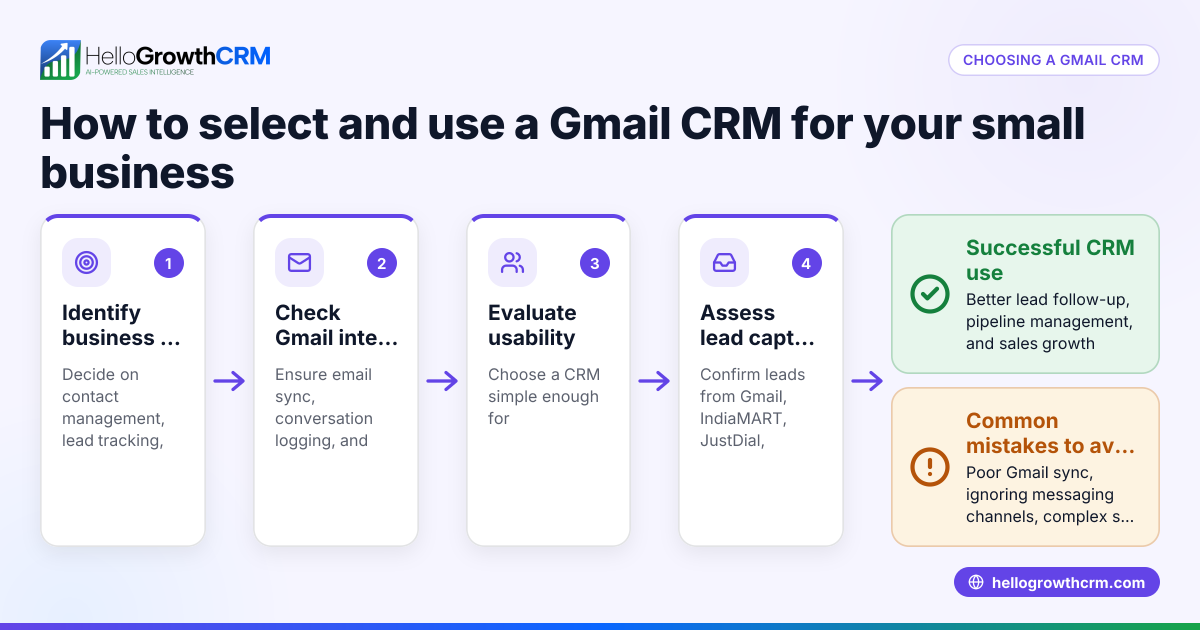
- Choose a CRM that integrates with Gmail: Confirm the CRM supports Gmail integration either natively or via third-party connectors. Check that it can sync emails, contacts, and calendar events.
- Connect your Gmail account: Authorize the CRM to access your Gmail account securely. Make sure permissions include reading and sending emails, managing contacts, and calendar access if needed.
- Configure email syncing rules: Select which folders or labels to sync. For B2B sales, syncing Inbox and Sent folders is essential to capture all communications.
- Set up lead capture automation: Enable automatic creation of leads or contacts in the CRM when emails arrive from prospects or customers.
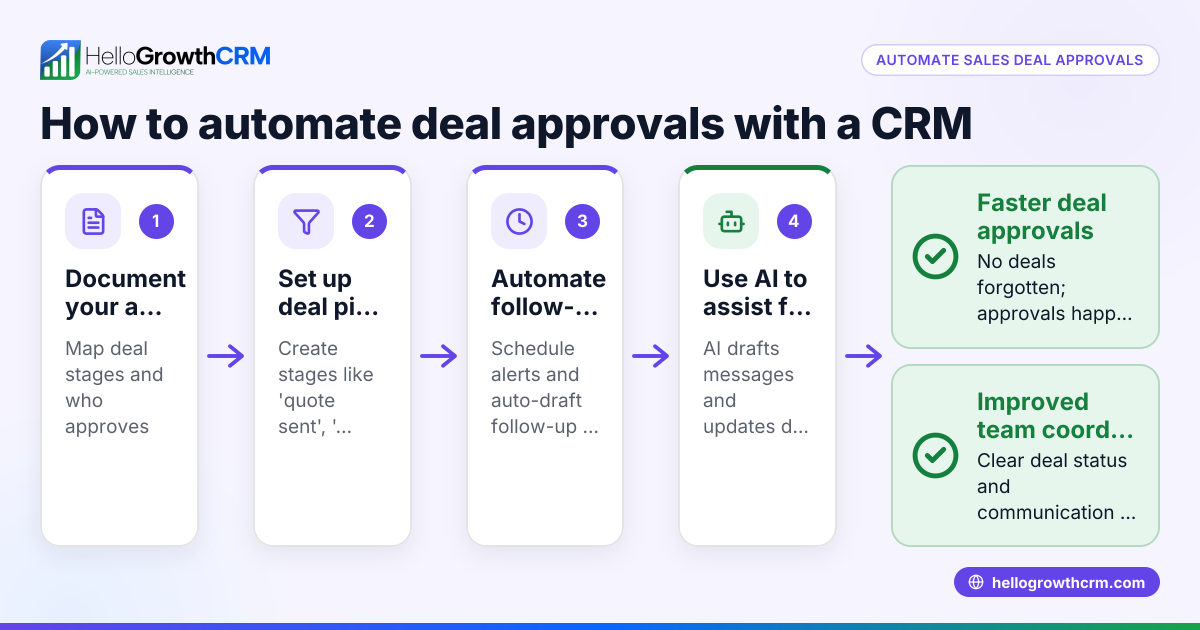
- Enable follow-up reminders and task automation: Configure the CRM to create follow-up tasks or reminders based on email activity to prevent leads from going cold.
- Test the integration: Send test emails to verify that communications appear correctly in the CRM lead records and that follow-up tasks trigger as expected.
- Train your team: Ensure sales reps understand how to use the integrated system for emailing, logging conversations, and managing tasks.
- Monitor and optimize: Regularly review email sync logs and CRM activity to fix any syncing issues and improve workflows.
Consider a CRM that supports multiple communication channels including WhatsApp and SMS, which are popular in India. Learn more about WhatsApp and SMS CRM features at WhatsApp and SMS CRM.
Example (fictional figures)
An Indian B2B manufacturing business receives 50 new inquiry emails monthly via Gmail. Without automation, some leads are missed or entered late, causing slower follow-up.
By automating Gmail with a CRM, all 50 emails create leads automatically.
- Monthly leads captured = 50
- Average deal value = ₹1,00,000
- Conversion rate before automation = 10% (5 deals)
- Conversion rate after automation = 15% (8 deals)
Additional deals due to automation = 8 - 5 = 3
Additional monthly revenue = 3 × ₹1,00,000 = ₹3,00,000
This shows how automating Gmail to CRM can increase leads captured and improve revenue by reducing manual errors and enabling faster follow-ups.
Common mistakes
- Not verifying Gmail permissions properly: Without correct permissions, email syncing can fail. Always check access scopes during setup.
- Syncing too many folders: Syncing irrelevant folders clutters the CRM and wastes storage. Limit syncing to Inbox and Sent for sales.
- Ignoring data privacy and security: Ensure the CRM complies with data protection norms and that Gmail data is securely handled.
- Failing to train the team: Automation only helps if the sales team uses the system correctly. Provide training and documentation.
- Overlooking multi-channel communication: Relying solely on Gmail ignores leads who respond better on WhatsApp or SMS. Use CRMs with multi-channel support like those with a built-in CRM dialer.
- Not monitoring integration health: Regularly check syncing status and error logs to prevent data loss.
Doing this in HelloGrowthCRM
HelloGrowthCRM supports Indian SMB sales teams by logging WhatsApp conversations on lead records and enabling follow-ups via WhatsApp and SMS messages. Its AI agents draft follow-up messages after calls so sales reps only review and send, saving time. The Free Forever plan lets a two-person team manage their pipeline at no cost until they require calling or WhatsApp automation. Learn more about HelloGrowthCRM’s WhatsApp and SMS CRM and AI features at HelloGrowthCRM for India.
Frequently asked questions
Can I fully automate Gmail emails into my CRM? Yes, many CRMs offer Gmail integration that automatically syncs emails and contacts. Full automation depends on correct setup and permissions.
Is Gmail automation secure for my business data? Security depends on the CRM provider’s compliance with data protection standards and how permissions are granted. Choose reputable CRMs and review their privacy policies.
Can I automate follow-ups from Gmail emails? Yes, CRMs can create follow-up tasks or send automated email sequences triggered by incoming Gmail messages.
Do I need coding skills to automate Gmail with a CRM? Most CRMs provide user-friendly interfaces and guides to connect Gmail without coding. Some advanced workflows may require technical setup.
How does HelloGrowthCRM help with sales automation? It logs WhatsApp conversations, enables AI-assisted follow-ups, and supports messaging workflows on popular channels, improving team efficiency.
Key takeaways
- Automate Gmail with a B2B CRM to reduce manual data entry and speed up lead follow-up.
- Proper setup includes connecting Gmail, syncing relevant folders, and enabling task automation.
- Avoid common mistakes like incorrect permissions and neglecting multi-channel communication.
- Use CRMs that support WhatsApp and SMS alongside email for better lead engagement.
- Teams can start free on HelloGrowthCRM’s Free Forever plan to manage leads before scaling automation.
Start automating your Gmail leads and sales follow-up today. Start on the Free Forever plan (200 leads, no credit card).
Ready to put this into practice?
Set up your pipeline, WhatsApp follow-ups, and AI lead scoring in minutes — free, no credit card.
Try HelloGrowthCRM freeGet CRM tips in your inbox
Join thousands of sales professionals who get weekly insights on CRM strategy, AI automation, and pipeline optimization.

The HelloGrowthCRM team publishes guides on CRM strategy, AI sales tools, and revenue operations for small business sales teams.