HelloGrowthCRM software
Built for real small-business sales teams
HelloGrowthCRM helps reps qualify faster, follow up on time, and close more deals—with practical automation in one place.
- AI lead scoring and pipeline visibility
- Built-in dialer, WhatsApp, and email automation
- Sales forecasting and RevOps-ready reporting
Handling email sales objections means responding clearly and promptly to concerns prospects raise in email conversations. You address doubts, clarify benefits, and keep the dialogue moving toward a sale. This article covers why objections happen, step-by-step ways to respond, a practical example, common mistakes to avoid, and how HelloGrowthCRM can help manage this process.
Why this comes up / what goes wrong
Small-business owners often send quotation emails or sales proposals and then wait for a reply. When prospects raise objections by email, it can slow or stall the sale. Common objections include price concerns, timing issues, or requests for more information. Without a clear plan to handle these objections by email, follow-ups can be missed or replies delayed, causing lost leads. Managing objections over email is tricky because tone and urgency can be hard to convey, and messages can get lost in busy inboxes or spreadsheets.
Step-by-step
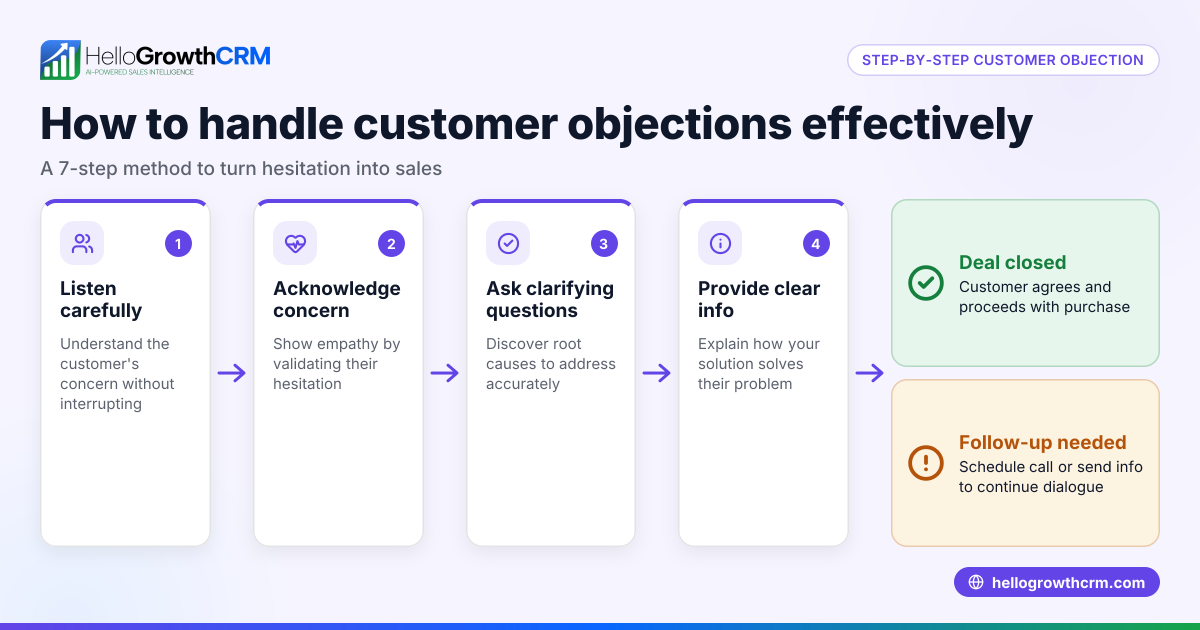
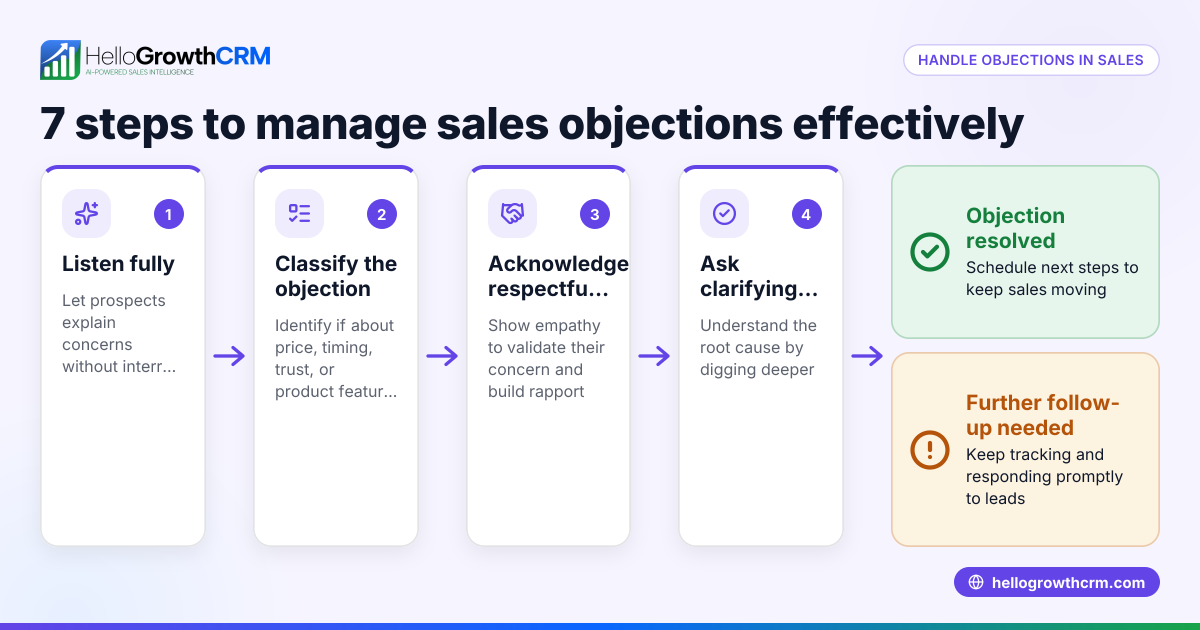
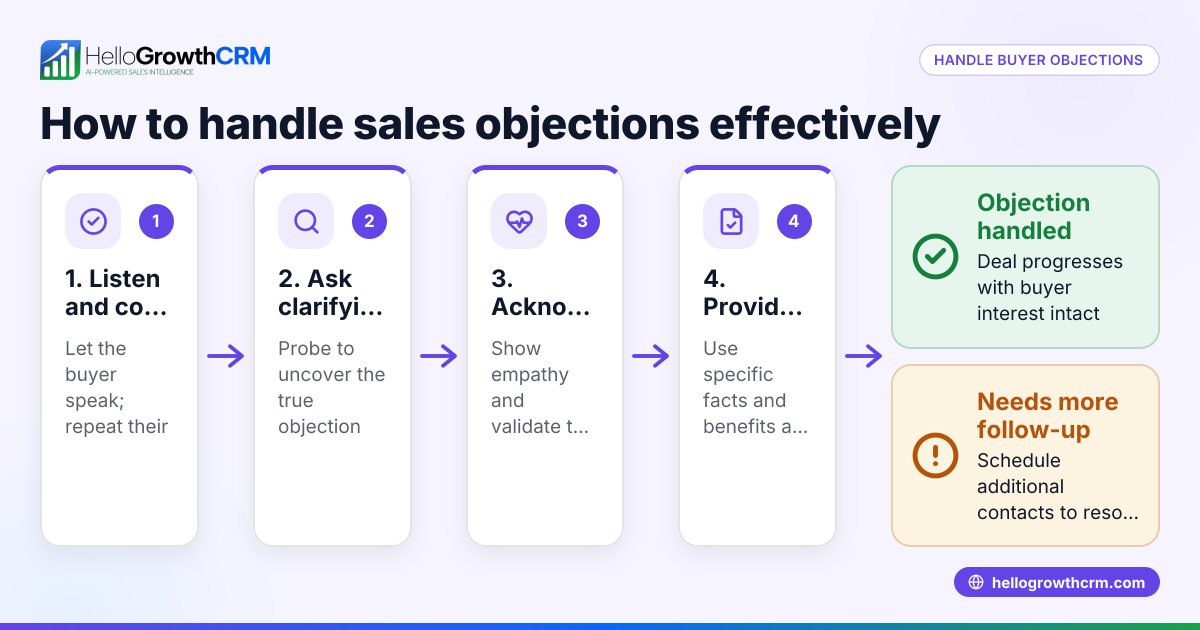
- Read the objection carefully. Understand exactly what the prospect is concerned about—price, features, timing, or something else.
- Acknowledge the objection promptly. Reply in a timely manner to show you value their concerns.
- Address the objection directly. Provide clear, concise answers or alternatives. For example, explain pricing benefits or offer a payment plan.
- Ask a clarifying question. Invite the prospect to share more details or confirm if your response resolves their concern.
- Restate the value proposition. Remind them why your product or service meets their needs.
- Set the next step. Suggest a follow-up call, demo, or another email to keep the conversation moving.
- Log the objection and response. Track this in your CRM pipeline or deal stage to avoid losing context.
- Schedule a follow-up. Use email sequences or reminders to ensure you check back if you don’t hear from them.
For managing these steps efficiently, consider email automation and sequences and pipeline tracking in your CRM.
Example (fictional figures)
A residential real-estate team in Phoenix, Arizona, sent a quote for $350,000 on 05/10/2026. The prospect replies with a price objection, saying they want to stay under $330,000.
Step 1: Read objection – price too high.
Step 2: Reply on 05/11/2026 acknowledging concern.
Step 3: Explain the value: "Our quote includes recent renovations and covers closing costs, which other offers might not."
Step 4: Ask: "Would you like me to prepare a revised quote excluding some optional features?"
Step 5: Restate value: "This property’s location and condition make it a strong investment."
Step 6: Propose next step: "Can we schedule a call on 05/13/2026 to discuss?"
Step 7: Log the deal in the pipeline under 'quote sent' with a follow-up date.
Step 8: Set an automated email sequence to remind the team to follow up if no reply by 05/14/2026.
This keeps the sale active and shows responsiveness.
Common mistakes
- Ignoring or delaying replies. Prevent by setting reminders and using automated follow-ups.
- Giving vague or defensive answers. Prevent by preparing clear, benefit-focused responses.
- Not tracking objections. Prevent by logging all interactions in your CRM pipeline.
- Failing to ask clarifying questions. Prevent by always inviting more input to understand objections fully.
- Overloading emails with too much information. Prevent by keeping responses concise and to the point.
- Not setting a clear next step. Prevent by always proposing a follow-up action.
Using tools like HelloGrowthCRM for the United States can help avoid these mistakes by organizing your sales process.
Doing this in HelloGrowthCRM
HelloGrowthCRM offers several features to handle email sales objections efficiently. The HelloMail shared inbox lets your team see all replies to quotation emails in one place, avoiding missed responses. Deals (pipeline) track every quotation and log follow-up dates so you never forget to respond. Automated sequences can run a five-step follow-up over two weeks that stops immediately when the prospect replies, ensuring timely and consistent engagement. Learn more about WhatsApp and SMS CRM and email automation and sequences to enhance your sales follow-up.
Frequently asked questions
How quickly should I respond to email sales objections? Respond within 24 hours to show you value the prospect’s concerns and keep the conversation moving.
What if I don’t know the answer to an objection? Acknowledge the concern and tell the prospect you will find the information. Follow up promptly with the answer.
How many follow-up emails should I send after an objection? A sequence of about 3 to 5 follow-ups over two weeks is typical, stopping as soon as the prospect replies.
Can I handle objections over email alone? Yes, but sometimes a phone call or video meeting may be better for complex issues.
How do I keep track of objections and replies? Use a CRM pipeline or shared inbox to log objections, responses, and follow-up dates.
What tone should I use when handling objections by email? Be professional, empathetic, and clear. Avoid defensive language and focus on solving the prospect’s problem.
Key takeaways
- Respond promptly and acknowledge objections clearly.
- Address objections directly with concise, benefit-focused answers.
- Use clarifying questions to understand concerns fully.
- Log all objections and schedule follow-ups in a CRM.
- Avoid vague answers and defensive language.
- Set clear next steps to keep the sale moving.
Handling email sales objections well keeps leads engaged and improves close rates. For a practical start, try HelloGrowthCRM’s tools to manage quotations, replies, and follow-ups in one place.
Start on the Free Forever plan (200 leads, no credit card) at HelloGrowthCRM.
Ready to put this into practice?
Set up your pipeline, WhatsApp follow-ups, and AI lead scoring in minutes — free, no credit card.
Try HelloGrowthCRM freeGet CRM tips in your inbox
Join thousands of sales professionals who get weekly insights on CRM strategy, AI automation, and pipeline optimization.

The HelloGrowthCRM team publishes guides on CRM strategy, AI sales tools, and revenue operations for small business sales teams.