HelloGrowthCRM software
Built for real small-business sales teams
HelloGrowthCRM helps reps qualify faster, follow up on time, and close more deals—with practical automation in one place.
- AI lead scoring and pipeline visibility
- Built-in dialer, WhatsApp, and email automation
- Sales forecasting and RevOps-ready reporting
To find out how many people visit your website, you need to use website analytics tools that count visits and unique visitors. These tools provide reports on how many people access your site over different time periods, helping you understand your online audience size. This article covers why knowing visitor numbers matters for small businesses, how to check visitor numbers step-by-step, common mistakes to avoid, a practical example with figures, and how HelloGrowthCRM supports tracking field visits.
Why this comes up / what goes wrong
Small business owners often ask how many people visit their website because this number helps gauge marketing success and customer interest. Without tracking visitors, you may not know if your website attracts enough potential customers or if your online efforts need improvement. Many owners guess visitor numbers or rely on incomplete data from spreadsheets or text messages, which can cause missed growth opportunities. Understanding visitor data helps you make informed decisions about advertising, content, and sales strategies.
Step-by-step
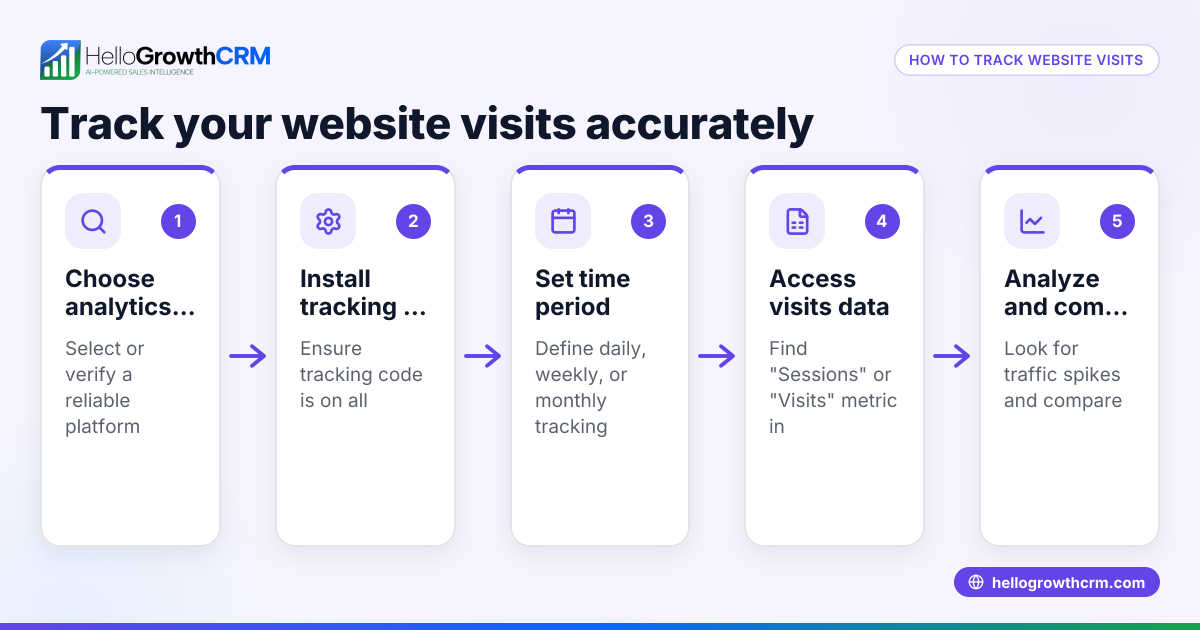
- Choose a website analytics tool. Free options like Google Analytics are popular and reliable for tracking visitor data. (developers.google.com)
- Set up tracking on your website. This usually involves adding a small snippet of code to your site’s HTML or installing a plugin if you use platforms like WordPress or Shopify.
- Log into your analytics dashboard. Navigate to sections like "Audience Overview" or "User Reports" to see visitor numbers.
- Check key metrics: total visits, unique visitors, and session duration. Total visits count all sessions, while unique visitors count individual users. Session duration shows engagement.
- Select a time range to analyze. Look at daily, weekly, or monthly visitor counts to spot trends and patterns.
- Use visitor data to adjust marketing. If visitor numbers are low or declining, consider improving SEO, running ads, or adding fresh content.
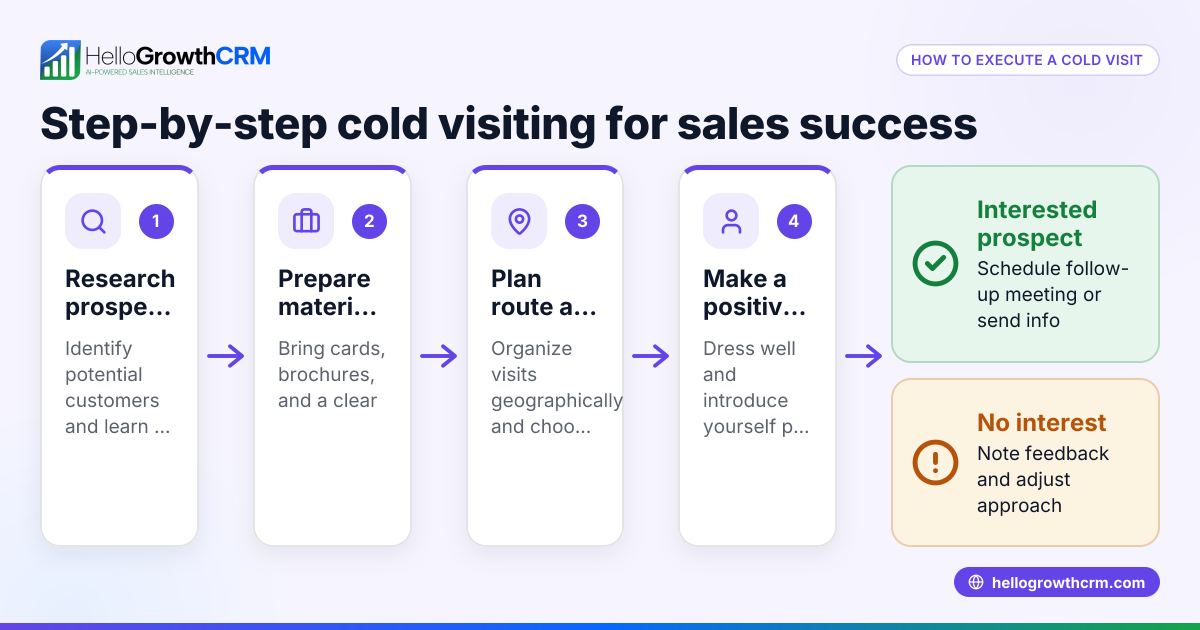
- Track field sales visits to complement online data. Use HelloGrowthCRM’s Territories and field operations features to log in-person customer visits and get a complete view of customer activity.
Example (fictional figures)
A plumbing company in Austin, Texas, reviews its website visitors for March 2026.
- Total visits in March: 5,000
- Unique visitors in March: 3,200
They compare March data to February:
- February visits: 4,500
Calculate the increase in visits:
5,000 - 4,500 = 500 more visits
Calculate the percentage increase:
(500 ÷ 4,500) × 100 = 11.11%
This shows their recent local advertising boosted website visits by over 11%, indicating effective marketing.
Common mistakes
- Not setting up analytics correctly. Prevent this by carefully following setup instructions or hiring a web professional.
- Confusing total visits with unique visitors. Visits count every session, including repeat visits by the same person; unique visitors count individuals only once per period.
- Ignoring visitor trends over time. Regularly review visitor data to detect drops or spikes and respond accordingly.
- Relying solely on online visitor data. For businesses with in-person sales, track customer visits with HelloGrowthCRM’s visit logs for a complete picture.
- Not linking visitor data to sales outcomes. Use CRM tools to connect website interest to actual deals and revenue.
- Failing to set clear goals for visitor numbers. Define what visitor growth means for your business to measure success effectively.
Doing this in HelloGrowthCRM
HelloGrowthCRM supports distributors and field sales teams with its Territories, field operations, and commissions features. Field representatives log customer visits from their phones, and managers can view the day’s activity. This offline visit tracking complements online website visitor data, helping businesses see a fuller picture of customer engagement. Learn more about these features at HelloGrowthCRM for the United States.
Frequently asked questions
How can I check how many people visit my website for free? Free tools like Google Analytics let you track visitor numbers and behavior. After setting up the tracking code on your site, you can access visitor reports at no cost.
What is the difference between visits and unique visitors? Visits count every session on your website, even if the same person visits multiple times. Unique visitors count each individual once during the selected time frame, giving a clearer picture of audience size.
How often should I check my website visitor numbers? Checking weekly helps you spot trends or sudden changes quickly. Monthly reviews provide insights into overall marketing effectiveness and growth.
Can HelloGrowthCRM track website visitors directly? HelloGrowthCRM focuses on field operations and visit logging for sales teams. For website visitor tracking, use dedicated analytics tools, then link leads and visits in HelloGrowthCRM.
Why is tracking field visits important alongside website visits? Some customers prefer in-person contact. Tracking field visits with HelloGrowthCRM’s Territories and visit logs ensures you capture offline sales opportunities while monitoring online traffic.
How do I combine website visitor data with field sales visits? Use website analytics tools for online visitor tracking and HelloGrowthCRM’s field operations features to log physical visits. Together, they provide a comprehensive view of customer engagement.
Key takeaways
- Use website analytics tools like Google Analytics to count how many people visit your website.
- Set up tracking correctly and check visitor numbers regularly to monitor trends.
- Understand the difference between total visits and unique visitors.
- Combine online visitor data with field visit logs using HelloGrowthCRM for a complete sales picture.
- Avoid common mistakes like misinterpreting data or ignoring offline visits.
- Link visitor data to sales outcomes to improve marketing and sales strategies.
Start tracking your website visitors and field visits today to grow your business. Start on the Free Forever plan (200 leads, no credit card).
Ready to put this into practice?
Set up your pipeline, WhatsApp follow-ups, and AI lead scoring in minutes — free, no credit card.
Try HelloGrowthCRM freeGet CRM tips in your inbox
Join thousands of sales professionals who get weekly insights on CRM strategy, AI automation, and pipeline optimization.

The HelloGrowthCRM team publishes guides on CRM strategy, AI sales tools, and revenue operations for small business sales teams.