HelloGrowthCRM software
Built for real small-business sales teams
HelloGrowthCRM helps reps qualify faster, follow up on time, and close more deals—with practical automation in one place.
- AI lead scoring and pipeline visibility
- Built-in dialer, WhatsApp, and email automation
- Sales forecasting and RevOps-ready reporting
To build a WhatsApp customer support workflow in Canada, you need a clear process that captures customer messages, assigns them efficiently, and tracks resolution to maintain good service. This involves setting up WhatsApp Business tools, linking messages to support tickets, automating task assignments, and logging conversations on customer records. This article explains why such workflows matter, provides step-by-step instructions, a worked example with Canadian dollars, common mistakes, and how HelloGrowthCRM can support your efforts.
Why this comes up / what goes wrong
Many small-business owners in Canada use WhatsApp to communicate with customers but face challenges managing support requests effectively. Without a structured workflow, messages can be missed or delayed, leading to frustrated customers and lost sales. Often, support runs on informal text threads or spreadsheets that don’t track conversations or assign responsibilities clearly. This causes duplicated work and inconsistent responses. A defined WhatsApp support workflow ensures messages are captured, assigned, and resolved promptly while keeping all information in one place.
Step-by-step
- Set up a WhatsApp Business Account
- Register a dedicated phone number for your business on WhatsApp Business.
- Complete your business profile with contact details, hours, and description.
- Prepare message templates for frequent support replies to save time.
- Ensure your support team has access to the WhatsApp Business app or platform.
- Define Your Support Scope and Hours
- Decide which types of support queries (e.g., order status, product info, troubleshooting) will be handled via WhatsApp.
- Set clear business hours for WhatsApp support and communicate these to customers.
- Establish escalation paths for complex issues that need higher-level support.
- Create a Ticketing System Linked to WhatsApp
- Use a CRM or support tool that logs each incoming WhatsApp message as a support ticket.
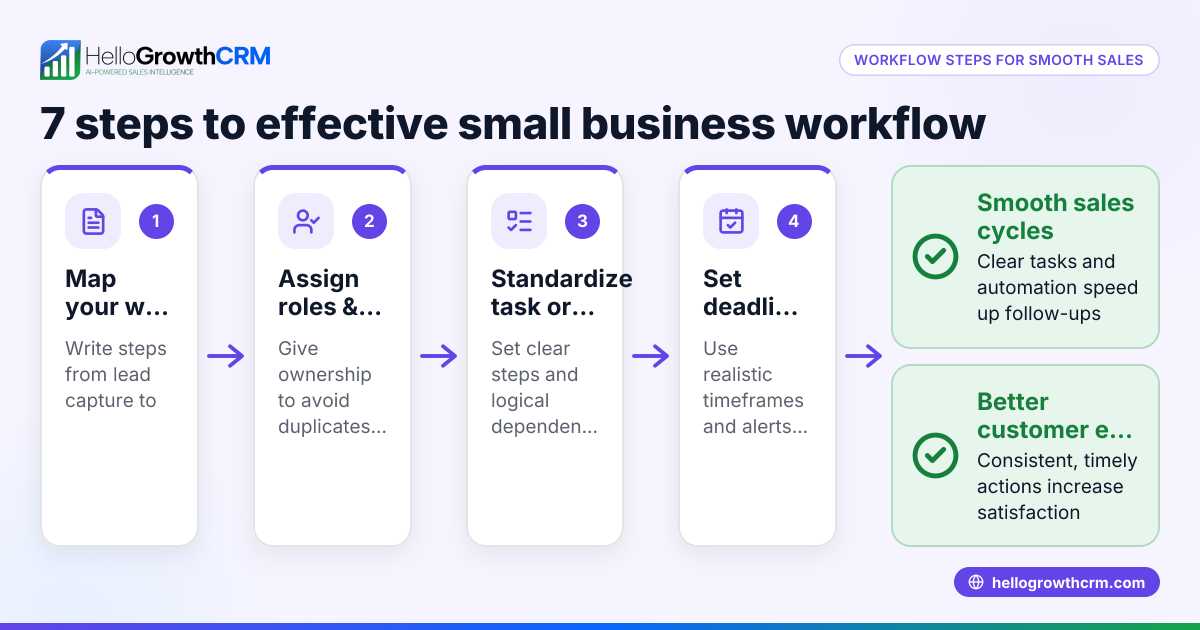
- Assign tickets automatically to team members based on workload or expertise.
- Set priorities and deadlines for each ticket to ensure timely responses.
- Automate Task Assignments and Notifications
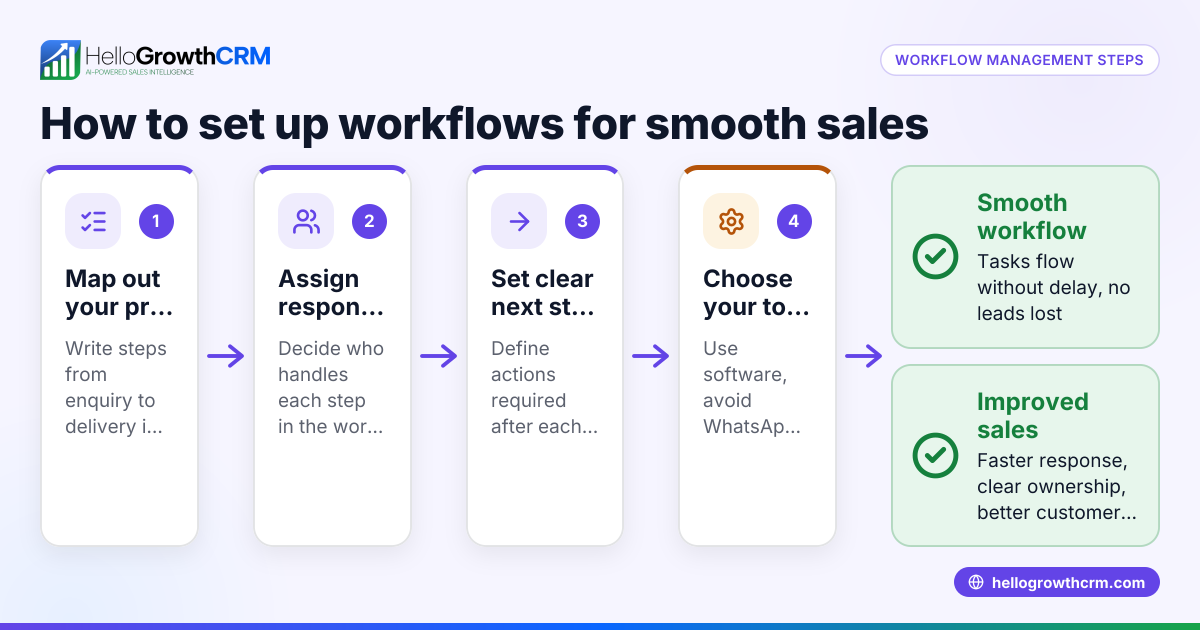
- Set up workflows that automatically create follow-up tasks when new messages arrive.
- Use notifications or reminders to alert team members about pending tickets.
- Track ticket status such as open, in progress, or resolved.
- Log and Track Conversations
- Keep all WhatsApp conversations attached to the customer record for context.
- Update tickets with notes after each interaction to maintain history.
- Use conversation history to avoid repeating questions and improve service.
- Measure Performance and Improve
- Monitor response times and resolution rates regularly.
- Collect customer feedback on support quality.
- Adjust workflows, templates, and staffing based on insights.
- Train Your Team
- Provide clear instructions on using WhatsApp and the ticketing system.
- Share best practices for professional and consistent messaging.
Example (fictional figures)
A bilingual insurance agency in Laval, Quebec, named "Laval Insurance Solutions," wants to build a WhatsApp customer support workflow starting 2024-07-01.
- They set up a dedicated WhatsApp Business number for support.
- They expect about 120 customer messages per week.
- They assign 3 agents to handle WhatsApp support.
Workload calculation:
120 messages ÷ 3 agents = 40 messages per agent per week
Assuming each message takes 12 minutes to handle (reading, replying, logging):
40 messages × 12 minutes = 480 minutes per agent per week
480 minutes ÷ 60 = 8 hours per agent per week
They schedule agents to cover 8 hours each week for WhatsApp support.
They create message templates in English and French for common queries such as policy status and claim filing.
They set up a ticketing system where each WhatsApp message automatically creates a support ticket assigned round-robin to agents.
They track ticket status to ensure timely follow-up and resolution.
Common mistakes
- Not linking WhatsApp messages to tickets: Without linking, support context is lost. Prevent this by using a CRM that logs WhatsApp conversations on customer records.
- No automated task assignments: Manually assigning messages can cause delays. Use round-robin or workload-based assignment rules to distribute tickets fairly.
- Ignoring message templates: Writing every reply from scratch wastes time and risks inconsistency. Prepare templates for frequent questions.
- No reminders or notifications: Tickets can be overlooked without alerts. Set automated reminders for pending tasks.
- Failing to track performance: Without monitoring response times and resolution rates, you cannot improve support quality. Review metrics regularly.
- Insufficient team training: Staff unfamiliar with the workflow cause errors and delays. Provide clear training and documentation.
Doing this in HelloGrowthCRM
HelloGrowthCRM supports WhatsApp customer support workflows by logging WhatsApp conversations on lead and customer records, enabling follow-ups via messages. Its ticketing system, customer portal, and knowledge base keep service requests linked to the same customer record as the deal. Automated workflows and lead routing can assign new enquiries round-robin and create first-call tasks automatically, ensuring no message is missed. Learn more about WhatsApp and SMS CRM, customer health score, and how HelloGrowthCRM supports Canadian businesses at HelloGrowthCRM for Canada.
Frequently asked questions
How do I ensure timely responses on WhatsApp support? Set up automated task creation and reminders for new messages. Assign tickets to specific team members and monitor response times regularly.
Can I handle bilingual support on WhatsApp? Yes, prepare message templates in both official languages and assign agents fluent in each language. Logging conversations helps maintain context.
Is it possible to track WhatsApp conversations within a CRM? Yes, some CRMs log WhatsApp chats on the customer record, allowing you to track conversations and follow-ups in one place.
How do I avoid missing customer messages on WhatsApp? Use workflows that automatically create support tickets for each message and assign them to team members. Notifications and reminders prevent tickets from being overlooked.
What if multiple agents need to work on the same WhatsApp support? Implement round-robin assignment to distribute tickets evenly. Use shared knowledge bases and customer portals to keep everyone informed.
Key takeaways
- Set up a dedicated WhatsApp Business account with clear profiles and message templates.
- Use a ticketing system linked to WhatsApp messages to track and assign support tasks.
- Automate task creation, assignments, and reminders to ensure timely responses.
- Log all conversations on customer records for context and continuity.
- Train your team on the workflow and monitor support performance regularly.
- HelloGrowthCRM offers tools to integrate WhatsApp support with tickets and workflows for small Canadian businesses.
Start building your WhatsApp customer support workflow today with HelloGrowthCRM. Start on the Free Forever plan (200 leads, no credit card) to manage your customer conversations and support tickets efficiently.
Ready to put this into practice?
Set up your pipeline, WhatsApp follow-ups, and AI lead scoring in minutes — free, no credit card.
Try HelloGrowthCRM freeGet CRM tips in your inbox
Join thousands of sales professionals who get weekly insights on CRM strategy, AI automation, and pipeline optimization.

The HelloGrowthCRM team publishes guides on CRM strategy, AI sales tools, and revenue operations for small business sales teams.