HelloGrowthCRM software
Built for real small-business sales teams
HelloGrowthCRM helps reps qualify faster, follow up on time, and close more deals—with practical automation in one place.
- AI lead scoring and pipeline visibility
- Built-in dialer, WhatsApp, and email automation
- Sales forecasting and RevOps-ready reporting
Automating customer support means setting up software and processes that automatically manage customer inquiries, service requests, and information sharing without requiring immediate manual responses. This helps small businesses handle more customers efficiently, reduce response times, and improve overall satisfaction.
Why this comes up / what goes wrong
Small-business owners often find customer support overwhelming as their business grows. They may rely on phone calls, emails, or text messages scattered across different platforms without a centralized system. This leads to slow responses, lost or duplicated requests, and frustrated customers. Without automation, support teams spend excessive time on repetitive tasks instead of focusing on complex issues. Automating customer support organizes requests, tracks issues, and offers customers self-service options that reduce workload and improve experience.
Step-by-step
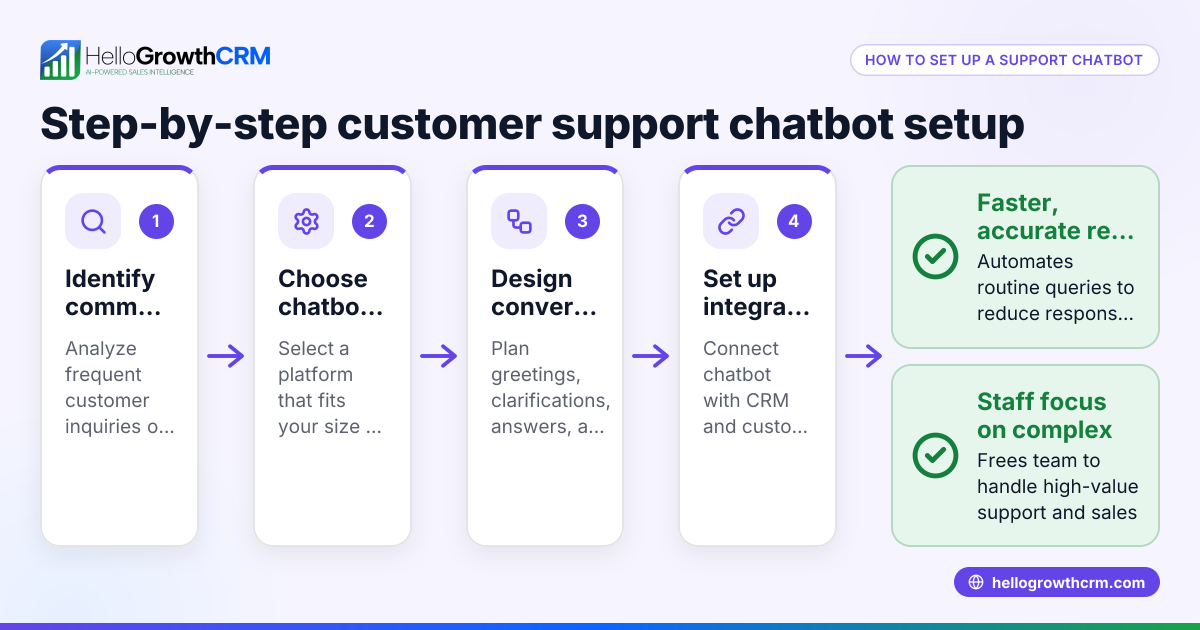
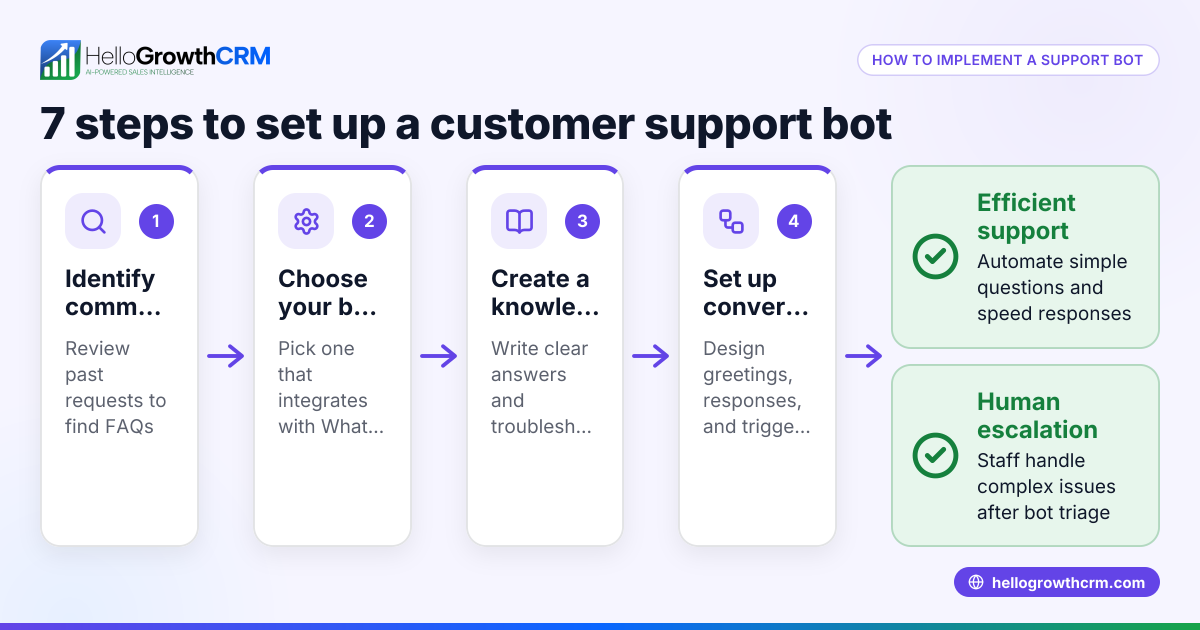
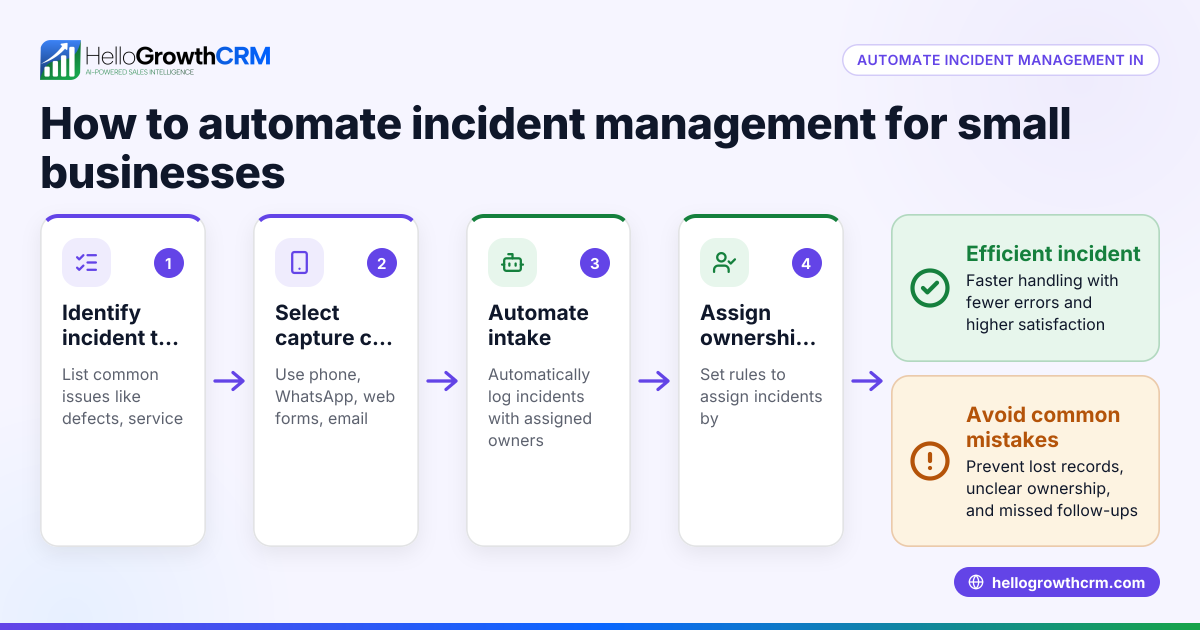
- Identify common customer support needs. List frequent questions, complaints, or service requests your customers have. This helps focus automation on high-impact areas.
- Choose automation tools with key features. Look for software that offers a customer portal, ticket management, and a knowledge base to provide self-service options.
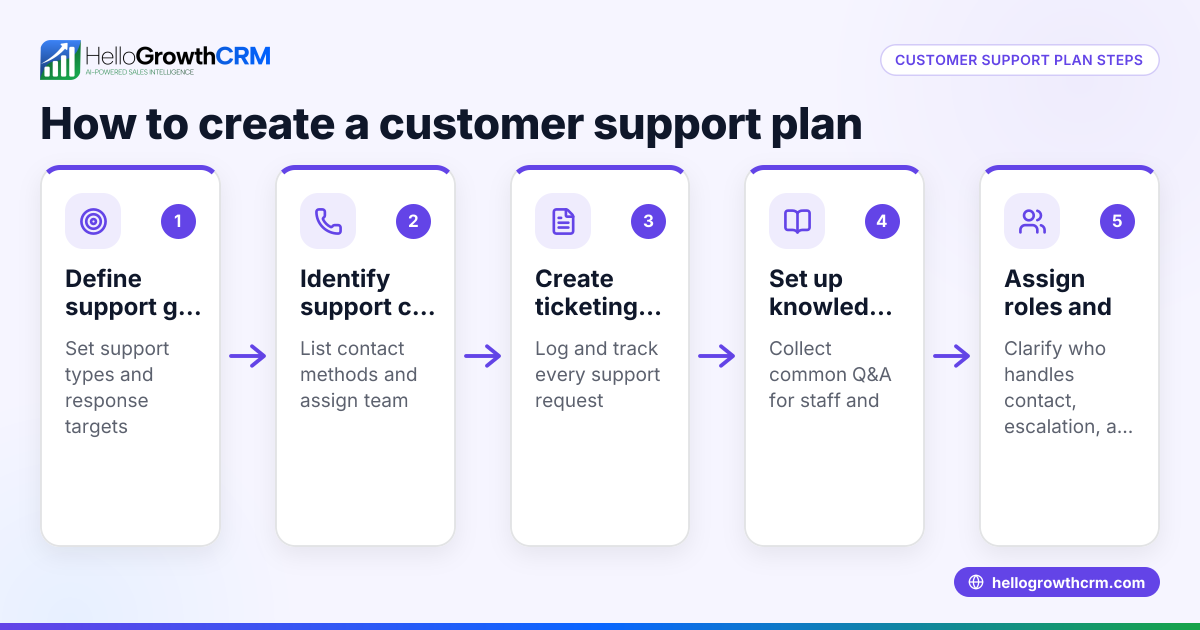
- Set up a customer portal. Create a branded online space where customers can submit support tickets and track their status easily.
- Develop a knowledge base. Write clear, searchable articles or FAQs that address common problems and solutions.
- Implement ticket tracking. Ensure all customer requests generate tickets linked to their customer record for organized follow-up and history.
- Train your team. Provide training on using the system, managing tickets, and escalating issues when necessary.
- Monitor performance and improve. Regularly review ticket resolution times, customer feedback, and update your knowledge base and processes accordingly.
Check that your automation system integrates well with your sales and customer management tools to keep all data connected, such as using a CRM with a customer portal and ticketing. For example, see how HelloGrowthCRM supports these features with its customer health score and WhatsApp and SMS CRM capabilities.
Example (fictional figures)
GreenLeaf Landscaping in Charlotte, North Carolina, started automating customer support on 03/01/2026.
- They receive about 200 service requests per month.
- Before automation, average response time was 48 hours.
- After launching a customer portal and knowledge base, 120 requests were resolved by customers themselves without staff intervention.
Calculations: 200 total requests × 60% self-service = 120 self-served requests 200 total requests − 120 self-served = 80 requests needing staff handling Previous average response time = 48 hours New average response time for staff-handled requests = 24 hours
Result: Customers get faster answers, and staff handles fewer tickets, improving efficiency and satisfaction.
Common mistakes
- Not centralizing requests: Using multiple unconnected channels causes lost or duplicated tickets. Prevent by choosing a system that links all tickets to customer records.
- Ignoring self-service: Without a knowledge base, customers repeatedly contact support for common issues. Prevent by building and regularly updating a clear knowledge base.
- Poor staff training: Teams unfamiliar with the system slow down responses. Prevent by thorough training and documentation.
- Not monitoring metrics: Without reviewing data, unresolved issues persist. Prevent by regularly analyzing ticket resolution times and customer feedback.
- Overcomplicating automation: Trying to automate too many tasks at once can confuse customers. Prevent by automating frequent, simple requests first.
Doing this in HelloGrowthCRM
HelloGrowthCRM includes a branded self-service customer portal, referral program tracking, support tickets, and a knowledge base. After the sale, service requests stay on the same customer record as the deal, giving your team full context for faster resolution. Learn more about the customer health score and how HelloGrowthCRM fits for the United States. Explore its WhatsApp and SMS CRM features to enhance communication.
Frequently asked questions
What is the best way to start automating customer support? Begin by identifying your most common customer questions and requests. Then implement a customer portal and knowledge base where customers can find answers and submit tickets, reducing repetitive inquiries and organizing support.
Can small businesses automate support without losing the personal touch? Yes. Automation handles routine tasks, freeing your team to focus on complex or sensitive issues. Using a CRM that keeps customer history linked to tickets helps staff personalize responses when needed.
How does a knowledge base help in customer support automation? A knowledge base gives customers self-service access to answers and instructions, reducing the number of tickets your team receives and speeding up resolution for common issues.
Is ticket tracking necessary for automation? Yes. Ticket tracking ensures every customer request is logged, assigned, and resolved systematically. It prevents requests from being lost and helps monitor support performance.
How can I measure if my customer support automation is working? Track metrics such as response time, ticket volume, and customer satisfaction. A decrease in response time and ticket volume with stable or improved satisfaction indicates success.
Key takeaways
- Automate support by using a customer portal, ticket tracking, and a knowledge base.
- Centralize all customer service requests linked to customer records.
- Train your team and monitor support metrics regularly.
- Start automating frequent, simple requests to avoid complexity.
- Use tools like HelloGrowthCRM to keep support integrated with sales and customer data.
To start automating your customer support today, try HelloGrowthCRM’s free plan with 200 leads and no credit card required at Start on the Free Forever plan (200 leads, no credit card).
Ready to put this into practice?
Set up your pipeline, WhatsApp follow-ups, and AI lead scoring in minutes — free, no credit card.
Try HelloGrowthCRM freeGet CRM tips in your inbox
Join thousands of sales professionals who get weekly insights on CRM strategy, AI automation, and pipeline optimization.

The HelloGrowthCRM team publishes guides on CRM strategy, AI sales tools, and revenue operations for small business sales teams.