HelloGrowthCRM software
Built for real small-business sales teams
HelloGrowthCRM helps reps qualify faster, follow up on time, and close more deals—with practical automation in one place.
- AI lead scoring and pipeline visibility
- Built-in dialer, WhatsApp, and email automation
- Sales forecasting and RevOps-ready reporting
To build a WhatsApp customer support workflow in New Zealand, start by mapping your customer support stages, setting up WhatsApp communication channels, assigning responsibilities, and automating task creation and follow-ups. This article covers why this workflow matters, detailed steps, a worked example, common pitfalls, and how HelloGrowthCRM supports this process.
Why this comes up / what goes wrong
Small businesses in New Zealand often lose leads or delay responses because their customer support is scattered across text messages, email, and spreadsheets. WhatsApp is a preferred channel for many customers, but without a clear workflow, messages can be missed or delayed. Founders and sales teams need a structured process to handle WhatsApp enquiries efficiently, assign tasks clearly, and keep track of customer history.
Step-by-step
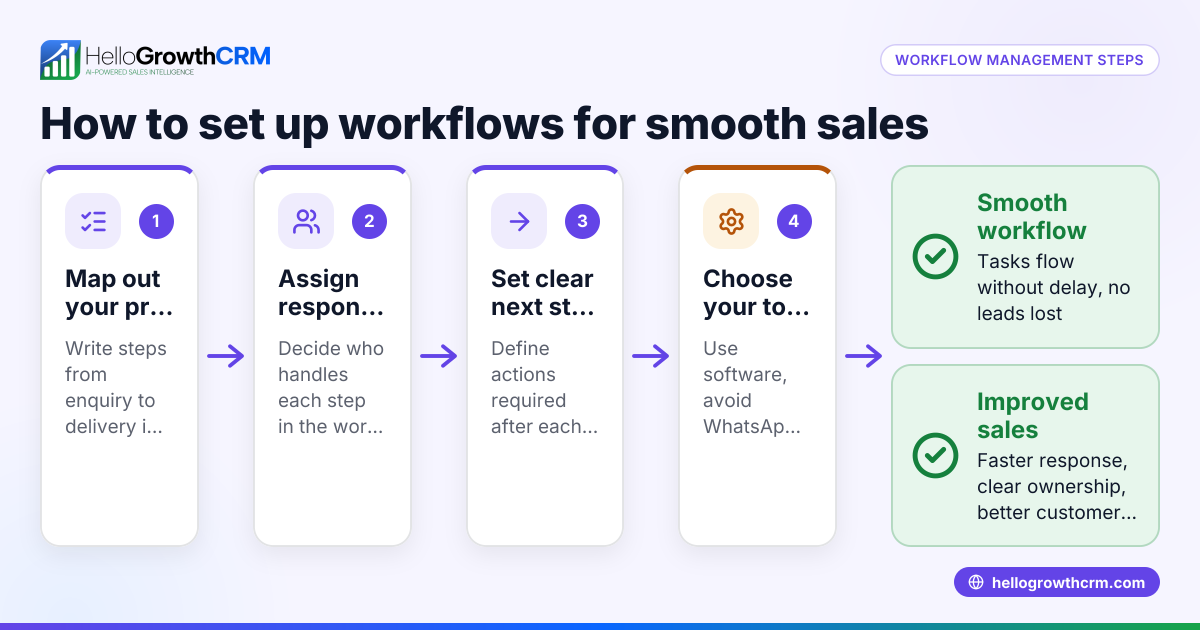
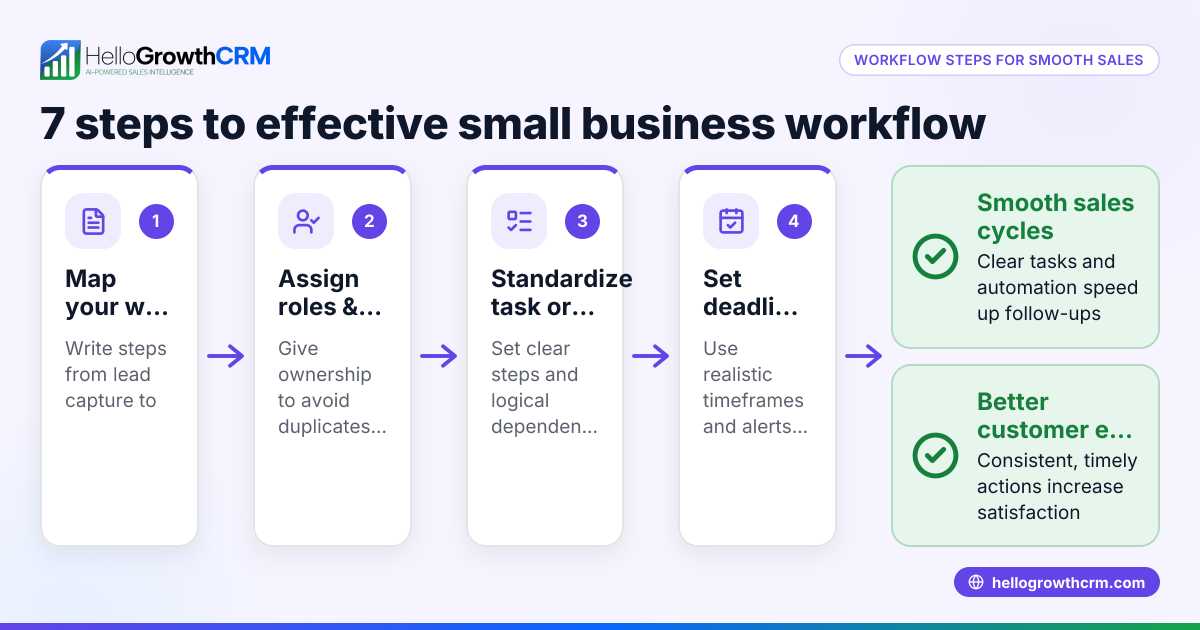
- Define your customer support stages. List out the key stages your support process follows, for example: initial contact, issue acknowledgement, problem resolution, and follow-up.
- Set up a dedicated WhatsApp business number or account. Ensure your team can access this number and that it is linked to your support system.
- Map out message routing and responsibilities. Decide who handles which type of enquiry — for example, sales queries vs technical support — and assign team members accordingly.
- Create a workflow for incoming WhatsApp messages. This includes:
- Logging each message against the customer record.
- Automatically assigning the enquiry to the right team member.
- Creating a task or ticket for follow-up.
- Automate task creation and reminders. Use a CRM or workflow tool to set reminders for follow-ups and escalate overdue tickets.
- Set up templates for common responses. This speeds up replies and ensures consistent communication.
- Track performance and customer satisfaction. Use reporting tools to monitor response times and resolution rates.
- Train your team on the workflow and tools. Make sure everyone understands their role and how to use the system.
- Review and improve regularly. Collect feedback and adjust the workflow to address bottlenecks or issues.
Example (fictional figures)
An electrical contractor in Wellington, “Welly Electrics”, receives about 50 WhatsApp enquiries per week about installations and repairs.
- They define stages: enquiry received, job scheduled, job done, feedback requested.
- A dedicated WhatsApp number is set up.
- Enquiries are assigned based on type: installations to Sarah, repairs to Mike.
- Each WhatsApp message is logged in their CRM.
- A task is automatically created for the assigned team member with a 24-hour follow-up deadline.
- Common replies are templated for pricing and availability.
- Weekly reports track average response time and completed jobs.
This workflow ensures no enquiry is missed and customers receive timely responses.
Common mistakes
- Not logging WhatsApp conversations in one place. Prevent by using a CRM that records messages on customer records.
- Assigning enquiries manually without automation. Prevent by setting up lead routing rules or round-robin assignment.
- Ignoring follow-up tasks or deadlines. Prevent by automating task creation and reminders.
- Using inconsistent message templates. Prevent by preparing standard replies for common questions.
- Failing to train the team on the workflow. Prevent by running training sessions and sharing documentation.
- Not reviewing workflow performance. Prevent by scheduling regular reviews and using customer health score metrics customer health score.
Doing this in HelloGrowthCRM
HelloGrowthCRM supports WhatsApp customer support workflows with features like a customer portal, referrals, tickets and knowledge base that keep service requests on the same customer record as the deal. WhatsApp conversations are logged on the lead record, allowing follow-ups to go out as messages. Automated workflows, lead routing and validation rules help assign enquiries round-robin and create first-call tasks automatically. Learn more about HelloGrowthCRM’s WhatsApp and SMS CRM capabilities WhatsApp and SMS CRM and how it fits New Zealand businesses HelloGrowthCRM for New Zealand.
Frequently asked questions
How do I build a customer support dashboard in New Zealand? Start by deciding which metrics matter, such as response time, ticket volume, and resolution rate. Use a CRM or dashboard tool to pull data from your support channels, including WhatsApp. Regularly review and adjust your dashboard to reflect your business goals.
Can I automate WhatsApp replies for customer support? Yes, many CRM tools support message templates and automated workflows to send replies based on triggers. This speeds up communication but should be balanced with personalised responses.
How do I assign WhatsApp enquiries to the right team member? Use lead routing rules based on enquiry type, source, or territory. Round-robin assignment can distribute workload evenly. Automation prevents delays and confusion.
What’s the best way to track customer conversations on WhatsApp? Logging all WhatsApp messages on the customer record in a CRM ensures a full history is available and follow-ups are easy to manage. Avoid using separate apps or spreadsheets.
How can I improve customer satisfaction with WhatsApp support? Respond promptly, use clear and consistent messaging, and follow up after resolution. Tracking customer health scores helps identify at-risk customers and improve service.
Key takeaways
- Map your customer support stages clearly before building the workflow.
- Use automation to assign enquiries and create follow-up tasks.
- Log WhatsApp conversations on the customer record for full visibility.
- Prepare message templates to ensure consistent communication.
- Train your team and review workflow performance regularly.
- HelloGrowthCRM offers tools to automate and manage WhatsApp customer support effectively.
Start building your WhatsApp customer support workflow today. You can Start on the Free Forever plan (200 leads, no credit card) to try out these features and improve your customer engagement.
Ready to put this into practice?
Set up your pipeline, WhatsApp follow-ups, and AI lead scoring in minutes — free, no credit card.
Try HelloGrowthCRM freeGet CRM tips in your inbox
Join thousands of sales professionals who get weekly insights on CRM strategy, AI automation, and pipeline optimization.

The HelloGrowthCRM team publishes guides on CRM strategy, AI sales tools, and revenue operations for small business sales teams.