HelloGrowthCRM software
Built for real small-business sales teams
HelloGrowthCRM helps reps qualify faster, follow up on time, and close more deals—with practical automation in one place.
- AI lead scoring and pipeline visibility
- Built-in dialer, WhatsApp, and email automation
- Sales forecasting and RevOps-ready reporting
To build a WhatsApp customer support workflow in the UK, you need to organise your customer interactions systematically on WhatsApp, assign support tasks clearly, and automate follow-ups to ensure timely responses. This article explains why many UK small businesses struggle with WhatsApp support, provides step-by-step instructions to create an effective workflow, includes a worked example with figures, lists common mistakes, and shows how HelloGrowthCRM can help streamline this process.
Why this comes up / what goes wrong
Many small UK businesses use WhatsApp for customer support because it’s familiar and widely used by customers. However, running support over WhatsApp without a clear workflow leads to slow response times, missed messages, and poor customer experience. Support requests get lost in personal chats or mixed with sales conversations. Without task assignment or follow-up reminders, team members may overlook enquiries, causing frustrated customers and lost business. Organising WhatsApp support into a structured workflow helps ensure every customer query is tracked, assigned, and resolved efficiently.
Step-by-step
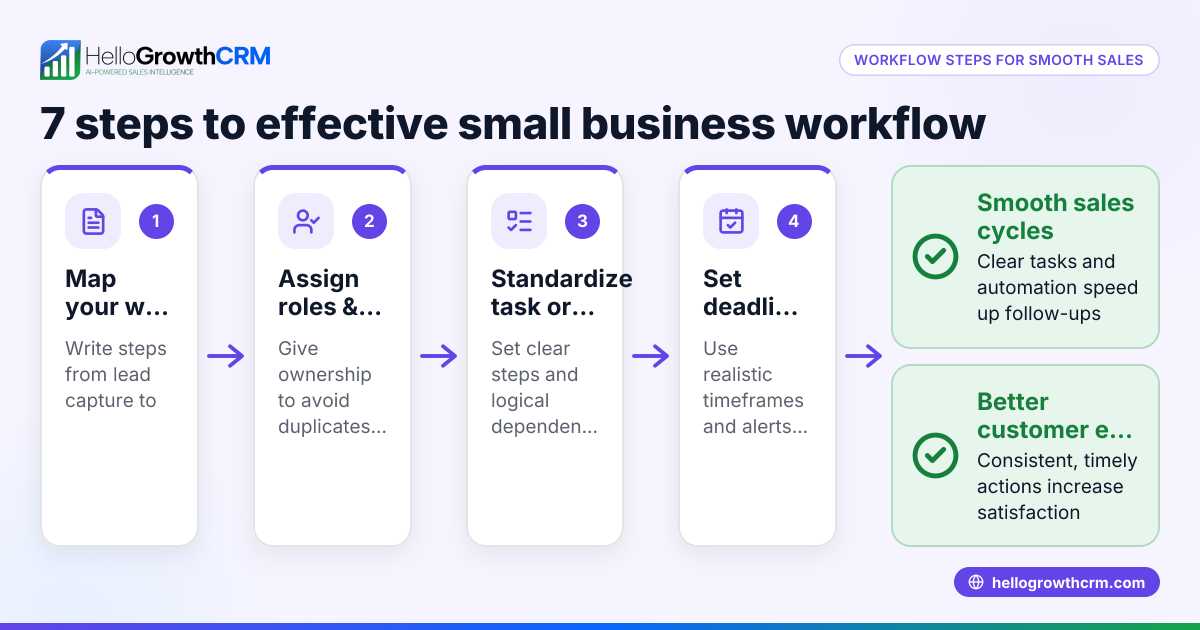
- Define your support stages: Decide the key steps in your support process, for example: New enquiry, In progress, Awaiting customer reply, Resolved, and Closed. This helps track progress clearly.
- Set up WhatsApp as a support channel: Use a dedicated WhatsApp Business number for support. Ensure all customer messages come through this channel to centralise communication.
- Create a shared inbox or CRM integration: Use software or tools that log WhatsApp conversations on customer records. This centralises messages and prevents lost chats.
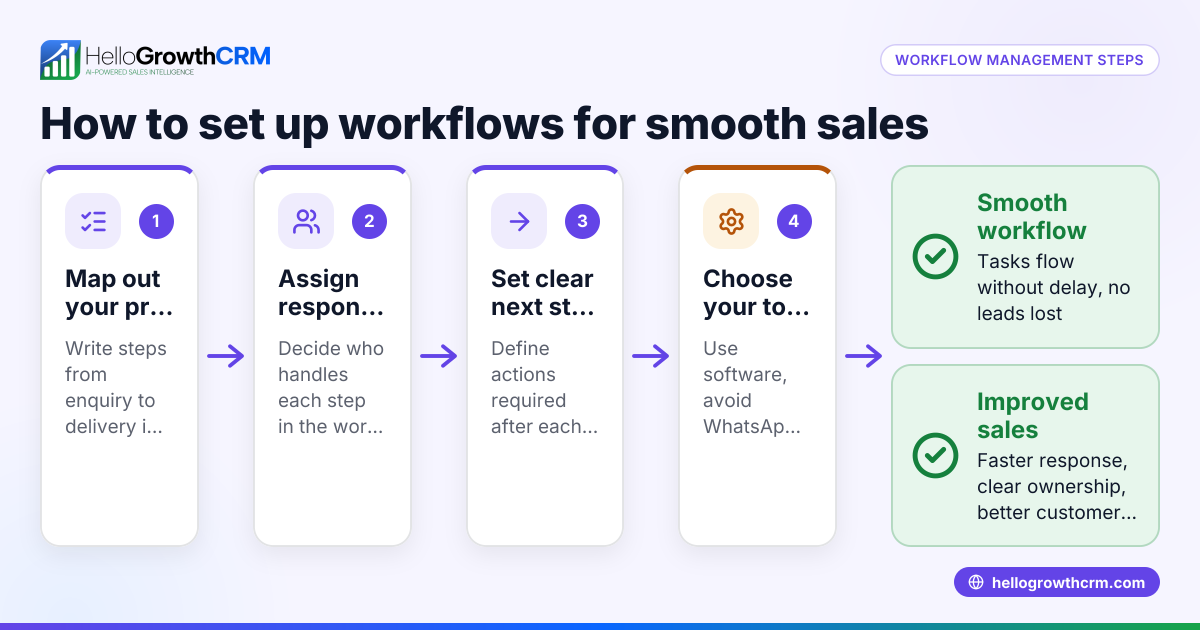
- Assign team roles and responsibilities: Decide who handles first responses, follow-ups, and escalations. Clear ownership avoids duplicated or missed replies.
- Automate task creation: When a new WhatsApp message arrives, automatically create a support ticket or task assigned to the right team member. Include deadlines to ensure timely follow-up.
- Set up message templates and sequences: Prepare common replies and follow-up message templates to speed up responses and maintain consistency.
- Track and update ticket status: As support progresses, update the ticket or task status through the defined stages to keep everyone informed.
- Use reminders and notifications: Set alerts for overdue tasks or unanswered messages so no enquiry is forgotten.
- Collect and log customer feedback: After resolution, send a short WhatsApp survey or message to gauge satisfaction and improve service.
- Review and improve workflow regularly: Analyse response times, ticket volumes, and customer feedback monthly to refine the process.
For more on managing customer interactions and tracking support stages, see customer health score.
Example (fictional figures)
A small accounting practice in Birmingham receives WhatsApp support enquiries from clients. They define support stages as New, In progress, Awaiting info, Resolved, Closed.
On 15/05/2024, a client sends a WhatsApp message asking about tax filing deadlines.
Step 1: The message is logged automatically in their CRM.
Step 2: A support ticket is created and assigned to the tax specialist.
Step 3: The tax specialist replies within 2 hours using a message template.
Step 4: The client asks for clarification, so the ticket status moves to Awaiting info.
Step 5: Once the client replies with details, status moves back to In progress.
Step 6: The specialist resolves the query and marks the ticket Resolved.
Step 7: The client confirms satisfaction, and the ticket is Closed.
This workflow reduced average response time from 24 hours to under 4 hours, improving client satisfaction and retention.
Common mistakes
- Mixing personal and support messages: Prevent this by using a dedicated WhatsApp Business number only for support.
- No task assignment or follow-up reminders: Use automated workflows to assign tickets and set deadlines.
- Ignoring message logging: Always log WhatsApp conversations on the customer record to keep history and context.
- Using inconsistent message templates: Prepare and use standard replies to maintain professionalism.
- Lack of status tracking: Define clear ticket stages and update regularly to avoid lost or forgotten enquiries.
- Failing to review workflow performance: Regularly analyse metrics and customer feedback to improve support quality.
For tips on automating task assignment, see WhatsApp and SMS CRM.
Doing this in HelloGrowthCRM
HelloGrowthCRM supports WhatsApp customer support workflows by logging WhatsApp conversations on lead and customer records, so your team sees every message in context. After the sale, service requests stay on the same customer record as the deal, thanks to the integrated Customer portal, referrals, tickets and knowledge base. Automated workflows and lead routing can assign new enquiries round-robin to team members and create first-call or follow-up tasks automatically. This keeps your WhatsApp support organised and efficient. Learn more about HelloGrowthCRM for the United Kingdom here.
Frequently asked questions
How do I ensure all WhatsApp support messages are tracked? Use a CRM or software that integrates WhatsApp messages directly into customer records. This centralises conversations and prevents lost messages.
Can I automate task assignment for WhatsApp enquiries? Yes, set up workflows that assign new WhatsApp support tickets to team members automatically based on round-robin or other rules.
What if my team uses personal WhatsApp accounts for support? Avoid this by using a dedicated WhatsApp Business number for customer support to keep communications professional and trackable.
How often should I review my WhatsApp support workflow? Monthly reviews help identify bottlenecks, improve response times, and update templates or processes as needed.
Is it possible to send follow-up messages automatically on WhatsApp? Yes, you can prepare sequences or templates for common follow-ups and automate sending them to customers who haven’t replied.
Key takeaways
- Define clear support stages and assign roles for WhatsApp customer support.
- Use a dedicated WhatsApp Business number and centralise messages in a CRM.
- Automate task creation and follow-ups to ensure timely responses.
- Track ticket status through defined stages to avoid lost enquiries.
- Regularly review workflow performance and customer feedback.
- HelloGrowthCRM helps by logging WhatsApp chats, managing tickets, and automating workflows.
Start building your WhatsApp customer support workflow today. Start on the Free Forever plan (200 leads, no credit card).
Ready to put this into practice?
Set up your pipeline, WhatsApp follow-ups, and AI lead scoring in minutes — free, no credit card.
Try HelloGrowthCRM freeGet CRM tips in your inbox
Join thousands of sales professionals who get weekly insights on CRM strategy, AI automation, and pipeline optimization.

The HelloGrowthCRM team publishes guides on CRM strategy, AI sales tools, and revenue operations for small business sales teams.