HelloGrowthCRM software
Built for real small-business sales teams
HelloGrowthCRM helps reps qualify faster, follow up on time, and close more deals—with practical automation in one place.
- AI lead scoring and pipeline visibility
- Built-in dialer, WhatsApp, and email automation
- Sales forecasting and RevOps-ready reporting
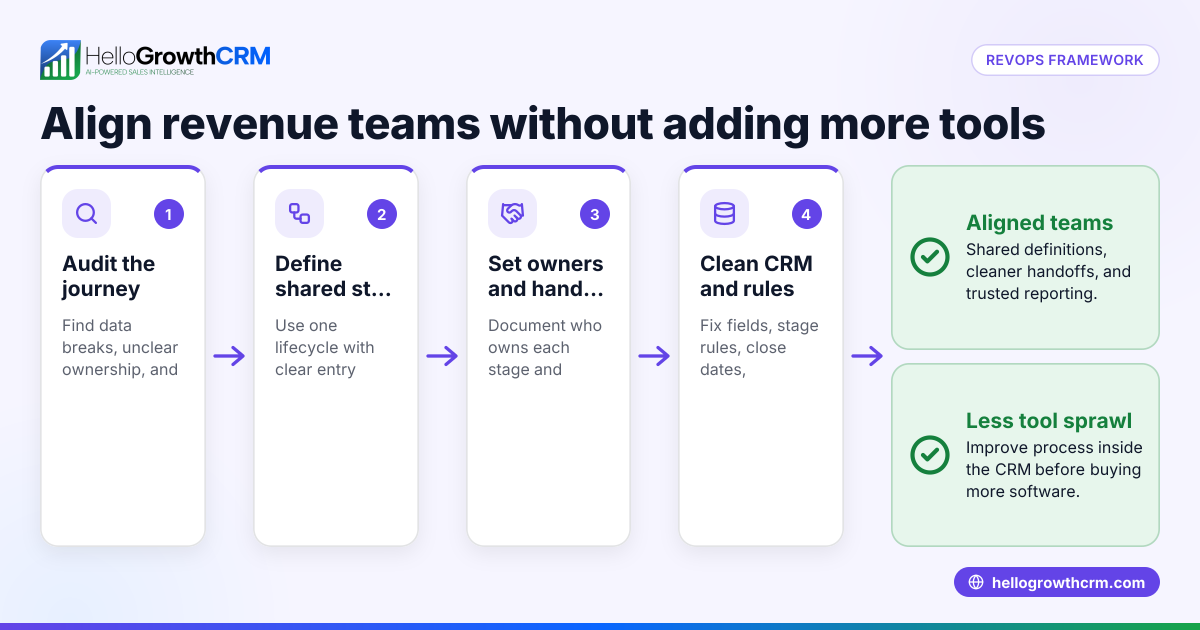
To choose revenue operations software, start by listing your business needs such as territory management, field visit logging, and commission tracking. Then check software features against these needs, assess ease of use, verify integration with your current tools, and evaluate reporting and forecasting capabilities. This article covers why this choice is important, provides detailed steps, a worked example with Indian figures, common mistakes to avoid, and how HelloGrowthCRM supports distributors with field operations.
Why this comes up / what goes wrong
Many Indian small and mid-sized businesses lose leads or sales due to slow follow-up, poor coordination between sales and field teams, and reliance on WhatsApp and spreadsheets for managing sales data. These issues cause missed revenue opportunities and inefficient operations. Revenue operations software unifies sales, field visits, commissions, and reporting in one system, improving follow-up speed and manager visibility. Choosing the right software ensures your team is aligned and your revenue processes are streamlined.
Step-by-step
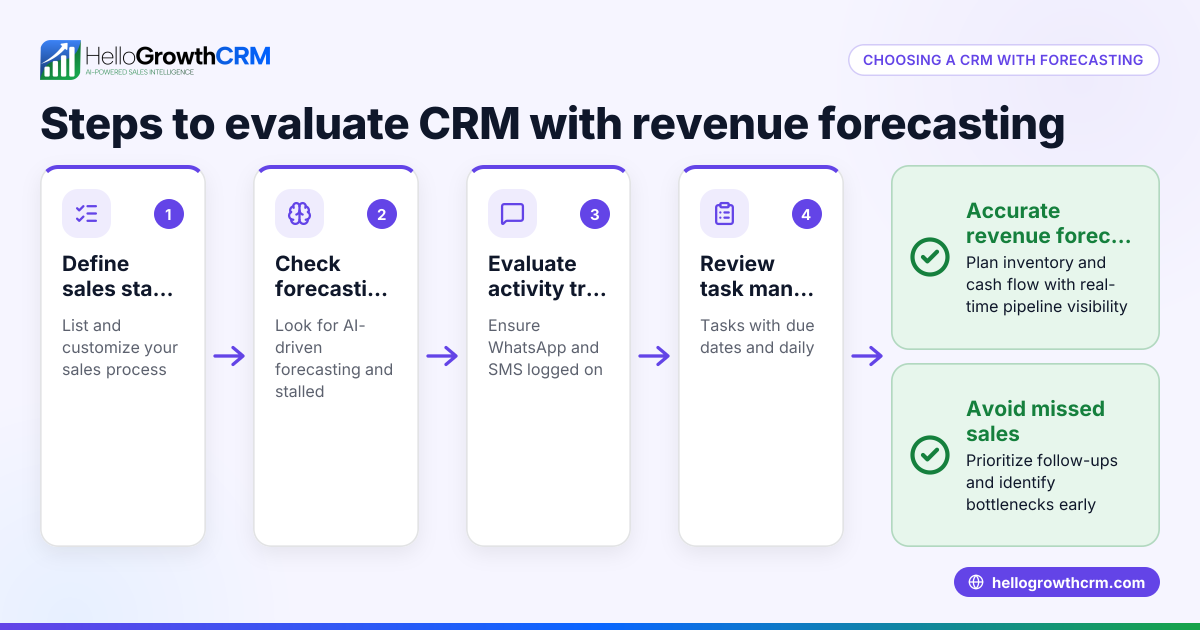
- Identify your key revenue operations needs. Write down what your business requires: lead capture, territory management, field visit logging, commission tracking, sales forecasting, or multi-channel communication like WhatsApp and SMS.
- Check software features against your needs. Confirm the software supports your must-haves. For example, if you have field sales reps, look for visit logs and route planning. If you pay commissions, check for commission tracking.
- Assess ease of use for your team. Choose software your sales and telecalling teams can use daily without extra training or switching apps. Native WhatsApp or mobile-friendly features help adoption.
- Confirm integration with your current tools. If you use IndiaMART, JustDial, or web forms, check if the software can capture leads automatically. Also, see if it supports email, WhatsApp, and SMS sequences.
- Evaluate reporting and forecasting capabilities. Good software should provide pipeline views, task boards, and sales forecasting to help plan and track progress.
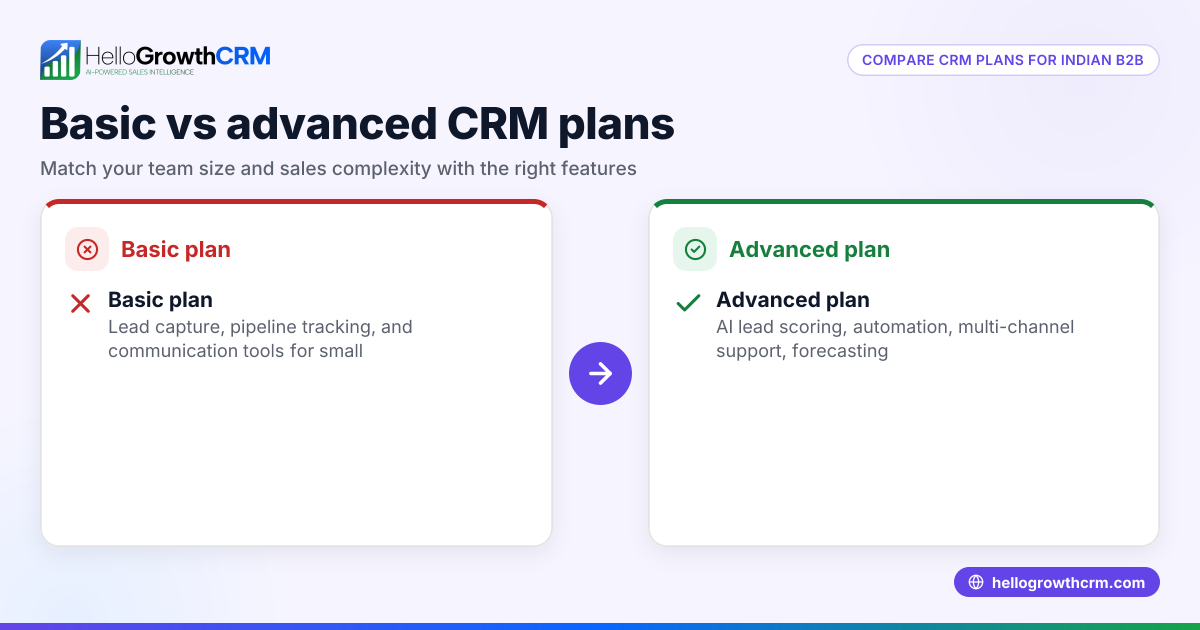
- Consider pricing and plans. Check if the software offers a free trial or free plan to test with your team. Understand what features come in each plan.
- Test the software with a pilot team. Run a small group through daily activities like logging visits, tracking commissions, and sending sequences to ensure it fits your workflow.
- Review support and updates. Confirm the software provider offers support and regularly updates features to match your growing needs.
For more on sales forecasting, see sales forecasting. To learn about communication features, visit WhatsApp and SMS CRM.
Example (fictional figures)
Rajesh runs a distributor business with 5 field reps and 3 telecallers. He wants software to log field visits, track commissions, and improve lead follow-up.
- Monthly sales target: ₹15,00,000
- Average commission per deal: 5%
- Expected deals closed per month: 30
Rajesh calculates commissions:
₹15,00,000 × 5% = ₹75,000
He needs software that tracks these commissions linked to deals and allows reps to log daily visits from their phones.
He tests HelloGrowthCRM’s territory and field operations features to see if reps can log visits from their phones and if he can view daily beats.
This helps Rajesh ensure his team’s efforts align with sales targets and commissions are accurate.
Common mistakes
- Choosing software without field operation features. Prevent by listing field sales needs first.
- Ignoring team usability. Prevent by involving your sales and telecalling teams in testing.
- Overlooking integration capabilities. Prevent by checking lead capture from IndiaMART, JustDial, and web forms.
- Not verifying commission tracking. Prevent by confirming the software links commissions to deals.
- Skipping a pilot run. Prevent by running a trial with a small team before full rollout.
- Ignoring reporting tools. Prevent by ensuring the software offers pipeline and forecasting views.
Doing this in HelloGrowthCRM
HelloGrowthCRM helps distributors with territory definition and ownership tools, field sales features like check-ins and visit logs from mobile, and commission tracking linked to deal outcomes. Field reps can log visits from their phones, and managers can view the day’s beat easily. Learn more about these capabilities at HelloGrowthCRM for India.
Frequently asked questions
What is revenue operations software? Revenue operations software integrates sales, marketing, and customer success processes to improve revenue growth by unifying data and workflows.
Why is territory management important? Territory management helps assign sales regions to reps, ensuring coverage without overlap and improving accountability and performance tracking.
How does commission tracking work? Commission tracking links sales deals to payouts, automating calculations and ensuring reps are paid accurately based on sales outcomes.
Can I use revenue operations software with WhatsApp? Yes, some software like HelloGrowthCRM offers native WhatsApp and SMS CRM features to communicate with leads and customers directly.
How do I evaluate sales forecasting features? Look for software that provides pipeline views, task boards, and reports that predict future sales based on current deals and activities.
Key takeaways
- List your revenue operations needs before evaluating software.
- Check for territory, field visit logging, and commission tracking features.
- Ensure the software is easy for your team to use daily.
- Verify integration with lead sources like IndiaMART and JustDial.
- Test with a pilot team to confirm fit.
- Use reporting and forecasting tools to plan sales effectively.
Start your revenue operations improvement by trying HelloGrowthCRM’s free plan with 200 leads and no credit card needed at Start on the Free Forever plan (200 leads, no credit card).
Ready to put this into practice?
Set up your pipeline, WhatsApp follow-ups, and AI lead scoring in minutes — free, no credit card.
Try HelloGrowthCRM freeGet CRM tips in your inbox
Join thousands of sales professionals who get weekly insights on CRM strategy, AI automation, and pipeline optimization.

The HelloGrowthCRM team publishes guides on CRM strategy, AI sales tools, and revenue operations for small business sales teams.