HelloGrowthCRM software
Built for real small-business sales teams
HelloGrowthCRM helps reps qualify faster, follow up on time, and close more deals—with practical automation in one place.
- AI lead scoring and pipeline visibility
- Built-in dialer, WhatsApp, and email automation
- Sales forecasting and RevOps-ready reporting
Creating a lead capture form is essential for small and mid-sized Canadian businesses looking to convert website visitors into potential customers. If you rely on text messages, emails, or spreadsheets to track leads, you risk losing valuable enquiries due to slow follow-up or disorganisation. This guide helps you build a simple, effective lead capture form tailored for Canadian businesses, with clear steps, checks, and a practical example.
Why this comes up / what goes wrong
Many Canadian small business owners start with informal lead tracking methods like text messages or spreadsheets. These methods often lead to lost leads, missed follow-ups, and no clear ownership of enquiries. Without a proper lead capture form, you cannot systematically collect customer details or integrate with tools that help prioritise and manage leads. This results in slower sales cycles and lost revenue opportunities.
Step-by-step
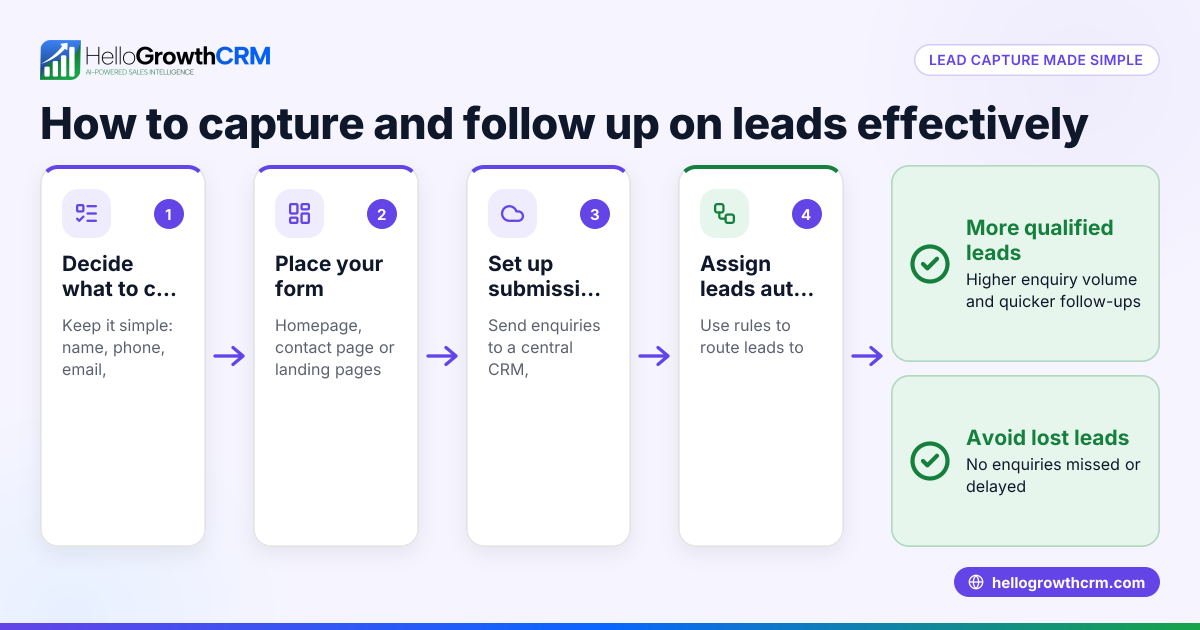
- Determine the information you need: Decide which fields are essential to qualify and contact leads. Common fields include:
- Full name
- Email address
- Phone number
- Company name (if B2B)
- Inquiry details or message
- Preferred contact method
- Choose a form builder or platform: Use website builders (like WordPress, Wix) or form tools (Google Forms, Typeform) that allow embedding on your site. Ensure the tool allows notifications on submission.
- Create the form fields: Add the chosen fields. Mark required fields clearly to avoid incomplete submissions.
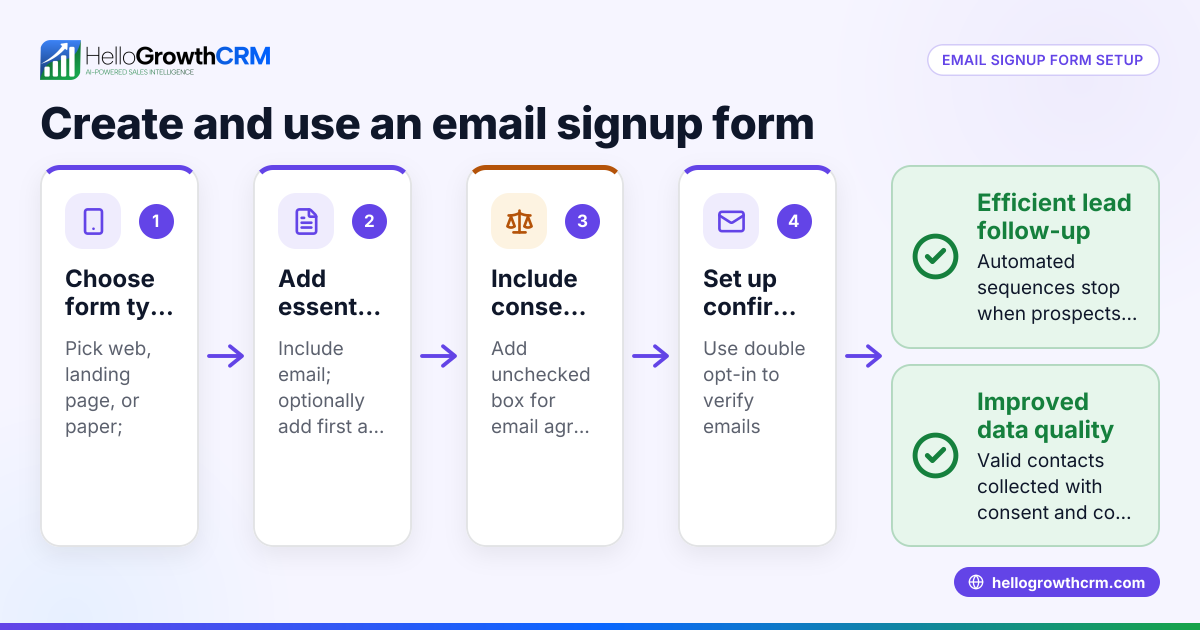
- Add consent and privacy notice: Include a checkbox for consent to store and contact them, referencing your privacy policy. This is important for Canadian privacy laws.
- Set up form submission handling: Configure where form submissions go—email, spreadsheet, or CRM. For business efficiency, connect to a CRM to assign leads automatically.
- Embed the form on your website or landing page: Place the form where visitors can easily find it, such as your homepage, contact page, or a dedicated landing page.
- Test the form thoroughly: Submit test entries to check that data is captured correctly, notifications arrive, and any integrations work.
- Monitor and improve: Regularly review form submissions and conversion rates. Adjust fields or placement if needed.
Example (fictional figures)
A Surrey, British Columbia HVAC company wants to capture leads from their website.
- They decide on these fields: Name, Email, Phone, Service required, Consent checkbox.
- They use a website form builder that emails submissions to their sales inbox.
- On 2024-05-15, they receive 10 leads.
Calculations:
Total leads received = 10
If the average sale value per lead is C$3,000,
Potential revenue = 10 × C$3,000 = C$30,000
If their conversion rate is 40%,
Expected sales = 10 × 40% = 4 sales
Expected revenue from sales = 4 × C$3,000 = C$12,000
This example shows how capturing leads quickly can directly impact revenue.
Common mistakes
- Too many fields: Asking for excessive information reduces form completion. Prevent by limiting fields to essentials.
- No consent checkbox: Skipping consent risks privacy non-compliance. Always include clear consent.
- Poor placement: Hiding the form makes it hard to find. Place it prominently.
- No testing: Not testing leads to lost submissions. Submit test forms regularly.
- Manual lead tracking: Using spreadsheets or notebooks causes delays. Prevent by using CRM lead capture.
- Ignoring lead prioritisation: Treating all leads equally wastes time. Use tools like AI lead scoring to focus on promising leads (/product/ai-lead-scoring).
Doing this in HelloGrowthCRM
HelloGrowthCRM captures every enquiry from your form, call or WhatsApp as a lead with an owner and a next step, so no lead is lost in notebooks. AI lead scoring helps your telecallers focus on leads most likely to convert first. Automated workflows and lead routing assign new enquiries efficiently, creating first-call tasks automatically. Learn more about HelloGrowthCRM for Canada (/canada) and its WhatsApp and SMS CRM features (/product/whatsapp-sms-crm).
Frequently asked questions
What fields should I include in a lead capture form? Include fields that help qualify the lead and allow you to contact them easily: name, email, phone number, inquiry details, and a consent checkbox for privacy compliance.
Can I connect my lead capture form to a CRM? Yes, most form builders allow integration with CRMs either directly or via connectors. This helps automate lead assignment and follow-up.
How do I ensure my lead capture form complies with Canadian privacy laws? Include a clear consent checkbox and link to your privacy policy. Only collect necessary data and store it securely.
How can I improve lead follow-up speed? Using a CRM with AI lead scoring and automated workflows helps your sales team prioritise and respond to leads faster, improving conversion rates.
Where should I place my lead capture form on my website? Place it on high-traffic pages like your homepage, contact page, or dedicated landing pages. Make it easy to find and fill out.
Key takeaways
- Decide essential fields focused on qualifying and contacting leads.
- Use a reliable form builder and embed the form prominently on your site.
- Include consent and privacy notices to comply with Canadian laws.
- Test the form thoroughly before going live.
- Avoid manual lead tracking; use CRM lead capture and AI lead scoring to prioritise leads.
- Monitor and adjust your form and follow-up process regularly.
Creating and managing lead capture forms effectively helps Canadian businesses convert visitors into customers faster. Start capturing leads today and improve your sales process.
Start on the Free Forever plan (200 leads, no credit card) to try HelloGrowthCRM’s lead capture and AI lead scoring features.
Ready to put this into practice?
Set up your pipeline, WhatsApp follow-ups, and AI lead scoring in minutes — free, no credit card.
Try HelloGrowthCRM freeGet CRM tips in your inbox
Join thousands of sales professionals who get weekly insights on CRM strategy, AI automation, and pipeline optimization.

The HelloGrowthCRM team publishes guides on CRM strategy, AI sales tools, and revenue operations for small business sales teams.