HelloGrowthCRM software
Built for real small-business sales teams
HelloGrowthCRM helps reps qualify faster, follow up on time, and close more deals—with practical automation in one place.
- AI lead scoring and pipeline visibility
- Built-in dialer, WhatsApp, and email automation
- Sales forecasting and RevOps-ready reporting
Creating a lead generation landing page is essential for Indian small businesses to capture enquiries and convert visitors into potential customers. This guide explains why you need a dedicated landing page, provides step-by-step instructions, a worked example using Indian currency, common pitfalls, and how HelloGrowthCRM can streamline your lead management.
Why this comes up / what goes wrong
Many small-business owners in India rely on WhatsApp, spreadsheets, or notebooks to track enquiries, losing leads due to slow follow-up or disorganisation. Without a focused landing page, visitors get distracted or leave without sharing their contact details. A lead generation landing page helps by offering a clear, persuasive message and a simple form to capture leads directly. This solves the problem of scattered enquiries and missed sales opportunities.
Step-by-step
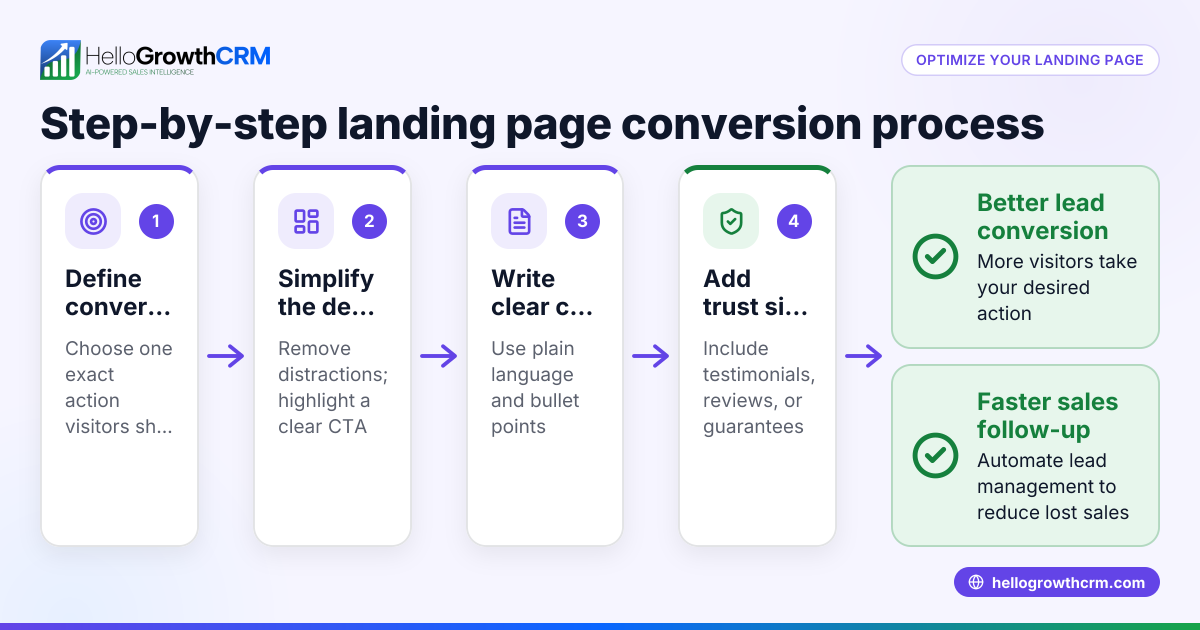
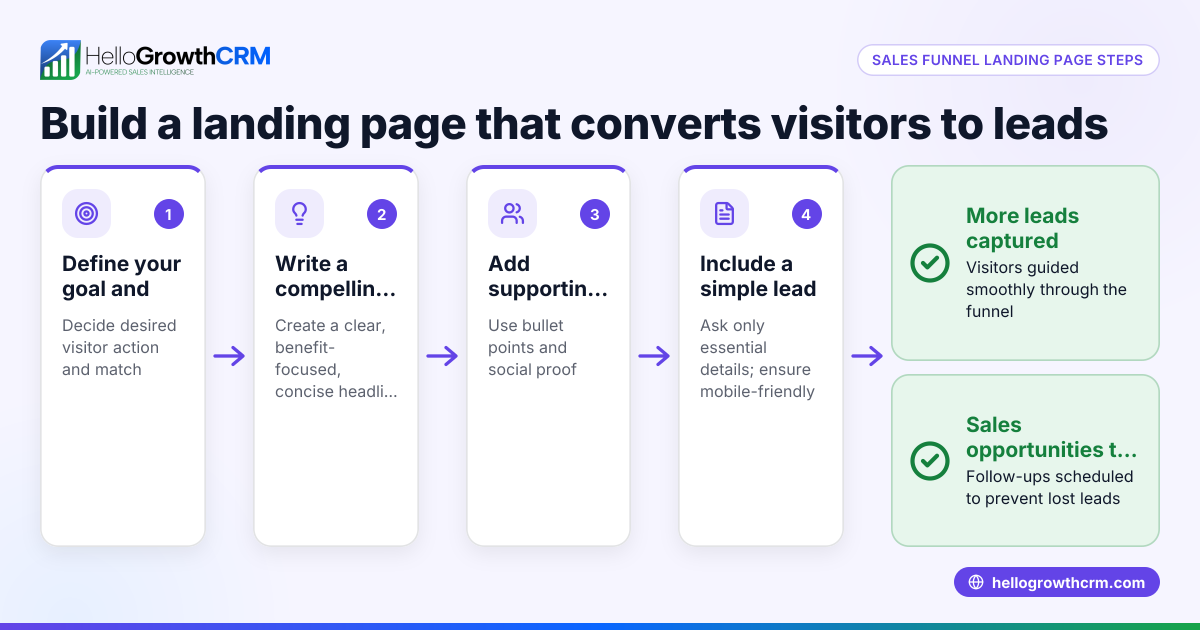
- Define your target audience and offer
- Identify who your ideal customers are (for example, manufacturers in Pune looking for packaging solutions).
- Decide what you will offer in exchange for their contact information (e.g., a free quote, product brochure, or consultation).
- Choose a simple, mobile-friendly design
- Use a clean layout with your brand colours.
- Ensure the page loads quickly on mobile devices, as many Indian users access via smartphones.
- Create a clear, benefit-focused headline
- Write a headline that explains what the visitor gains, such as "Get a Free Packaging Quote in 24 Hours".
- Add supporting content
- Briefly list key benefits or features.
- Include testimonials or trust signals if available.
- Build a lead capture form
- Request only essential information: name, phone number, email, and enquiry details.
- Use clear labels and make fields mandatory where needed.
- Add a strong call to action (CTA)
- Use action words like "Get Your Free Quote Now".
- Place the CTA button prominently and repeat it if the page is long.
- Include contact options
- Add clickable phone numbers and WhatsApp links for direct contact.
- Set up thank-you page or confirmation message
- Confirm submission and explain next steps (e.g., "Our sales team will contact you within 24 hours").
- Test the landing page
- Check form functionality on desktop and mobile.
- Verify that submissions are received correctly.
- Drive traffic to your landing page
- Use IndiaMART, JustDial, social media posts, or paid ads.
Example (fictional figures)
A Pune-based packaging supplier wants to create a lead generation landing page offering a free quote to manufacturers.
- The headline: "Get Your Free Packaging Quote in 24 Hours"
- Form fields: Name, Phone, Email, Product Type
- The call to action: "Request Quote Now"
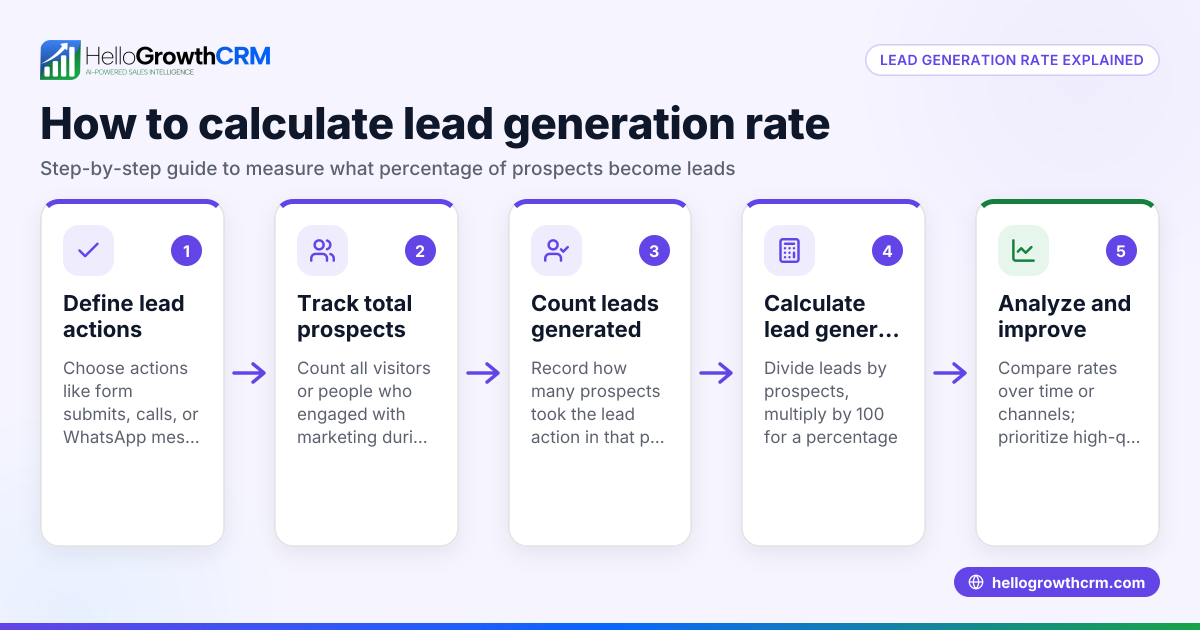
- They expect 100 visitors a day, with 10% conversion rate.
Calculations:
Expected daily leads = 100 visitors × 10% conversion = 10 leads
If each lead has an average order value of ₹1,50,000 and a 20% closing rate:
Expected daily sales = 10 leads × 20% closing rate = 2 sales
Expected daily revenue = 2 sales × ₹1,50,000 = ₹3,00,000
This example shows how a well-designed landing page can generate measurable leads and revenue.
Common mistakes
- Asking for too much information: Keep forms short to avoid drop-offs. Prevent by limiting fields to essentials.
- Unclear call to action: Visitors must know what to do next. Use direct, action-oriented text.
- Ignoring mobile users: Most Indian users browse on phones. Test page responsiveness and loading speed.
- No follow-up plan: Captured leads must be contacted quickly. Use tools like HelloGrowthCRM to assign leads and set tasks automatically.
- Poor traffic sources: Without targeted promotion, your landing page gets no visitors. Use IndiaMART or JustDial enquiries and social media to drive traffic.
Doing this in HelloGrowthCRM
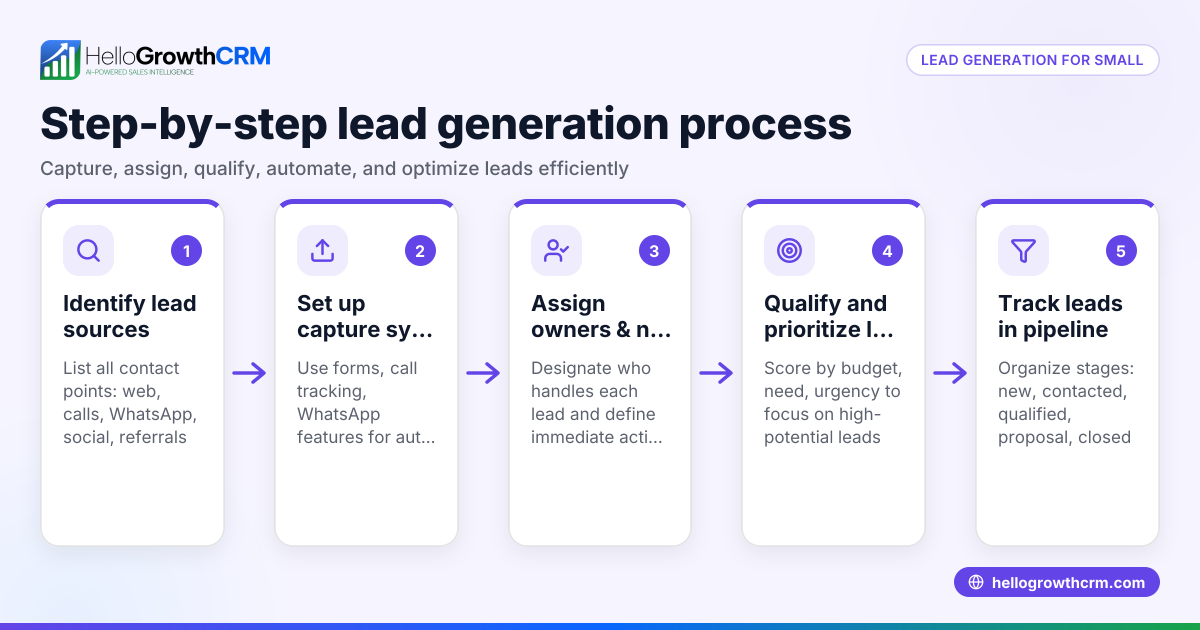
HelloGrowthCRM helps by capturing every enquiry from forms, calls or WhatsApp as a lead with an assigned owner and next step. AI lead scoring lets telecallers prioritise leads most likely to convert first. Automated workflows and lead routing assign new IndiaMART enquiries round-robin and create first-call tasks automatically. This keeps your sales process organised and fast, avoiding lost leads. Learn more about AI lead scoring and WhatsApp and SMS CRM features.
Frequently asked questions
How to create a lead magnet landing page in India? A lead magnet landing page offers a valuable free resource (like an ebook or discount) in exchange for contact details. Follow the same steps as a lead generation page but focus on highlighting the free offer to encourage signups.
What information should I ask for on my landing page form? Only ask for information necessary to follow up effectively, typically name, phone number, and email. Additional fields may reduce conversion rates.
How can I ensure my landing page converts well? Keep the design simple, use a clear headline and call to action, make the form easy to fill, and ensure fast page loading, especially on mobile.
Can I use WhatsApp to follow up leads from my landing page? Yes, WhatsApp is widely used in India for sales follow-up. HelloGrowthCRM integrates WhatsApp messaging directly, helping you manage and sequence follow-ups efficiently.
How do I track leads from IndiaMART or JustDial on my landing page? Use HelloGrowthCRM to capture leads automatically from IndiaMART or JustDial enquiries, assign owners, and create follow-up tasks, ensuring no leads are missed.
Key takeaways
- Define your target audience and offer before building the landing page.
- Keep the design simple, mobile-friendly, and focused on one clear goal.
- Use a short form with essential fields and a strong call to action.
- Test the page thoroughly on multiple devices before launch.
- Follow up leads promptly using tools like HelloGrowthCRM with AI lead scoring and automated workflows.
Start capturing and converting leads today. Start on the Free Forever plan (200 leads, no credit card).
Ready to put this into practice?
Set up your pipeline, WhatsApp follow-ups, and AI lead scoring in minutes — free, no credit card.
Try HelloGrowthCRM freeGet CRM tips in your inbox
Join thousands of sales professionals who get weekly insights on CRM strategy, AI automation, and pipeline optimization.

The HelloGrowthCRM team publishes guides on CRM strategy, AI sales tools, and revenue operations for small business sales teams.