HelloGrowthCRM software
Built for real small-business sales teams
HelloGrowthCRM helps reps qualify faster, follow up on time, and close more deals—with practical automation in one place.
- AI lead scoring and pipeline visibility
- Built-in dialer, WhatsApp, and email automation
- Sales forecasting and RevOps-ready reporting
Creating a lead magnet landing page is an effective way for UK small and mid-sized businesses to capture leads and grow sales. This guide provides clear, step-by-step instructions to build a landing page that converts.
Why this comes up / what goes wrong
Many UK small-business owners want to generate leads online but struggle with slow follow-up or losing leads altogether. They often use WhatsApp, email, or spreadsheets to track enquiries, which is inefficient and error-prone. Without a focused landing page offering a lead magnet—such as a free guide, checklist, or discount—visitors may not share their contact details. Even with a landing page, unclear messaging, too many form fields, or poor follow-up plans reduce effectiveness.
Step-by-step
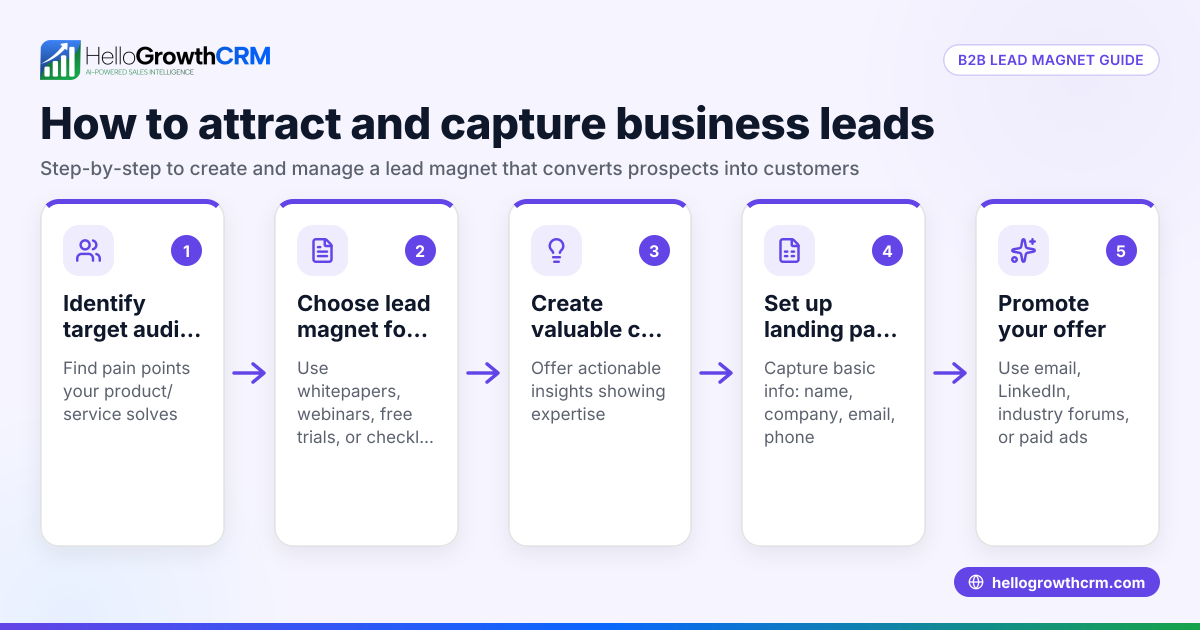
- Choose your lead magnet: Select a valuable resource your target audience wants, like a PDF guide, checklist, webinar invite, or discount voucher.
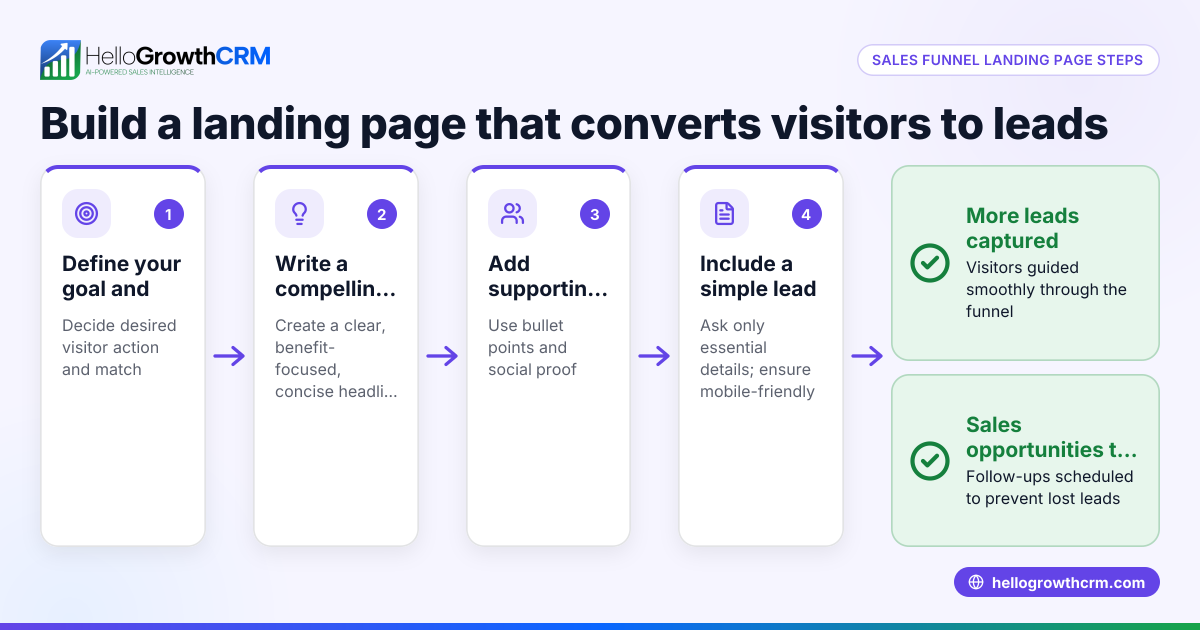
- Define your target audience: Specify who will benefit from your lead magnet to tailor your message and design.
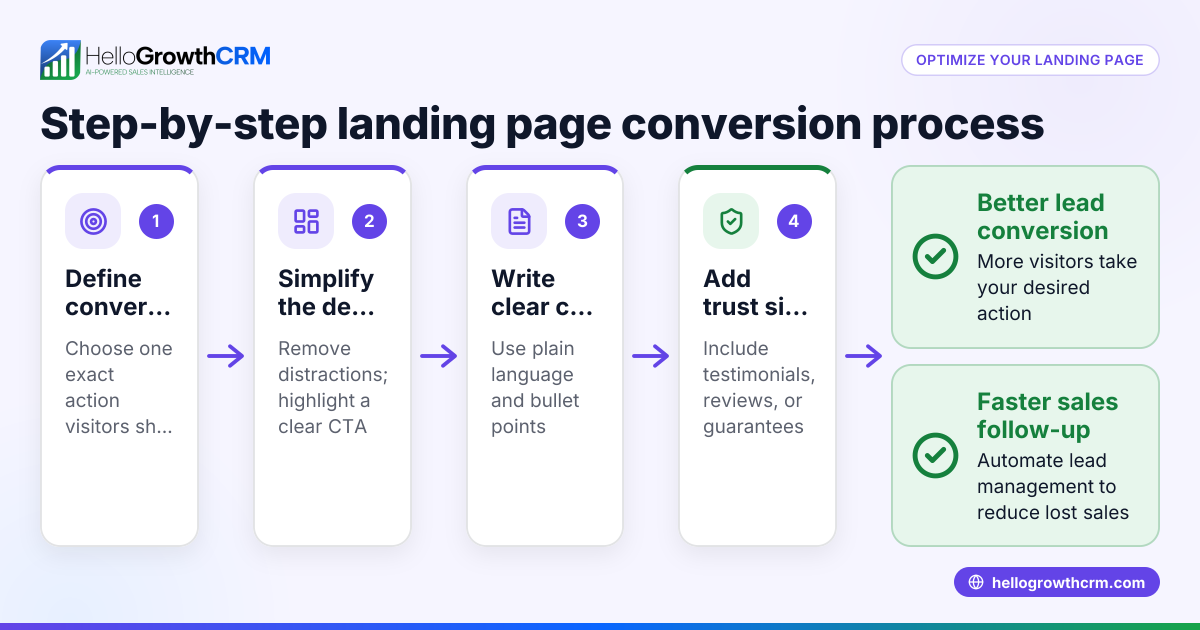
- Create a clear, benefit-focused headline: Write a headline that tells visitors what they gain, for example, "Save £££ on Your Energy Bills with Our Free Guide".
- Write a concise description: Use 2-3 sentences to summarise the lead magnet’s value and why visitors should sign up.
- Design the form fields: Include only essential fields to reduce friction—usually name and email or phone number.
- Add a strong call to action (CTA): Use clear action words like “Download now” or “Get your free guide” and make the button prominent.
- Set up lead capture: Connect your form to a CRM or email system to collect leads automatically, ensuring no enquiries are lost.
- Include trust signals: Add a privacy statement explaining data use, and if possible, testimonials or security badges.
- Test the page: Check the form works correctly on desktop and mobile devices. Confirm leads arrive in your CRM or email list.
- Launch and promote: Share your landing page link via WhatsApp, email campaigns, social media, or paid ads.
Example (fictional figures)
A solar-panel installer in Glasgow wants to increase enquiries by offering a free "Home Solar Savings Guide".
- Target audience: Homeowners in Glasgow.
- Lead magnet: PDF guide explaining savings and installation process.
- Form fields: Name, email, phone number.
- Headline: "Discover How Much You Can Save with Solar Panels"
- Description: "Get our free guide packed with tips to reduce your energy bills and increase your home’s value."
- CTA button: "Download Your Free Guide"
Promotion budget and forecast:
£500 budget for local Facebook ads
Estimated cost per lead: £5
Expected leads = £500 ÷ £5 = 100 leads
If 10% convert to sales appointments:
100 leads × 10% = 10 appointments
This example shows how a clear landing page and budget can forecast lead and sales outcomes.
Common mistakes
- Too many form fields: Asking for too much information reduces sign-ups. Keep it to the essentials.
- Unclear value proposition: Visitors won’t sign up if they don’t understand the benefit. Make your headline and description clear.
- No follow-up plan: Capturing leads without quick follow-up wastes potential. Use tools with automated lead routing and task creation.
- Ignoring mobile users: Many visitors use phones; ensure your landing page is mobile-friendly.
- Not testing the form: Broken forms or missing leads cause lost opportunities. Test thoroughly.
- Weak call to action: A vague or hidden CTA button lowers conversions. Use strong, visible wording.
Doing this in HelloGrowthCRM
HelloGrowthCRM captures every enquiry from your landing page form, call or WhatsApp as a lead with an assigned owner and next step, instead of losing them in notebooks or spreadsheets. Its AI lead scoring helps telecallers focus on leads most likely to convert first. Automated workflows and lead routing can assign new enquiries round-robin and create first-call tasks automatically. Learn more about AI lead scoring and WhatsApp and SMS CRM features. For UK businesses, see HelloGrowthCRM for the United Kingdom.
Frequently asked questions
How do I make my lead magnet landing page GDPR compliant? Include a clear privacy notice explaining how you will use personal data. Obtain explicit consent for marketing communications. Use secure hosting and data storage. NEEDS EXPERT REVIEW.
What is the difference between a lead magnet landing page and a lead generation landing page? A lead magnet landing page offers a specific free resource in exchange for contact details, while a lead generation page may broadly collect leads without a defined offer.
Can I use WhatsApp to follow up with leads from my landing page? Yes, integrating WhatsApp with your CRM allows quick, personalised follow-up. HelloGrowthCRM supports WhatsApp and SMS sequences to automate this.
How many form fields should I include? Keep it to the minimum needed to qualify the lead, usually name and contact method. Additional fields can reduce conversions.
Is it better to use a standalone landing page or embed a form on my website? Standalone landing pages focus visitor attention and improve conversion rates. Embedding forms is simpler but may distract visitors with other content.
Key takeaways
- Select a clear, valuable lead magnet tailored to your target audience.
- Use a simple form with only essential fields.
- Write a benefit-driven headline and concise description.
- Test your landing page on desktop and mobile before launch.
- Plan prompt follow-up using tools like HelloGrowthCRM with AI lead scoring and workflows.
- Promote your landing page actively through WhatsApp, email and social media.
Start capturing and managing your leads effectively today. Start on the Free Forever plan (200 leads, no credit card).
Ready to put this into practice?
Set up your pipeline, WhatsApp follow-ups, and AI lead scoring in minutes — free, no credit card.
Try HelloGrowthCRM freeGet CRM tips in your inbox
Join thousands of sales professionals who get weekly insights on CRM strategy, AI automation, and pipeline optimization.

The HelloGrowthCRM team publishes guides on CRM strategy, AI sales tools, and revenue operations for small business sales teams.