HelloGrowthCRM software
Built for real small-business sales teams
HelloGrowthCRM helps reps qualify faster, follow up on time, and close more deals—with practical automation in one place.
- AI lead scoring and pipeline visibility
- Built-in dialer, WhatsApp, and email automation
- Sales forecasting and RevOps-ready reporting
Creating an email list is essential for small businesses to communicate effectively with customers and prospects. Many UK business owners struggle because they lack a clear process or tools to build and maintain a quality list. This guide gives you straightforward steps to create an email list today, including what to check at each stage.
Why this comes up / what goes wrong
Small business owners often want to send newsletters, promotions or follow-ups but don’t have a reliable email list. They might collect emails informally on scraps of paper, WhatsApp chats, or spreadsheets that get lost or out of date. Without a clear process, they miss leads or accidentally email people without permission, risking complaints or poor engagement.
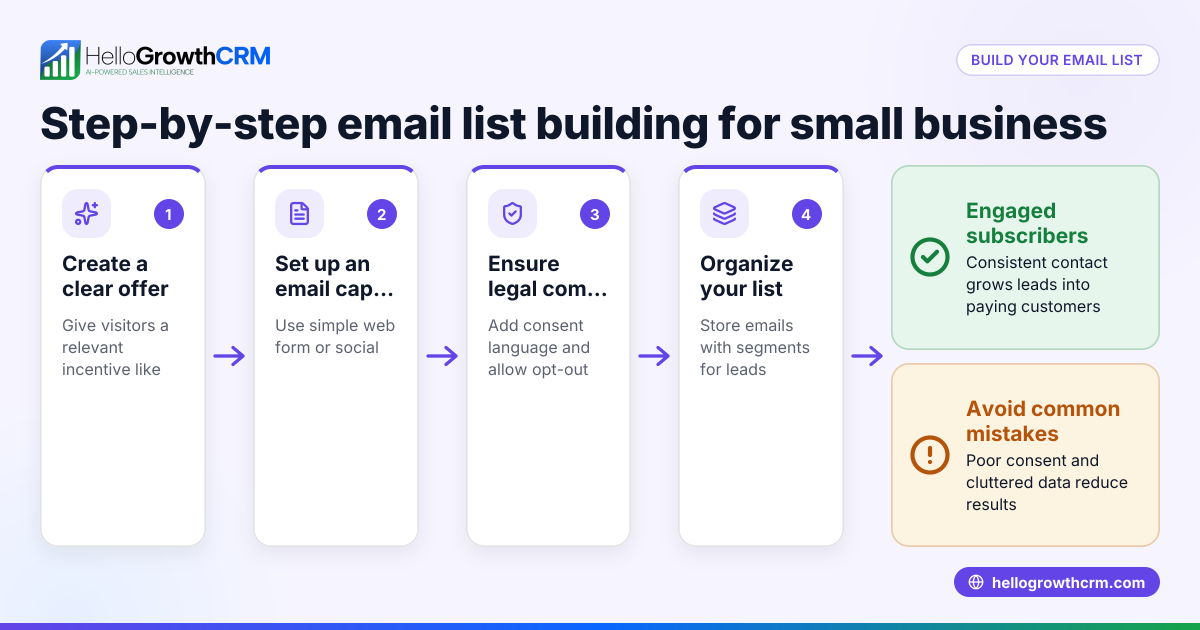
Step-by-step
- Decide your purpose and audience
- What type of emails will you send? (newsletters, offers, updates)
- Who do you want on your list? (existing customers, website visitors, event attendees)
- Collect email addresses with consent
- Use web forms on your website or social media asking visitors to subscribe.
- Collect emails in person with clear permission (e.g. at point of sale).
- Always explain what they’re signing up for and how often you will email.
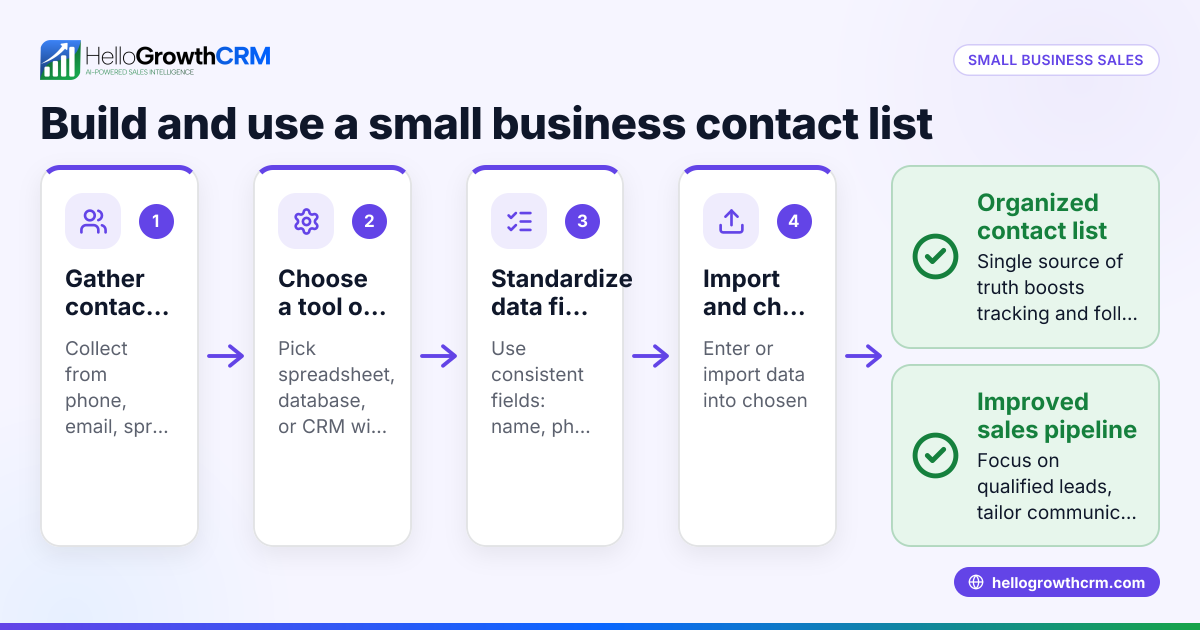
- Choose a storage method
- Start with a spreadsheet if you’re small, but plan to move to a CRM.
- Ensure the storage complies with data protection laws (keep it secure).
- Organise your list
- Include fields: email address, name, source of sign-up, date added, consent status.
- Segment by categories such as customer type or interest to send relevant emails.
- Clean your list regularly
- Remove bounced emails or unsubscribes.
- Confirm consent if unsure (send a re-permission email).
- Plan your email content and schedule
- Decide frequency and type of emails.
- Prepare templates and calls to action.
- Send your emails using email marketing software or CRM
- Use tools that allow personalisation and tracking.
- Monitor open rates and replies to improve future emails.
Example (fictional figures)
A kitchen-fitting company in Leeds wants to create an email list to promote seasonal discounts by 01/07/2026.
- They collect 200 emails from customers and website sign-ups.
- They record each email with name, sign-up source, and date in a spreadsheet.
- They segment 120 as existing customers and 80 as prospects.
- They plan a monthly newsletter and a special offer email.
Calculation of list segments:
Total emails = 200 Existing customers = 120 Prospects = 80
Percentage of customers = (120 ÷ 200) × 100 = 60% Percentage of prospects = (80 ÷ 200) × 100 = 40%
They send the first email to all 200 and track responses to adjust future campaigns.
Common mistakes
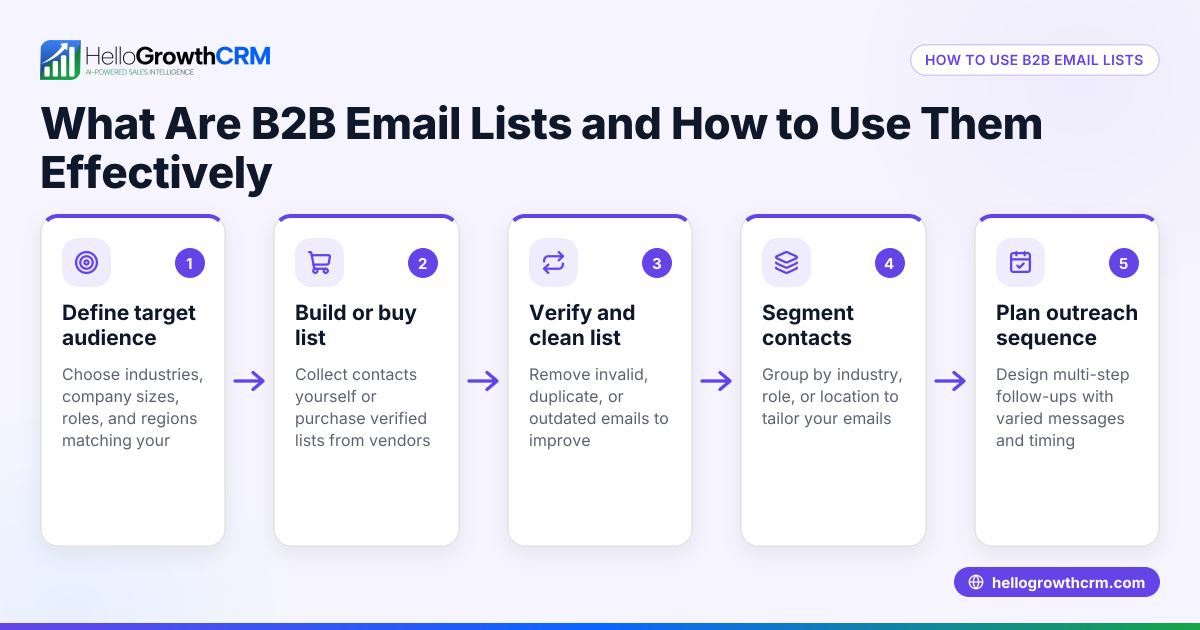
- Collecting emails without consent: Always get explicit permission to avoid complaints and legal issues.
- Using outdated or unorganised lists: Regularly clean and update your list to keep it effective.
- Sending irrelevant emails to all: Segment your list to send targeted messages that engage recipients.
- Ignoring replies or unsubscribes: Respect opt-outs immediately and respond to queries.
- Not tracking email performance: Use tools to monitor opens and clicks to improve your campaigns (see email automation and sequences).
- Managing email lists manually for too long: Transition to a CRM when your list grows for better organisation and automation (see HelloGrowthCRM for the United Kingdom).
Doing this in HelloGrowthCRM
HelloGrowthCRM offers a shared inbox called HelloMail where your team can see replies to quotation emails, keeping everyone informed on deals. It also supports sequences and campaigns, enabling automated five-step follow-ups over two weeks that stop as soon as a prospect replies. This helps manage your email list outreach efficiently without manual effort. Learn more about these features at email automation and sequences.
Frequently asked questions
How do I get people to sign up to my email list? Offer value such as discounts, updates, or exclusive content. Use simple sign-up forms on your website and social media. Always explain what subscribers will receive and how often.
Can I add existing customers’ emails to my list without asking again? You should only add emails if you have clear consent or a legitimate interest under data protection laws. If unsure, send a re-permission email asking them to confirm their subscription.
How often should I email my list? There’s no fixed rule, but consistency matters. Monthly or biweekly emails are common. Avoid overwhelming recipients with too frequent emails to reduce unsubscribes.
What should I include in my emails? Include useful content, clear calls to action, and contact details. Personalise emails where possible and make it easy to unsubscribe.
How can I track if my emails are effective? Use email marketing software or CRM tools to track open rates, clicks, replies, and unsubscribes. This data helps refine your approach.
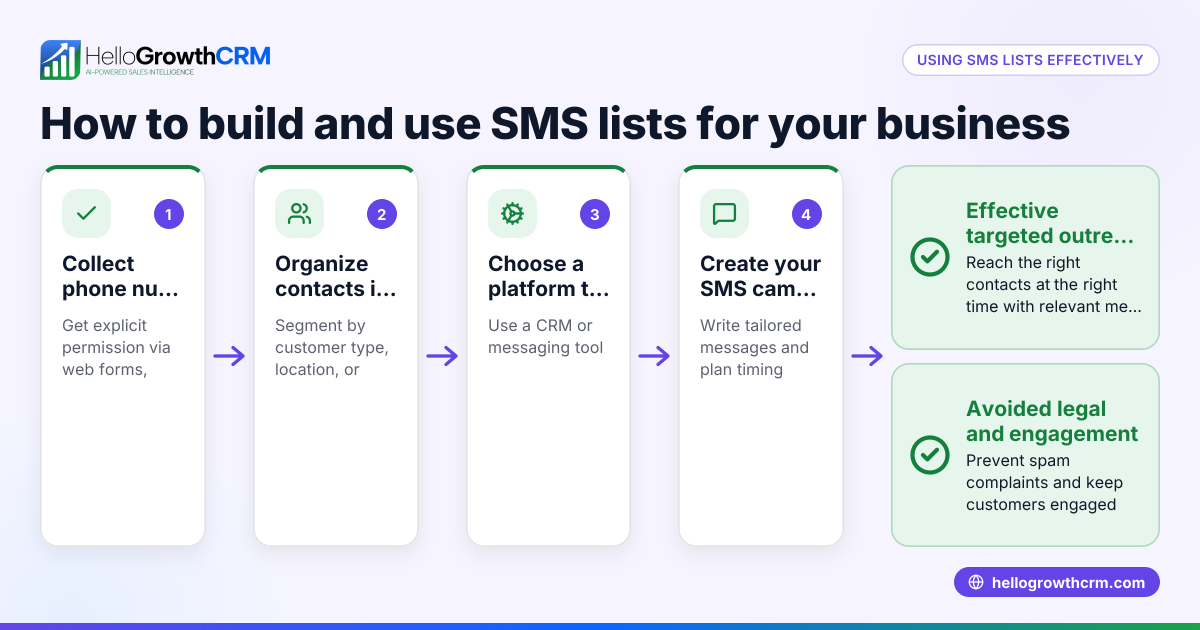
Is it better to manage my email list in a spreadsheet or a CRM? Spreadsheets work for very small lists, but a CRM offers better organisation, segmentation, and automation as your list grows. HelloGrowthCRM combines email, WhatsApp, and SMS outreach in one platform.
Key takeaways
- Always collect email addresses with clear consent.
- Organise and segment your list for targeted emails.
- Keep your list clean by removing invalid or unsubscribed contacts.
- Use automation tools like HelloGrowthCRM sequences to save time.
- Track email performance to improve engagement.
- Transition from spreadsheets to a CRM as your list grows.
Start building your email list today and manage it efficiently with HelloGrowthCRM. Start on the Free Forever plan (200 leads, no credit card).
Ready to put this into practice?
Set up your pipeline, WhatsApp follow-ups, and AI lead scoring in minutes — free, no credit card.
Try HelloGrowthCRM freeGet CRM tips in your inbox
Join thousands of sales professionals who get weekly insights on CRM strategy, AI automation, and pipeline optimization.

The HelloGrowthCRM team publishes guides on CRM strategy, AI sales tools, and revenue operations for small business sales teams.