HelloGrowthCRM software
Built for real small-business sales teams
HelloGrowthCRM helps reps qualify faster, follow up on time, and close more deals—with practical automation in one place.
- AI lead scoring and pipeline visibility
- Built-in dialer, WhatsApp, and email automation
- Sales forecasting and RevOps-ready reporting
To follow up on client estimates in the UK, contact your client within 2-3 days of sending the estimate to confirm receipt and offer help. Schedule reminders for follow-ups, record all communications, and space your contacts reasonably. This article explains why follow-up matters, provides step-by-step instructions, a worked example with calculations, common mistakes to avoid, and how HelloGrowthCRM can support your follow-up process.
Why this comes up / what goes wrong
Small business owners in the UK often send estimates but then do not follow up effectively. This can lead to lost sales because clients may forget the estimate, have questions left unanswered, or choose a competitor. Without a clear follow-up system, owners rely on memory or scattered notes, resulting in missed or delayed contact. Running sales on WhatsApp, email, and spreadsheets can cause confusion about when and how to follow up.
Step-by-step
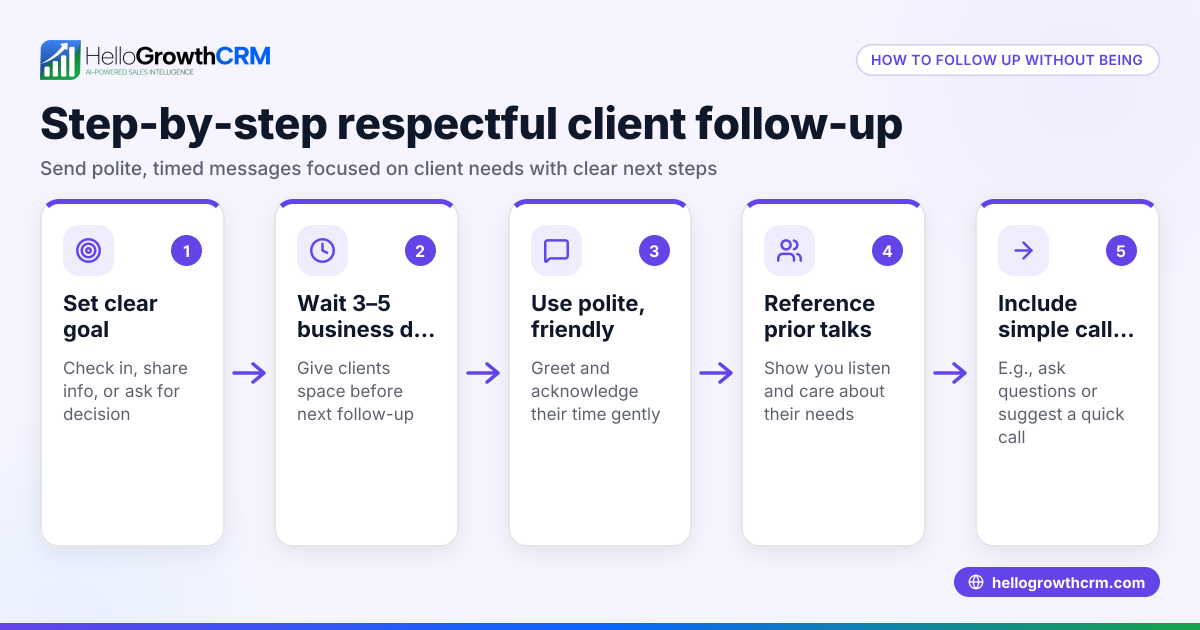
- Send the estimate clearly and promptly: Make sure your estimate is accurate, detailed, and sent via the client’s preferred channel (email, WhatsApp, etc.). Include a clear expiry or validity date.
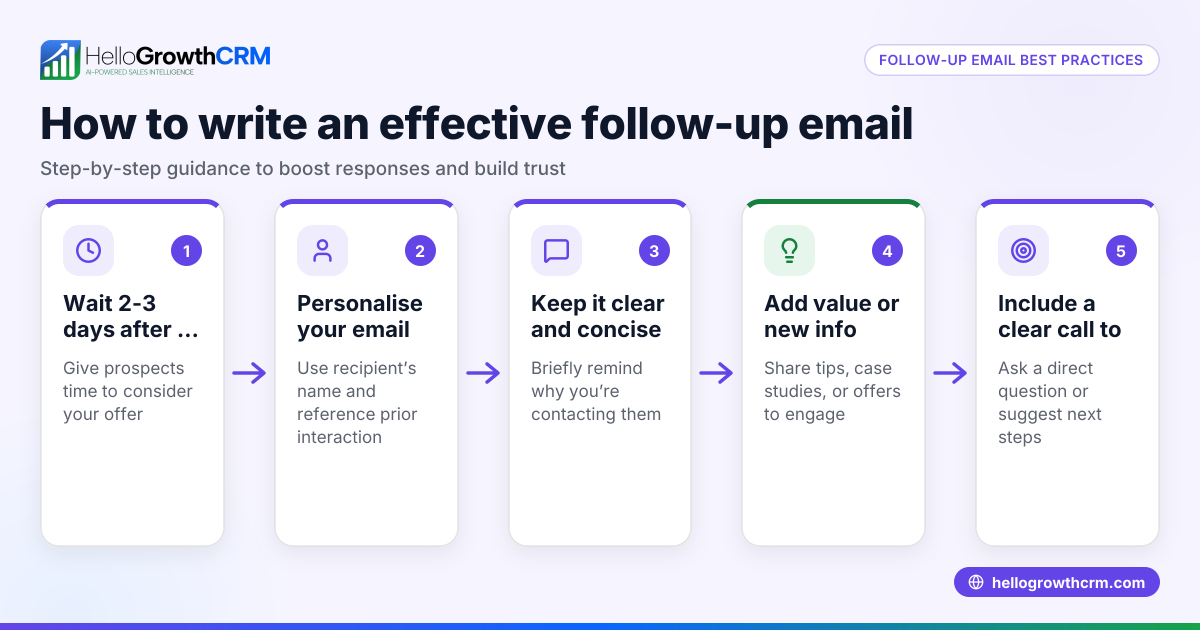
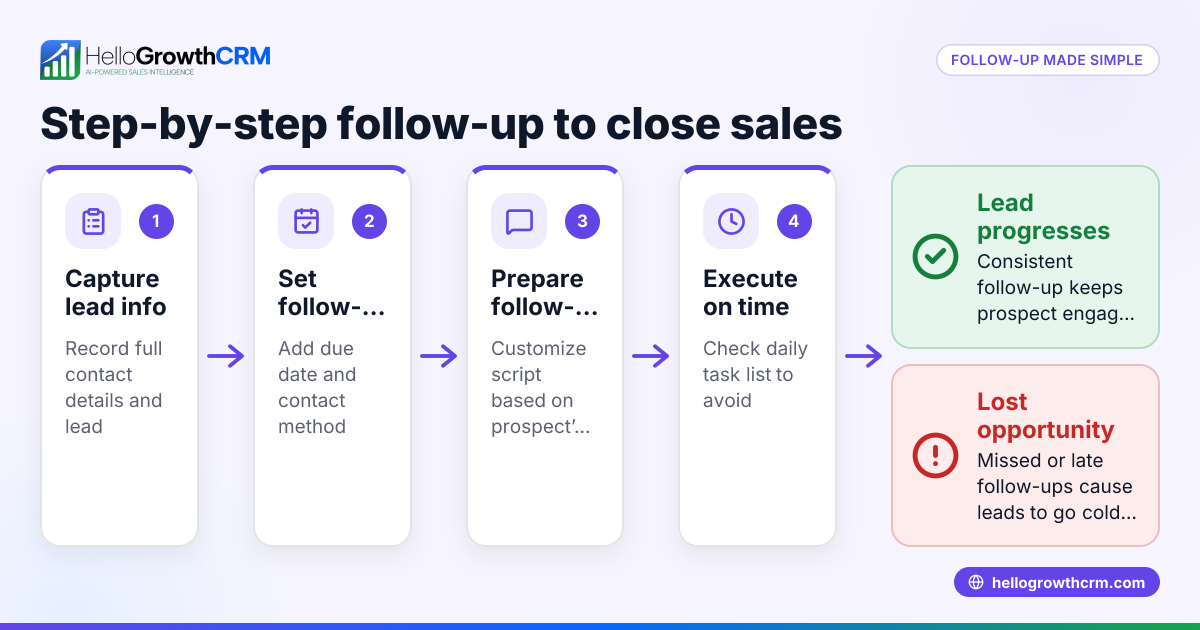
- Note the date sent and set a follow-up reminder: Use a calendar or sales task board to set a reminder to follow up 2-3 days after sending.
- Make the first follow-up contact: Politely check the client received the estimate and ask if they have any questions. Use a friendly tone.
- Log the outcome immediately: Record the client’s response or feedback to keep track of progress.
- Schedule subsequent follow-ups: If no reply, follow up again after one week, then after two weeks, adjusting your approach if needed.
- Offer extra support or information: Use follow-ups to clarify details, provide cost breakdowns, or highlight benefits.
- Close the loop: When the client accepts, confirm the next steps. If they decline or don’t respond after several attempts, record the outcome and decide if further contact is worthwhile.
Example (fictional figures)
A kitchen-fitting company in Leeds sends an estimate on 01/05/2024 for £4,800.
- Estimate sent: 01/05/2024
- Follow-up reminder set: 04/05/2024 (3 days later)
Step 1: On 04/05/2024, call the client: "Hello, just checking you received the kitchen fitting estimate of £4,800 I sent on 01/05/2024. Do you have any questions?"
Step 2: Client says they need to think about it. Log this response.
Step 3: Set next follow-up for 11/05/2024 (one week later).
Step 4: On 11/05/2024, send a WhatsApp message: "Hi, just following up on the kitchen fitting estimate. Let me know if I can help with any details."
Step 5: Client asks for a breakdown of costs. Provide the breakdown:
- Labour: £2,500
- Materials: £1,800
- VAT (assumed 20%): (£2,500 + £1,800) × 20% = £860
- Total: £2,500 + £1,800 + £860 = £5,160
Log the conversation.
Step 6: Set another follow-up for 18/05/2024.
Step 7: On 18/05/2024, call to confirm if they want to proceed.
Step 8: Client accepts on 18/05/2024. Confirm installation date and next steps.
Common mistakes
- Not following up promptly: Delays cause clients to lose interest. Prevent this by setting reminders immediately after sending estimates using sales task boards (/product/sales-task-boards).
- Failing to record communications: Without logging follow-ups, you risk repeating calls or missing key details. Use activity logs to keep track.
- Sending generic messages: Personalised follow-ups are more effective. Tailor messages based on previous conversations.
- Over-contacting clients: Too frequent follow-ups can annoy clients. Space contacts reasonably and stop if the client declines.
- Relying on memory: Trying to remember follow-up dates leads to errors. Use task boards and sequences (/product/email-automation) to automate reminders.
- Ignoring client communication preferences: Some clients prefer WhatsApp, others email or phone. Respect their choice to improve response rates.
Doing this in HelloGrowthCRM
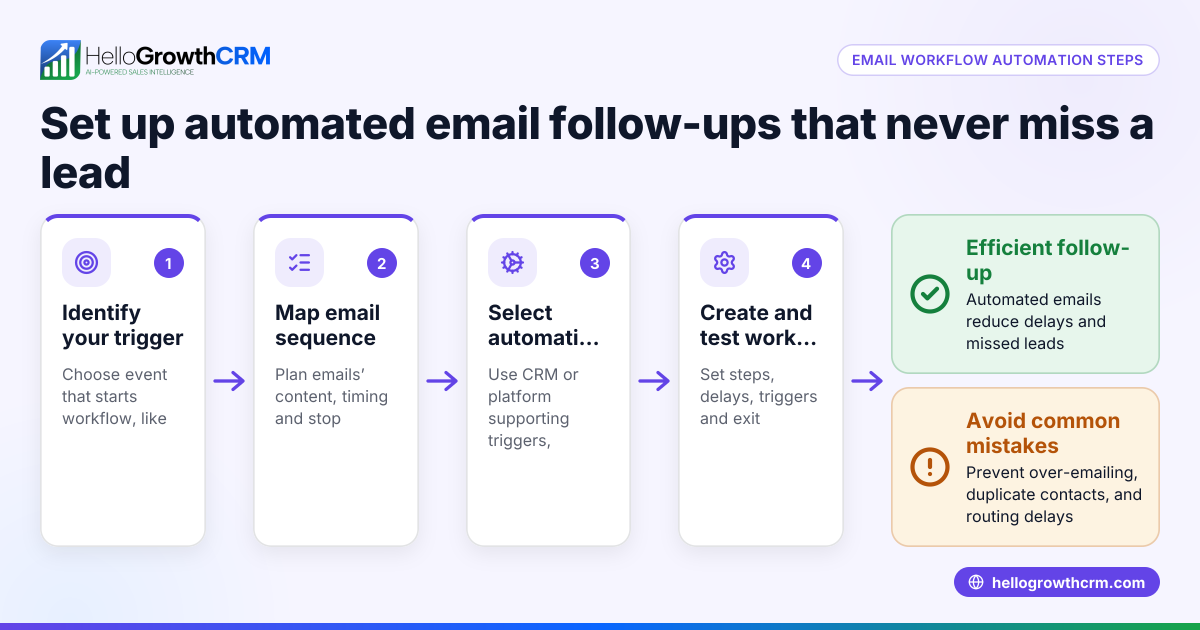
HelloGrowthCRM helps manage follow-ups efficiently. Activities and task boards turn each follow-up into a task with a due date, so you never miss a call or message (/product/sales-task-boards). Sequences automate a five-step follow-up over two weeks, stopping automatically when the client replies (/product/email-automation). AI agents (Beta) draft follow-up messages after calls for your review and sending, saving time and ensuring timely communication (/product/ai-crm).
Frequently asked questions
How soon should I follow up after sending an estimate? Follow up within 2-3 days to confirm the client received the estimate and offer assistance. This keeps your offer fresh without seeming pushy.
What if the client does not respond after several follow-ups? If there is no response after 2-3 follow-ups spaced over two weeks, it is best to pause contact. Record this in your CRM and revisit later if appropriate.
Should I follow up by phone, email, or WhatsApp? Use the client’s preferred communication method. Many UK small businesses use WhatsApp, but some clients prefer email or phone calls. Respecting preferences improves response rates.
How can I personalise follow-up messages? Use information from previous conversations and client needs to tailor messages. HelloGrowthCRM’s AI agents can help draft personalised follow-ups for your review (/product/ai-crm).
Can I automate follow-ups without losing the personal touch? Yes. Automated sequences send timed messages but stop immediately once the client replies, allowing you to respond personally and keep the conversation natural (/product/email-automation).
Key takeaways
- Follow up within 2-3 days after sending an estimate to confirm receipt and offer help.
- Use reminders and sales task boards to schedule and track follow-ups.
- Personalise messages based on client feedback and communication preferences.
- Avoid over-contacting; space follow-ups reasonably.
- Use CRM tools like HelloGrowthCRM to automate and organise follow-ups efficiently.
Start managing your client estimate follow-ups today with HelloGrowthCRM. Start on the Free Forever plan (200 leads, no credit card).
Ready to put this into practice?
Set up your pipeline, WhatsApp follow-ups, and AI lead scoring in minutes — free, no credit card.
Try HelloGrowthCRM freeGet CRM tips in your inbox
Join thousands of sales professionals who get weekly insights on CRM strategy, AI automation, and pipeline optimization.

The HelloGrowthCRM team publishes guides on CRM strategy, AI sales tools, and revenue operations for small business sales teams.