HelloGrowthCRM software
Built for real small-business sales teams
HelloGrowthCRM helps reps qualify faster, follow up on time, and close more deals—with practical automation in one place.
- AI lead scoring and pipeline visibility
- Built-in dialer, WhatsApp, and email automation
- Sales forecasting and RevOps-ready reporting
Email workflow automation is the process of setting up automated email sequences that trigger based on actions or time delays to engage leads or customers without manual sending. For small businesses, this means faster follow-up, better lead nurturing, and more consistent communication.
Why this comes up / what goes wrong
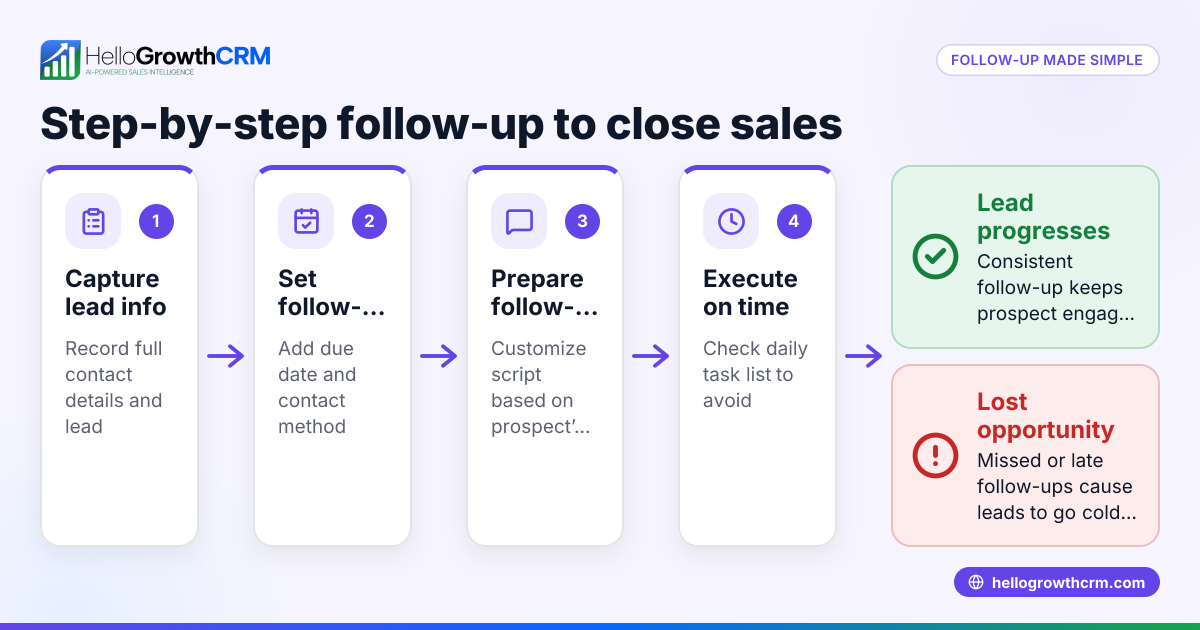
Small business owners often struggle with timely and consistent follow-up by email because manual outreach takes time and can be easily forgotten or delayed. Leads may fall through the cracks when sales teams rely on spreadsheets, email drafts, or memory to send follow-ups. This slows down the sales cycle, reduces conversion rates, and wastes marketing efforts. Email workflow automation solves this by automatically sending emails in a planned sequence, triggered by lead behavior or CRM events, ensuring no lead is missed.
Step-by-step
- Identify your goal and triggers: Decide what event starts the email workflow, such as a new lead signup, a request for a quote, or a demo booking. Check that you can track this event in your system.
- Map out the email sequence: Plan the number of emails, their content, timing, and conditions to stop the sequence (e.g., if the lead replies). Ensure the messages add value and encourage engagement.
- Choose an automation tool: Use a CRM or email platform that supports workflows or sequences. Confirm it can send timed emails, pause on replies, and integrate with your lead capture.
- Create the workflow in the tool: Set up triggers, email steps, delays between emails, and exit conditions. Test the workflow with sample leads.
- Validate lead data and routing: Make sure leads are assigned to the right sales reps automatically to avoid delays. Check that lead information is accurate and complete.
- Monitor and optimize: Track open rates, reply rates, and conversions. Adjust email content and timing based on results.
- Train your team: Ensure everyone understands how the workflow works and how to handle replies or exceptions.
Example (fictional figures)
A residential real-estate team in Phoenix, Arizona, wants to automate follow-up emails for new property inquiries.
- On 06/01/2026, a new lead submits a form.
- The workflow sends the first email immediately.
- After 3 days, if no reply, a second email is sent.
- After 7 days, a third email is sent.
- The sequence stops if the lead replies.
Assuming the team gets 100 new leads monthly and manual follow-up costs 15 minutes per lead at $25/hour:
Manual follow-up cost: 100 leads × 15 minutes = 1,500 minutes 1,500 minutes ÷ 60 = 25 hours 25 hours × $25 = $625
With automation, the team saves nearly all of this time, freeing 25 hours monthly.
Common mistakes
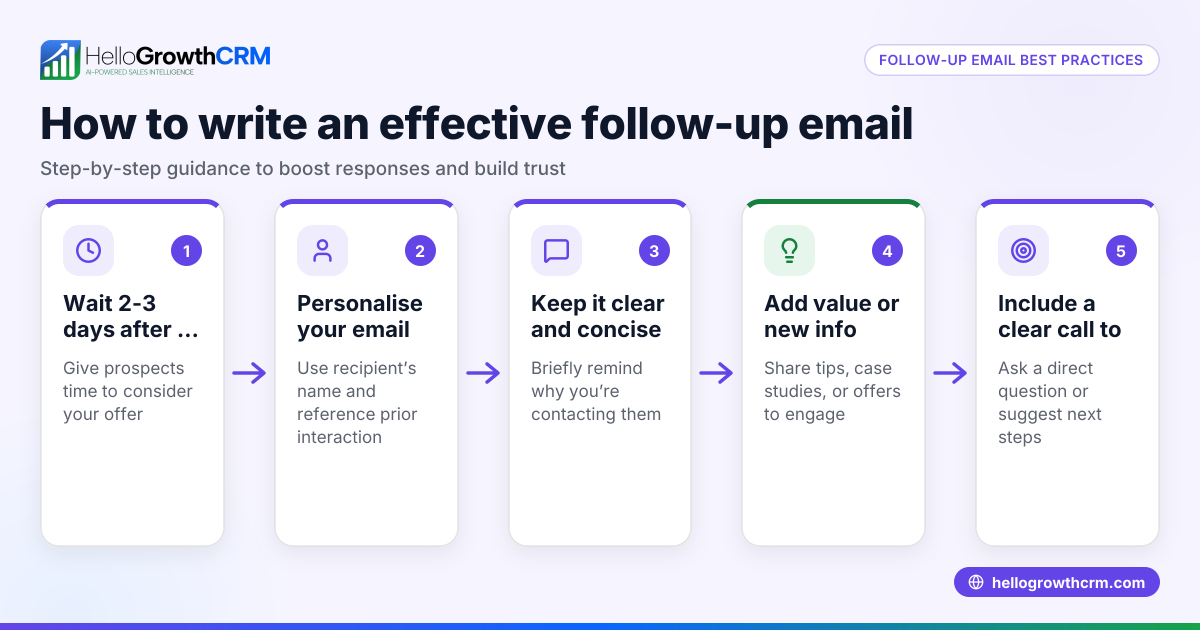
- Sending too many emails too quickly: This can annoy leads. Prevent by spacing emails appropriately and monitoring engagement.
- Not stopping the sequence after a reply: Leads get duplicate messages. Prevent by setting the workflow to pause or stop on any reply.
- Poorly targeted emails: Generic emails reduce response. Prevent by segmenting leads and personalizing content.
- Ignoring lead assignment: Leads get delayed if not routed properly. Prevent by using automated lead routing rules.
- Lack of testing: Errors in workflows cause failures. Prevent by thoroughly testing before launch.
- Overlooking team visibility: Replies get lost if only one person sees them. Prevent by using shared inboxes.
Doing this in HelloGrowthCRM
HelloGrowthCRM supports email workflow automation with several features:
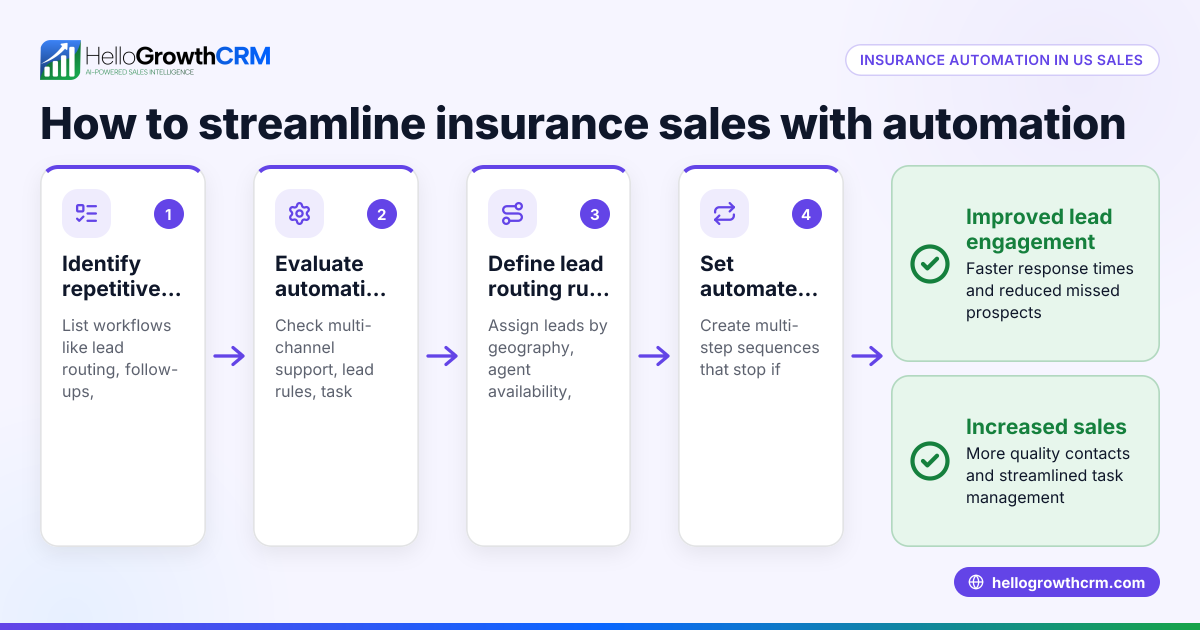
- Workflows, lead routing and validation rules: Automatically assign new leads in a round-robin and create first-call tasks, ensuring fast, organized follow-up. Learn more on the AI CRM page.
- Sequences and campaigns: Set up multi-step email follow-ups that run automatically over days or weeks and stop immediately when the prospect replies. Details available at email automation and sequences.
- HelloMail shared inbox: Manage all replies to quotation emails or follow-ups in a team-shared inbox visible on the deal, so no message is missed. See HelloGrowthCRM for the United States for more.
Frequently asked questions
What is the difference between email workflow automation and regular email marketing? Email workflow automation focuses on sending targeted, timed sequences triggered by specific actions or lead behaviors, while regular email marketing often involves one-way broadcasts to a broad list without personalized triggers.
How do I know which emails to include in my workflow? Start with a welcome or acknowledgement email, followed by helpful information or offers spaced over days or weeks. Monitor engagement and adjust content based on what resonates with your leads.
Can I use email workflow automation without a CRM? While possible with standalone email tools, using a CRM integrates lead data, routing, and tracking, making workflows more effective and easier to manage.
How do I handle replies from automated emails? Set your workflow to pause or stop when a reply is received, and ensure your team has access to a shared inbox to respond promptly and keep context.
Is it hard to set up email workflows in HelloGrowthCRM? HelloGrowthCRM provides user-friendly automated workflows and sequences with lead routing and shared inbox features to simplify setup and management.
Key takeaways
- Email workflow automation sends timed, triggered emails to leads without manual effort.
- It prevents lost leads and speeds up sales follow-up for small businesses.
- Plan your sequence carefully, including triggers, timing, and exit conditions.
- Avoid common mistakes like sending too many emails or ignoring replies.
- HelloGrowthCRM offers workflows, sequences, and shared inboxes to automate and manage email follow-up effectively.
Start streamlining your sales follow-up today by setting up email workflow automation. You can Start on the Free Forever plan (200 leads, no credit card) to try these features and improve your sales process.
Ready to put this into practice?
Set up your pipeline, WhatsApp follow-ups, and AI lead scoring in minutes — free, no credit card.
Try HelloGrowthCRM freeGet CRM tips in your inbox
Join thousands of sales professionals who get weekly insights on CRM strategy, AI automation, and pipeline optimization.

The HelloGrowthCRM team publishes guides on CRM strategy, AI sales tools, and revenue operations for small business sales teams.