HelloGrowthCRM software
Built for real small-business sales teams
HelloGrowthCRM helps reps qualify faster, follow up on time, and close more deals—with practical automation in one place.
- AI lead scoring and pipeline visibility
- Built-in dialer, WhatsApp, and email automation
- Sales forecasting and RevOps-ready reporting
Managing travel booking enquiries efficiently is crucial for UK small businesses to convert interest into confirmed bookings without delay or confusion. This article explains why managing enquiries well is important, provides detailed steps to handle bookings from first contact to confirmation, offers a realistic example with calculations, highlights common mistakes to avoid, and shows how HelloGrowthCRM’s scheduling feature can simplify the process.
Why this comes up / what goes wrong
Small travel businesses in the UK often receive enquiries through WhatsApp, email, or website forms. Without a clear system, enquiries get lost, replies are delayed, or details are mixed up, causing lost sales. Many rely on spreadsheets or WhatsApp chats, which can be chaotic and slow. This leads to frustrated customers and missed bookings. Business owners need a straightforward way to capture enquiries, check availability, communicate clearly, and confirm bookings promptly.
Step-by-step
- Capture enquiry details fully: When a customer contacts you, record their name, contact info, travel dates, destination, number of travellers, and any special requests. Check that all fields are complete before proceeding.
- Acknowledge receipt quickly: Send an immediate reply confirming you received their enquiry and will get back with availability within a set time (e.g., 24 hours). This reassures the customer.
- Check availability and pricing: Verify travel options for the requested dates and calculate total costs including any deposits or fees. Double-check pricing accuracy.
- Communicate options clearly: Send the customer a clear message outlining available travel packages, prices, and payment terms. Include deadlines for booking confirmation.
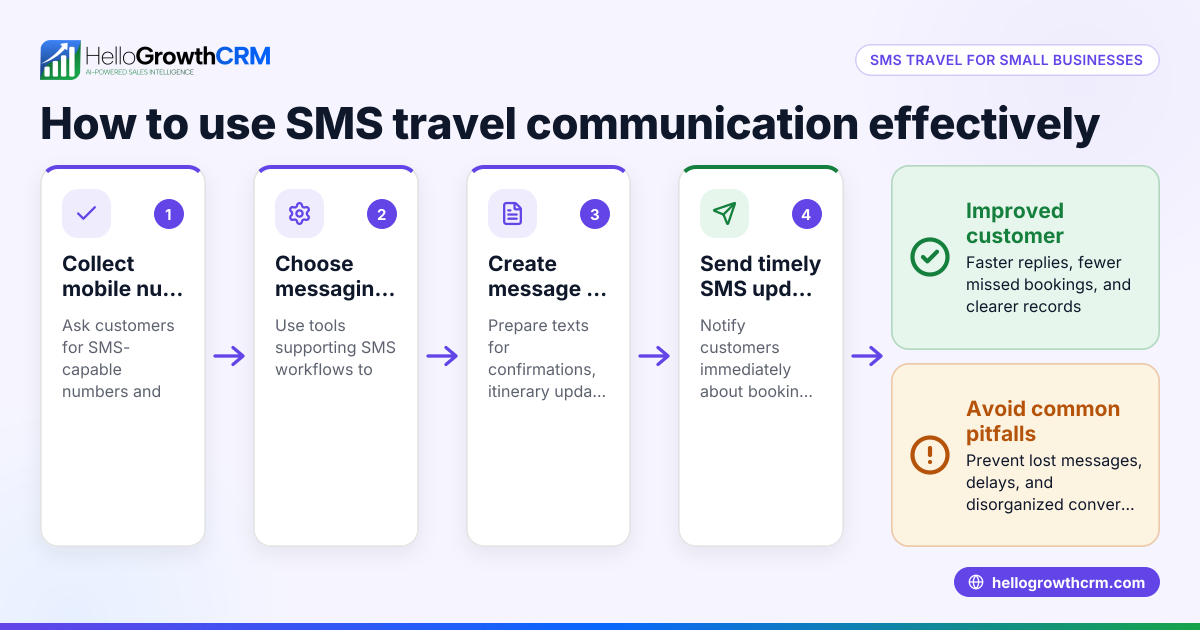
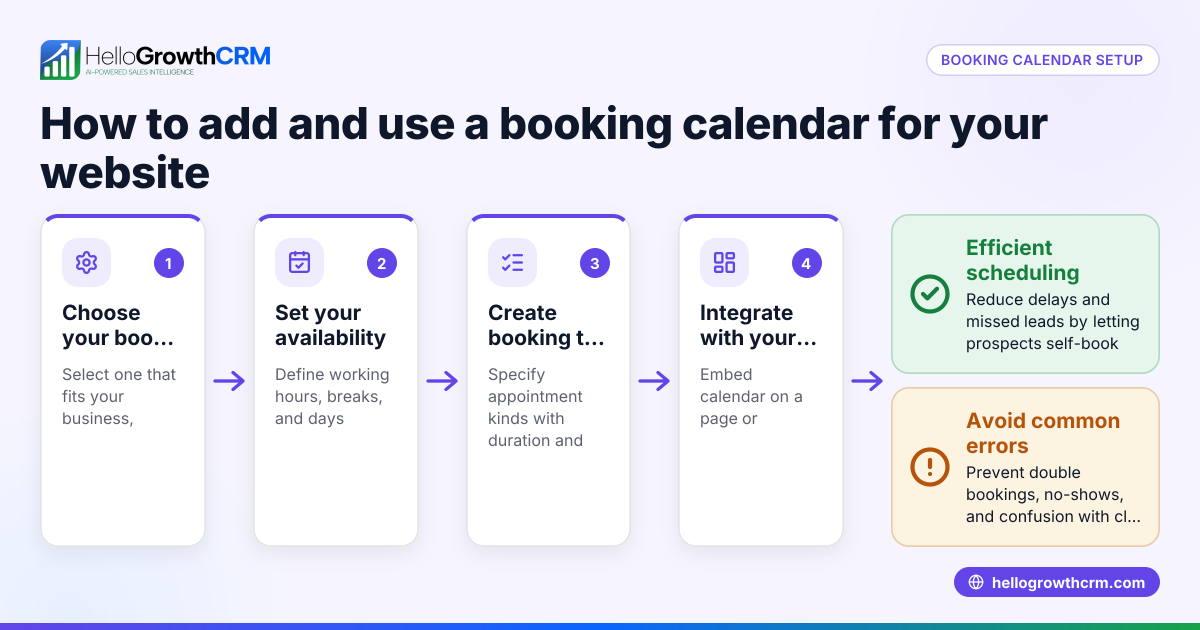
- Schedule a booking call or meeting if needed: Offer a link for the customer to pick a convenient time slot to discuss details. This avoids back-and-forth messaging and speeds up decision-making.
- Confirm booking details: Once the customer agrees, confirm all details in writing: travel dates, price, payment method, cancellation policy.
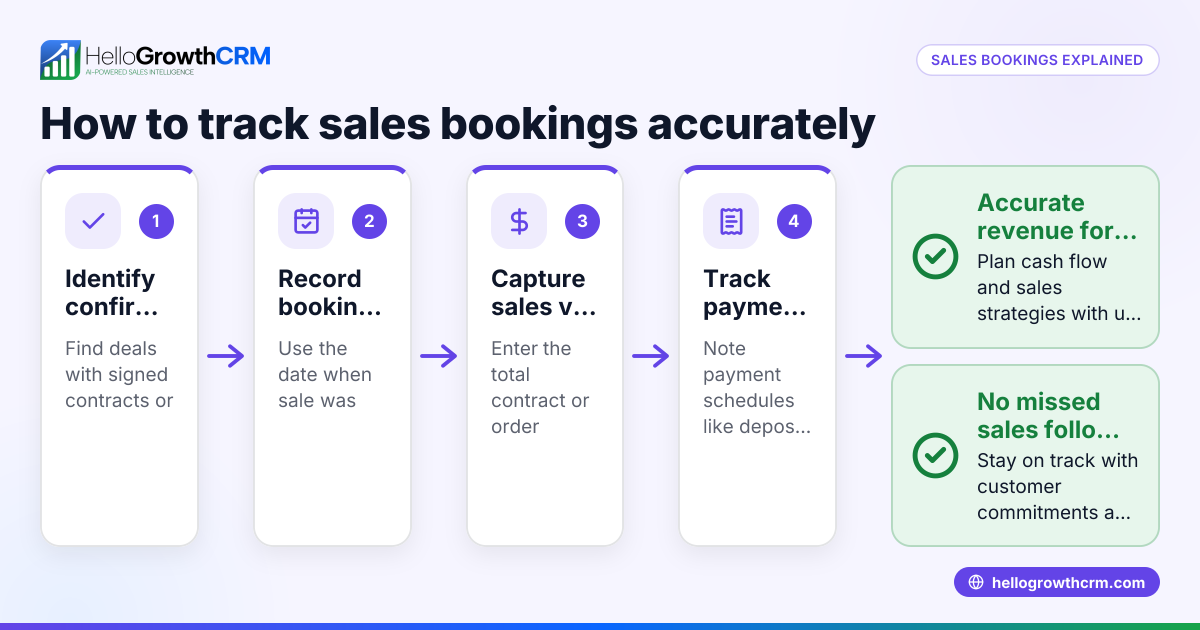
- Record the booking: Enter confirmed bookings into a central system or CRM for tracking and follow-up.
- Send reminders: Before the travel date, send reminders about payments due or travel documents needed.
Throughout, keep communication professional and timely to build trust.
Example (fictional figures)
A Glasgow-based travel agency receives an enquiry on 10/05/2024 from Jane Smith for a family trip to Cornwall from 20/07/2024 to 27/07/2024 for 4 people.
- Step 1: Capture details: Jane Smith, jane@example.com, 20/07/2024 to 27/07/2024, Cornwall, 4 travellers.
- Step 3: Check availability and price:
- Package price per person: £500
- Total price = £500 × 4 = £2,000
- Deposit required: assume 25% of total = £2,000 × 0.25 = £500 (assumed illustrative rate)
- Step 4: Communicate options:
- Send Jane a message detailing the £2,000 total cost and £500 deposit with payment deadline 15/06/2024.
- Step 5: Provide a booking call link to discuss details.
- Step 6: Jane confirms booking on 12/05/2024.
- Step 7: Record booking with all details.
- Step 8: Send payment reminder on 10/06/2024.
This clear process ensures Jane’s enquiry becomes a confirmed booking without confusion.
Common mistakes
- Delaying response: Customers lose interest if you don’t reply quickly. Prevent by setting auto-replies or templates.
- Incomplete enquiry capture: Missing details cause confusion later. Use a checklist or form.
- Back-and-forth scheduling: Endless messages frustrate customers. Use a meeting scheduler link for easy booking.
- Not confirming details in writing: Leads to misunderstandings. Always send written confirmation.
- Failing to record bookings centrally: Causes lost information. Use a CRM or organised system.
- Ignoring follow-up reminders: Customers may forget payments or travel documents. Schedule reminders.
Doing this in HelloGrowthCRM
HelloGrowthCRM offers a meeting scheduler feature that lets prospects pick a convenient time slot from a link, avoiding long WhatsApp back-and-forths. This streamlines scheduling calls or meetings to discuss travel bookings, helping your team respond faster and keep enquiries organised.
Frequently asked questions
How quickly should I respond to travel booking enquiries? Respond as soon as possible, ideally within a few hours. If immediate detailed info isn’t ready, send an acknowledgement that you received the enquiry and will follow up within 24 hours.
What details should I always collect from a travel enquiry? Collect the customer’s name, contact details, travel dates, destination, number of travellers, and any special requirements. Complete details prevent delays later.
How can I avoid losing enquiries from WhatsApp or email? Use a CRM or central system to record every enquiry. HelloGrowthCRM’s WhatsApp and SMS CRM helps capture and organise messages in one place.
Is it better to schedule a call or just confirm by message? Scheduling a call or meeting can clarify complex travel plans and build rapport. Use a meeting scheduler link to make booking calls easier.
How do I handle last-minute booking requests? Respond quickly and check availability immediately. If needed, offer flexible options or express booking services.
Key takeaways
- Capture full enquiry details promptly and accurately.
- Acknowledge enquiries quickly to reassure customers.
- Use clear communication to outline options, prices, and deadlines.
- Offer scheduling links to avoid back-and-forth and speed up booking.
- Confirm bookings in writing and record them centrally.
- Send reminders to ensure payments and documents are in order.
Managing travel booking enquiries well turns interest into confirmed sales and builds customer trust.
Start managing your travel booking enquiries more efficiently today. You can Start on the Free Forever plan (200 leads, no credit card) to try HelloGrowthCRM’s scheduling and communication tools.
Ready to put this into practice?
Set up your pipeline, WhatsApp follow-ups, and AI lead scoring in minutes — free, no credit card.
Try HelloGrowthCRM freeGet CRM tips in your inbox
Join thousands of sales professionals who get weekly insights on CRM strategy, AI automation, and pipeline optimization.

The HelloGrowthCRM team publishes guides on CRM strategy, AI sales tools, and revenue operations for small business sales teams.