HelloGrowthCRM software
Built for real small-business sales teams
HelloGrowthCRM helps reps qualify faster, follow up on time, and close more deals—with practical automation in one place.
- AI lead scoring and pipeline visibility
- Built-in dialer, WhatsApp, and email automation
- Sales forecasting and RevOps-ready reporting
To number invoices for your small business in Canada, use a clear, sequential system that ensures every invoice has a unique number. This helps you track payments, comply with tax rules, and avoid confusion. You may add prefixes like the year or client code, but the core rule is that invoice numbers must be unique and follow a logical order without gaps.
Why this comes up / what goes wrong
Small business owners often face challenges with invoice numbering because they lack a consistent system. Some use random numbers, skip numbers, or reuse numbers after cancellations. This causes problems when tracking payments, filing taxes, or responding to audits. Without a proper system, invoices can be lost or duplicated, leading to delays in payment and inaccurate records.
Step-by-step
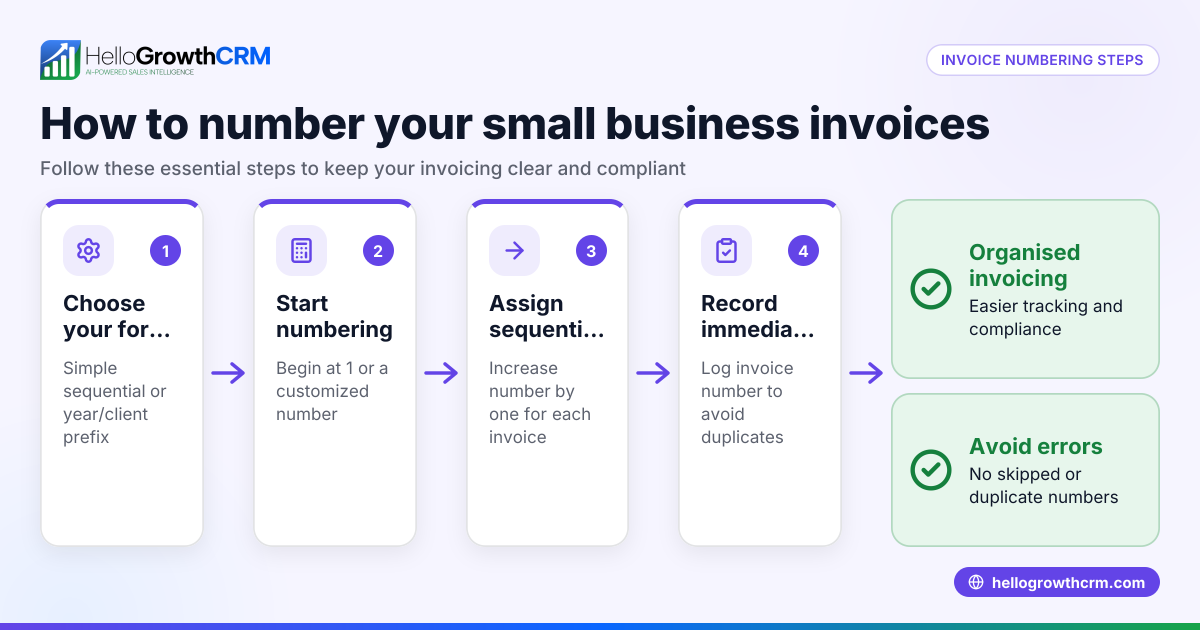
- Choose a numbering format. Decide on a format that suits your business. Common formats include simple sequential numbers (e.g., 0001, 0002) or adding a year prefix (e.g., 2024-001, 2024-002) to organise invoices by year.
- Start numbering at a clear point. Usually, start at 1 or 0001 for simplicity and clarity.
- Assign numbers sequentially. Each new invoice must have the next number in order without skipping any numbers.
- Add prefixes if helpful. Prefixes like the year or client code can help sorting but do not interrupt the sequence.
- Record every invoice number. Keep a log in a spreadsheet or accounting system to track invoice numbers and dates.
- Check for duplicates before sending. Always verify the invoice number hasn’t been used before to avoid confusion.
- Keep numbers for cancelled invoices. If you void an invoice, keep its number in your records and do not reuse it.
- Review your invoice log regularly. Monthly checks help catch missing or duplicated numbers early.
Using a CRM with quoting and invoicing tools can help manage document status and tasks on the same screen, reducing errors in numbering and follow-up. If you don’t have a sales manager, a Managed RevOps service can help maintain pipeline hygiene and follow-ups weekly. Learn more about HelloGrowthCRM for Canada and its WhatsApp and SMS CRM features.
Example (fictional figures)
A home-renovation contractor in Calgary, Alberta, begins numbering invoices in 2024 using a year prefix and three-digit sequence.
- First invoice date: 2024-01-15
- Invoice number: 2024-001
- Amount: C$3,500
- Second invoice date: 2024-02-10
- Invoice number: 2024-002
- Amount: C$7,200
- Third invoice date: 2024-02-25
- Invoice number: 2024-003
- Amount: C$1,800
The total invoiced amount is:
C$3,500 + C$7,200 = C$10,700 C$10,700 + C$1,800 = C$12,500
This example shows invoices numbered sequentially with a year prefix. The numbers increase by one each time without gaps, and the amounts add up correctly.
Common mistakes
- Skipping invoice numbers: Skipping numbers breaks the sequence and causes confusion. Prevent this by assigning numbers immediately when creating invoices.
- Reusing invoice numbers: Never reuse a number, even if the original invoice was cancelled. Keep voided invoices logged.
- Using random or non-sequential numbers: This makes tracking and audits difficult. Stick to a clear sequence.
- Not recording invoice numbers: Without a record, duplicates or gaps can occur. Maintain a log or use software.
- Changing formats mid-year: Keep one consistent format per year to avoid confusion.
- Ignoring numbering rules when using software: Ensure your invoicing tool supports proper sequential numbering to prevent errors.
Avoid these mistakes by establishing a clear system and regularly reviewing your invoice log. A CRM with quoting and invoicing features can help automate numbering and track document statuses, reducing manual errors.
Doing this in HelloGrowthCRM
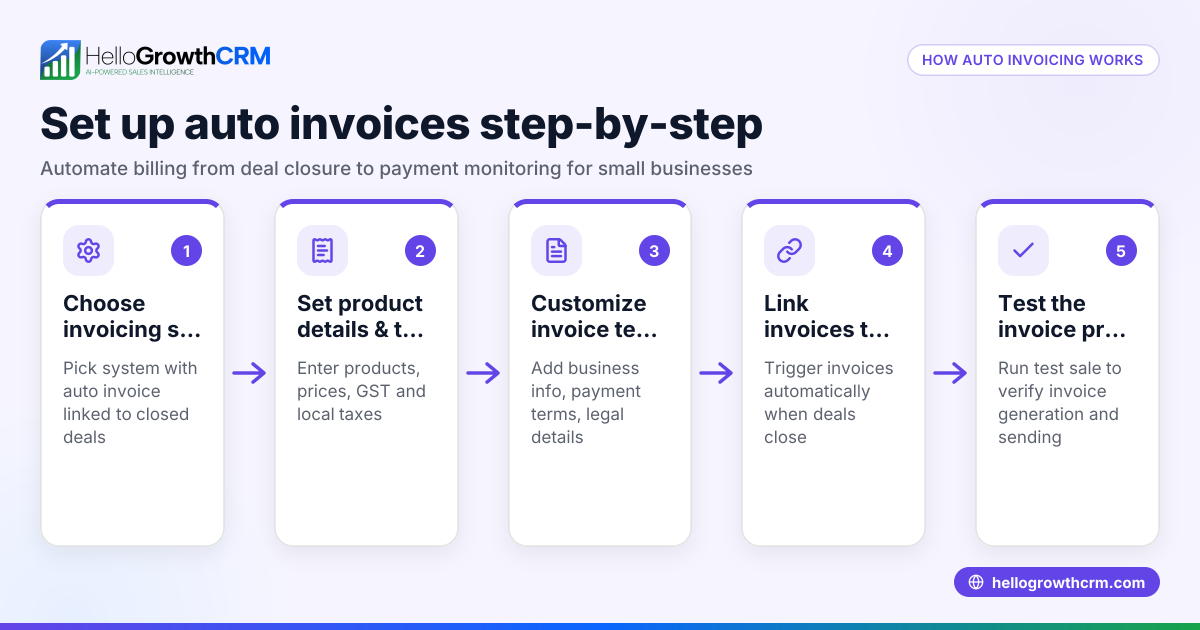
HelloGrowthCRM includes quoting, proposals, invoices, and payments received features built into the deal record. You can build, send, and track commercial documents from one screen where the quotation status (sent, viewed, accepted) is visible alongside follow-up tasks. This integration helps keep your invoicing and sales pipeline organised. Additionally, Managed RevOps provides weekly follow-up support and pipeline hygiene for founders without a sales manager, ensuring timely invoice tracking and payment reconciliation. Explore more on HelloGrowthCRM for Canada.
Frequently asked questions
Can I include letters or dates in my invoice numbers? Yes, adding prefixes such as the year (e.g., 2024-001) or client codes helps organise invoices. Just ensure the core number sequence remains unique and sequential.
What if I accidentally skip an invoice number? Avoid skipping numbers, but if it happens, keep a record explaining the gap. Do not reuse skipped numbers later.
How do I handle cancelled invoices? Keep cancelled invoice numbers in your records and do not reuse them. Mark invoices as void but maintain the numbering sequence to avoid confusion.
Is it mandatory to number invoices sequentially in Canada? While specific rules vary, it is best practice to number invoices sequentially without duplicates or gaps to comply with accounting and tax requirements. NEEDS EXPERT REVIEW
Can a CRM help with invoice numbering? Yes, a CRM with quoting and invoicing features can manage document status and support sequential numbering, reducing errors and saving time.
How can I keep track of invoice numbers efficiently? Using a CRM or maintaining a detailed invoice log in a spreadsheet helps you track numbers, dates, and payment status effectively. See the free CRM for small business options.
Key takeaways
- Use a unique, sequential numbering system for invoices.
- Start numbering at 1 or 0001 and increase by one each time.
- Add prefixes like the year for better organisation.
- Keep a detailed log of invoice numbers and dates.
- Do not skip or reuse invoice numbers.
- Use tools like a CRM to automate numbering and tracking.
Start numbering your invoices today with a clear system to avoid confusion and improve your business record-keeping. To simplify your invoicing and sales follow-up, consider using HelloGrowthCRM. Start on the Free Forever plan (200 leads, no credit card).
Ready to put this into practice?
Set up your pipeline, WhatsApp follow-ups, and AI lead scoring in minutes — free, no credit card.
Try HelloGrowthCRM freeGet CRM tips in your inbox
Join thousands of sales professionals who get weekly insights on CRM strategy, AI automation, and pipeline optimization.

The HelloGrowthCRM team publishes guides on CRM strategy, AI sales tools, and revenue operations for small business sales teams.