HelloGrowthCRM software
Built for real small-business sales teams
HelloGrowthCRM helps reps qualify faster, follow up on time, and close more deals—with practical automation in one place.
- AI lead scoring and pipeline visibility
- Built-in dialer, WhatsApp, and email automation
- Sales forecasting and RevOps-ready reporting
To reduce lead response time in the USA, you need to act quickly on every incoming lead by capturing it immediately, assigning ownership, prioritizing follow-up based on lead quality, and automating reminders and tasks. This article explains why lead response delays occur, provides clear steps to fix the problem, a worked example, common mistakes to avoid, and how HelloGrowthCRM’s tools can support your efforts.
Why this comes up / what goes wrong
Small and mid-sized businesses in the USA often lose leads because their response is too slow. Leads can come from multiple sources like web forms, calls, or WhatsApp messages, but if these inquiries end up scattered in notebooks, spreadsheets, or personal phones, they get missed or delayed. Sales teams juggling text messages and emails without a centralized system struggle to know which lead to call first or when to follow up. Without clear ownership or task reminders, leads go cold quickly. Slow response time means lost sales and wasted marketing spend.
Step-by-step
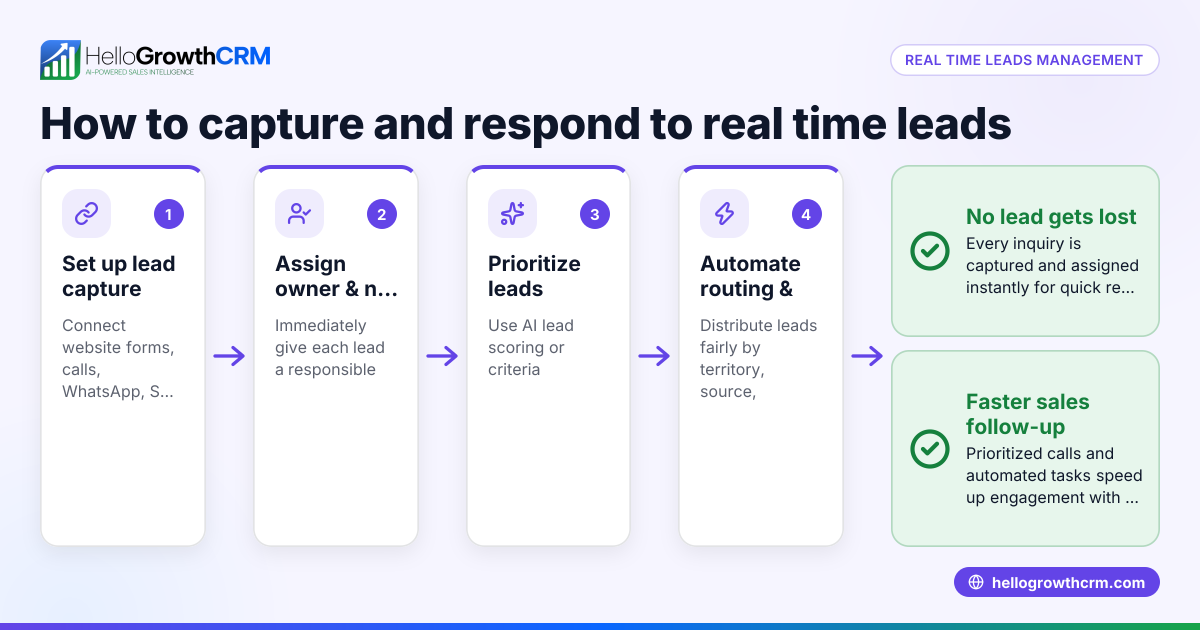
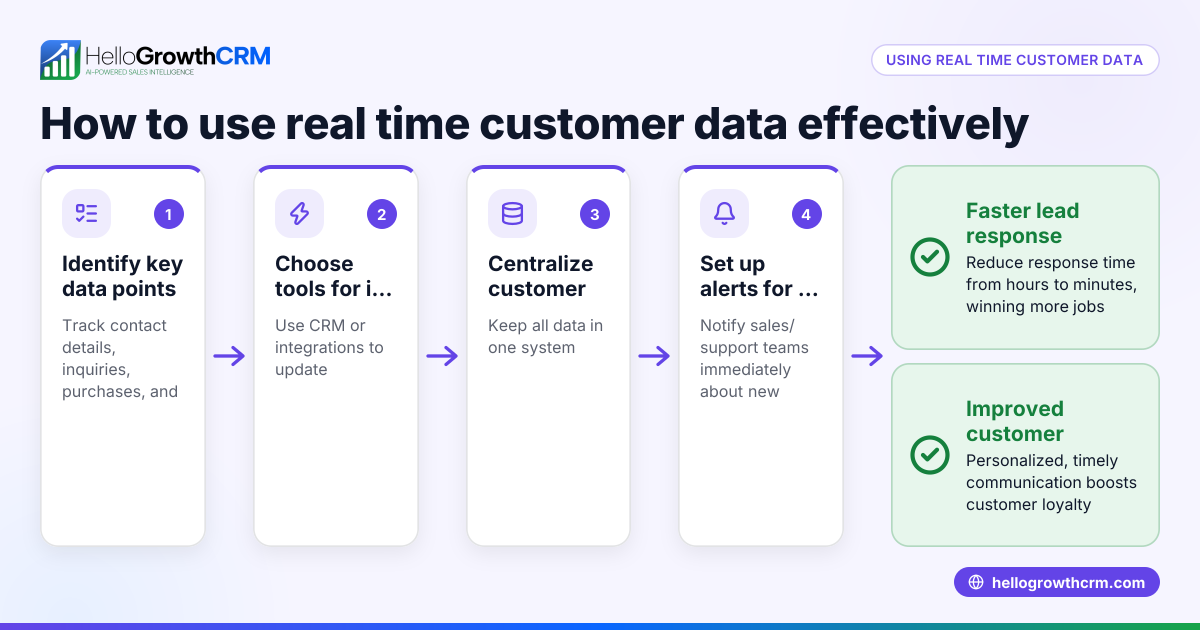
- Capture every lead immediately: Use tools or forms that feed leads directly into a system instead of manual note-taking. Check that no lead is lost or delayed entering your tracking process.
- Assign a lead owner promptly: Designate a specific team member responsible for each lead. Verify that ownership is clear to avoid leads slipping through gaps.
- Prioritize leads by likelihood to convert: Use AI lead scoring or simple qualification questions to rank leads. Confirm that your team calls the highest priority leads first.
- Set and track next steps for every lead: Create a task for the next action, such as making a first call or sending a follow-up message. Check that tasks have deadlines and owners.
- Automate lead routing and task creation: Use workflows to assign leads based on territory, source, or round-robin distribution, and automatically create follow-up tasks. Ensure automation rules are tested and active.
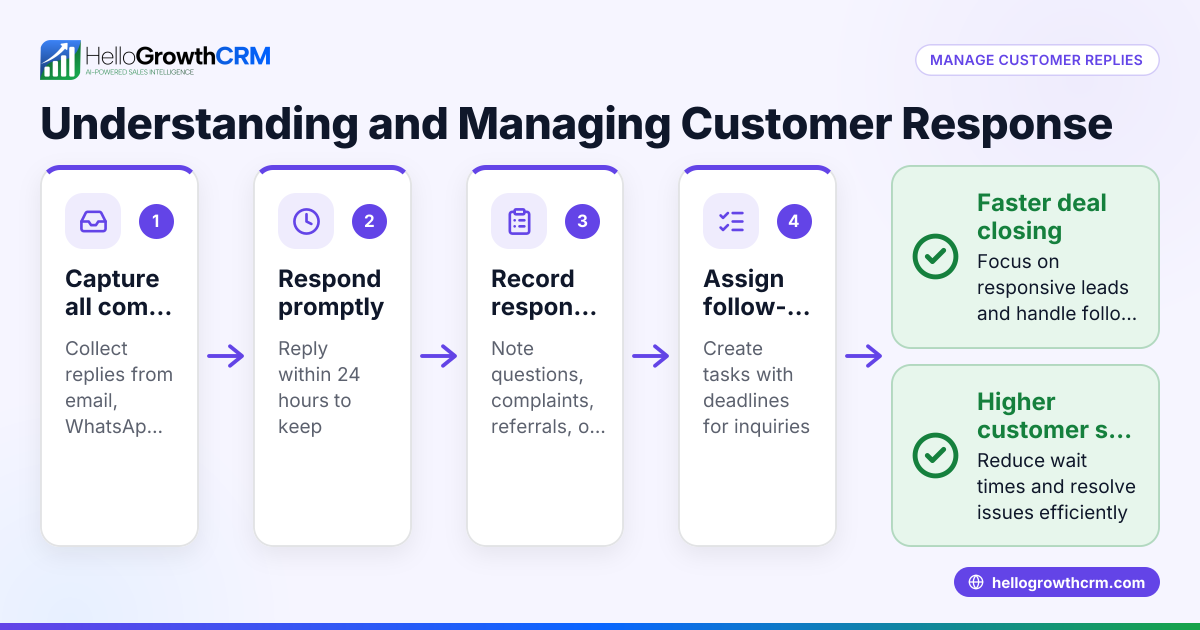
- Use multiple communication channels efficiently: Combine calls, WhatsApp, SMS, and email sequences to reach leads quickly. Confirm your team tracks all communications in one place.
- Monitor response times and pipeline progress: Regularly review how fast leads are contacted and moved through the sales funnel. Adjust team processes if delays appear.
Example (fictional figures)
A plumbing company in Austin, Texas, receives 100 new leads a month. Their goal is to reduce average lead response time from 24 hours to under 1 hour.
- Current average response time: 24 hours
- Target response time: 1 hour
- Leads per month: 100
They assign 2 sales reps to handle leads equally (50 leads each).
Each rep works 8 hours a day and can make 10 calls per hour.
Step 1: Calculate calls needed per day to respond within 1 hour
100 leads ÷ 22 working days = 4.55 leads per day
Step 2: Calls capacity per day per rep
8 hours × 10 calls/hour = 80 calls per day
Step 3: Total calls capacity for 2 reps
80 calls × 2 reps = 160 calls per day
Since they only need to call about 5 leads daily, their capacity is sufficient to respond within 1 hour.
Step 4: Implement lead capture and assignment so leads are immediately distributed evenly.
Step 5: Use AI lead scoring to prioritize the 5 daily leads with the highest conversion likelihood.
Step 6: Automate task creation for first calls with 1-hour deadlines.
This structured approach ensures leads are responded to quickly and efficiently.
Common mistakes
- Not capturing leads centrally: Leads scattered in emails or notebooks get lost. Prevent this by using a CRM or lead capture tool.
- No clear lead ownership: Without assigned owners, leads fall through cracks. Assign each lead promptly.
- Ignoring lead prioritization: Calling leads randomly wastes time. Use AI lead scoring or qualification to call the best leads first. See AI lead scoring.
- Manual task tracking: Relying on memory or spreadsheets leads to missed follow-ups. Automate task creation and reminders.
- Overlooking automation opportunities: Not using workflows to route and assign leads slows response. Use automated lead routing and validation rules. See HelloGrowthCRM for the United States.
- Using too many unconnected communication channels: Managing calls, WhatsApp, SMS, and email separately causes delays. Use a unified platform for all messaging. See WhatsApp and SMS CRM.
Doing this in HelloGrowthCRM
HelloGrowthCRM captures every enquiry from forms, calls, or WhatsApp as a lead with an assigned owner and next step, preventing leads from getting lost in notebooks. Its AI lead scoring helps telecallers prioritize calls to leads most likely to convert first. Workflows and lead routing automate assigning new enquiries round-robin and create first-call tasks automatically, speeding up response times. Learn more about these features at AI lead scoring.
Frequently asked questions
How fast should I respond to a lead in the USA? Responding within the first hour is ideal to maximize conversion chances. Delays beyond a few hours reduce the likelihood of closing a sale.
What is AI lead scoring and how does it help reduce response time? AI lead scoring ranks leads by their likelihood to convert based on data patterns. It helps sales teams focus on the best leads first, reducing wasted time and speeding up responses to high-value prospects.
Can I automate lead assignment and follow-up tasks? Yes, using workflows and lead routing rules you can automatically assign leads to team members and create follow-up tasks, ensuring no lead is missed and response time is minimized.
What communication channels should I use to reach leads quickly? A combination of calls, WhatsApp, SMS, and email works best. Using a CRM that integrates these channels helps track all communications and speeds up follow-up.
How do I monitor if my lead response time is improving? Track metrics like average time to first contact and lead conversion rates regularly. Use CRM reports and dashboards to identify bottlenecks and adjust your process.
Key takeaways
- Capture every lead immediately into a centralized system.
- Assign clear ownership and prioritize leads using AI lead scoring.
- Automate lead routing and task creation to speed follow-up.
- Use integrated communication channels to reach leads fast.
- Monitor response times and adjust team workflows regularly.
Reducing lead response time is critical to winning more sales. Start today by organizing your leads, prioritizing them, and automating follow-up tasks. To get started without additional tools, try HelloGrowthCRM’s free plan that includes lead capture, AI lead scoring, and workflows. Visit Start on the Free Forever plan (200 leads, no credit card) to begin.
Ready to put this into practice?
Set up your pipeline, WhatsApp follow-ups, and AI lead scoring in minutes — free, no credit card.
Try HelloGrowthCRM freeGet CRM tips in your inbox
Join thousands of sales professionals who get weekly insights on CRM strategy, AI automation, and pipeline optimization.

The HelloGrowthCRM team publishes guides on CRM strategy, AI sales tools, and revenue operations for small business sales teams.