HelloGrowthCRM software
Built for real small-business sales teams
HelloGrowthCRM helps reps qualify faster, follow up on time, and close more deals—with practical automation in one place.
- AI lead scoring and pipeline visibility
- Built-in dialer, WhatsApp, and email automation
- Sales forecasting and RevOps-ready reporting
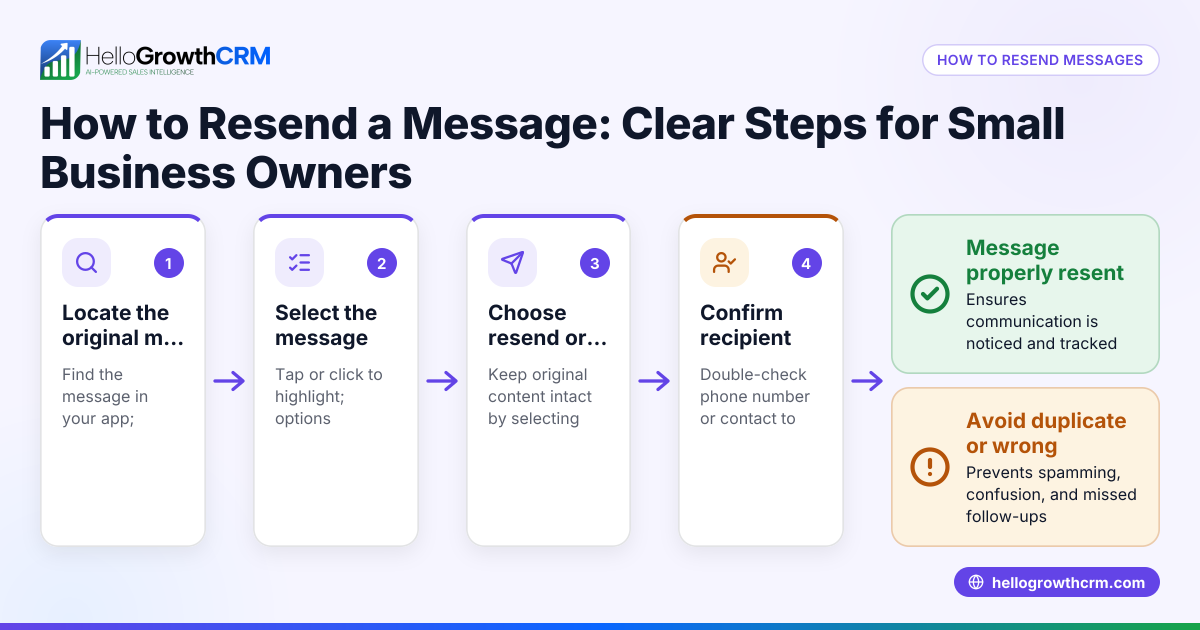
To resend an email that was not answered, start by reviewing your original email to ensure it was clear, concise, and relevant. Then send a polite follow-up email that references your previous message and invites a response. This article explains why emails often go unanswered, provides step-by-step instructions to resend your email effectively, includes a fictional example with realistic figures, points out common mistakes, and shows how HelloGrowthCRM can automate follow-ups.
Why this comes up / what goes wrong
Small-business owners often send emails to leads or customers and do not get a reply. This can happen because the recipient missed the email, was too busy, or found the message unclear or unconvincing. Sometimes the email got buried in a crowded inbox or the recipient intended to reply but forgot. Resending the email carefully can recover the opportunity without annoying the recipient.
Step-by-step
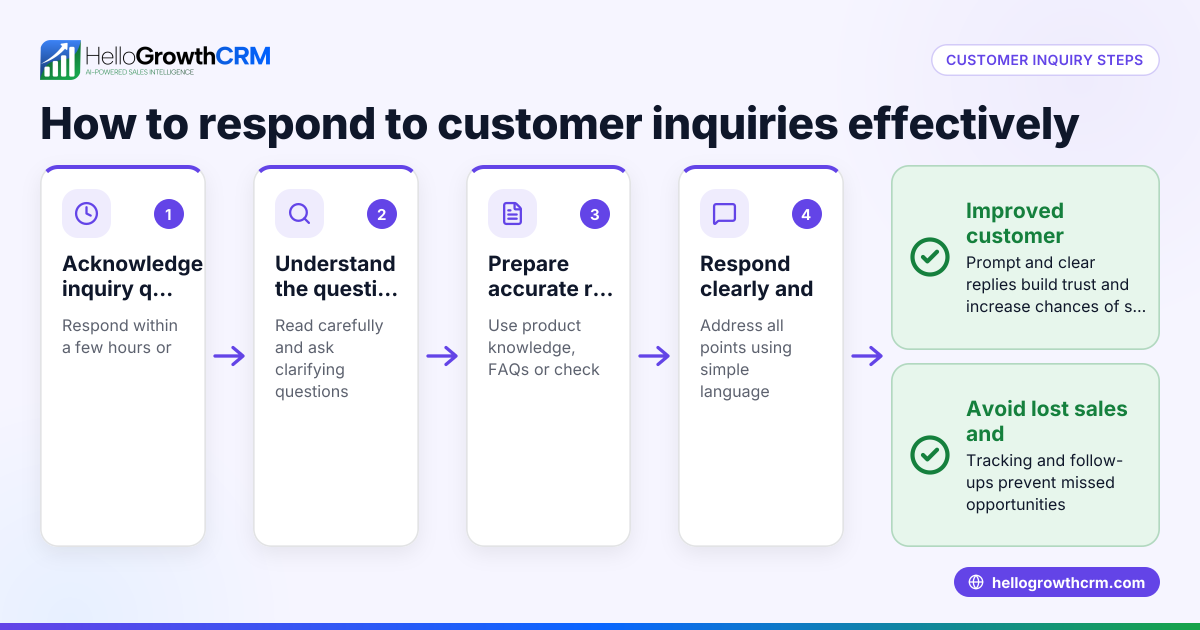
- Wait a reasonable time before resending — Typically wait 3 to 7 business days after the original email. This gives the recipient time to respond without seeming impatient.
- Review the original email — Check the subject line, message clarity, and call to action. Make sure the email clearly states the purpose and what you want from the recipient.
- Write a polite follow-up email — Start by referencing the previous email politely, for example, "I wanted to follow up on my email sent on [date]." Keep the tone friendly and professional.
- Add value or a new angle — If possible, include additional information, a reminder of benefits, or a new offer to increase interest.
- Use a clear subject line — You can keep the original subject line or modify it slightly by adding "Follow-up" or "Checking in" at the start.
- Include a clear call to action — Tell the recipient what you want them to do next, such as reply, schedule a call, or review a document.
- Check your email for errors — Review spelling, grammar, and formatting before sending.
- Send the follow-up email — Use your usual email client or CRM.
- Track responses — Note if the recipient replies or if you need to follow up again.
- Avoid excessive follow-ups — If after 2-3 follow-ups you receive no response, consider pausing or trying a different contact method.
For more on automating follow-ups, see email automation and sequences.
Example (fictional figures)
GreenFlow Plumbing in Austin, Texas, sent a quote email on 05/01/2026 for a $4,800 kitchen faucet installation but got no reply. They want to resend the email politely.
Step 1: Wait 5 business days.
Step 2: Review the original email. The subject line was "Quote for Kitchen Faucet Installation" and the message explained the price and timeline clearly.
Step 3: Write the follow-up email:
Subject: Follow-up: Quote for Kitchen Faucet Installation
Body: "Hello, I wanted to follow up on my email sent on 05/01/2026 regarding your kitchen faucet installation quote. Please let me know if you have any questions or would like to proceed. We’re happy to help."
Step 4: Add value by mentioning a limited-time 10% discount if booked by 05/15/2026.
Step 5: Send the email on 05/08/2026.
Step 6: Track responses for one week.
This polite follow-up reminds the customer without pressure and adds an incentive.
Common mistakes
- Resending too soon: Sending a follow-up too quickly can annoy recipients. Wait at least 3 business days.
- Being too pushy or aggressive: Keep your tone polite and professional to avoid damaging relationships.
- Sending identical emails repeatedly: Change the subject line or add new information to keep interest.
- Ignoring email formatting and errors: Poor spelling or layout reduces credibility. Proofread carefully.
- Not tracking responses: Without tracking, you may resend unnecessarily or miss a reply.
- Failing to stop follow-ups after a reply: Once a prospect replies, stop follow-ups to respect their time.
For tips on managing replies efficiently, see HelloGrowthCRM for the United States.
Doing this in HelloGrowthCRM
HelloGrowthCRM offers a shared inbox called HelloMail where replies to quotation emails are visible to the whole sales team on the deal. This helps everyone stay informed without switching email clients. Additionally, you can set up automated sequences and campaigns to run a five-step follow-up over two weeks that stops immediately when the prospect replies. This ensures timely and consistent follow-ups without manual effort. Learn more about these features at email automation and sequences and WhatsApp and SMS CRM.
Frequently asked questions
How many times should I resend an email that was not answered? It is generally best to resend 1 to 2 times with polite follow-ups spaced several days apart. More than 3 follow-ups can annoy recipients unless they have shown interest.
Should I change the subject line when resending an email? Yes, slightly modifying the subject line by adding "Follow-up" or "Checking in" helps signal the email is a reminder and can increase open rates.
What if I still don’t get a reply after resending? Consider trying a different contact method like a phone call or text message, or pause outreach for a while before trying again.
Can I automate follow-ups to emails? Yes, tools like HelloGrowthCRM let you automate multi-step follow-ups that stop as soon as the prospect replies, saving time and ensuring no lead is forgotten.
Is it okay to add new information in a follow-up email? Adding new details, offers, or clarifications can increase the chance of a response, as it provides fresh reasons to engage.
Key takeaways
- Wait 3–7 business days before resending an unanswered email.
- Write polite, concise follow-ups referencing the original message.
- Change the subject line slightly and add new value if possible.
- Track responses and avoid excessive follow-ups.
- Use tools like HelloGrowthCRM to automate follow-ups and manage replies.
Start resending your unanswered emails effectively today. Start on the Free Forever plan (200 leads, no credit card).
Ready to put this into practice?
Set up your pipeline, WhatsApp follow-ups, and AI lead scoring in minutes — free, no credit card.
Try HelloGrowthCRM freeGet CRM tips in your inbox
Join thousands of sales professionals who get weekly insights on CRM strategy, AI automation, and pipeline optimization.

The HelloGrowthCRM team publishes guides on CRM strategy, AI sales tools, and revenue operations for small business sales teams.