HelloGrowthCRM software
Built for real small-business sales teams
HelloGrowthCRM helps reps qualify faster, follow up on time, and close more deals—with practical automation in one place.
- AI lead scoring and pipeline visibility
- Built-in dialer, WhatsApp, and email automation
- Sales forecasting and RevOps-ready reporting
To find out how many visits a website receives, the most accurate method is to access its analytics platform such as Google Analytics, which tracks visitor numbers directly. If you do not own the website, you can use online tools that estimate traffic based on public data. This guide covers why you might want this data, detailed steps for both approaches, a realistic UK example, common errors to avoid, and answers to typical questions.
Why this comes up / what goes wrong
Small business owners often want to know website visits to measure marketing success, plan sales outreach, or benchmark against competitors. Without clear data, it is hard to judge if website improvements or advertising spend are effective. Many owners run sales on WhatsApp, email, and spreadsheets but lose leads due to slow follow-up. Knowing website traffic helps prioritise leads and improve conversion.
However, many struggle because:
- They do not have access to the website’s analytics.
- They rely on unreliable third-party estimators.
- They do not know which tools to use or how to interpret data.
- They confuse visits with hits, page views, or unique users.
Understanding exact visitor numbers is key to improving sales follow-up and integrating with tools like HelloGrowthCRM for better lead management.
Step-by-step
If you own the website or have access to analytics:
- Log in to the website’s analytics platform
- Most UK businesses use Google Analytics. Go to analytics.google.com and sign in.
- Check you have the correct permissions.
- Select the relevant website property
- Choose the website you want to check if you manage multiple.
- Go to the Audience Overview report
- This shows total visits (sessions), users, and page views.
- Set the date range
- Choose the period you want to see, for example, last month or last 30 days.
- Read the number of sessions (visits)
- Sessions count how many times the site was visited, regardless of user.
- Download or note the data
- Export the report to Excel or PDF if needed.
If you do NOT own the website:
- Use a website traffic estimator tool
- Examples include SimilarWeb, Alexa, or SEMrush (some features free).
- Enter the website URL in the tool’s search bar
- Review the estimated traffic figures
- These are approximations based on public data, so treat them as rough guides.
- Compare multiple tools for a better estimate
- Note the limitations
- Estimators cannot see private analytics and may be inaccurate for low-traffic sites.
Example (fictional figures)
A Birmingham-based accountancy practice wants to check its website visits for March 2026.
- They log into Google Analytics on 02/04/2026.
- Select their website property "BirminghamAccountants.co.uk".
- Open Audience Overview.
- Set date range: 01/03/2026 to 31/03/2026.
- They see:
- Sessions (visits): 12,500
- Users: 10,000
- Page views: 35,000
- They download the report for their sales team.
This tells them 12,500 visits were made in March.
If they want to estimate a competitor’s visits, they enter the competitor’s URL into SimilarWeb and see an estimate of 8,000 visits for March 2026.
Common mistakes
- Confusing visits with page views or hits
- Visits (sessions) count each visit, page views count every page loaded.
- Prevent by focusing on sessions in analytics reports.
- Using unreliable traffic estimators as exact figures
- Estimators provide rough guesses.
- Use multiple tools and treat numbers as approximate.
- Not setting the correct date range
- Data may default to last 7 days or last month.
- Always check and set the date range you want.
- Ignoring bot or spam traffic
- Some visits may be from bots.
- Use filters in analytics to exclude known bots.
- Not having access to analytics
- Without access, you cannot see exact visits.
- Ask your web developer or marketing team for access.
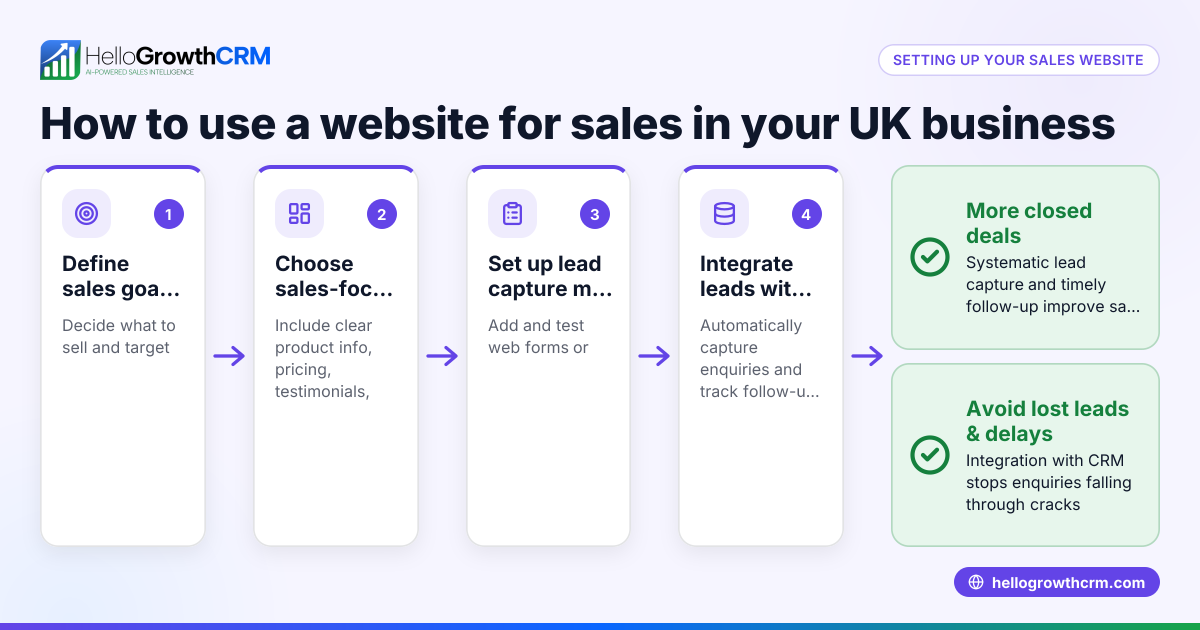
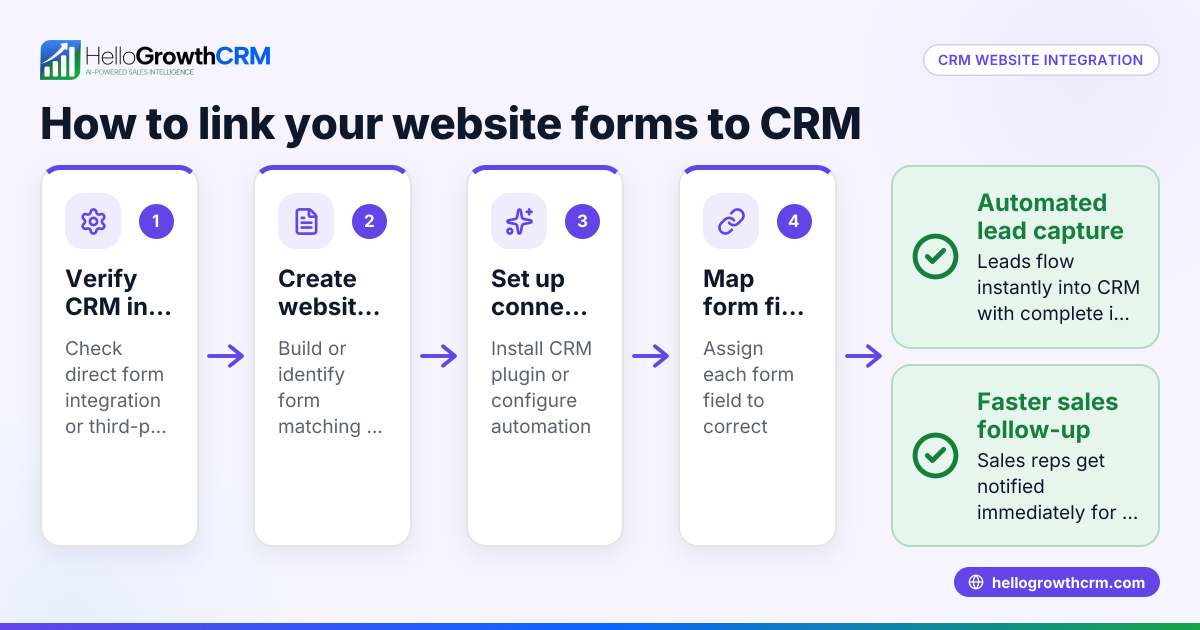
- Failing to integrate website data with sales tools
- Knowing visits is less useful if not linked to lead follow-up.
- Consider tools like HelloGrowthCRM for the United Kingdom that help manage leads from your website.
Frequently asked questions
How often should I check my website visits? You can check visits daily, weekly, or monthly depending on your business needs. Monthly reports are common for spotting trends, while weekly checks help react quickly to campaigns.
Can I see who visits my website? Analytics tools show aggregated data such as location and device type but do not reveal personal identities due to privacy laws. You can track behaviour patterns but not individual names.
Are free website traffic estimators reliable? Free estimators give rough ideas but can be inaccurate, especially for small or niche sites. They are best for ballpark figures or competitor comparisons.
What’s the difference between users and sessions? Users are unique visitors, while sessions count each visit including repeat visits by the same user. Sessions are usually higher than users.
How do I improve website visits? Improving visits involves SEO, advertising, social media, and content marketing. Tracking visits helps you see which efforts work.
Can I link website visits to sales calls? Yes, integrating your website data with a CRM like WhatsApp and SMS CRM and using a built-in CRM dialer can help your sales team follow up leads faster and not lose potential customers.
Key takeaways
- Access website analytics like Google Analytics for accurate visit counts.
- Use third-party estimators only for rough public data.
- Always check the date range and filter out bot traffic.
- Understand the difference between sessions (visits) and page views.
- Integrate website data with sales tools to improve lead follow-up.
- Regularly monitor visits to measure marketing success and adjust strategies.
To start managing your leads better from website visits, consider HelloGrowthCRM for the United Kingdom.
Start on the Free Forever plan (200 leads, no credit card).
Ready to put this into practice?
Set up your pipeline, WhatsApp follow-ups, and AI lead scoring in minutes — free, no credit card.
Try HelloGrowthCRM freeGet CRM tips in your inbox
Join thousands of sales professionals who get weekly insights on CRM strategy, AI automation, and pipeline optimization.

The HelloGrowthCRM team publishes guides on CRM strategy, AI sales tools, and revenue operations for small business sales teams.