HelloGrowthCRM software
Built for real small-business sales teams
HelloGrowthCRM helps reps qualify faster, follow up on time, and close more deals—with practical automation in one place.
- AI lead scoring and pipeline visibility
- Built-in dialer, WhatsApp, and email automation
- Sales forecasting and RevOps-ready reporting
Scheduling sales calls with prospects is a key step in converting interest into business. In New Zealand, small and mid-sized business owners often struggle with slow follow-up or messy scheduling that loses leads. This guide gives you clear, practical steps to schedule calls effectively, avoid common pitfalls, and keep your sales process organised.
Why this comes up / what goes wrong
Many New Zealand business owners find scheduling sales calls challenging because they rely on back-and-forth texting or emailing to find a time. This wastes time and risks losing the prospect’s attention. Without a clear system, calls get missed or double-booked. A slow response can mean losing the lead to a competitor. Also, using spreadsheets or notes to track calls makes it hard to follow up on time.
Step-by-step
- Collect prospect contact details and preferred communication channel. Confirm their phone number or WhatsApp and email address.
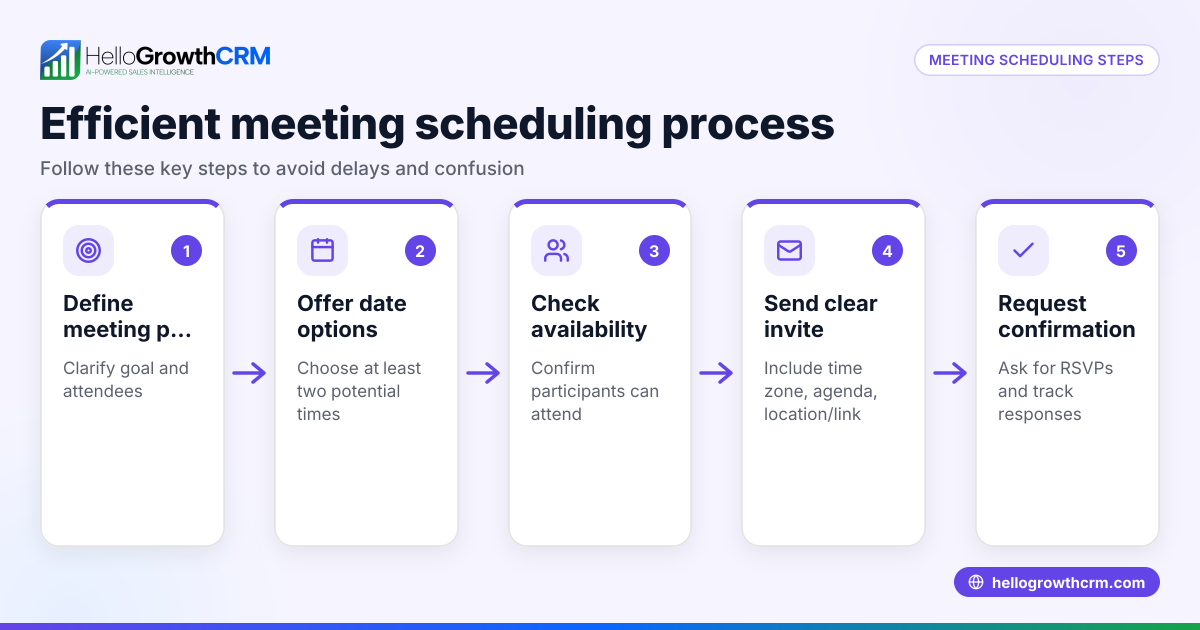
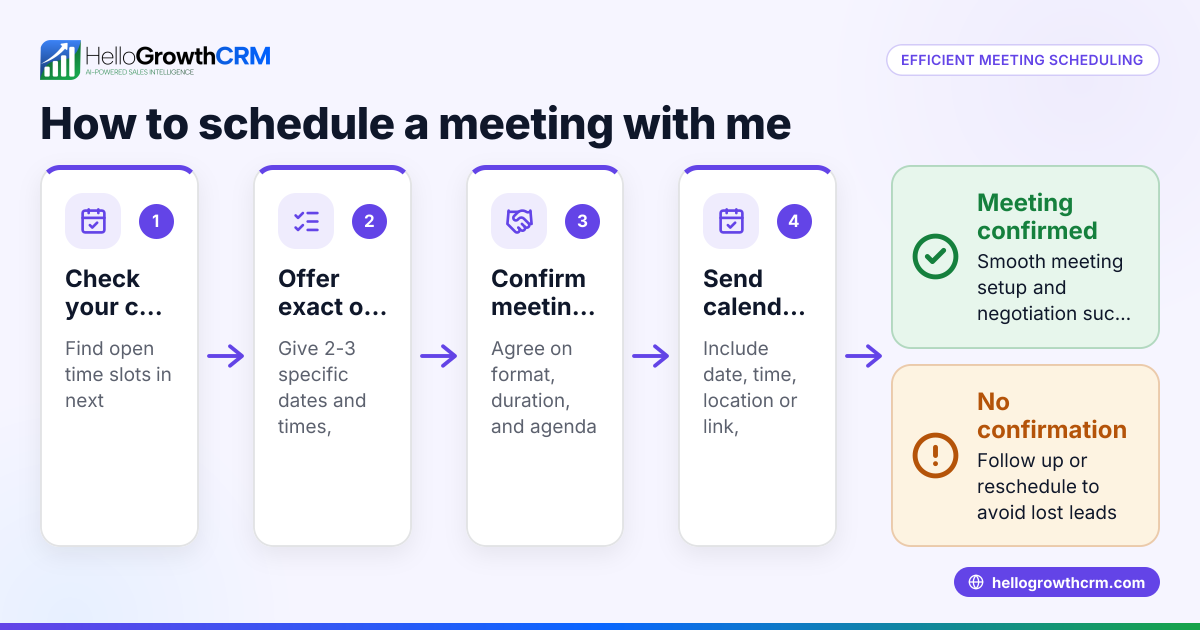
- Ask for their availability. Propose 2-3 specific time slots within your working hours to simplify their choice.
- Send a clear scheduling message. For example: “Hi [Name], can we schedule a 20-minute call? I’m available Tuesday 10:00-10:20 or Wednesday 14:00-14:20. Which suits you?”
- Confirm the agreed time. Once they reply, acknowledge the slot and send a calendar invite or reminder.
- Add the call to your calendar with alerts. Use a digital calendar or CRM task with reminders at least 15 minutes before.
- Prepare for the call. Review the prospect’s details and previous communications.
- Follow up if no response within 24 hours. Send a polite reminder offering the same or new slots.
- Log the scheduled call and outcome. Record the call date and notes for future reference.
Using a scheduling link can reduce back-and-forth by letting prospects pick a slot directly.
Example (fictional figures)
A Queenstown tourism operator wants to schedule a sales call with a potential corporate client.
- Prospect: Sarah from Wellington office
- Date today: 01/07/2024
- Operator’s available slots: 03/07/2024 10:00-10:20, 04/07/2024 14:00-14:20
Step 3 message: “Hi Sarah, can we schedule a 20-minute call to discuss your team’s upcoming trip? I’m free 03/07/2024 10:00-10:20 or 04/07/2024 14:00-14:20. Which suits you?”
Sarah replies: “04/07/2024 14:00 works.”
Step 4 confirmation: “Thanks, Sarah. I’ve booked our call for 04/07/2024 14:00-14:20. You’ll get a calendar invite shortly.”
Step 5 calendar entry: Call date: 04/07/2024 Time: 14:00-14:20 Reminder set for 13:45
This clear process avoids confusion and keeps the sales call on track.
Common mistakes
- Not offering specific time slots. This leads to vague replies and delays. Always propose concrete options.
- Failing to confirm the agreed time. Without confirmation, the prospect may forget or misinterpret the slot.
- Not using reminders. Calls get missed without alerts. Set calendar or CRM reminders.
- Ignoring no responses. Follow up politely after 24 hours to keep the conversation alive.
- Using multiple platforms without integration. This causes lost information. Use a CRM or scheduling tool to centralise.
- Overbooking or double-booking. Check your calendar before proposing slots.
Using a tool like HelloGrowthCRM’s meeting scheduler can help avoid these mistakes by letting prospects pick slots from available times.
Doing this in HelloGrowthCRM
HelloGrowthCRM offers a meeting scheduler that lets prospects pick a call slot from your available times, eliminating back-and-forth messages. Once a quotation is sent, it appears as a deal in the pipeline at the 'quote sent' stage with a follow-up date, so you never forget to schedule or conduct the call. For businesses with field sales, the territories and field operations feature lets reps log visits from their phone while managers track daily activities. These features help keep your sales calls organised and timely.
Frequently asked questions
How do I avoid no-shows for scheduled sales calls? Send a confirmation message immediately after scheduling and a reminder on the day of the call. Offering calendar invites and using scheduling links can reduce confusion and increase attendance.
What’s the best way to follow up if a prospect doesn’t respond to scheduling messages? Wait 24 hours, then send a polite reminder offering the same or alternative time slots. Keep the tone friendly and flexible to encourage a reply.
Should I use a scheduling tool or just email/text back and forth? Scheduling tools save time and reduce errors by letting prospects pick from your available slots directly. This avoids delays and double bookings common in manual back-and-forth.
How far in advance should I schedule sales calls? Aim to schedule calls 2-5 days ahead to give both parties time to prepare but not so far that the prospect loses interest.
Can I integrate scheduling with my CRM? Yes, HelloGrowthCRM integrates scheduling with pipeline management and follow-up tasks, making it easier to track and manage calls.
Key takeaways
- Offer specific time slots to prospects instead of open-ended questions.
- Confirm the agreed slot clearly and send calendar invites or reminders.
- Follow up politely if there is no response within 24 hours.
- Use scheduling tools to reduce back-and-forth and avoid double-booking.
- Log calls and outcomes in a CRM or calendar to stay organised.
- HelloGrowthCRM’s meeting scheduler and deals pipeline features help manage this process efficiently.
Scheduling sales calls with prospects in New Zealand is straightforward when you follow these steps and avoid common mistakes. To simplify your sales workflow, try HelloGrowthCRM’s scheduling features.
Start on the Free Forever plan (200 leads, no credit card) at HelloGrowthCRM Free plan.
Ready to put this into practice?
Set up your pipeline, WhatsApp follow-ups, and AI lead scoring in minutes — free, no credit card.
Try HelloGrowthCRM freeGet CRM tips in your inbox
Join thousands of sales professionals who get weekly insights on CRM strategy, AI automation, and pipeline optimization.

The HelloGrowthCRM team publishes guides on CRM strategy, AI sales tools, and revenue operations for small business sales teams.