HelloGrowthCRM software
Built for real small-business sales teams
HelloGrowthCRM helps reps qualify faster, follow up on time, and close more deals—with practical automation in one place.
- AI lead scoring and pipeline visibility
- Built-in dialer, WhatsApp, and email automation
- Sales forecasting and RevOps-ready reporting
To schedule a meeting with me, you need to select a mutually convenient date and time, confirm the meeting details, and ideally use a scheduling tool to avoid long back-and-forth messages. This article covers why scheduling meetings can be challenging, provides a clear step-by-step process, includes a practical example with calculations, highlights common mistakes, and explains how HelloGrowthCRM’s meeting scheduler can help.
Why this comes up / what goes wrong
Small-business owners in the US often need to schedule meetings with clients, prospects, or partners. However, this task can become complicated and time-consuming due to several factors:
- Sending multiple messages through text, email, or WhatsApp trying to find a free time slot.
- Overlapping appointments caused by unclear calendar visibility.
- Forgetting to confirm or clarify meeting details, leading to confusion or missed meetings.
- Losing potential leads or deals because slow scheduling causes prospects to lose interest.
Without a clear system, scheduling meetings can waste valuable time and slow down sales or collaboration efforts.
Step-by-step
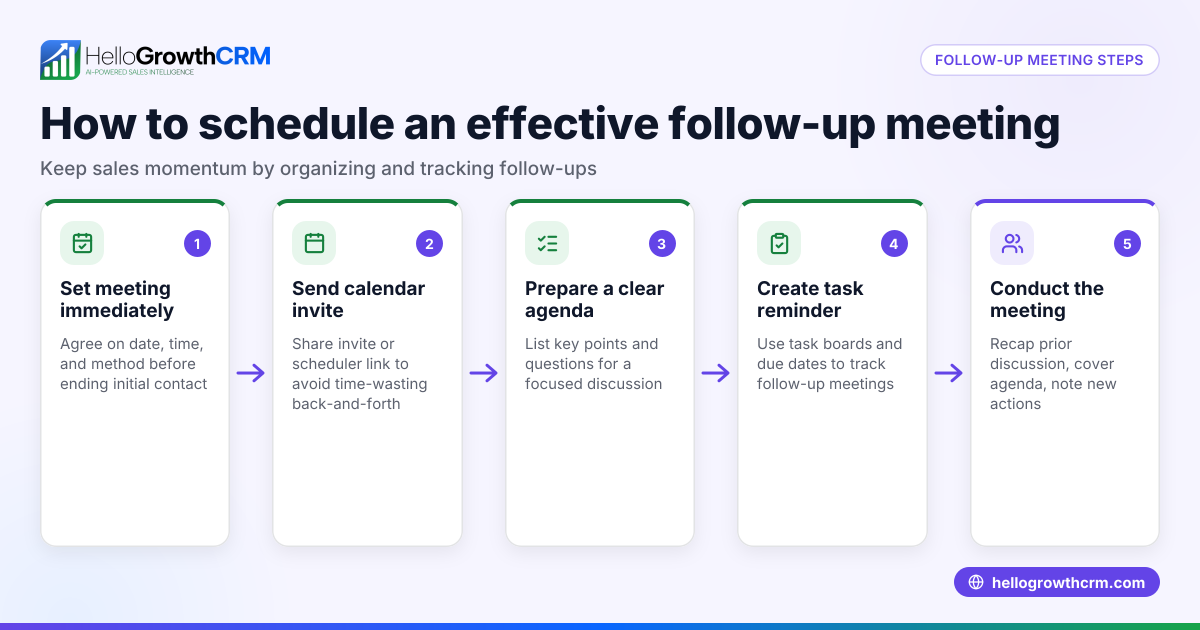
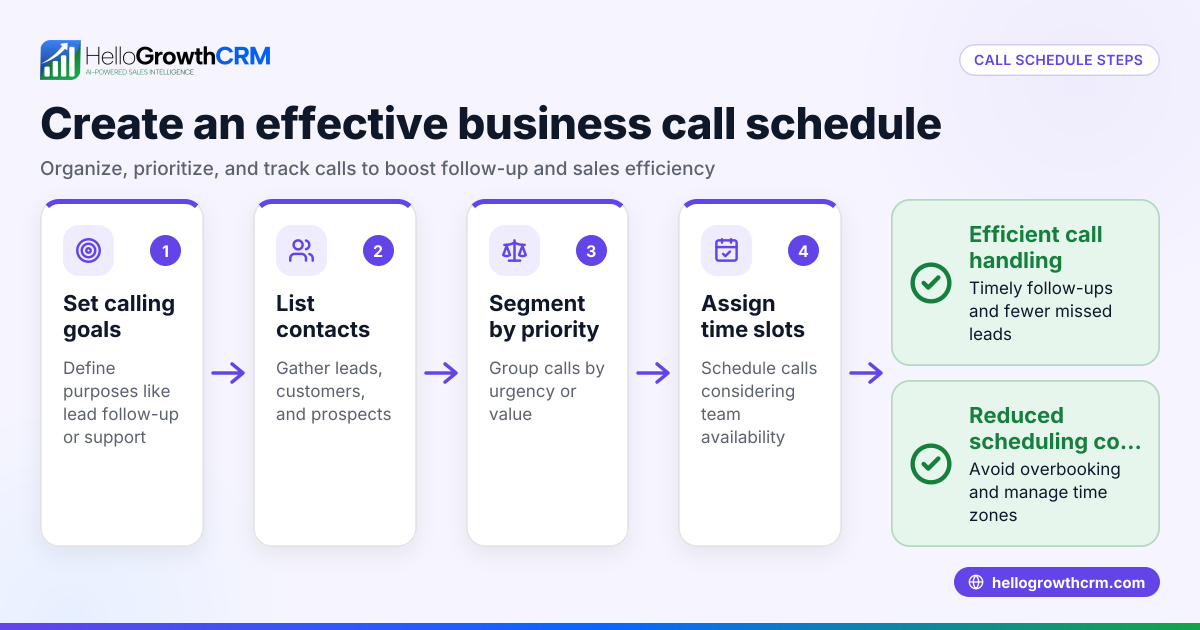
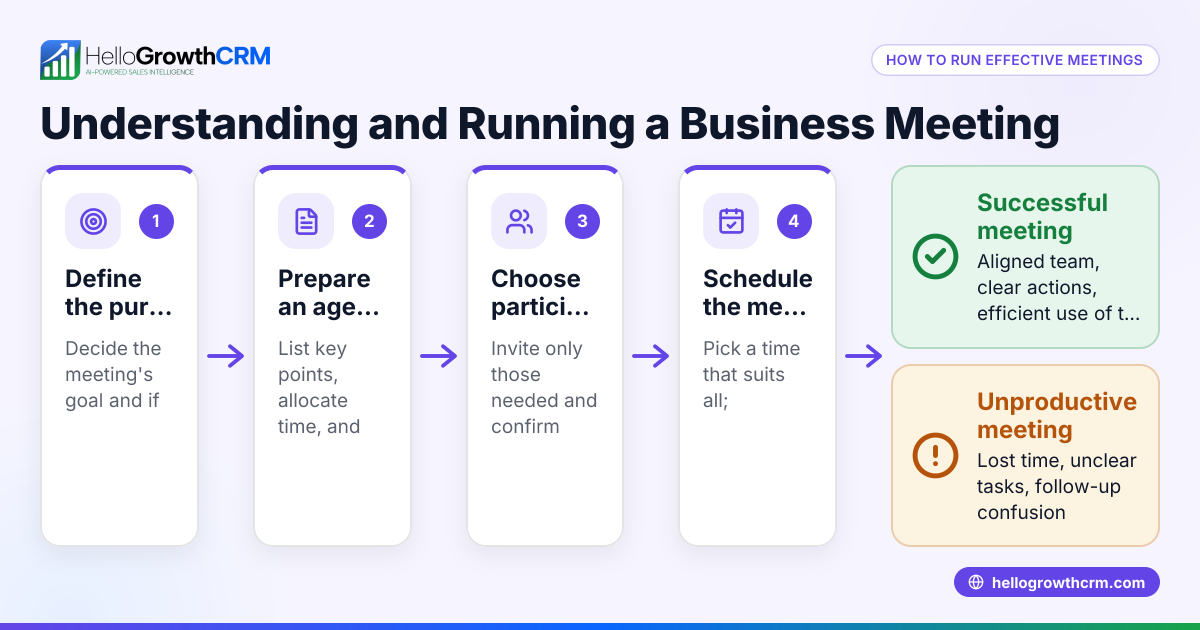
- Check your calendar for availability: Review your schedule for the next 1-2 weeks and identify open time slots. Consider time zones if the other person is in a different region.
- Offer specific options: Instead of vague availability like "next week," provide 2-3 exact dates and times. For example, "Monday 03/18 at 10 AM, Wednesday 03/20 at 2 PM, or Friday 03/22 at 11 AM."
- Agree on meeting details: Confirm the meeting format (phone, video call, in-person), expected duration, and agenda. This helps both parties prepare.
- Send a calendar invite: Use a calendar app to send an invite including date, time, meeting location or link, and any notes. This formalizes the appointment.
- Set reminders: Both sides should set reminders to avoid no-shows or last-minute cancellations.
- Follow up if needed: If the invite is not accepted or confirmed within 1-2 days, send a polite reminder.
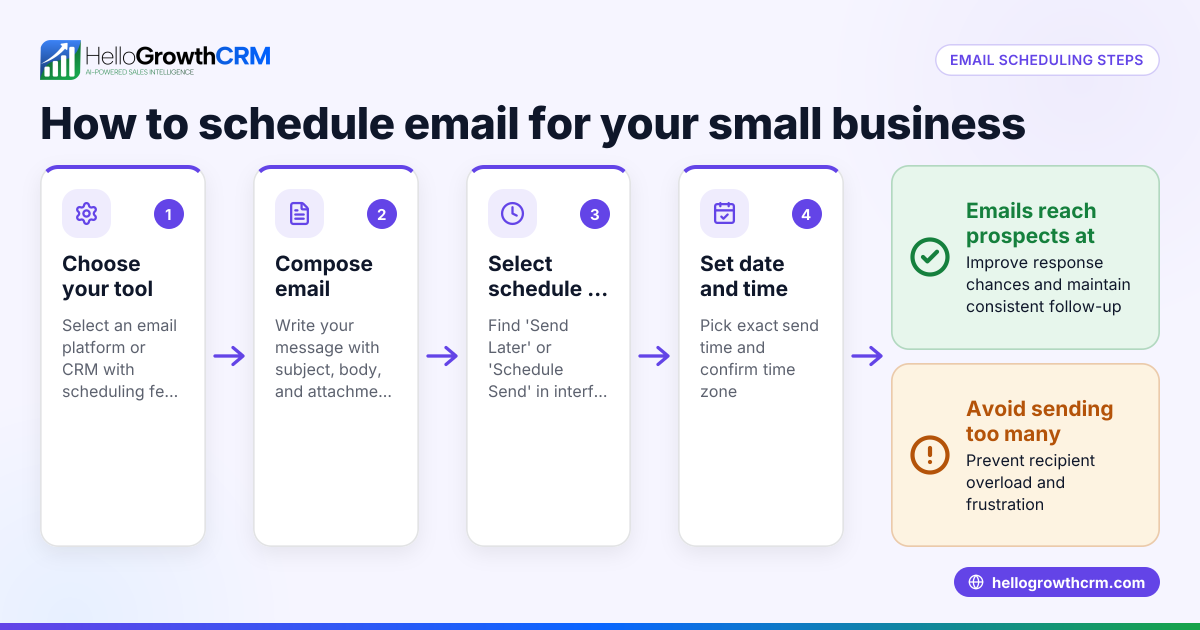
- Use a scheduling tool: To avoid back-and-forth messages, share a link from a meeting scheduler that lets the other person pick a slot from your available times. This saves time and reduces errors.
For an example of a scheduling tool that works well with WhatsApp and SMS, see the meeting scheduler feature.
Example (fictional figures)
A B2B software reseller in Denver, Colorado, wants to schedule a meeting with a prospect to discuss a $48,000 annual software contract.
- The reseller checks their calendar and finds these available slots:
- 03/15/2026 at 10:00 AM
- 03/16/2026 at 2:00 PM
- 03/17/2026 at 11:00 AM
- The reseller offers these three options to the prospect.
- The prospect selects 03/16/2026 at 2:00 PM.
- The reseller sends a calendar invite with a video call link and agenda.
- Both set reminders for 03/16/2026 at 1:45 PM.
- The meeting happens on time, leading to a successful negotiation.
- The reseller closes the deal worth $48,000.
This process avoids confusion and speeds up closing. The arithmetic for the deal value is straightforward:
$48,000 (annual contract value) = $48,000 total deal
No additional calculations are needed in this example, but clear scheduling helped secure the deal.
Common mistakes
- Offering vague availability: Saying "I’m free next week" causes delays. Always provide exact dates and times.
- Ignoring time zones: Forgetting to clarify time zones leads to missed meetings. Always specify the time zone.
- Not sending calendar invites: Without formal invites, meetings can be forgotten or double-booked.
- Failing to confirm details: Not agreeing on meeting format or agenda causes confusion.
- Delaying follow-ups: Waiting too long to confirm or reschedule risks losing interest.
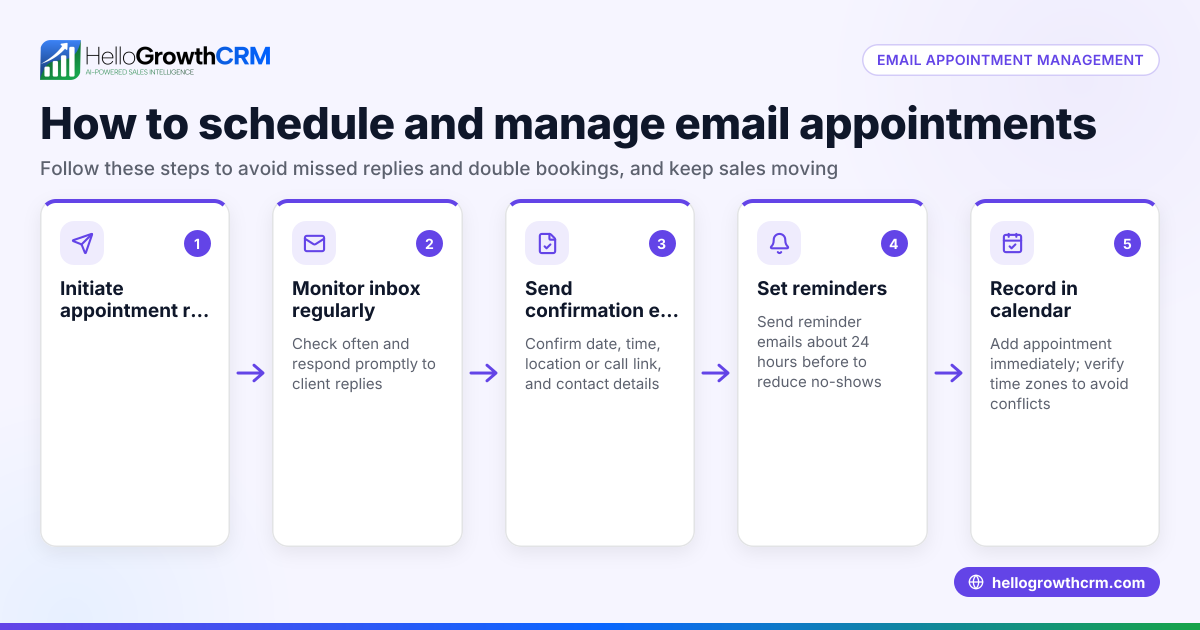
- Relying solely on messages: Using only WhatsApp or emails for scheduling causes back-and-forth delays.
Prevent these mistakes by following the step-by-step guide and using scheduling tools.
Doing this in HelloGrowthCRM
HelloGrowthCRM offers a meeting scheduler feature that shortens the path from interest to conversation. Instead of exchanging multiple messages on WhatsApp, you share a link where your prospect picks a meeting slot from your available times. This reduces scheduling friction and saves time. The meeting scheduler is available on the Free and all paid plans, supporting small and mid-sized businesses in the US to manage meetings efficiently.
Frequently asked questions
How can I make it easy for others to schedule a meeting with me? Use a meeting scheduler that shows your available times and lets others pick a slot. This eliminates back-and-forth messages and speeds up scheduling. HelloGrowthCRM’s scheduler integrates with WhatsApp and SMS for convenience. See WhatsApp and SMS CRM for details.
What should I include in a meeting invite? Include the date, time, meeting format (phone, video, in-person), location or link, agenda, and any preparation instructions. Clear invites reduce confusion and no-shows.
How far in advance should I schedule meetings? Typically, offering availability within 1-2 weeks works well. For urgent matters, same-day or next-day slots may be necessary.
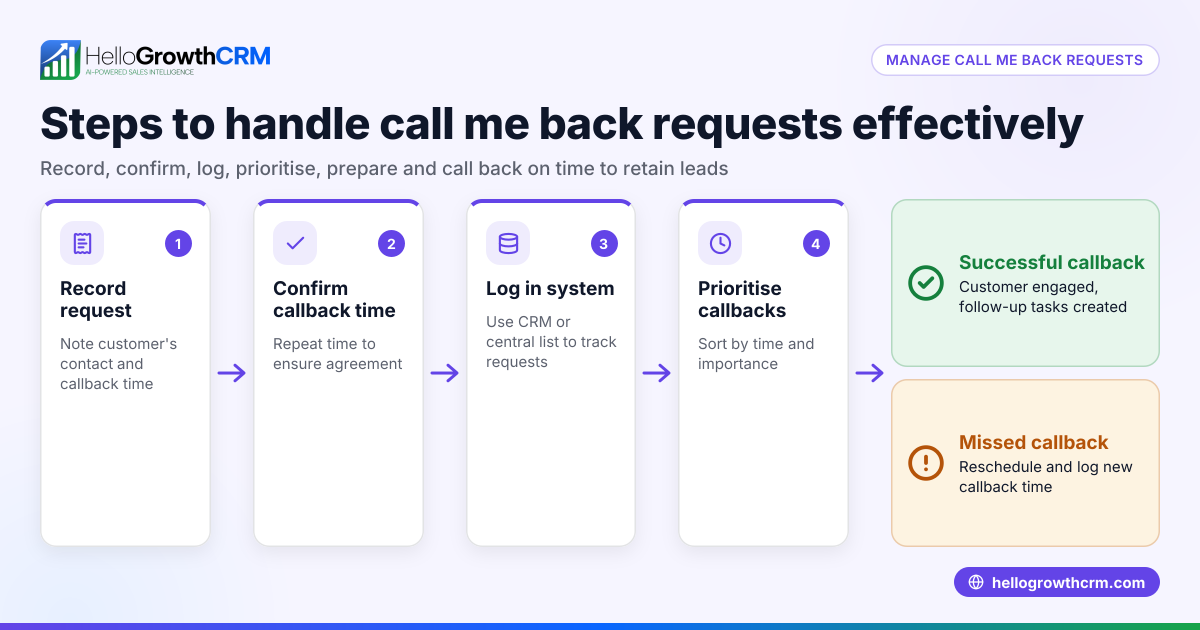
What if the other person doesn’t respond to meeting requests? Send a polite follow-up reminder after 1-2 days. If there’s still no response, consider alternative contact methods or reschedule.
Can I use HelloGrowthCRM to schedule meetings with prospects? Yes, HelloGrowthCRM’s meeting scheduler lets prospects select meeting slots from a link, reducing scheduling delays and errors. Learn more on the meeting scheduler page.
Key takeaways
- Scheduling a meeting requires clear, specific availability and confirmed details.
- Provide multiple exact date and time options to avoid confusion.
- Send calendar invites with all necessary information.
- Avoid common mistakes like vague availability, ignoring time zones, and skipping follow-ups.
- Use a meeting scheduler like HelloGrowthCRM’s to let prospects pick slots from a link, saving time.
Start scheduling your meetings more efficiently today. Start on the Free Forever plan (200 leads, no credit card) with HelloGrowthCRM and reduce scheduling friction.
HelloGrowthCRM for the United States offers tools designed for small and mid-sized businesses to grow sales and manage leads effectively.
Ready to put this into practice?
Set up your pipeline, WhatsApp follow-ups, and AI lead scoring in minutes — free, no credit card.
Try HelloGrowthCRM freeGet CRM tips in your inbox
Join thousands of sales professionals who get weekly insights on CRM strategy, AI automation, and pipeline optimization.

The HelloGrowthCRM team publishes guides on CRM strategy, AI sales tools, and revenue operations for small business sales teams.