HelloGrowthCRM software
Built for real small-business sales teams
HelloGrowthCRM helps reps qualify faster, follow up on time, and close more deals—with practical automation in one place.
- AI lead scoring and pipeline visibility
- Built-in dialer, WhatsApp, and email automation
- Sales forecasting and RevOps-ready reporting
To schedule a meeting, you need to select appropriate dates and times, check that all participants are available, and then send a clear invitation with the meeting purpose, location or link, and any preparation needed. This guide explains why scheduling is important for Canadian small businesses, provides detailed steps, a practical example with CAD figures and arithmetic, common pitfalls, and how HelloGrowthCRM’s scheduling tool can streamline the process.
Why this comes up / what goes wrong
Canadian small business owners often juggle multiple communication channels like text messages, email, and spreadsheets to manage meetings. This can cause delays in responses, double bookings, or missed meetings. Sales teams running sales conversations on WhatsApp and email may spend excessive time coordinating meetings through back-and-forth messages, risking losing leads due to slow follow-up. Efficient, clear scheduling is essential to keep prospects engaged and operations running smoothly. Without a clear process, meetings get delayed or cancelled, wasting time and damaging client trust.
Step-by-step
- Determine the purpose of the meeting. Clarify the goal and who must attend. This helps focus the meeting and ensure the right people are involved.
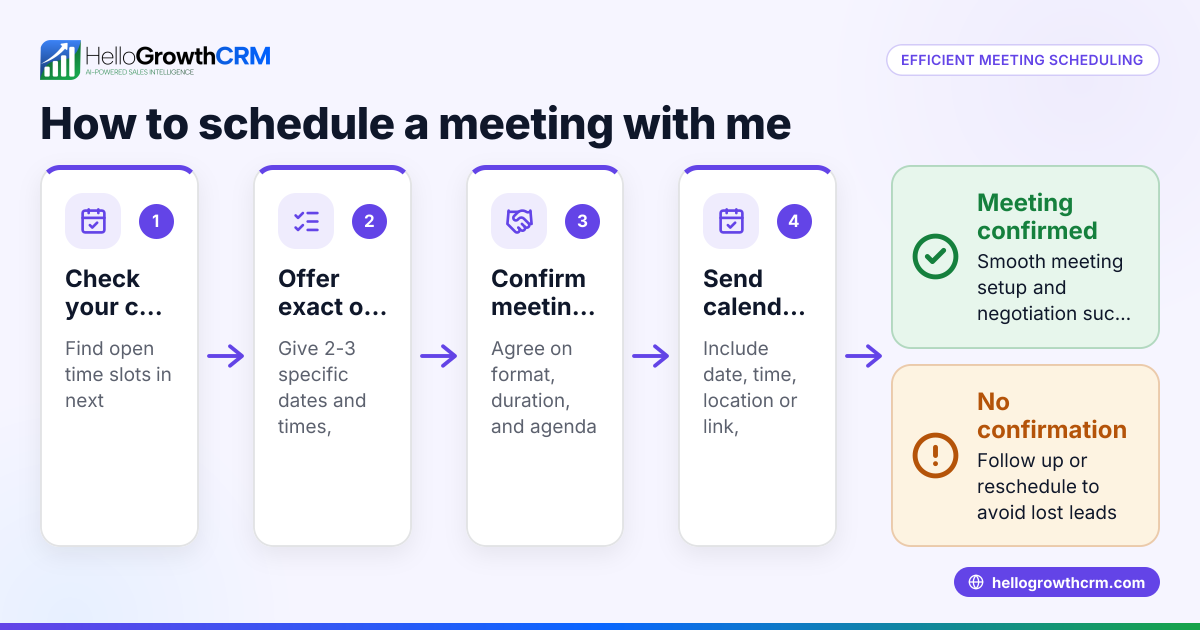
- Choose at least two potential dates and times. Offering options increases the chance of everyone being available. Consider different times of day and days of the week.
- Check participant availability. Contact attendees via phone, WhatsApp, email, or calendar invites to confirm when they can join. Avoid assuming availability.
- Select the best date and time. Choose the slot that suits all or most participants, prioritizing key decision-makers.
- Decide the meeting format and location. Specify if it will be in-person, phone call, WhatsApp chat, or video conference. Include any access details or links.
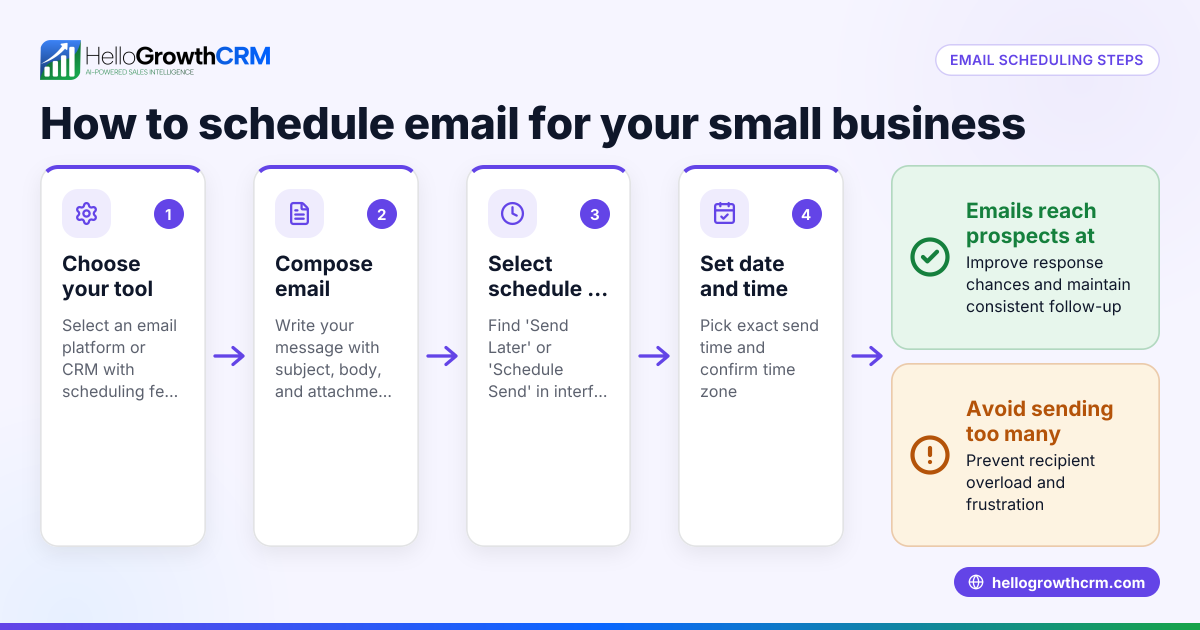
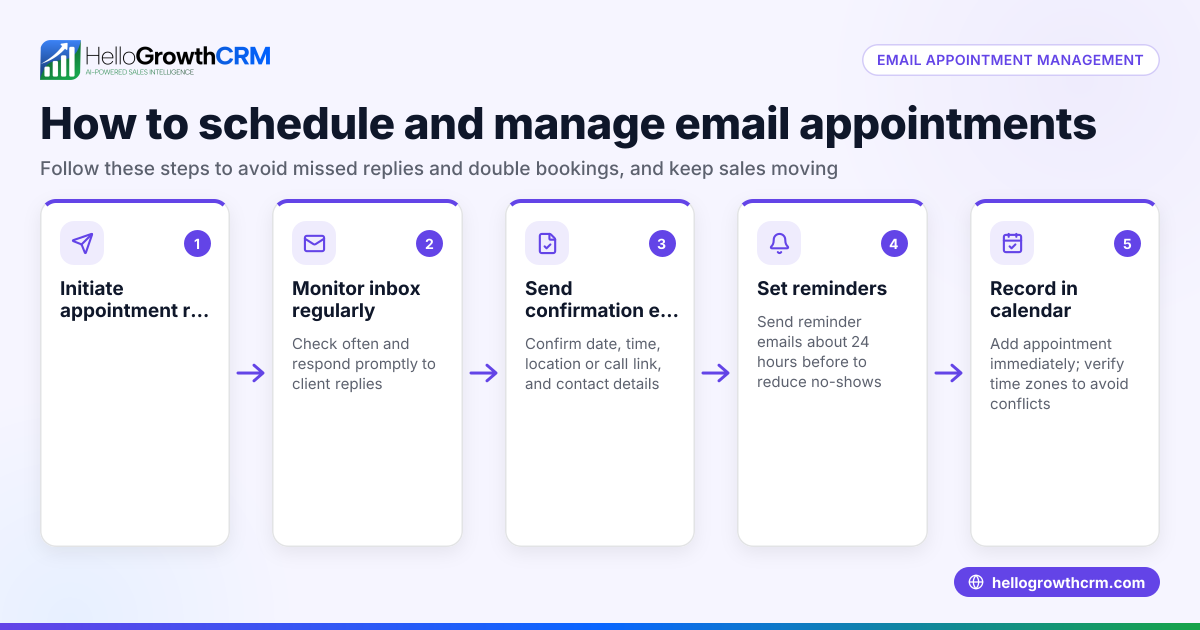
- Send a clear invitation. Include the date, time (with time zone), location or call link, agenda, and any documents to review. Use a calendar invite or a message that can be easily referenced.
- Request confirmation. Ask participants to reply or accept the invite to confirm attendance. Track these responses to avoid surprises.
- Set reminders. Use calendar alerts or messaging reminders a day before and an hour before the meeting to reduce no-shows.
- Prepare for the meeting. Organize notes, documents, and any required technology to ensure the meeting runs smoothly.
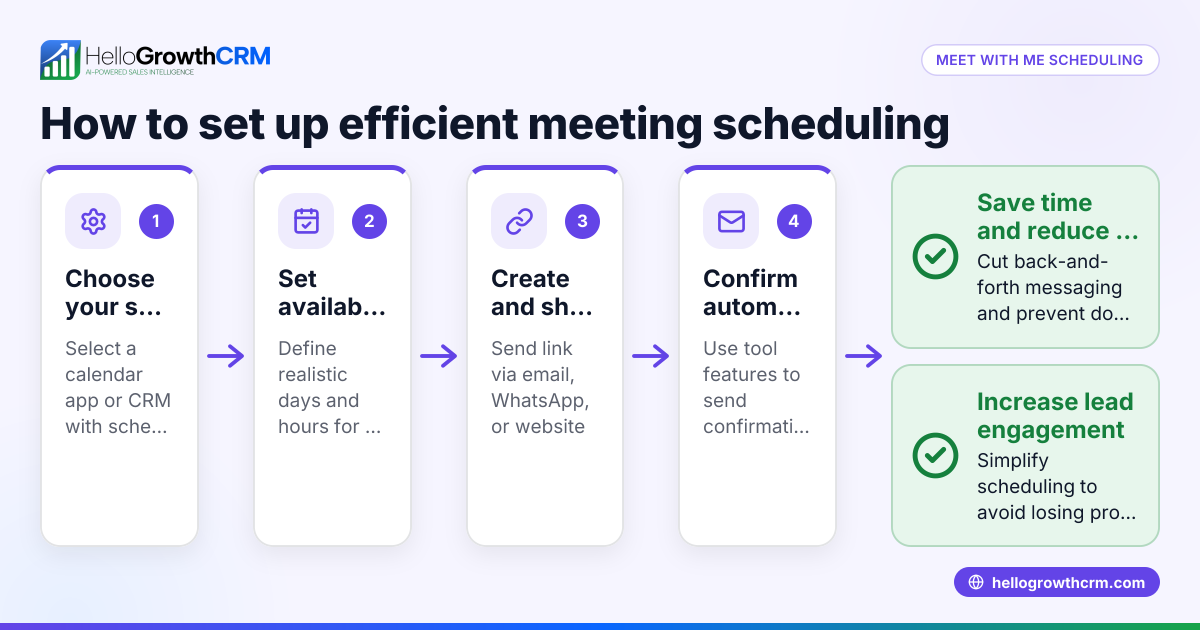
For businesses using WhatsApp and SMS heavily, consider tools like a meeting scheduler to reduce back-and-forth messages and speed up booking.
Example (fictional figures)
A bilingual insurance agency in Laval, Quebec, wants to schedule a client call to discuss an auto insurance renewal.
- Purpose: Discuss auto insurance renewal options.
- Options: 2026-07-15 at 10:00 AM or 2:00 PM Eastern Time.
- Contact client by WhatsApp; client prefers 2:00 PM.
- Confirm 2:00 PM slot.
- Format: Phone call.
- Invitation message sent: "Your auto insurance renewal call is on 2026-07-15 at 2:00 PM ET. Please confirm your availability."
- Client replies "Confirmed."
- Set phone reminder for 2026-07-15 at 1:55 PM.
The agency also calculates the expected premium renewal:
Current premium: C$1,200 Renewal increase: 5% of current premium Increase amount calculation: C$1,200 × 5% = C$60 Total renewal premium calculation: C$1,200 + C$60 = C$1,260
This clear process avoids confusion, confirms availability, and prepares the agent with accurate figures for the call.
Common mistakes
- Not confirming availability before setting a time. Prevent by always asking participants for their preferred times and confirming before sending invites.
- Sending unclear invitations without time zone or agenda. Prevent by including all details in the invite, such as exact time with time zone, meeting format, and agenda.
- Failing to send reminders. Prevent by setting calendar or messaging alerts to remind participants.
- Overbooking or double-booking yourself. Prevent by maintaining an updated calendar and checking it before scheduling.
- Ignoring follow-up confirmations. Prevent by requesting and tracking RSVPs; follow up promptly if no response.
- Using multiple unconnected communication channels. Prevent by consolidating scheduling on one platform or using a WhatsApp and SMS CRM to keep messages and appointments organised.
Doing this in HelloGrowthCRM
HelloGrowthCRM offers scheduling and booking features that let a prospect pick a meeting slot from a link you share, eliminating back-and-forth messages on WhatsApp. This shortens the path from interest to conversation and helps keep your calendar organised. Scheduling is available on all plans including Free. Learn more about the meeting scheduler.
Frequently asked questions
How can I avoid scheduling conflicts? Keep an updated calendar and always check participant availability before finalizing a meeting. Use scheduling tools that show free slots to all parties, reducing the chance of double-booking.
What details should I include in a meeting invite? Include the date, time with time zone, meeting format (in-person, call, video), location or link, agenda, and any preparation needed. This clarity helps participants prepare and attend on time.
How far in advance should I schedule meetings? For sales or client meetings, 2-3 days ahead is common to allow participants to plan. For internal meetings, 24 hours may suffice. Adjust based on urgency and participant availability.
Can I schedule meetings directly through WhatsApp? While WhatsApp itself lacks built-in scheduling, HelloGrowthCRM integrates WhatsApp and offers a meeting scheduler link to simplify booking without back-and-forth messages.
What if a participant cancels or reschedules? Respond promptly to reschedule by repeating the scheduling steps. Use reminders to reduce no-shows and keep communication clear.
Key takeaways
- Confirm participant availability before setting a meeting time.
- Always send clear, detailed invitations including time zones and agenda.
- Use reminders to reduce missed meetings.
- Avoid double-booking by keeping calendars updated.
- Consolidate scheduling communications using a WhatsApp and SMS CRM.
- Leverage tools like HelloGrowthCRM’s meeting scheduler to streamline bookings.
Scheduling meetings efficiently saves time and improves client relationships. To start simplifying your scheduling today, Start on the Free Forever plan (200 leads, no credit card).
Ready to put this into practice?
Set up your pipeline, WhatsApp follow-ups, and AI lead scoring in minutes — free, no credit card.
Try HelloGrowthCRM freeGet CRM tips in your inbox
Join thousands of sales professionals who get weekly insights on CRM strategy, AI automation, and pipeline optimization.

The HelloGrowthCRM team publishes guides on CRM strategy, AI sales tools, and revenue operations for small business sales teams.