HelloGrowthCRM software
Built for real small-business sales teams
HelloGrowthCRM helps reps qualify faster, follow up on time, and close more deals—with practical automation in one place.
- AI lead scoring and pipeline visibility
- Built-in dialer, WhatsApp, and email automation
- Sales forecasting and RevOps-ready reporting
A prospect list example is a detailed list of potential customers who fit your target market criteria, including their contact info and relevant details. This article explains why small businesses need prospect lists, how to create one step-by-step, a sample prospect list for a US landscaping business, common mistakes to avoid, and answers to frequently asked questions.
Why this comes up / what goes wrong
Small business owners often need a prospect list to organize and prioritize potential customers for their sales efforts. Without a clear prospect list, leads can get lost, follow-up can be slow, and sales opportunities missed. Many small businesses rely on scattered notes, spreadsheets, or text messages, which makes tracking prospects inefficient and error-prone. A well-structured prospect list helps focus sales outreach, improves follow-up speed, and increases the chance of closing deals.
For example, a sales team working across different tools like email, text messaging, and spreadsheets can struggle to keep all prospect information up to date. This fragmentation leads to missed calls or emails, duplicated efforts, and sometimes lost prospects. Consolidating prospect data into one organized list is essential to prevent these issues.
Step-by-step
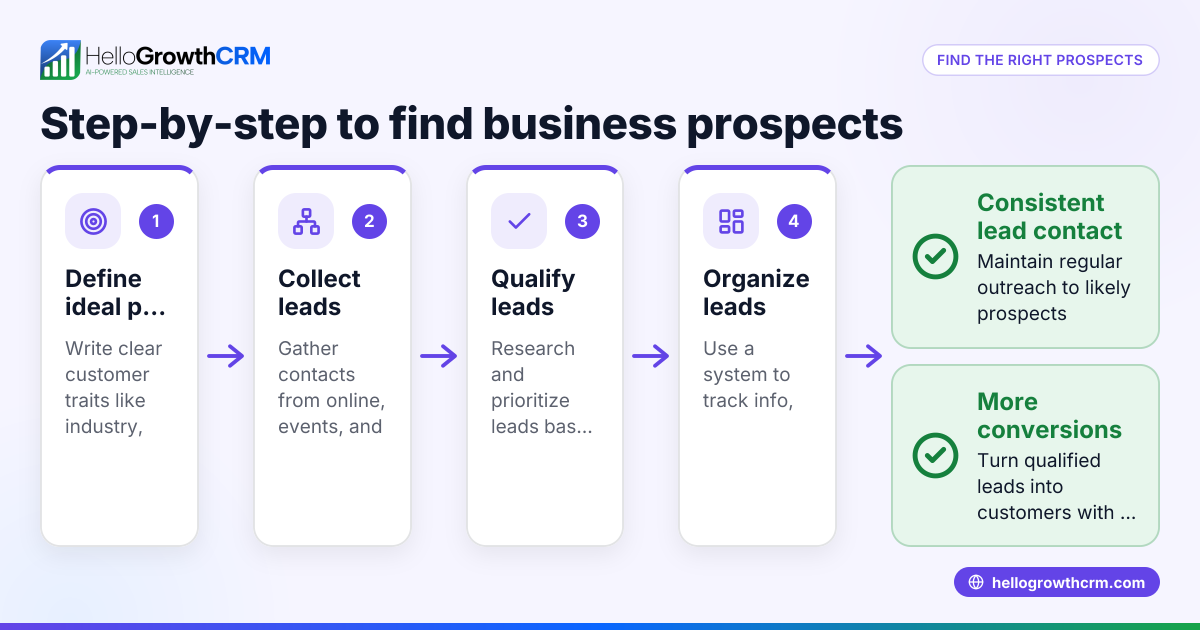
- Define your ideal customer profile (ICP). Decide the characteristics your prospects must have, such as location, industry, company size, or budget. Check that these criteria align with your product or service and sales goals.
- Gather prospect data. Use web research, social media, industry directories, or referrals to collect names, phone numbers, email addresses, and company info. Verify the data for accuracy to avoid wasted time on wrong contacts.
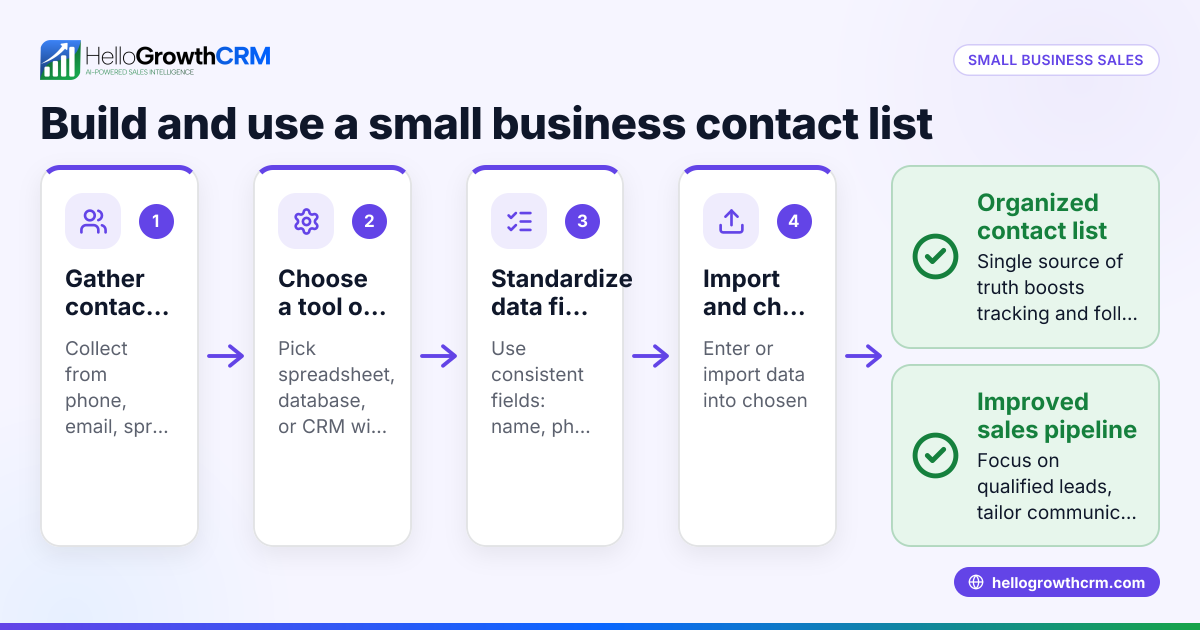
- Organize the list. Create columns for each data point: Name, Company, Phone, Email, Location, Notes, and Status. Use a spreadsheet or CRM software to keep data consistent and easy to update.
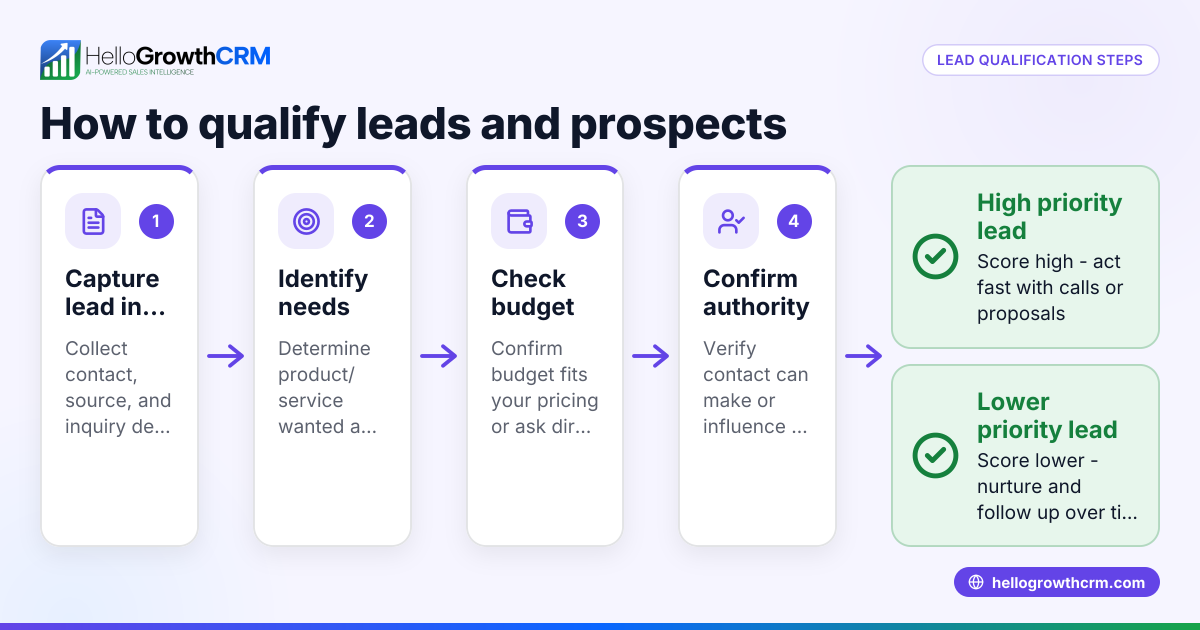
- Qualify prospects. Score or categorize prospects based on how well they fit your ICP and their likelihood to buy. Check that your scoring criteria are consistent and meaningful for your sales process.
- Plan follow-up actions. Assign follow-up dates, preferred contact methods (phone, email, WhatsApp), and next steps. Check that reminders are set to avoid letting prospects go cold.
- Regularly update the list. Remove unresponsive prospects, add new leads, and update status after contact. Check that your list stays current and reflects your latest sales pipeline.
Using a CRM that supports multiple communication channels like WhatsApp and SMS can centralize your prospect management. See WhatsApp and SMS CRM for tools that help automate messaging and track conversations.
Example (fictional figures)
A landscaping contractor in Charlotte, North Carolina, wants to create a prospect list for commercial clients.
| Name | Company | Phone | Location | Notes | Status | |
|---|---|---|---|---|---|---|
| Sarah Johnson | GreenTech Inc. | 704-555-1234 | sarah@greentech.com | Charlotte, NC | Interested in lawn care | Contacted |
| Mike Lee | Oakwood Office | 704-555-5678 | mike@oakwoodoffice.com | Charlotte, NC | Needs landscaping quote | New |
The contractor gathers 50 such prospects and estimates a 10% conversion rate.
Total prospects = 50 Conversion rate = 10% Expected new clients = 50 × 10% = 5
Average contract value per client = $12,000 Expected revenue = 5 × $12,000 = $60,000
This example shows how a prospect list helps forecast sales and prioritize outreach.
Common mistakes
- Mixing leads and prospects. Keep leads (unqualified) separate from prospects (qualified) to focus your efforts. Prevent by defining clear qualification criteria.
- Incomplete or outdated contact info. Missing or wrong phone numbers and emails waste time. Prevent by verifying data regularly.
- No follow-up schedule. Without planned follow-ups, prospects go cold. Prevent by setting reminders and tracking next steps.
- Using multiple unconnected tools. Managing prospects across email, text, and spreadsheets leads to lost info. Prevent by consolidating data in one place, such as a CRM that supports WhatsApp and SMS like WhatsApp and SMS CRM.
- Ignoring prospect scoring. Treating all prospects the same wastes resources. Prevent by scoring prospects based on fit and engagement.
- Failing to update prospect status. Leaving prospects in the wrong stage causes confusion and misprioritization. Prevent by updating status after every contact.
Frequently asked questions
What is the difference between a lead and a prospect? A lead is an unqualified potential customer, while a prospect has been qualified as a good fit for your product or service based on criteria like budget, need, and authority. Managing them separately improves sales focus.
How often should I update my prospect list? Update your prospect list regularly—at least weekly—to add new leads, remove unresponsive contacts, and change statuses after follow-up. This keeps your sales efforts relevant and efficient.
Can I manage my prospect list without a CRM? Yes, you can use spreadsheets or notes, but these methods risk losing data and slow follow-up. Using a CRM with features like a built-in dialer can streamline calls and track interactions, saving time and improving results. See built-in CRM dialer for more.
Should I include social media contacts in my prospect list? Yes, social media can be a valuable source of prospects. Include verified contact info and notes about interactions to personalize outreach.
What is the best way to prioritize prospects? Use a scoring system based on factors like company size, budget, and engagement level. Prioritize high-scoring prospects for immediate follow-up.
How can I integrate WhatsApp into my prospect outreach? WhatsApp is widely used and allows direct, quick communication. Using a CRM that supports WhatsApp messaging helps automate sequences and track conversations efficiently, as explained in WhatsApp and SMS CRM.
Key takeaways
- A prospect list is a detailed, organized list of qualified potential customers.
- Define your ideal customer profile before collecting prospect data.
- Regularly update and score your prospects to focus your sales efforts.
- Avoid common mistakes like mixing leads and prospects or missing follow-ups.
- Using a CRM that supports WhatsApp, SMS, and built-in calling can improve prospect management.
Start building your prospect list today to improve your sales pipeline and close more deals. To get started with managing leads efficiently, consider starting on the Free Forever plan (200 leads, no credit card) at HelloGrowthCRM.
Ready to put this into practice?
Set up your pipeline, WhatsApp follow-ups, and AI lead scoring in minutes — free, no credit card.
Try HelloGrowthCRM freeGet CRM tips in your inbox
Join thousands of sales professionals who get weekly insights on CRM strategy, AI automation, and pipeline optimization.

The HelloGrowthCRM team publishes guides on CRM strategy, AI sales tools, and revenue operations for small business sales teams.