HelloGrowthCRM software
Built for real small-business sales teams
HelloGrowthCRM helps reps qualify faster, follow up on time, and close more deals—with practical automation in one place.
- AI lead scoring and pipeline visibility
- Built-in dialer, WhatsApp, and email automation
- Sales forecasting and RevOps-ready reporting
To track field sales customer visits in the UK effectively, you need to capture each visit's key details promptly and review them regularly. This ensures no customer is missed, follow-ups happen on time, and sales opportunities are maximised.
Why this comes up / what goes wrong
Small and mid-sized UK businesses with field sales teams often struggle to track customer visits because visits happen away from the office and rely on manual notes or memory. This leads to missed follow-ups, duplicate visits, or lost opportunities. Businesses using WhatsApp, email, and spreadsheets find it hard to keep a clear, up-to-date record of where their sales reps have been and what was agreed.
Without a clear system, managers cannot see the day's coverage or check if reps are visiting the right customers. This reduces sales efficiency and can delay closing deals.
Step-by-step
- Define what to track per visit:
- Date and time of visit
- Customer name and location
- Purpose of visit (e.g., product demo, contract renewal)
- Sales rep name
- Outcome or next steps agreed
- Choose your tracking method:
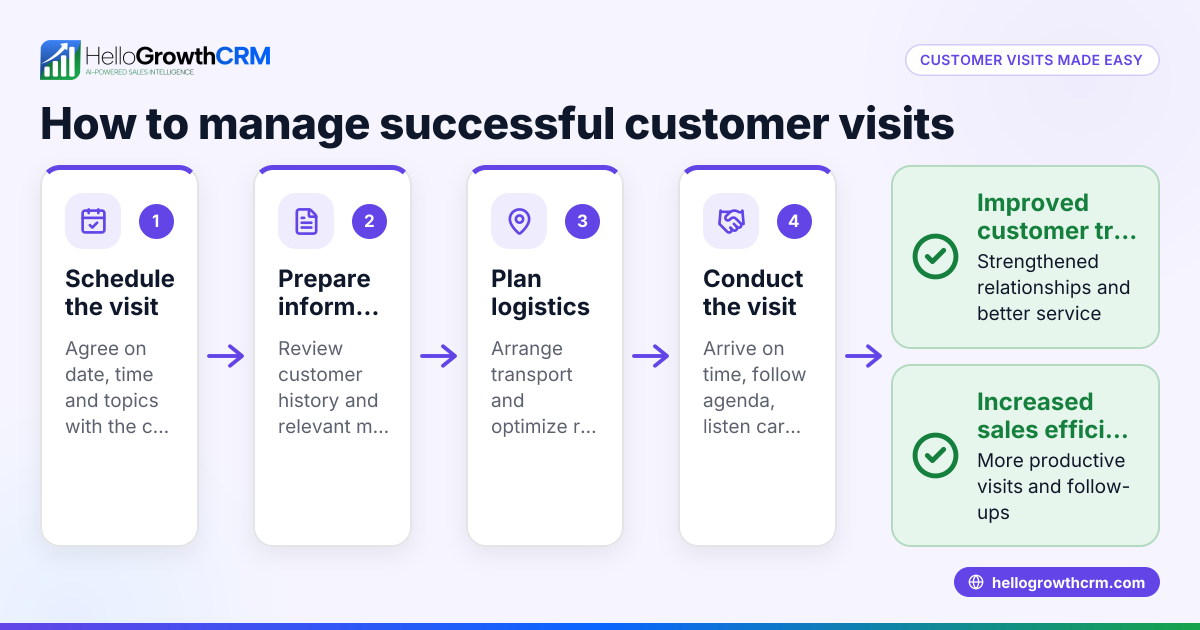
- Use a dedicated mobile app or CRM with field visit logging
- Alternatively, a spreadsheet template updated daily
- Log visits immediately after each customer meeting:
- Enter all defined fields
- Include notes on customer feedback and follow-up actions
- Review daily visit logs:
- Managers check visits completed vs planned
- Confirm no customers were missed or visited twice unnecessarily
- Schedule follow-ups:
- Set reminders for next contact dates
- Track these in a pipeline or task board
- Analyse visit data weekly:
- Identify high-potential customers
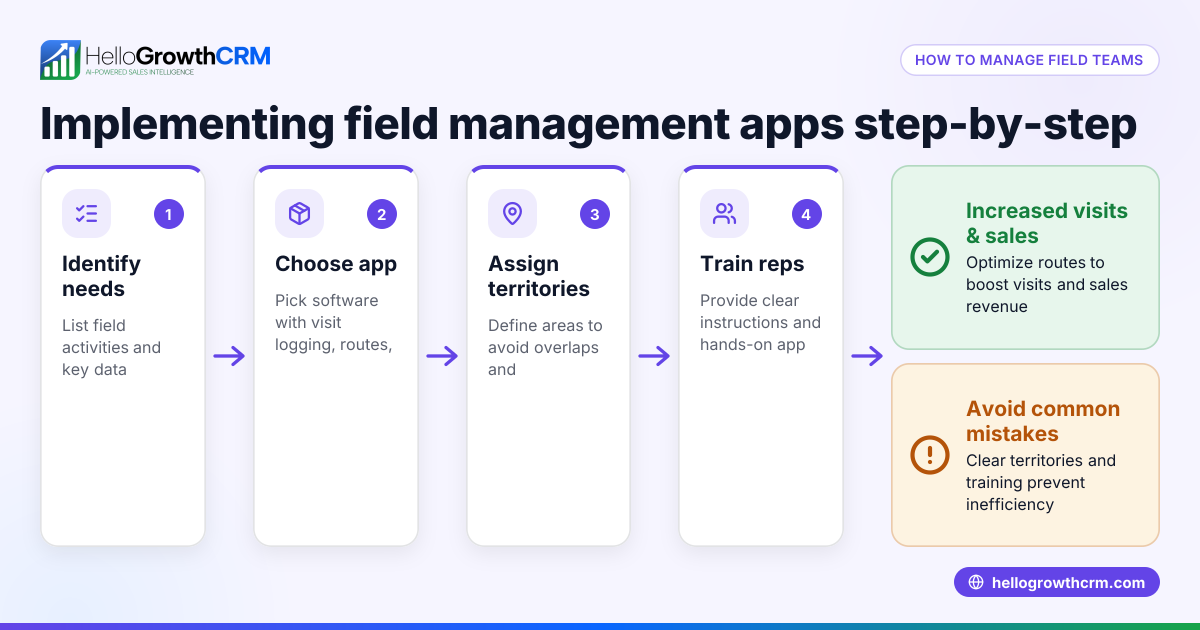
- Adjust sales territories or routes if needed
- Keep records centralised:
- Store visit logs where the whole team can access them
- Link visits to deals and customer records
- Train your team:
- Ensure all reps understand the importance of accurate visit logging
- Provide simple tools and templates
Example (fictional figures)
A recruitment consultancy in Bristol wants to track visits by its field sales rep, Emma, for the week starting 01/03/2024.
- Emma plans 10 visits to clients and prospects.
- Each visit is logged with date, time, client name, purpose, and outcome.
Visit log sample entry:
Date: 01/03/2024 Client: Bristol Tech Ltd Purpose: Discuss new recruitment contract Outcome: Client requested proposal by 05/03/2024
Emma’s manager reviews the log daily to ensure all visits happened as planned.
Calculating visit coverage:
Planned visits = 10 Completed visits = 9 Missed visits = 10 - 9 = 1
Follow-ups scheduled: 3
This tracking helps the manager spot the missed visit and reschedule it promptly.
Common mistakes
- Not logging visits immediately: Leads to forgotten details and inaccurate records. Prevent by making logging part of the visit routine.
- Using multiple unlinked tools: Splitting data between WhatsApp, email, and spreadsheets causes confusion. Use one system or integrate tools.
- Ignoring follow-ups: Visits without follow-up dates lose sales momentum. Always set reminders.
- No manager review: Without daily checks, missed visits go unnoticed. Schedule quick daily reviews.
- Poor data quality: Incomplete or vague notes reduce usefulness. Train reps to enter clear, full details.
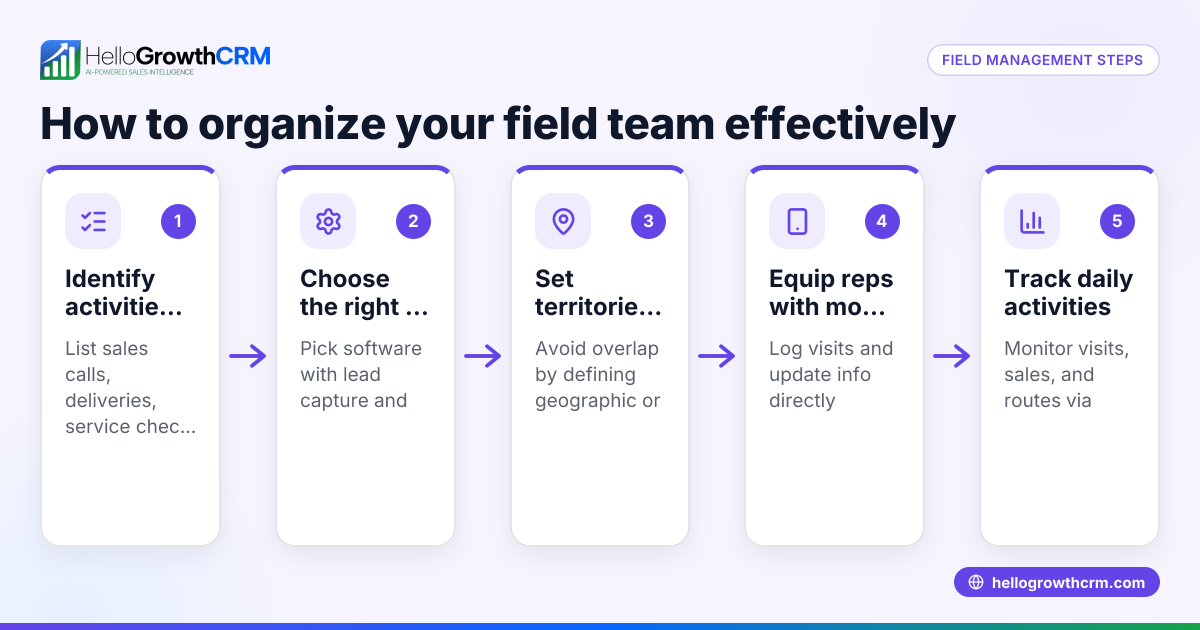
- No territory or route planning: Reps may waste time or miss customers. Define territories and plan routes based on visit data.
Doing this in HelloGrowthCRM
HelloGrowthCRM supports tracking field sales visits with its Territories, field operations and commissions feature. Field reps log visits directly from their phones, and managers see the day's beat clearly, ensuring coverage and accountability. Deals (pipeline) tracking keeps quotations and follow-ups visible, so no opportunities slip through. After sales, customer service requests remain linked to the same customer record, helping maintain a full view of customer interactions. Learn more about territory management and how HelloGrowthCRM supports UK businesses on HelloGrowthCRM for the United Kingdom.
Frequently asked questions
How can I track visits without expensive software? You can start by using a simple spreadsheet with columns for date, customer, purpose, and outcome. Make sure your sales reps update it daily and managers review it regularly. This keeps data organised even without specialised software.
What details should I record in a visit log? At minimum, capture the date and time, customer name and location, purpose of the visit, sales rep’s name, and the outcome or next steps. Detailed notes help with follow-ups and analysing visit effectiveness.
How do I ensure my field team actually logs visits? Make visit logging a mandatory part of your sales process. Provide easy-to-use tools and train your team on why it's important. Regular manager reviews and feedback help maintain compliance.
Can I track commissions linked to customer visits? Yes, with systems like HelloGrowthCRM's field operations and commissions feature, commissions can be tracked based on deals linked to visits, helping align incentives.
How do I plan sales territories to improve visit tracking? Define territories clearly and assign reps accordingly. Use visit data to adjust territories and plan routes, reducing travel time and increasing customer coverage. See more on territory management.
Key takeaways
- Log each customer visit immediately with date, purpose, and outcome.
- Review visit logs daily to ensure coverage and spot missed visits.
- Schedule and track follow-ups to maintain sales momentum.
- Avoid multiple unlinked tools; centralise visit records.
- Use territory planning to optimise field sales routes.
- HelloGrowthCRM offers tools for visit logging, territory management, and deal tracking.
Start tracking your field sales visits more effectively today to improve customer relationships and sales results. You can Start on the Free Forever plan (200 leads, no credit card) and see how HelloGrowthCRM helps you manage visits and sales.
Ready to put this into practice?
Set up your pipeline, WhatsApp follow-ups, and AI lead scoring in minutes — free, no credit card.
Try HelloGrowthCRM freeGet CRM tips in your inbox
Join thousands of sales professionals who get weekly insights on CRM strategy, AI automation, and pipeline optimization.

The HelloGrowthCRM team publishes guides on CRM strategy, AI sales tools, and revenue operations for small business sales teams.