HelloGrowthCRM software
Built for real small-business sales teams
HelloGrowthCRM helps reps qualify faster, follow up on time, and close more deals—with practical automation in one place.
- AI lead scoring and pipeline visibility
- Built-in dialer, WhatsApp, and email automation
- Sales forecasting and RevOps-ready reporting
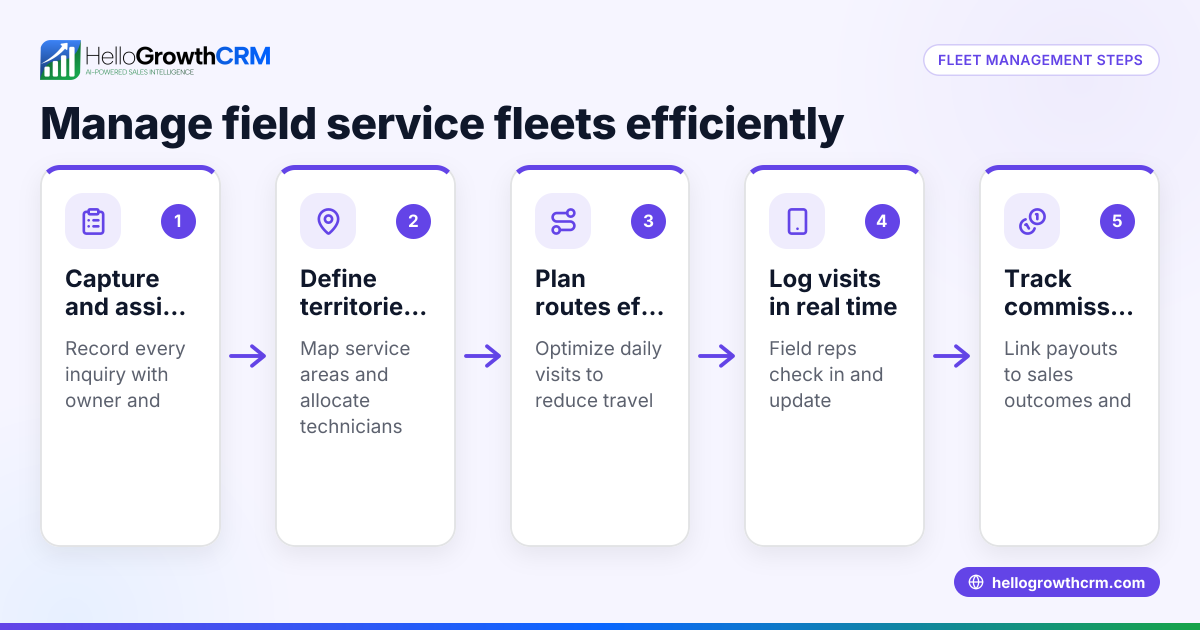
A field management application is software designed to help small and mid-sized businesses coordinate and monitor work done by employees outside the office, such as sales reps, service technicians, or delivery drivers. It captures visit logs, schedules routes, tracks territories, and links field activity to commissions or sales outcomes.
Why this comes up / what goes wrong
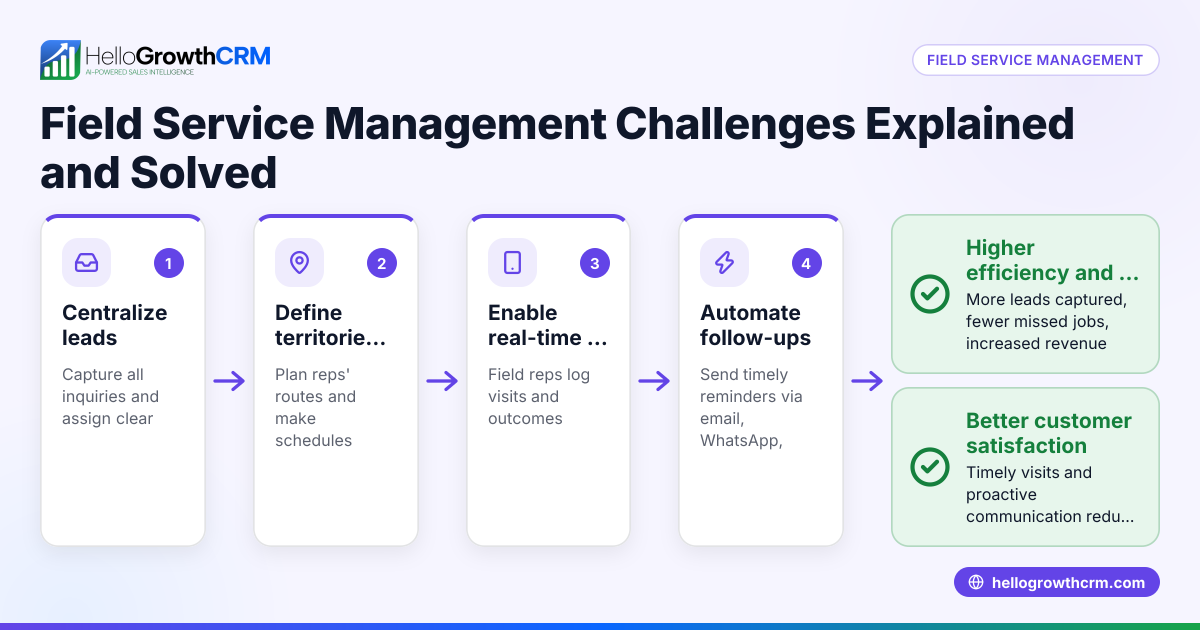
Many small business owners rely on manual methods like notebooks, spreadsheets, or text messages to keep track of their field teams. This approach often leads to missed visits, slow follow-up on leads, and poor visibility into daily field activity. Without a clear system, managers cannot verify if reps visited clients or completed tasks, which hurts customer satisfaction and sales growth. These problems become more noticeable as the team grows or service areas expand, making it harder to coordinate and measure field efforts.
Step-by-step
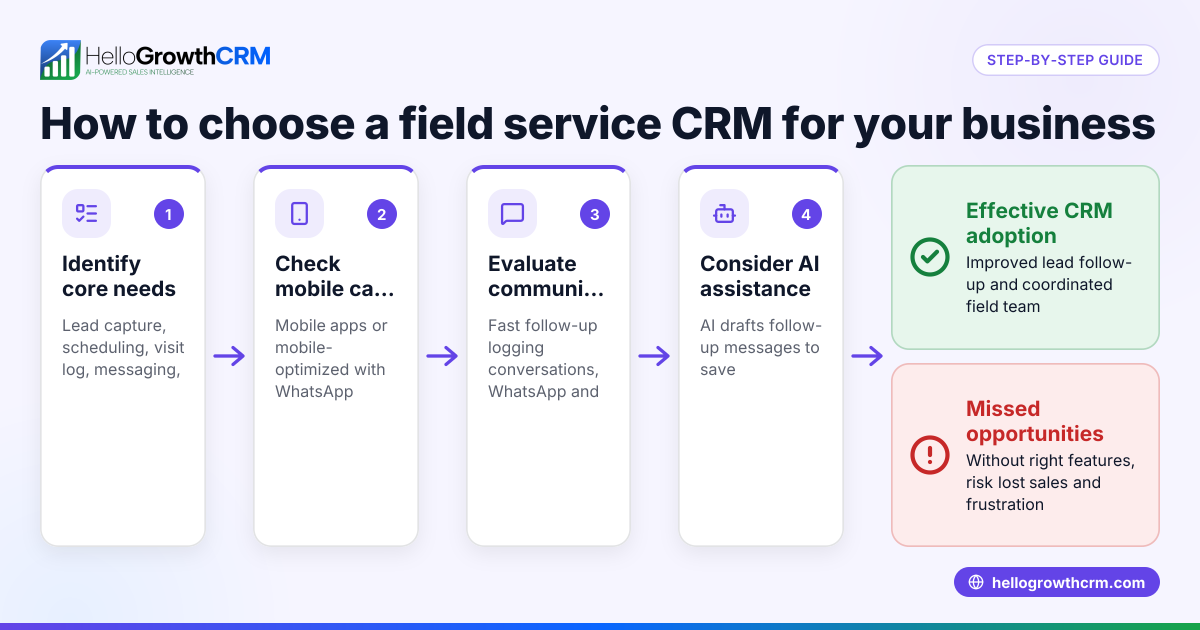
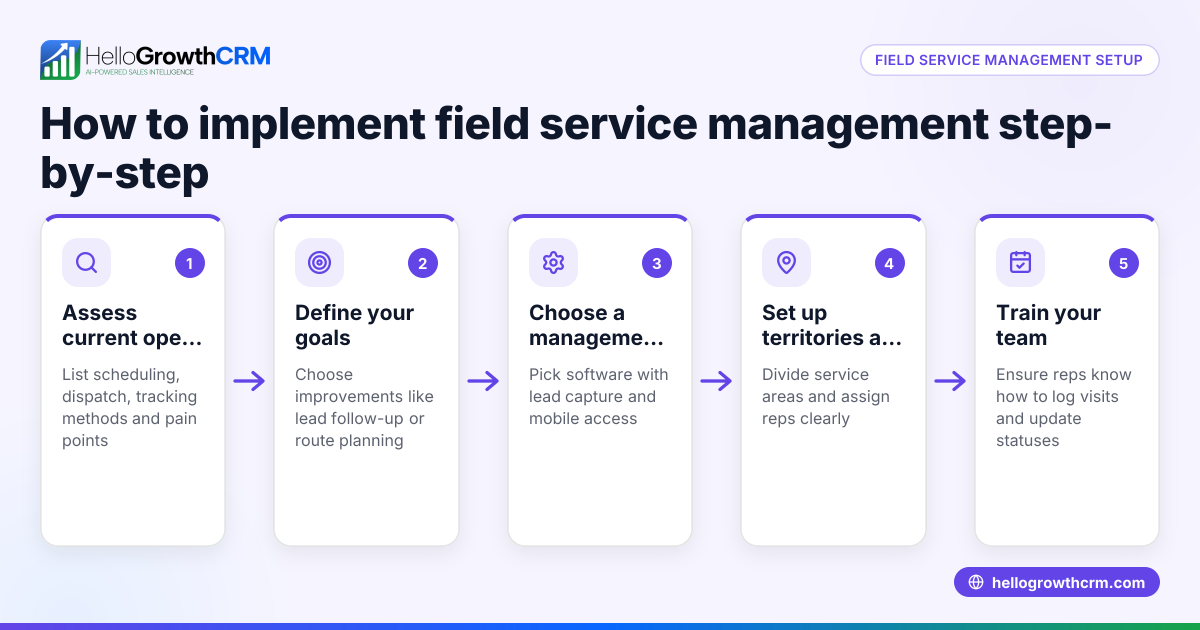
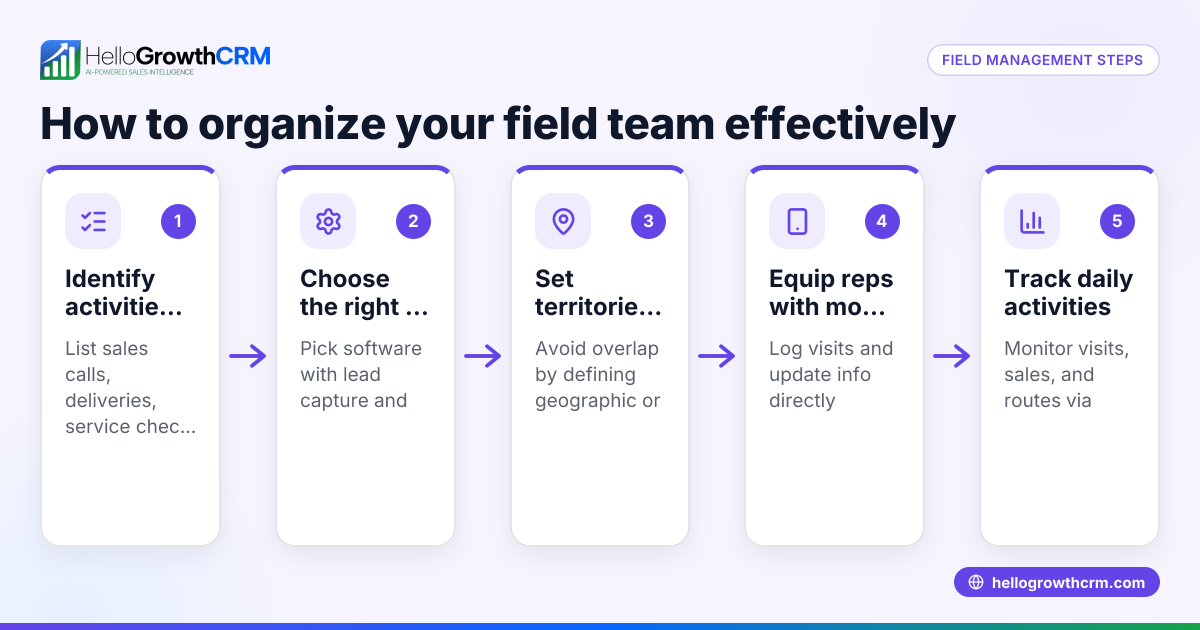
- Identify your field operations needs. List the field activities you want to track, such as sales calls, service visits, or deliveries. Determine the key information reps should capture, like visit time, client feedback, or photos.
- Choose a field management application that fits your team size and budget. Look for features like mobile check-ins, visit logging, route planning, and territory management.
- Set up territories and assign reps. Define geographic areas or customer groups each field rep will cover to avoid overlaps and ensure full coverage.
- Train your team on using the app. Provide clear instructions and hands-on training so reps know how to log visits and update statuses from their phones.
- Monitor daily field activity. Use the app’s dashboard or reports to review visit logs, routes completed, and any issues reported.
- Link field visits to sales and commissions if applicable. Track how field work contributes to revenue and calculate commissions based on outcomes.
- Review and adjust territories and schedules regularly. Use data insights to optimize routes, balance workloads, and improve efficiency.
Example (fictional figures)
A two-location dental supply company in Columbus, Ohio, employs three field reps covering central Ohio. They start using a field management app on 01/10/2026 to track visits and commissions.
- Each rep logs 5 visits daily.
- Average sale per visit is $400.
- Total visits per month per rep = 5 visits × 22 working days = 110 visits.
- Total sales per rep monthly = 110 visits × $400 = $44,000.
- Total sales for 3 reps monthly = $44,000 × 3 = $132,000.
The manager reviews visit logs daily and adjusts routes weekly to reduce travel time by 15%, increasing visits to 6 per day.
New monthly visits per rep = 6 × 22 = 132 visits. New monthly sales per rep = 132 × $400 = $52,800. New total sales for 3 reps = $52,800 × 3 = $158,400.
This results in a $26,400 monthly sales increase due to better field management.
Common mistakes
- Not defining clear territories. This causes overlapping visits or missed areas. Prevent it by mapping territories before deployment.
- Failing to train reps properly. Leads to inconsistent data entry and missed updates. Prevent by providing hands-on training and simple instructions.
- Ignoring mobile usability. Complex apps reduce adoption among field reps. Choose apps with intuitive mobile check-ins and easy navigation.
- Not monitoring field data regularly. Misses chances to improve performance and address issues. Set daily or weekly review routines to stay informed.
- Using separate tools for leads and field management. This creates data silos and inefficiencies. Integrate lead capture with field tracking where possible.
- Overlooking commission tracking. Without linking commissions to sales outcomes, it’s hard to motivate reps fairly. Use software that connects field activity to commissions.
Doing this in HelloGrowthCRM
HelloGrowthCRM captures every enquiry from forms, calls, or WhatsApp as a lead with an owner and next step, preventing lost leads from notebooks. For field operations, it offers territory definition and ownership tools, allowing managers to assign reps specific areas. Field reps log visits directly from their phones, and managers can see the day’s beat and route progress. Commission tracking linked to deal outcomes helps connect field activity to sales incentives. Learn more about HelloGrowthCRM for the United States and its WhatsApp and SMS CRM capabilities. The built-in CRM dialer also supports efficient communication.
Frequently asked questions
What is the main benefit of a field management application? It improves visibility into field activities, ensures timely visits, and helps manage routes and territories to increase sales and customer satisfaction.
Can a field management app work for small teams? Yes, many apps including HelloGrowthCRM support small teams with features like visit logging and territory management scaled to your business size.
How do field reps log their visits? Reps use mobile devices to check in, record visit details, and update statuses in real time, eliminating manual paperwork.
Does field management software integrate with lead management? Some do, including HelloGrowthCRM, which captures leads from multiple channels and links them to field reps and next steps.
Is route planning included in field management applications? Many apps offer route planning to optimize travel time and increase the number of visits per day.
How can I track commissions from field sales? Advanced apps link commission tracking to deal outcomes, helping managers calculate pay based on actual sales.
Key takeaways
- A field management application organizes and tracks off-site employee visits and tasks.
- Defining territories and training reps are essential first steps.
- Regular monitoring of field data improves efficiency and sales.
- Common mistakes include poor training and lack of territory clarity.
- Integrating lead capture with field visit logging avoids data silos.
- Linking commissions to sales outcomes motivates field reps effectively.
Start using a field management application to improve your team’s productivity and sales. You can Start on the Free Forever plan (200 leads, no credit card) with HelloGrowthCRM today.
Ready to put this into practice?
Set up your pipeline, WhatsApp follow-ups, and AI lead scoring in minutes — free, no credit card.
Try HelloGrowthCRM freeGet CRM tips in your inbox
Join thousands of sales professionals who get weekly insights on CRM strategy, AI automation, and pipeline optimization.

The HelloGrowthCRM team publishes guides on CRM strategy, AI sales tools, and revenue operations for small business sales teams.