HelloGrowthCRM software
Built for real small-business sales teams
HelloGrowthCRM helps reps qualify faster, follow up on time, and close more deals—with practical automation in one place.
- AI lead scoring and pipeline visibility
- Built-in dialer, WhatsApp, and email automation
- Sales forecasting and RevOps-ready reporting
To send an email with an invoice attached, your message should be professional, clear, and contain all necessary details. Always mention the invoice number, total amount due, and payment due date in the email body. Attach the invoice file in a widely accepted format like PDF. Before sending, verify the recipient’s email address and confirm the attachment is included.
Why this comes up / what goes wrong
Small business owners often need to send invoices by email after providing goods or services. Without clear instructions, they might forget to attach the invoice, send it to the wrong email address, or write an unclear message. These errors can delay payment and disrupt cash flow. Many small businesses manage sales and invoicing through email, text messages, or spreadsheets without a unified system, leading to mistakes or lost leads.
Step-by-step
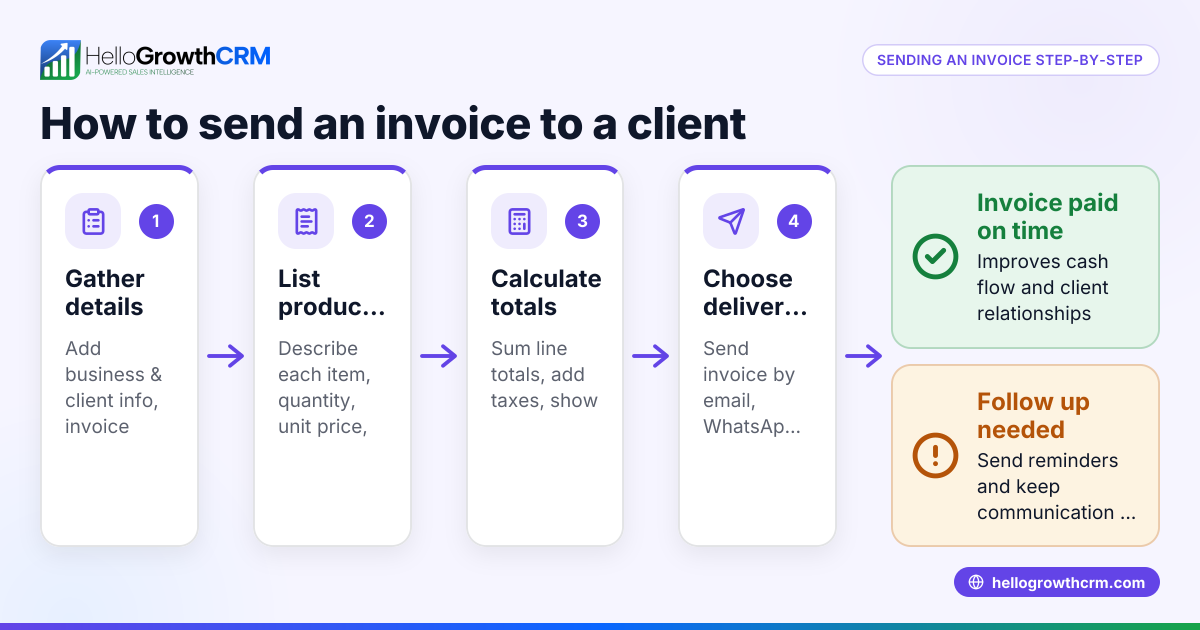
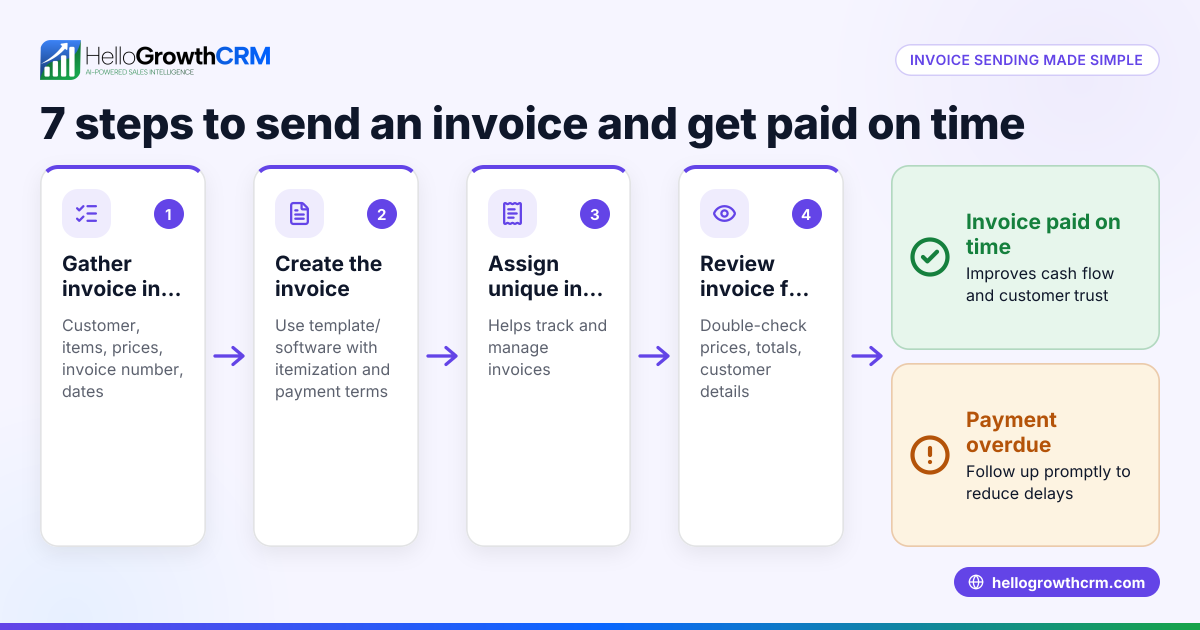
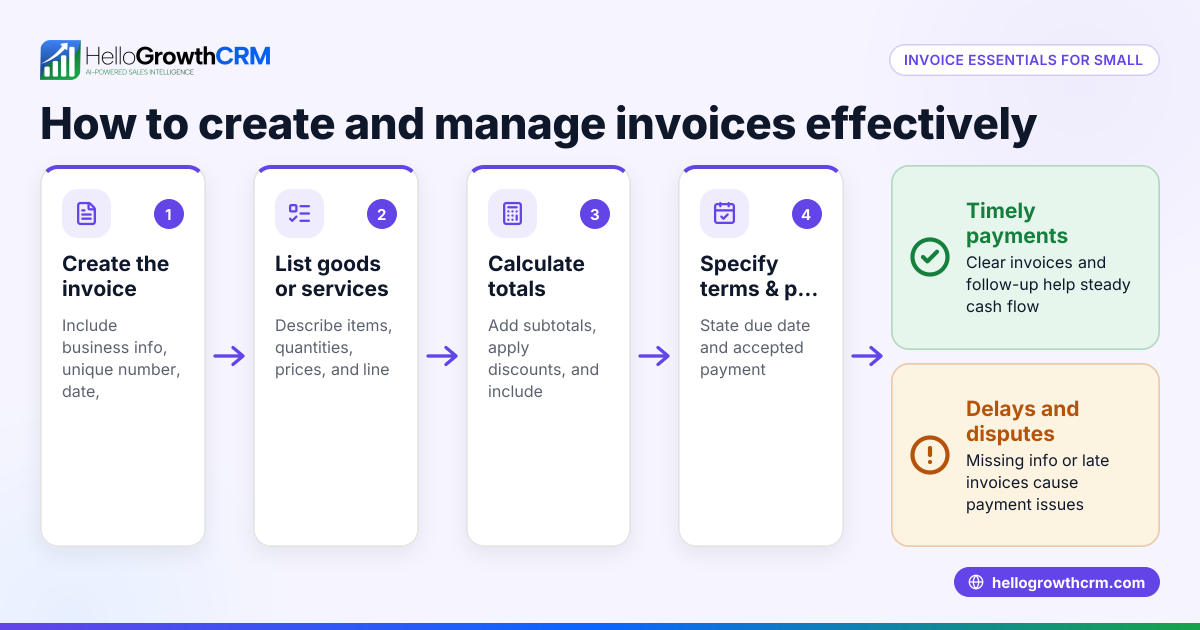
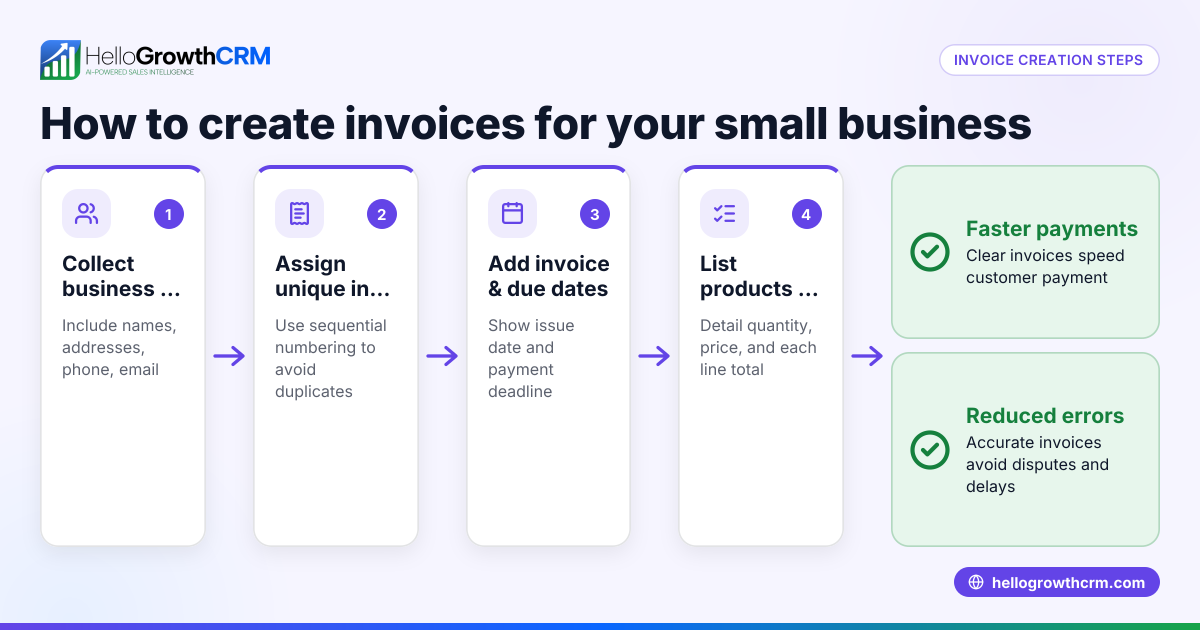
- Prepare your invoice file: Create the invoice as a PDF or another common format. Include your business name, invoice number, date, customer details, itemized charges, total amount, and payment terms.
- Open your email client or CRM email feature: Use your preferred email service or a CRM like HelloGrowthCRM. Start a new email to the correct customer email address.
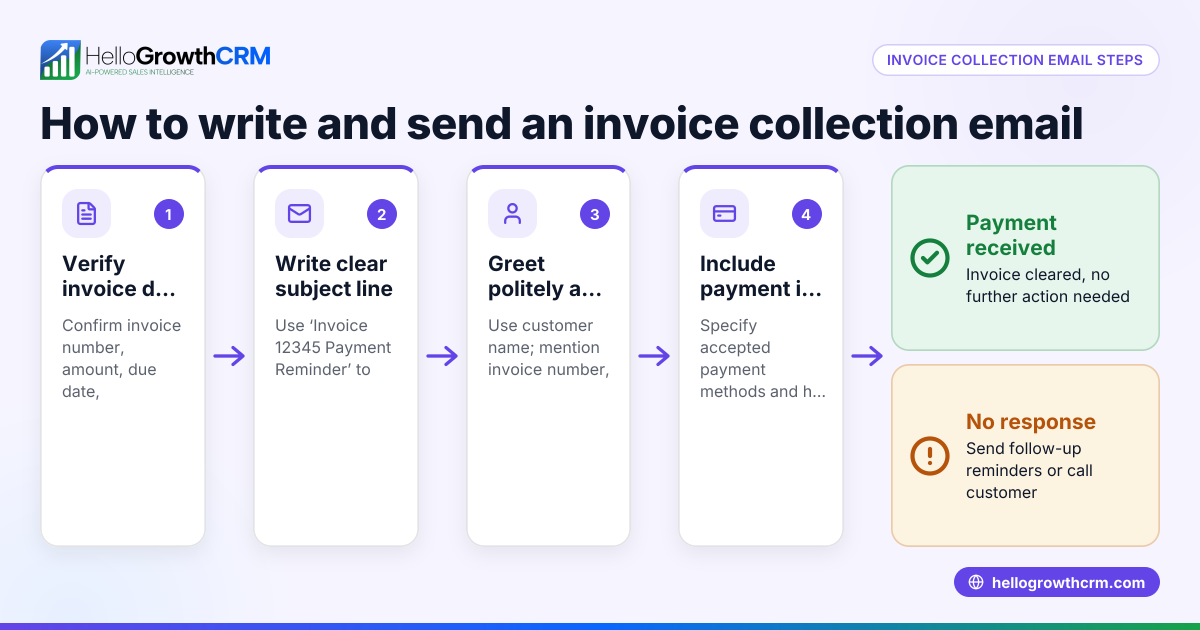
- Write a clear subject line: For example, "Invoice #12345 from [Your Business Name]".
- Compose the email body:
- Start with a polite greeting (e.g., "Dear [Customer Name],")
- State the purpose: "Please find attached the invoice for [description of goods/services]."
- Include key invoice details: invoice number, amount due, and due date.
- Offer assistance: "If you have any questions, please contact us."
- Close politely with your name and contact information.
- Attach the invoice file: Use the attach button to select and upload the correct invoice file. Confirm it is attached.
- Review everything before sending: Double-check the recipient’s email address, subject line, email content, and attachment. Then send the email.
For ongoing sales communication and automated follow-ups, consider using email automation and sequences.
Example (fictional figures)
An HVAC company in Denver, Colorado, sends an invoice for a maintenance service completed on 05/15/2026.
- Invoice number: 2024-078
- Service: AC unit maintenance
- Amount: $320
- Payment due: 05/30/2026
Email subject: "Invoice #2024-078 from Denver HVAC Solutions"
Email body: "Dear Ms. Johnson,
Please find attached invoice #2024-078 for the AC unit maintenance service completed on 05/15/2026. The total amount due is $320, payable by 05/30/2026.
If you have any questions, please contact us.
Thank you, Denver HVAC Solutions"
Attachment: Invoice_2024-078.pdf
Calculation shown on invoice: $250 (service charge) + $70 (parts) = $320 (total amount due)
Common mistakes
- Forgetting the attachment: Always attach the invoice before sending. Open the draft email to confirm the attachment.
- Sending to the wrong email address: Verify the customer's email to avoid sending sensitive financial documents to the wrong recipient.
- Using an unclear subject line: Make sure the subject clearly states "Invoice" and includes the invoice number.
- Omitting key invoice details in the email body: Include the invoice number, amount due, and due date to minimize confusion.
- Not providing contact information: Always include a way for the customer to reach you with questions.
- No follow-up plan: Without follow-ups, payments may be delayed. Use tools like HelloGrowthCRM for the United States to automate reminders.
Doing this in HelloGrowthCRM
HelloGrowthCRM offers HelloMail, a shared inbox inside the CRM where your team can view replies to quotation emails on the deal. You can create and send quotes, proposals, and invoices directly from the deal screen. The invoice status—sent, viewed, or accepted—is visible alongside follow-up tasks. Automated sequences let you run a five-step follow-up campaign over two weeks that stops as soon as the prospect replies. Learn more about WhatsApp and SMS CRM and email automation and sequences.
Frequently asked questions
How do I attach an invoice to an email? Create your invoice as a PDF, then use the attach file option in your email client or CRM to select and upload it before sending. Confirm the attachment appears in your draft.
What should I include in the email body when sending an invoice? Include a polite greeting, the invoice number, amount due, due date, and a closing with your contact information. This helps the customer understand the invoice and how to reach you.
Can I send invoices by text or WhatsApp instead of email? Yes, many small businesses use text or WhatsApp for invoicing. HelloGrowthCRM supports sequences and messaging on WhatsApp and SMS, which can automate follow-ups and improve response rates.
What should I do if the customer doesn’t pay by the due date? Send polite reminder emails or messages. Automating follow-ups with HelloGrowthCRM sequences can help you manage this without extra work.
Is it better to send invoices as PDFs? PDFs are preferred because they keep formatting consistent and are widely accessible. Avoid editable formats like Word documents to prevent accidental changes.
Key takeaways
- Always attach the invoice file and confirm it’s included before sending.
- Use a clear subject line with the invoice number.
- Include key invoice details and contact info in the email body.
- Double-check the recipient’s email address.
- Automate follow-ups to reduce late payments.
- HelloGrowthCRM tools help manage invoicing emails and follow-ups efficiently.
Send professional invoice emails today to improve payment speed. You can also streamline your sales and follow-ups with HelloGrowthCRM. Start on the Free Forever plan (200 leads, no credit card).
Ready to put this into practice?
Set up your pipeline, WhatsApp follow-ups, and AI lead scoring in minutes — free, no credit card.
Try HelloGrowthCRM freeGet CRM tips in your inbox
Join thousands of sales professionals who get weekly insights on CRM strategy, AI automation, and pipeline optimization.

The HelloGrowthCRM team publishes guides on CRM strategy, AI sales tools, and revenue operations for small business sales teams.