HelloGrowthCRM software
Built for real small-business sales teams
HelloGrowthCRM helps reps qualify faster, follow up on time, and close more deals—with practical automation in one place.
- AI lead scoring and pipeline visibility
- Built-in dialer, WhatsApp, and email automation
- Sales forecasting and RevOps-ready reporting
HubSpot CRM solutions in Canada are frequently considered by small and mid-sized businesses aiming to improve sales and customer management. Choosing the right CRM involves assessing your specific business needs, team size, and communication channels. This article explains why Canadian business owners search for HubSpot CRM, provides step-by-step evaluation guidance, a practical example, common mistakes to avoid, and an overview of HelloGrowthCRM's relevant features.
Why this comes up / what goes wrong
Many Canadian small and mid-sized businesses start with manual sales tracking using spreadsheets, emails, or text messages. As leads increase, slow follow-up, lost contacts, and scattered communication cause missed sales opportunities. Business owners search for HubSpot CRM solutions to centralize customer data, automate follow-ups, and integrate marketing and sales activities.
However, HubSpot CRM has multiple plans and add-ons that can be costly or complex for smaller teams. Some businesses find the CRM overwhelming or not fully suited to their sales style, especially if they rely on WhatsApp or SMS messaging. This search also reflects a desire to compare HubSpot with other CRM options tailored for Canadian SMBs.
Step-by-step
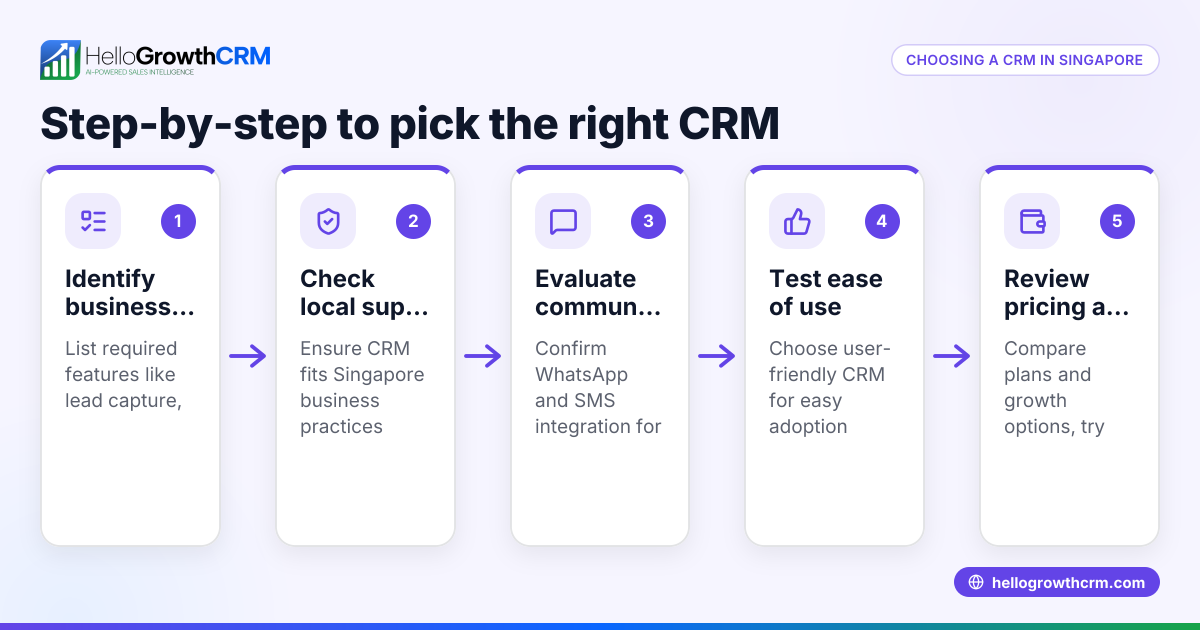
- Identify your business needs and sales process
- List key features you require such as lead capture, pipeline management, email or WhatsApp integration, call tracking, and reporting.
- Determine how your team communicates with leads (e.g., email, phone, WhatsApp).
- Research HubSpot CRM plans and features
- Visit HubSpot’s official Canadian site to compare free and paid tiers.
- Check what integrations and automation are included.
- Compare HubSpot with other CRM solutions
- Use resources like compare CRMs to see feature and price differences.
- Look for CRMs that support WhatsApp and SMS if these are critical channels.
- Evaluate usability and team adoption
- Request demos or trials to test the interface.
- Involve your sales team to assess ease of use and workflow fit.
- Assess pricing and scalability
- Calculate total cost including add-ons.
- Consider if the CRM can grow with your business.
- Check support and local relevance
- Confirm availability of Canadian support and compliance with local regulations.
- Make a shortlist and ask vendors detailed questions
- Focus on how the CRM handles lead follow-up speed and multi-channel communication.
Example (fictional figures)
An HVAC company in Surrey, British Columbia, with 12 employees wants to improve lead follow-up and automate reminders. They currently track leads in Excel and email.
- Monthly leads: 150
- Current conversion rate: 8%
- Average sale per customer: C$3,500
They consider HubSpot CRM and HelloGrowthCRM.
Step 1: Calculate potential revenue increase by improving conversion to 12%
C$3,500 × 150 leads = C$525,000 current revenue
C$525,000 × 12% / 8% = C$787,500 potential revenue
Step 2: Estimate CRM costs
HubSpot Starter plan for 12 users: price varies; exact cost needs verification NEEDS EXPERT REVIEW
HelloGrowthCRM Free Forever plan supports 2 users at no cost, with paid plans available for more users and automation.
Step 3: Evaluate feature fit
HubSpot offers email automation and pipeline management.
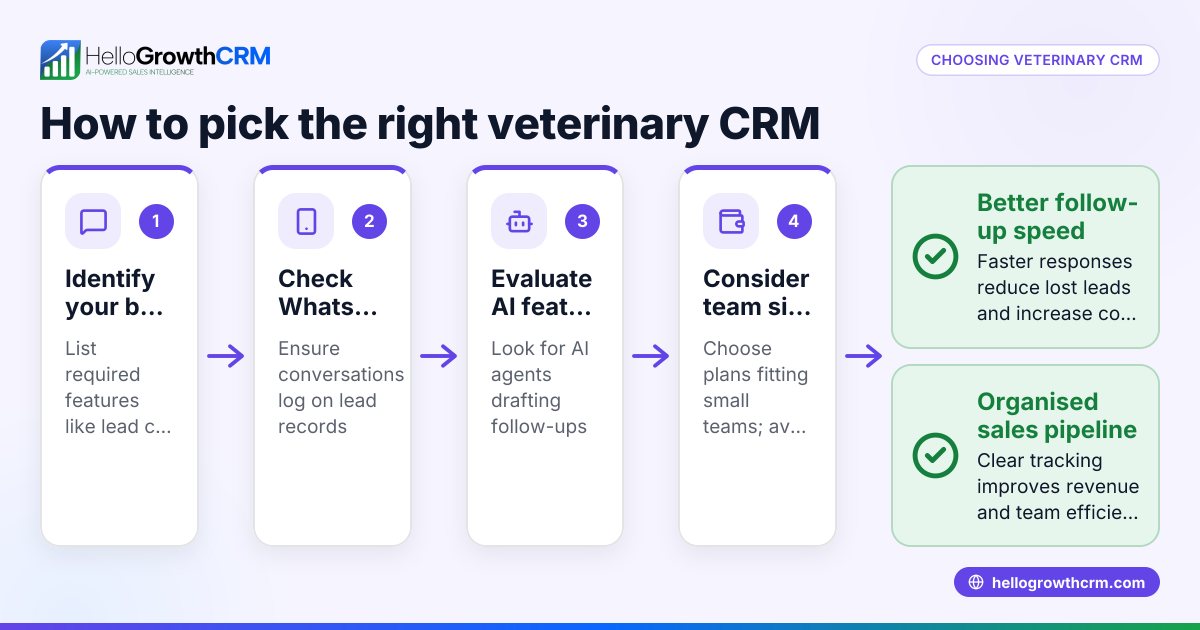
HelloGrowthCRM includes WhatsApp and SMS follow-ups logged on lead records and AI agents that draft follow-ups after calls.
This example shows the trade-off between cost and communication channels.
Common mistakes
- Choosing a CRM without clear requirements: Prevent by listing must-have features and sales workflows.
- Ignoring team adoption challenges: Involve your salespeople early and get their feedback.
- Overlooking communication channels like WhatsApp: Check if the CRM supports your main contact methods.
- Underestimating total costs: Include add-ons, user licenses, and training expenses.
- Relying solely on free trials without testing real workflows: Use trial periods to simulate daily tasks.
- Not verifying local support and compliance: Confirm vendor support availability in Canada.
Doing this in HelloGrowthCRM
HelloGrowthCRM supports WhatsApp and SMS messaging where conversations with leads are logged on their records, and follow-ups can be sent as messages. Its AI agents (currently in Beta on the Growth plan) draft follow-up messages after calls for review and sending. For small teams, the Free Forever plan allows managing a pipeline with up to 200 leads at no cost, suitable to start before needing calling or WhatsApp automation. Learn more about HelloGrowthCRM’s WhatsApp and SMS CRM features and benefits tailored for Canadian businesses on the HelloGrowthCRM for Canada page.
Frequently asked questions
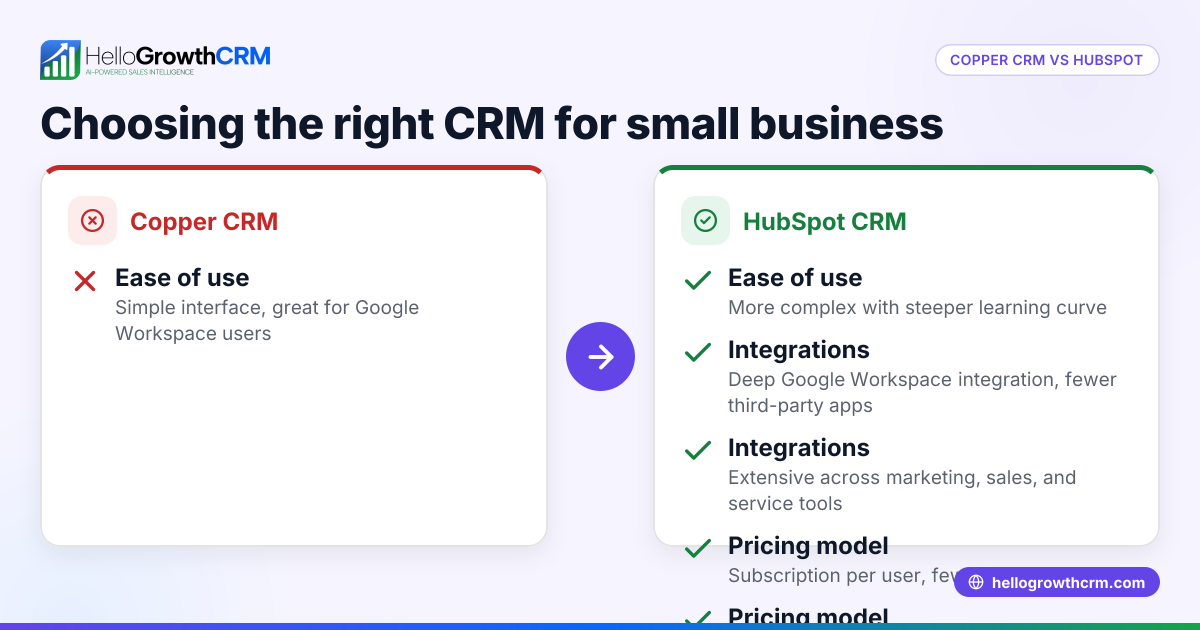
What are the main differences between HubSpot CRM and HelloGrowthCRM? HubSpot CRM provides a broad suite of marketing and sales tools with extensive integrations. HelloGrowthCRM focuses on WhatsApp-native messaging, AI-assisted follow-ups, and a Free Forever plan for small teams. The choice depends on your communication channels and budget.
Can I use HubSpot CRM for WhatsApp messaging in Canada? HubSpot does not natively support WhatsApp messaging. You would need third-party integrations, which may add complexity and cost. HelloGrowthCRM includes WhatsApp and SMS messaging built-in.
Is there a free version of HubSpot CRM available? Yes, HubSpot offers a free CRM tier with basic features but limits on advanced automation and user seats. HelloGrowthCRM also offers a Free Forever plan for two users with pipeline and task management.
How do I ensure my sales team adopts a new CRM? Choose a CRM that fits your team’s communication style, provide training, and involve reps in the selection process. Tools like HelloGrowthCRM that log WhatsApp conversations can reduce manual data entry and increase usage.
What should I ask CRM vendors when evaluating? Ask about support for your preferred communication channels, ease of integration with existing tools, automation capabilities, pricing transparency, and data security measures. Resources like compare CRMs can help prepare these questions.
Key takeaways
- Define your sales process and communication channels before choosing a CRM.
- Compare HubSpot CRM’s features and pricing with alternatives like HelloGrowthCRM.
- Test usability with your team to ensure adoption.
- Watch for hidden costs and add-ons.
- Prioritize CRMs that support WhatsApp and SMS if these are key for your business.
- Use free plans and trials to validate fit before committing.
Choosing the right CRM can improve lead follow-up speed and sales conversion. For Canadian small businesses wanting WhatsApp and SMS integration with AI assistance, HelloGrowthCRM offers a focused option with a Free Forever plan to get started. Explore the options and start on the Free Forever plan (200 leads, no credit card).
Ready to put this into practice?
Set up your pipeline, WhatsApp follow-ups, and AI lead scoring in minutes — free, no credit card.
Try HelloGrowthCRM freeGet CRM tips in your inbox
Join thousands of sales professionals who get weekly insights on CRM strategy, AI automation, and pipeline optimization.

The HelloGrowthCRM team publishes guides on CRM strategy, AI sales tools, and revenue operations for small business sales teams.