HelloGrowthCRM software
Built for real small-business sales teams
HelloGrowthCRM helps reps qualify faster, follow up on time, and close more deals—with practical automation in one place.
- AI lead scoring and pipeline visibility
- Built-in dialer, WhatsApp, and email automation
- Sales forecasting and RevOps-ready reporting
Identifying customer needs means understanding what your customers truly want and expect from your product or service. It involves gathering information directly from customers and analysing their behaviours to tailor your offerings accordingly. This article covers why identifying customer needs matters, clear steps to do it, a worked example with GBP figures, common mistakes to avoid, and how HelloGrowthCRM supports this process.
Why this comes up / what goes wrong
Small business owners often struggle with identifying customer needs because they rely on assumptions or limited feedback. This can lead to offering products or services that don’t fully satisfy customers, causing lost sales and weak customer loyalty. For example, a UK business owner might notice leads dropping off or customers complaining about features but not know what to change. Without a clear process, sales teams may follow up slowly or inconsistently, losing valuable opportunities. Identifying customer needs helps focus your sales and marketing efforts on what truly matters to your buyers.
Step-by-step
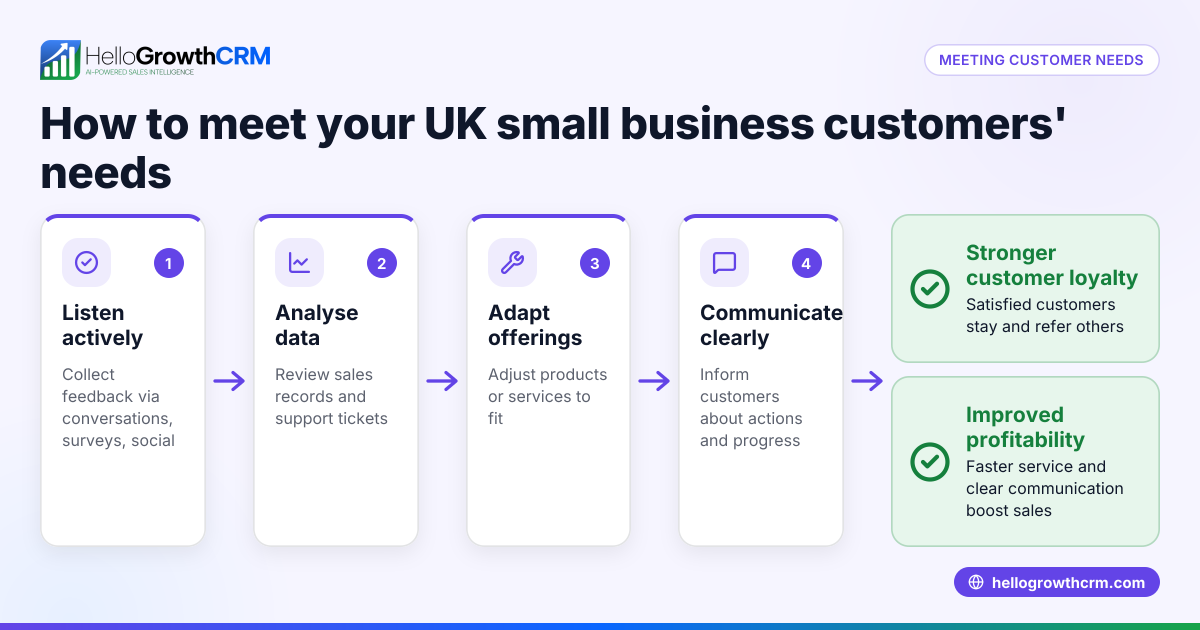
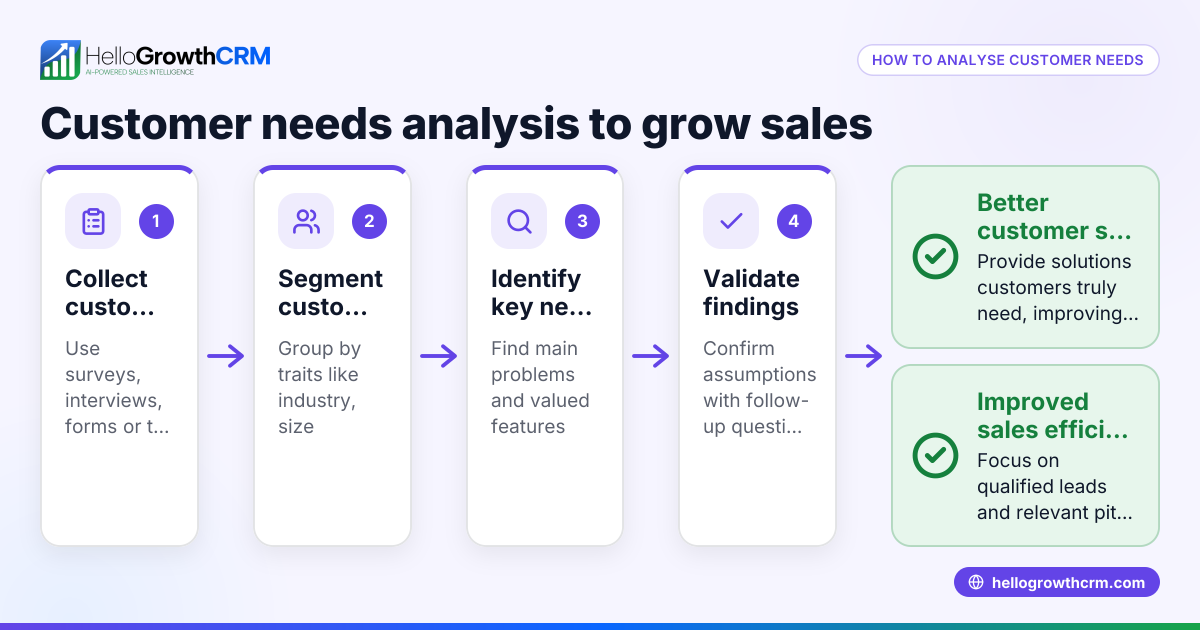
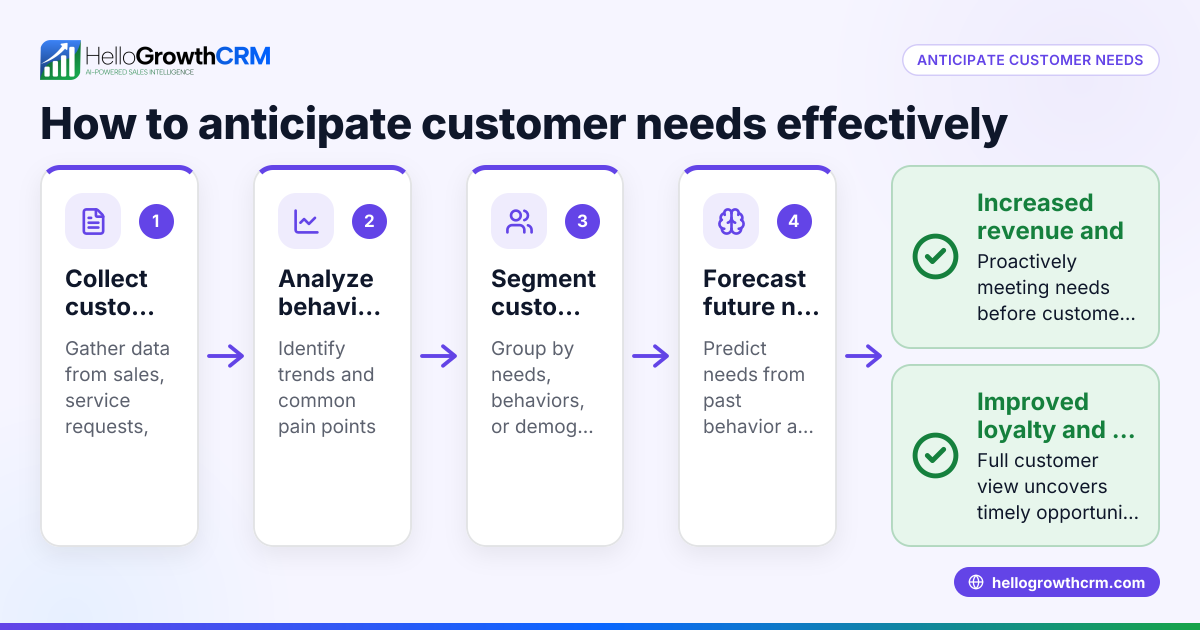
- Collect customer feedback directly: Use surveys, interviews, or informal conversations to ask customers what problems they want solved and what features they value. Check that questions are open-ended to get detailed answers.
- Analyse customer behaviour and data: Look at how customers use your product or service, their purchase history, and any complaints or support tickets. Check for patterns in what customers ask for or where they drop out in the sales process.
- Segment your customers: Group customers by common traits such as industry, company size, or buying behaviour. Check that each segment’s needs are understood separately, as they may differ significantly.
- Map customer needs to your offerings: Match the identified needs with your current products or services. Check for gaps where customer needs are not met and consider adjustments or new features.
- Test your understanding with customers: Share your findings with a sample of customers and ask if your understanding matches their expectations. Check for discrepancies and refine your insights.
- Train your sales and support teams: Ensure everyone understands the customer needs and can communicate solutions clearly. Check that follow-up processes are timely and personalised.
- Use CRM tools to track and update needs: Record customer needs and interactions in your CRM system. Check regularly for updates as needs evolve over time.
Example (fictional figures)
A solar-panel installer in Glasgow wants to identify customer needs to improve sales.
- The installer surveys 50 leads and finds 30 want faster installation times and 20 want flexible financing.
- Reviewing sales data shows 15 leads drop out after the initial quote.
- Segmenting customers by residential and commercial shows residential customers prioritise quick installation, while commercial customers focus on financing.
- The installer currently offers standard financing but no fast-track installation.
- Testing with 10 customers confirms these priorities.
- The installer trains the sales team to highlight financing options for commercial leads and fast-track installation for residential.
- After 3 months, follow-ups in the CRM show a 15% increase in conversions, from 40 sales to 46.
Calculation example:
Initial sales: 40
Increase: 15% of 40 = 0.15 × 40 = 6
New sales total: 40 + 6 = 46
Common mistakes
- Assuming you know customer needs without asking: Prevent by regularly collecting direct feedback.
- Ignoring data from customer behaviour and complaints: Prevent by analysing support tickets and sales drop-offs.
- Treating all customers the same: Prevent by segmenting customers and tailoring approaches.
- Failing to communicate needs internally: Prevent by training teams and using a CRM to share insights.
- Not updating customer needs over time: Prevent by setting regular reviews in your CRM system.
- Slow follow-up losing leads: Prevent by using tools that enable prompt personalised contact, like a WhatsApp and SMS CRM (/product/whatsapp-sms-crm).
Doing this in HelloGrowthCRM
HelloGrowthCRM helps you keep track of customer needs by storing service requests, support tickets, and referrals on the same customer record as the deal. This ensures your team has all the context in one place after the sale. The branded customer portal allows customers to raise support tickets or request service easily, while the knowledge base helps your team provide consistent answers. Using HelloGrowthCRM for the United Kingdom (/uk) means your sales and support teams work with up-to-date customer information, improving follow-up speed and accuracy. Learn more about the customer portal and support features at /product/customer-health-score.
Frequently asked questions
How do I start identifying customer needs if I have no customer data? Start by talking directly to your existing customers or leads. Use simple surveys or informal calls to ask what problems they want solved. Even a small amount of direct feedback is a good starting point.
Why is segmenting customers important for identifying needs? Different groups of customers often have different priorities and challenges. Segmenting helps you tailor your products, marketing, and sales approach to each group, increasing relevance and success.
Can CRM software really help identify customer needs? Yes, CRM software like HelloGrowthCRM centralises customer information, tracks interactions, and records service requests. This data helps your team spot patterns and respond quickly to changing needs.
How often should I update my understanding of customer needs? Customer needs evolve, so review your insights regularly—at least quarterly. Use your CRM to track changes and ensure your team is aligned.
What role does customer feedback play after the sale? It’s vital. After the sale, support tickets and feedback collected through a customer portal help identify ongoing needs or issues, enabling you to improve service and encourage referrals.
Key takeaways
- Identify customer needs by collecting direct feedback and analysing behaviour.
- Segment customers to understand different needs clearly.
- Match your offerings to customer needs and test your understanding.
- Use CRM tools to track, update, and share customer needs with your team.
- Avoid assumptions and slow follow-up to prevent losing leads.
- HelloGrowthCRM supports this process with a customer portal, tickets, and knowledge base on the same record as deals.
Start identifying your customer needs today to improve sales and customer satisfaction. To get started easily, try HelloGrowthCRM’s Free Forever plan with 200 leads and no credit card at Start on the Free Forever plan (200 leads, no credit card).
Ready to put this into practice?
Set up your pipeline, WhatsApp follow-ups, and AI lead scoring in minutes — free, no credit card.
Try HelloGrowthCRM freeGet CRM tips in your inbox
Join thousands of sales professionals who get weekly insights on CRM strategy, AI automation, and pipeline optimization.

The HelloGrowthCRM team publishes guides on CRM strategy, AI sales tools, and revenue operations for small business sales teams.