HelloGrowthCRM software
Built for real small-business sales teams
HelloGrowthCRM helps reps qualify faster, follow up on time, and close more deals—with practical automation in one place.
- AI lead scoring and pipeline visibility
- Built-in dialer, WhatsApp, and email automation
- Sales forecasting and RevOps-ready reporting
An incident management workflow is a clear sequence of steps your business uses to handle incidents—any unplanned events like customer complaints, technical issues, or delivery delays that affect your service or operations. Having a defined workflow ensures incidents are tracked, assigned, and resolved promptly, reducing lost leads, customer frustration, and operational downtime. This article covers why small businesses need an incident management workflow, how to build one step-by-step, a practical example, common pitfalls to avoid, and how workflows and lead routing rules can help automate the process.
Why this comes up / what goes wrong
Small business owners often face incidents such as delayed shipments, product defects, or miscommunication with clients. Without a formal workflow, these incidents can be missed or handled inconsistently. For example, a customer complaint logged in a notebook might never reach the right team member, or follow-up might be delayed, leading to lost sales or damaged reputation. Businesses running sales and customer interactions over text messages, email, and spreadsheets especially risk losing track of incidents. An incident management workflow organizes these steps so your team knows what to do, who is responsible, and when to escalate.
Step-by-step
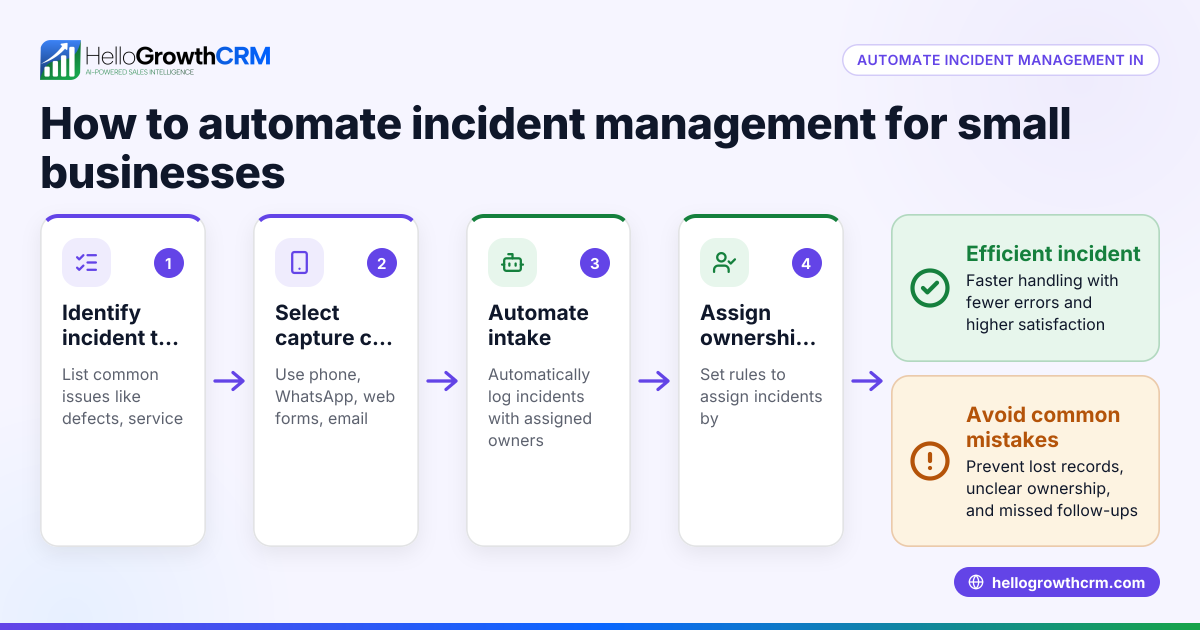
- Identify and Report the Incident: Define what qualifies as an incident and create a simple way for employees or customers to report it (e.g., a form, email, or WhatsApp message). Check that every incident is logged with key details like date, description, and reporter.
- Categorize and Prioritize: Assign categories (e.g., product issue, delivery delay) and priority levels (low, medium, high) to each incident. Check that priorities reflect business impact and customer urgency.
- Assign Ownership: Route the incident to the responsible team member or department. Check that the assignee has the capacity and authority to act.
- Investigate and Diagnose: The owner reviews the incident details, contacts involved parties if needed, and determines root causes. Check that findings are documented.
- Resolve and Document: Implement the fix or response, such as replacing a product or correcting an order. Check that resolution steps and outcomes are recorded.
- Communicate and Close: Inform the customer or affected parties of the resolution and confirm satisfaction. Check that the incident status is updated to closed.
- Review and Improve: Periodically analyze incident data to identify patterns and improve processes. Check that lessons learned are shared with the team.
Example (fictional figures)
A landscaping contractor in Charlotte, North Carolina, receives a complaint on 04/15/2026 about a delayed lawn installation.
- Incident reported by customer via WhatsApp.
- Categorize as "Service Delay," priority set to "High" due to seasonal demand.
- Incident assigned to Project Manager Sarah.
- Sarah investigates and finds a supplier delay causing the issue.
- Resolution: Sarah arranges a new supplier and schedules installation for 04/20/2026.
- Customer notified and agrees to new date.
- Incident closed on 04/20/2026.
Costs related to the delay:
Supplier penalty fee: $500
Additional labor cost for rescheduling: $200
Total cost impact = $500 + $200 = $700
This process ensures the incident is tracked, resolved, and costed.
Common mistakes
- No clear reporting method: Prevent by setting up a simple, consistent way to capture incidents (e.g., a form or WhatsApp message). Use lead capture tools to avoid losing incident reports in notebooks.
- Failure to prioritize: Prevent by defining priority criteria so urgent issues get faster attention.
- Assigning incidents without accountability: Prevent by clearly assigning owners and next steps using automated workflows and lead routing rules.
- Poor communication with customers: Prevent by updating customers regularly and confirming resolution.
- Not reviewing incidents for improvement: Prevent by scheduling regular reviews and sharing insights with the team.
- Using multiple disconnected tools: Prevent by consolidating incident tracking in one system that supports WhatsApp and SMS communication and task automation.
Doing this in HelloGrowthCRM
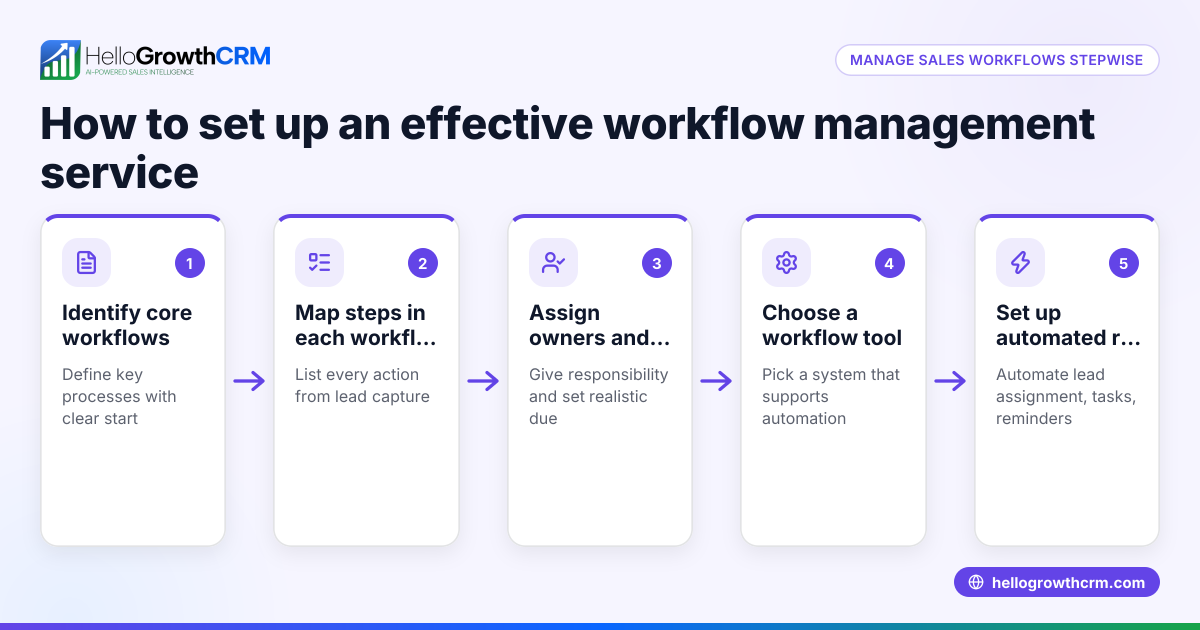
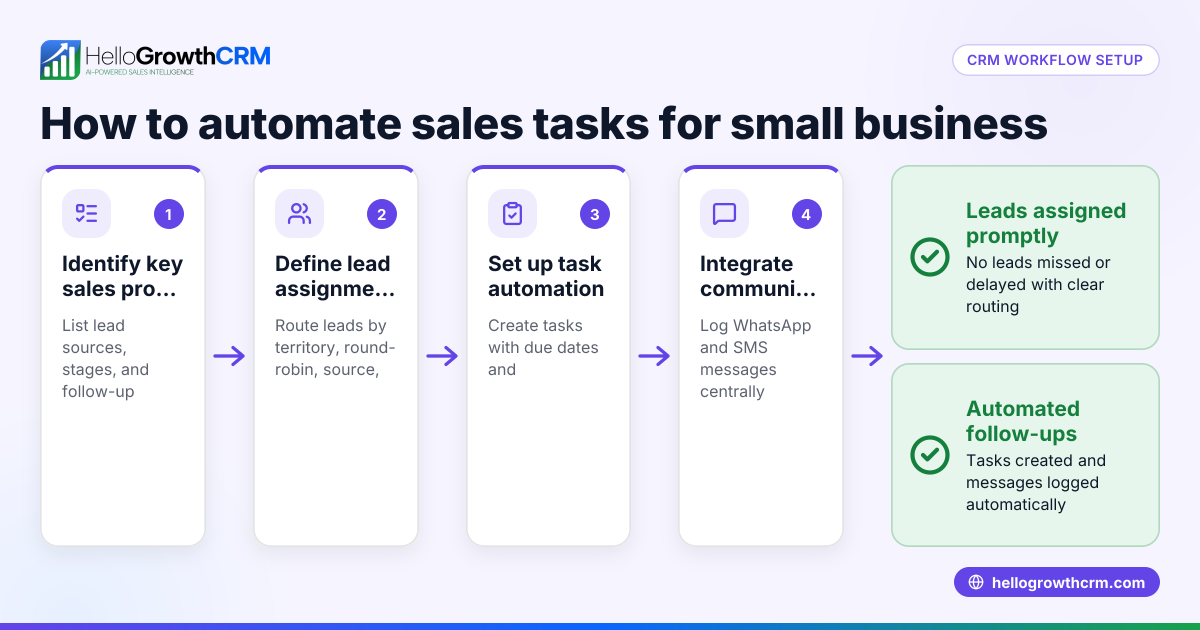
Workflows and lead routing rules let you automate task creation and assignment, such as round-robin distribution of new incidents and automatic first-call tasks. Every inquiry from a form, call, or WhatsApp lands as a lead with an owner and a next step, instead of in a notebook. This keeps incidents organized and moving toward resolution without manual tracking. Learn more about WhatsApp and SMS CRM and the built-in CRM dialer to see how these features support your workflow.
Frequently asked questions
What is the difference between incident management and problem management? Incident management focuses on quickly restoring normal service after an incident, while problem management addresses identifying and fixing the root cause to prevent future incidents. Both are important but incident management is about immediate response.
How do I prioritize incidents effectively? Prioritize based on the impact on customers and business operations. High priority incidents affect many customers or critical services and need faster resolution. Define clear criteria so your team can assign priorities consistently.
Can small businesses use a CRM for incident management? Yes. A CRM with workflows and lead routing can capture incident reports as leads, assign them automatically, and track their resolution steps. This avoids lost or overlooked incidents and keeps communication centralized.
How often should I review my incident management workflow? Regular reviews, such as monthly or quarterly, help identify recurring issues and process gaps. Use data from your incident tracking system to analyze trends and improve your workflow.
What tools should I use to report incidents? Use simple tools your team and customers already use, such as web forms, WhatsApp messages, or phone calls. Ensure these inputs feed into a central system for tracking.
Key takeaways
- An incident management workflow ensures incidents are reported, prioritized, assigned, resolved, and reviewed systematically.
- Clear reporting methods and priority criteria prevent delays and confusion.
- Assign ownership and next steps using automated workflows to maintain accountability.
- Communicate with customers throughout to maintain trust.
- Use a system that captures incidents as leads and automates task routing.
- Regularly review incidents to improve your processes and prevent repeats.
Start managing incidents efficiently by setting up your workflow today. To try a CRM that helps automate these steps, start on the Free Forever plan (200 leads, no credit card).
Ready to put this into practice?
Set up your pipeline, WhatsApp follow-ups, and AI lead scoring in minutes — free, no credit card.
Try HelloGrowthCRM freeGet CRM tips in your inbox
Join thousands of sales professionals who get weekly insights on CRM strategy, AI automation, and pipeline optimization.

The HelloGrowthCRM team publishes guides on CRM strategy, AI sales tools, and revenue operations for small business sales teams.