HelloGrowthCRM software
Built for real small-business sales teams
HelloGrowthCRM helps reps qualify faster, follow up on time, and close more deals—with practical automation in one place.
- AI lead scoring and pipeline visibility
- Built-in dialer, WhatsApp, and email automation
- Sales forecasting and RevOps-ready reporting
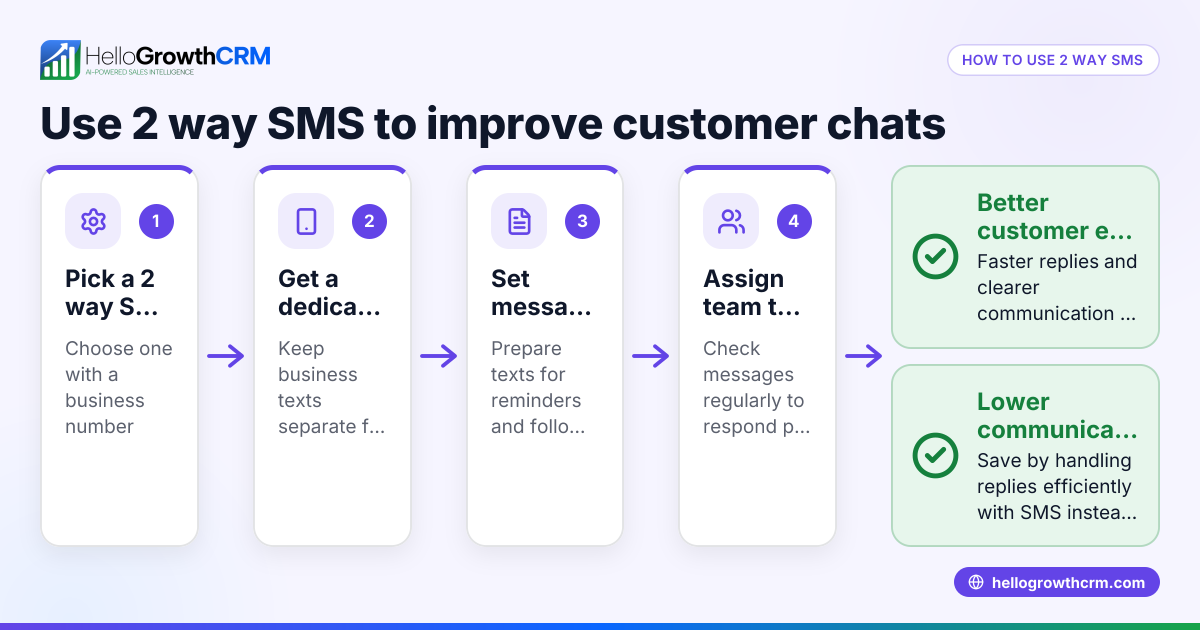
Interactive SMS is a form of text messaging that allows businesses to engage customers in two-way conversations. Unlike traditional one-way SMS that only sends messages without expecting replies, interactive SMS enables customers to respond with choices, questions, or confirmations. This makes communication more dynamic and effective, helping businesses speed up responses and improve customer experience.
Why this comes up / what goes wrong
Small-business owners often rely on simple text messages to connect with customers. However, one-way SMS can lead to slow or no responses because customers may ignore generic messages or find it inconvenient to call back. This causes lost leads, missed appointments, and lower sales. For example, a local service provider might text a reminder but receive no reply, resulting in a no-show. Interactive SMS solves this by giving customers clear options to reply directly via text, such as confirming an appointment or requesting more information. This reduces delays and extra work for the business.
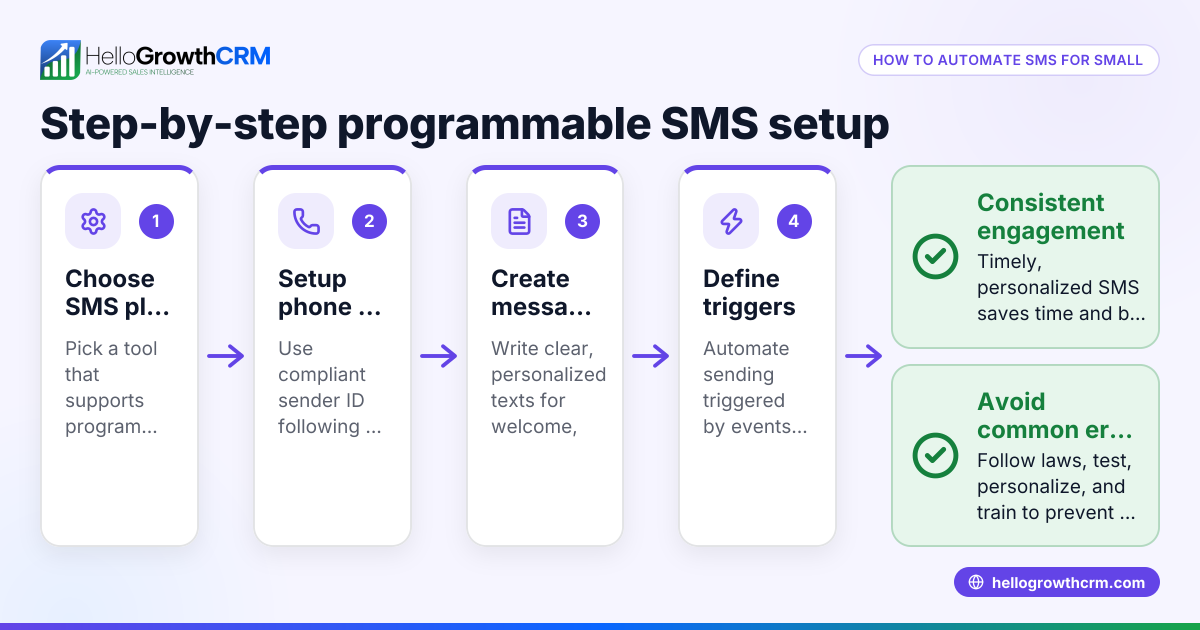
Step-by-step
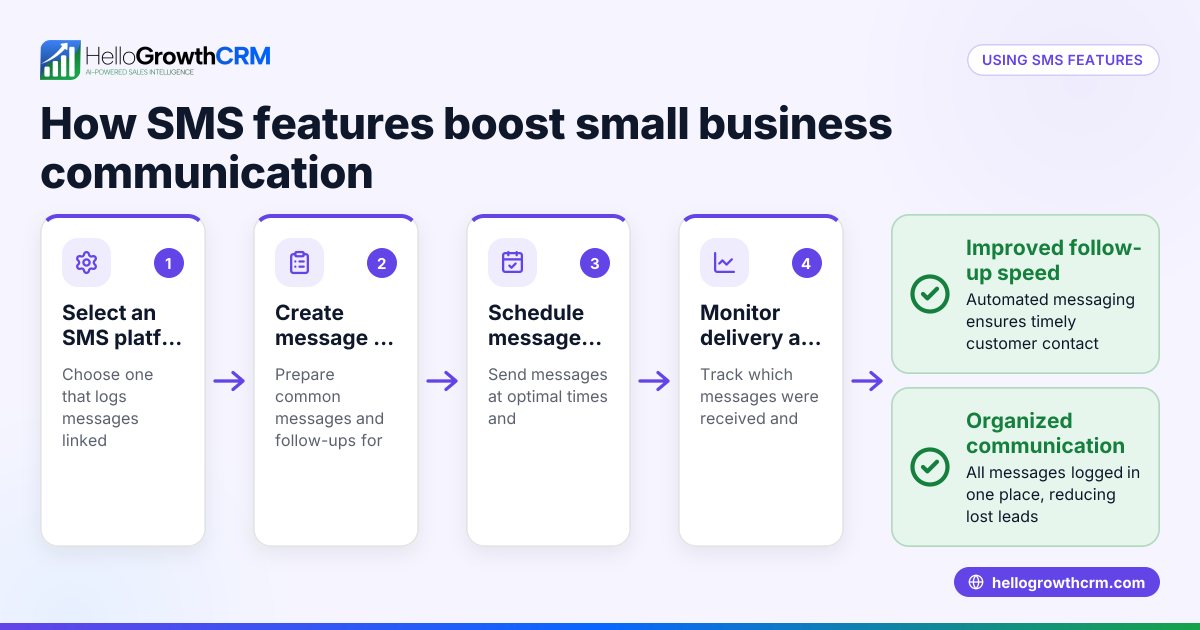
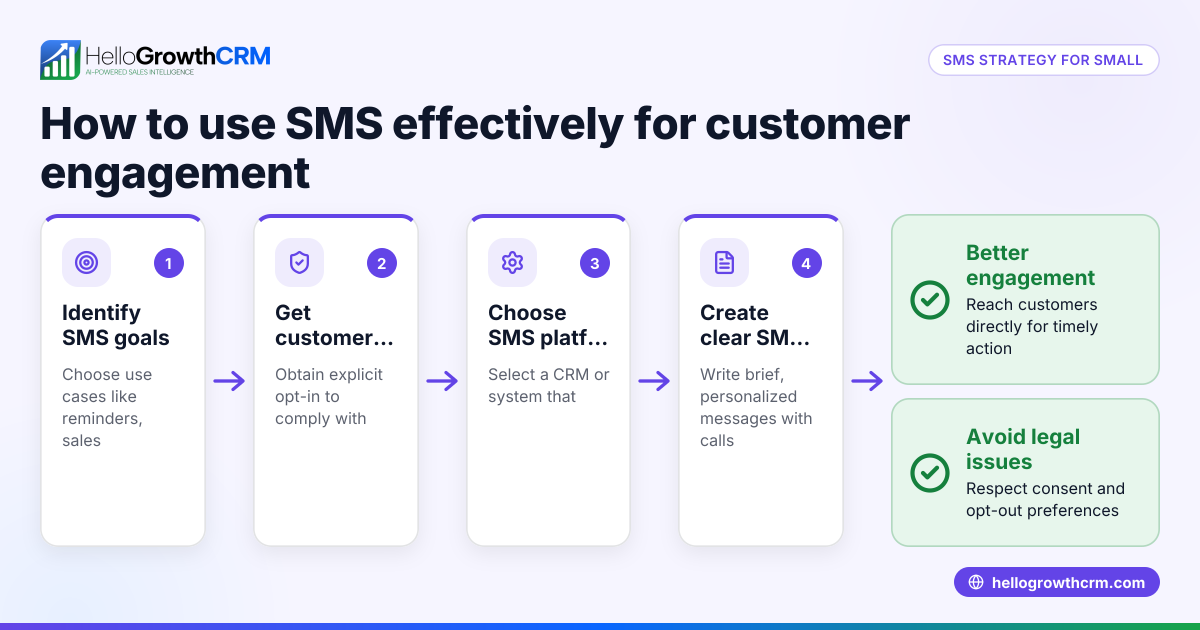
- Identify your goal for interactive SMS. Decide what action you want customers to take by replying — confirming appointments, answering surveys, selecting product options, or requesting callbacks.
- Choose an SMS platform that supports two-way interactive messaging. Look for features like automated responses, message tracking, and easy reply management. For example, explore WhatsApp and SMS CRM options.
- Create clear, simple message templates. Use direct instructions such as "Reply 1 to confirm, 2 to reschedule" or "Reply YES to receive your invoice."
- Test your messages internally. Send texts to your own phone or team members to verify that replies trigger the correct automated responses or alerts.
- Launch your interactive SMS campaign with a small group. Monitor how customers respond and check for any issues.
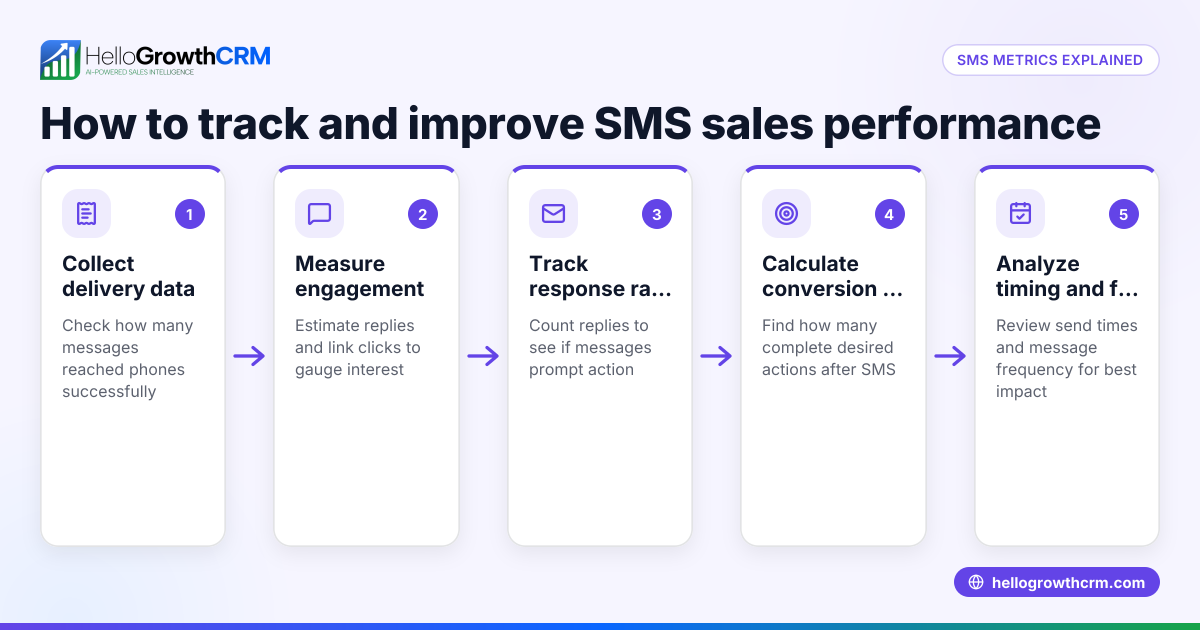
- Track all replies and follow up promptly. Use a CRM to log conversations and schedule next steps. HelloGrowthCRM logs WhatsApp conversations and SMS follow-ups on lead records for easy management.
- Analyze response rates and optimize. Adjust message wording, timing, or frequency based on customer engagement.
Example (fictional figures)
A two-location dental practice in Columbus, Ohio, wants to reduce no-shows by using interactive SMS to confirm appointments.
- They send an SMS on 07/01/2026: "Reply 1 to confirm your appointment on 07/15/2026 at 3 PM, or 2 to reschedule."
- 150 patients receive the message.
- 120 patients reply “1” to confirm.
- 15 reply “2” to reschedule.
- 15 do not respond.
Each appointment is worth $150.
Confirmed appointments revenue: 120 × $150 = $18,000
Rescheduled appointments (assume 80% reschedule successfully): 15 × 80% = 12 appointments 12 × $150 = $1,800
No-shows reduced from 30 to 3 (15 non-responders minus 12 reschedules).
Total expected revenue with interactive SMS: $18,000 + $1,800 = $19,800
This is an improvement over the previous $15,000 revenue from 100 confirmed appointments.
Common mistakes
- Sending unclear instructions. Prevent this by using simple, direct prompts like "Reply 1 to confirm," avoiding jargon or vague language.
- Not tracking responses properly. Use a CRM that logs replies to avoid missing follow-ups or losing track of customer replies.
- Ignoring non-responders. Have a plan to contact customers who don’t reply, either by phone or a second message.
- Overloading customers with messages. Limit how often you send texts to avoid annoying your audience and risking opt-outs.
- Failing to test messages before launch. Always send test SMS to ensure automation and reply handling work as expected.
Doing this in HelloGrowthCRM
HelloGrowthCRM supports WhatsApp and SMS messaging workflows that help teams engage leads and customers on the channels where they already respond. WhatsApp conversations with a lead are logged on the lead record, and follow-ups can go out as messages, keeping your team organized and responsive. Learn more at WhatsApp and SMS CRM.
Frequently asked questions
What is the difference between interactive SMS and regular SMS? Interactive SMS allows customers to reply and interact with automated responses or options, while regular SMS is typically one-way communication without expecting or processing replies.
Can small businesses afford interactive SMS? Many platforms offer affordable plans tailored for small businesses. Using interactive SMS can save costs by reducing phone calls and improving lead follow-up efficiency.
How do I start using interactive SMS? Begin by choosing a messaging platform that supports two-way SMS, set clear message prompts, test internally, then launch to customers. Using a CRM like HelloGrowthCRM helps manage conversations and follow-ups.
Is interactive SMS compliant with US regulations? You must follow US rules for marketing texts, including obtaining consent and honoring opt-outs. Consult legal counsel for specifics.
Can interactive SMS integrate with other sales tools? Yes, many interactive SMS platforms offer integrations with CRMs, marketing software, and customer service tools to streamline workflows. HelloGrowthCRM includes a built-in CRM dialer to complement messaging.
Key takeaways
- Interactive SMS enables two-way text conversations with customers using automated replies.
- It helps small businesses engage leads faster and reduce lost sales from slow follow-up.
- Clear message prompts and proper tracking are essential for success.
- Testing messages before launch prevents errors.
- HelloGrowthCRM logs WhatsApp and SMS conversations to keep your sales team organized.
Start improving your customer engagement with interactive SMS today. You can Start on the Free Forever plan (200 leads, no credit card) and try HelloGrowthCRM’s WhatsApp and SMS features.
Ready to put this into practice?
Set up your pipeline, WhatsApp follow-ups, and AI lead scoring in minutes — free, no credit card.
Try HelloGrowthCRM freeGet CRM tips in your inbox
Join thousands of sales professionals who get weekly insights on CRM strategy, AI automation, and pipeline optimization.

The HelloGrowthCRM team publishes guides on CRM strategy, AI sales tools, and revenue operations for small business sales teams.