HelloGrowthCRM software
Built for real small-business sales teams
HelloGrowthCRM helps reps qualify faster, follow up on time, and close more deals—with practical automation in one place.
- AI lead scoring and pipeline visibility
- Built-in dialer, WhatsApp, and email automation
- Sales forecasting and RevOps-ready reporting
A kind reminder email is a polite message sent to a client, customer, or prospect to gently prompt them to take action—such as paying an invoice, replying to a proposal, or confirming a meeting—without causing offence or pressure. It balances friendliness with professionalism to keep communication smooth and effective.
Why this comes up / what goes wrong
Small-business owners in the UAE often face challenges with late payments, unanswered emails, or stalled deals. They may need to remind clients or prospects about pending actions but worry about sounding pushy or damaging relationships. Without a kind reminder email, follow-ups can be forgotten or delayed, leading to lost revenue or missed opportunities. Many businesses rely on WhatsApp messages, phone calls, or spreadsheets to track reminders, which can be inefficient and prone to errors.
Step-by-step
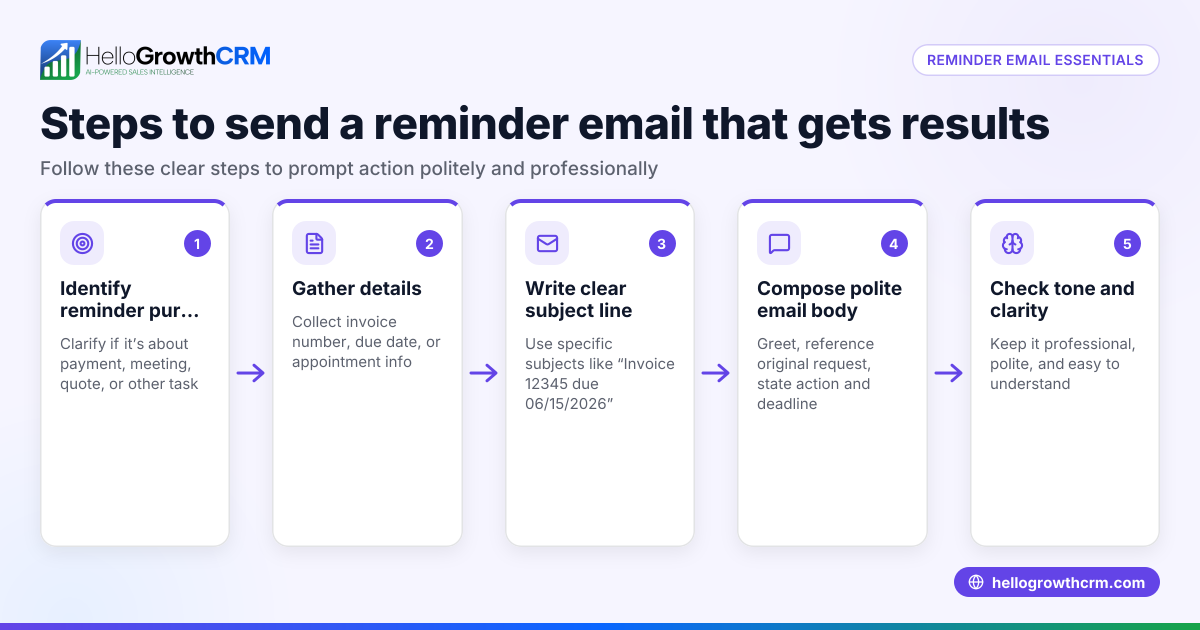
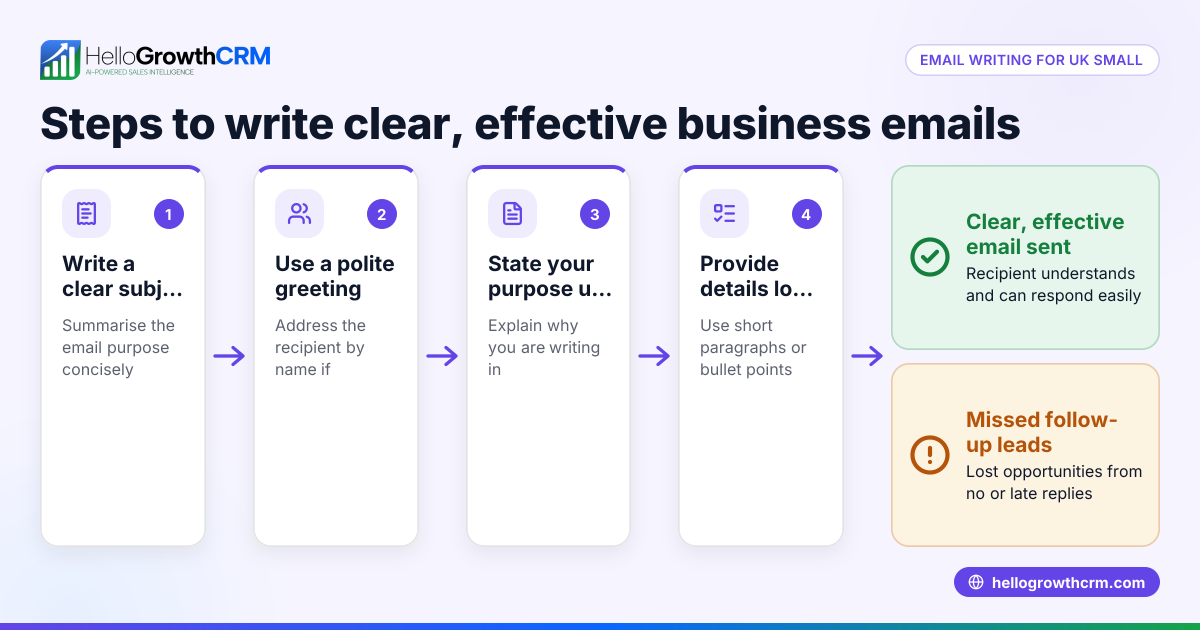
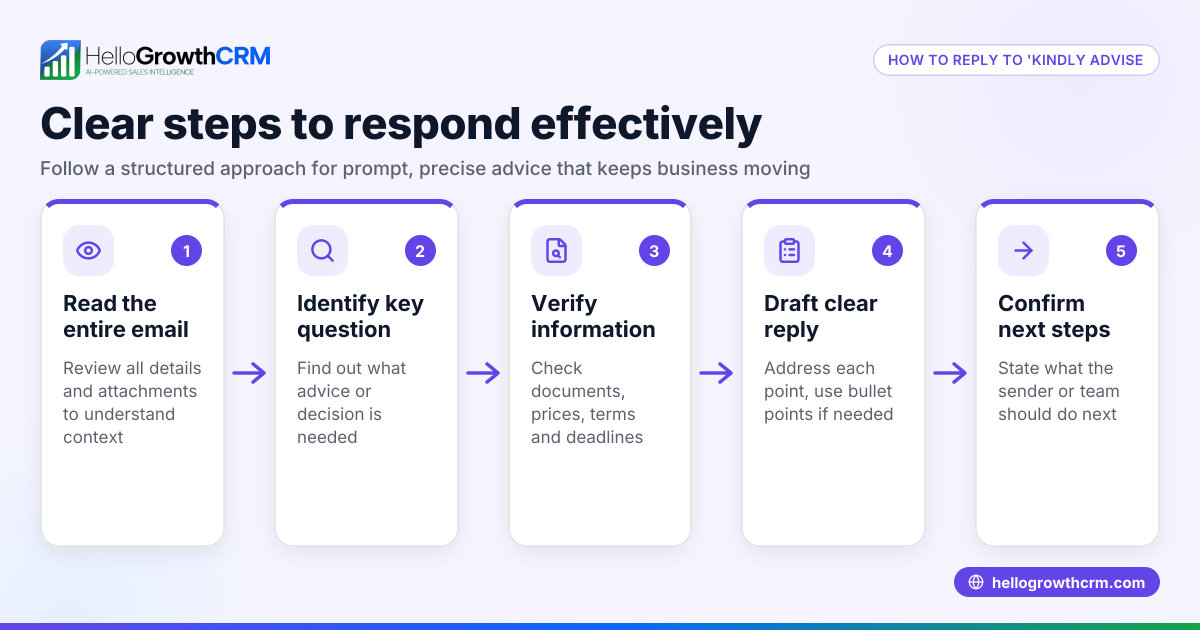
- Identify the purpose of your reminder: Be clear whether you are reminding about a payment, meeting, document submission, or feedback.
- Review previous communication: Check your last message or conversation to avoid repeating information or seeming impatient.
- Write a polite opening: Start with a friendly greeting, such as "I hope you are well" or "Just a quick note to check in."
- State the reminder clearly but kindly: For example, "This is a kind reminder that the payment of AED 7,500 is due on 20/07/2026." Avoid harsh or demanding language.
- Offer assistance: Add a line like "Please let me know if you need any help with the process."
- Include a clear call to action: Specify what you expect next, such as "Kindly process the payment at your earliest convenience" or "Please confirm your attendance."
- Close courteously: End with "Thank you for your attention" or "Looking forward to your reply."
- Proofread and send: Check for spelling, grammar, and tone to ensure professionalism.
- Schedule follow-ups: If no reply after a reasonable time (e.g., one week), plan another polite reminder.
Using sales task boards helps organise these follow-ups so nothing is missed.
Example (fictional figures)
A real estate brokerage in Dubai Marina sends a kind reminder email about a pending commission payment.
- Commission amount: AED 48,000
- Due date: 10/06/2026
Email content excerpt:
"Dear Mr. Al Farsi,
I hope this message finds you well. This is a kind reminder that the commission payment of AED 48,000 for the sale completed on 15/05/2026 is due on 10/06/2026. Please let us know if you require any assistance with the payment process.
Thank you for your prompt attention.
Best regards, Dubai Marina Realty"
If the brokerage follows up after one week with no response:
- Reminder sent on 17/06/2026
- Follow-up call scheduled on 19/06/2026
The brokerage tracks these steps:
Commission amount = AED 48,000
Date of sale = 15/05/2026
Due date for payment = 10/06/2026
First reminder sent = 10/06/2026 (due date)
Second reminder sent = 17/06/2026 (one week later)
Follow-up call = 19/06/2026
This example shows how polite reminders and scheduled follow-ups keep communication professional and effective.
Common mistakes
- Being vague or indirect: Without clear requests, recipients may ignore your email. Prevent this by stating exactly what you need.
- Using harsh or demanding language: This can harm client relationships. Use polite phrases and offer help.
- Sending reminders too frequently: Overdoing it may annoy recipients. Space reminders at least a week apart.
- Forgetting to personalise messages: Generic emails feel impersonal. Use the recipient’s name and specific details.
- Not tracking follow-ups: Leads or payments can be lost if reminders are forgotten. Use sales task boards to organise reminders.
- Ignoring replies: If a client responds, stop further reminders immediately to avoid confusion. Tools like email automation and sequences help manage this.
Doing this in HelloGrowthCRM
HelloGrowthCRM helps small businesses send kind reminder emails efficiently. Each follow-up becomes a task with a due date using Activities and task boards, so your team never misses a reminder. The HelloMail shared inbox lets your team see all replies to quotation emails, avoiding duplicated efforts. For automated follow-ups, Sequences and campaigns run a five-step reminder over two weeks and stop as soon as the prospect replies. Learn more about these features at HelloGrowthCRM for the United Arab Emirates.
Frequently asked questions
What is the best time to send a kind reminder email? Send reminders during business hours, ideally mid-morning or early afternoon, to increase chances of prompt attention. Avoid weekends and public holidays.
How many reminder emails should I send? Typically, two to three reminders spaced a week apart are enough. More than this can seem pushy.
Can I send a kind reminder email via WhatsApp? Yes, but keep it professional and brief. WhatsApp is informal, so follow your business's communication style.
What if the client ignores all reminders? Consider a polite phone call or a direct meeting request. Document all communications.
Should I include attachments in reminder emails? Only if necessary, such as an invoice or contract copy. Keep emails concise to encourage reading.
Key takeaways
- A kind reminder email politely prompts action without pressuring.
- Clear purpose and respectful tone are essential.
- Schedule follow-ups using task boards to avoid missed reminders.
- Avoid harsh language and over-frequent reminders.
- Personalise messages with names and specific details.
- Use HelloGrowthCRM features like task boards, HelloMail, and sequences to manage reminders effectively.
Sending kind reminder emails is a practical way to improve your business communication and cash flow. To get started managing your leads and reminders efficiently, Start on the Free Forever plan (200 leads, no credit card).
Ready to put this into practice?
Set up your pipeline, WhatsApp follow-ups, and AI lead scoring in minutes — free, no credit card.
Try HelloGrowthCRM freeGet CRM tips in your inbox
Join thousands of sales professionals who get weekly insights on CRM strategy, AI automation, and pipeline optimization.

The HelloGrowthCRM team publishes guides on CRM strategy, AI sales tools, and revenue operations for small business sales teams.