HelloGrowthCRM software
Built for real small-business sales teams
HelloGrowthCRM helps reps qualify faster, follow up on time, and close more deals—with practical automation in one place.
- AI lead scoring and pipeline visibility
- Built-in dialer, WhatsApp, and email automation
- Sales forecasting and RevOps-ready reporting
A lead generation report collects and organizes data about potential customers who have shown interest in your products or services. It helps you understand which marketing channels are working, how leads progress through your sales funnel, and where you might be losing prospects. For small business owners, this report is essential to improve follow-up speed and conversion rates.
Why this comes up / what goes wrong
Small businesses often struggle with tracking leads because inquiries come from multiple sources like web forms, calls, text messages, or WhatsApp chats. Without a clear report, leads can get lost in notebooks, spreadsheets, or scattered apps. This causes slow follow-up, missed opportunities, and wasted marketing spend. Business owners want a lead generation report to see all leads in one place, understand lead quality, and prioritize sales efforts effectively.
Step-by-step
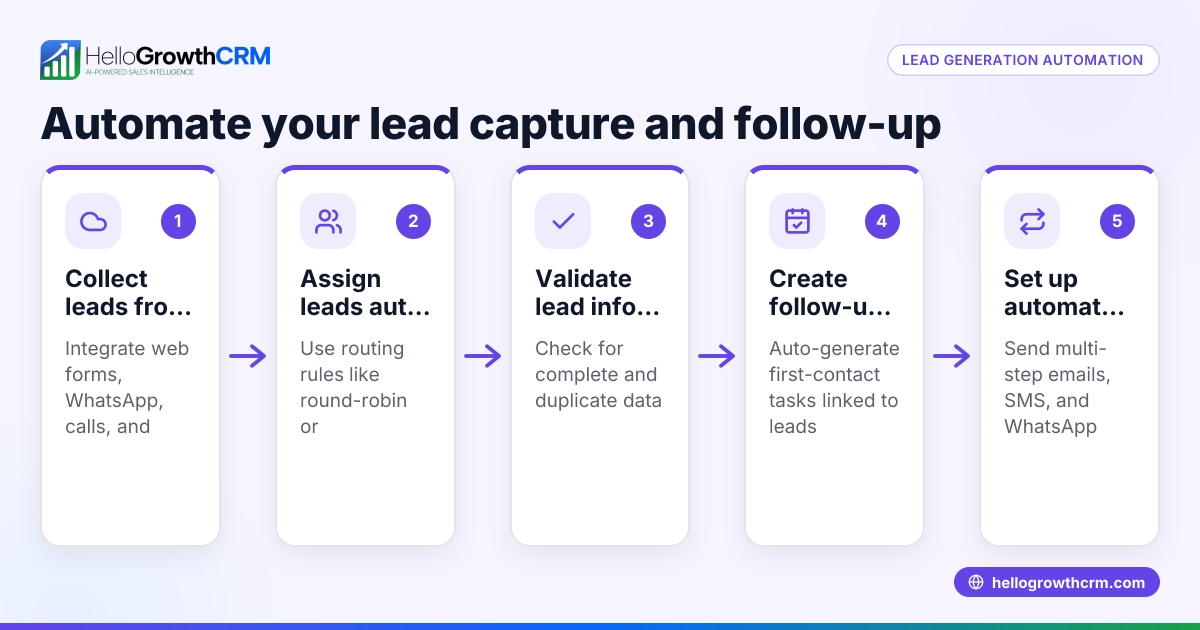
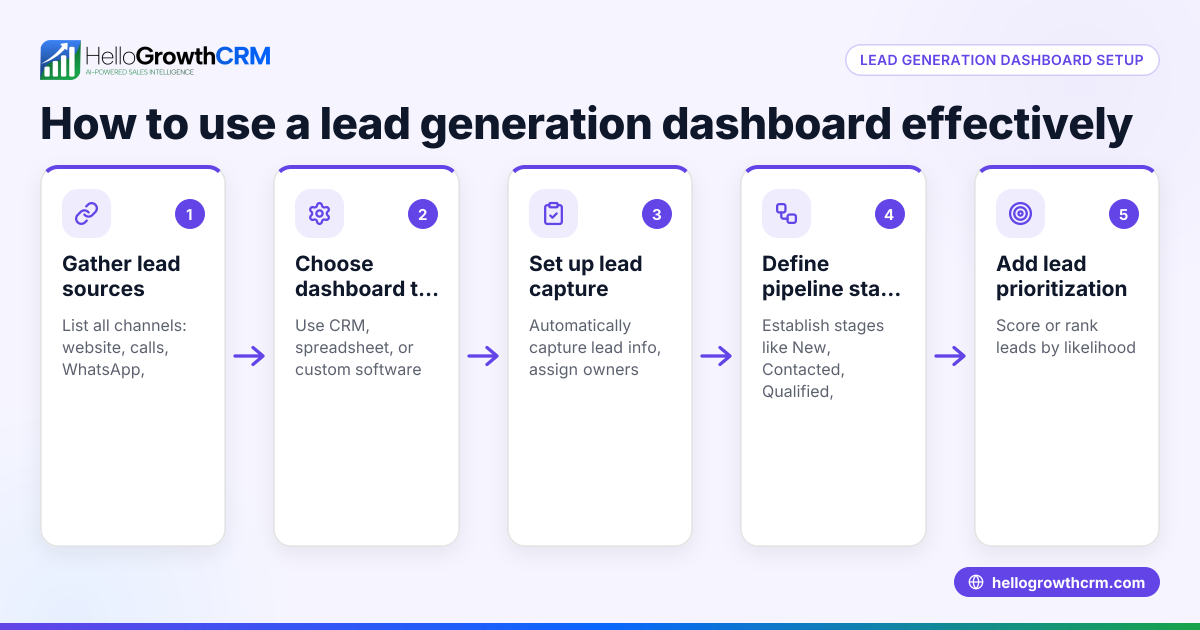
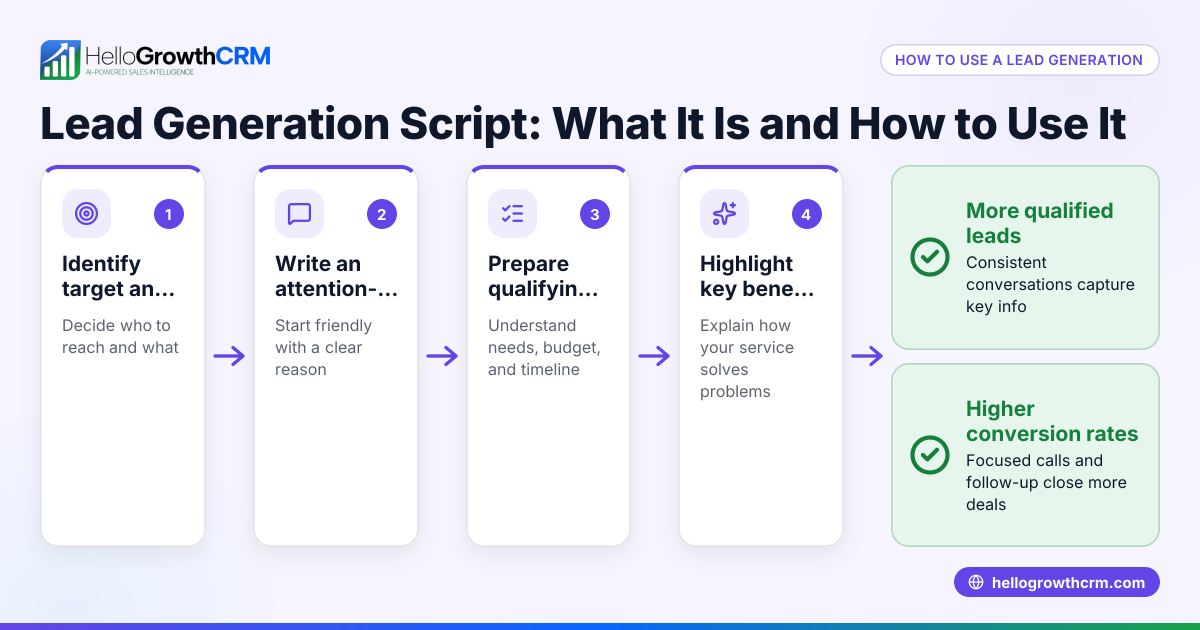
- Collect Lead Data: Gather all lead information from your channels—website forms, phone calls, WhatsApp messages, and emails. Check that each lead includes contact details, source, and inquiry date.
- Organize Leads by Source: Sort leads by where they came from (e.g., Facebook ads, Google search, referrals). This helps identify which marketing efforts bring the most interest.
- Track Lead Status: Assign each lead a status such as New, Contacted, Qualified, or Lost. Check that status updates happen regularly to reflect current progress.
- Calculate Lead Volume and Conversion Rates: Count total leads per period (week/month) and calculate how many convert to sales. Check for patterns or drops.
- Analyze Lead Quality: Review which leads are most likely to convert based on interaction history or scoring methods.
- Create Visual Reports: Use charts or tables to show lead counts by source, stage, and conversion rate. Verify the report updates automatically or is refreshed regularly.
- Review and Act: Share the report with your sales team and decide on next steps, such as prioritizing hot leads or adjusting marketing channels.
Example (fictional figures)
A two-location dental practice in Columbus, Ohio, tracked lead generation for April 2026.
- Total leads received: 150
- Leads from Google Ads: 70
- Leads from Facebook: 50
- Leads from referrals: 30
Leads by status:
- New: 40
- Contacted: 60
- Qualified: 30
- Lost: 20
Conversion: 25 sales closed
Conversion rate calculation:
25 sales ÷ 150 leads = 0.1667 (16.67%)
Lead source contribution to sales:
Assuming sales split proportionally to leads:
Google Ads sales = 70 ÷ 150 × 25 = 11.67 ≈ 12 sales Facebook sales = 50 ÷ 150 × 25 = 8.33 ≈ 8 sales Referrals sales = 30 ÷ 150 × 25 = 5 sales
This report helps the practice see Google Ads bring the most leads and sales, guiding budget allocation.
Common mistakes
- Not tracking all lead sources: Leads from calls or WhatsApp may be missed if only web forms are tracked. Prevent this by consolidating all inquiries in one system.
- Failing to update lead status regularly: Leads stuck in "New" status cause delays. Set reminders or use tools that prompt status changes.
- Ignoring lead quality: Treating all leads equally wastes effort. Use AI lead scoring or manual qualification to focus on high-potential leads.
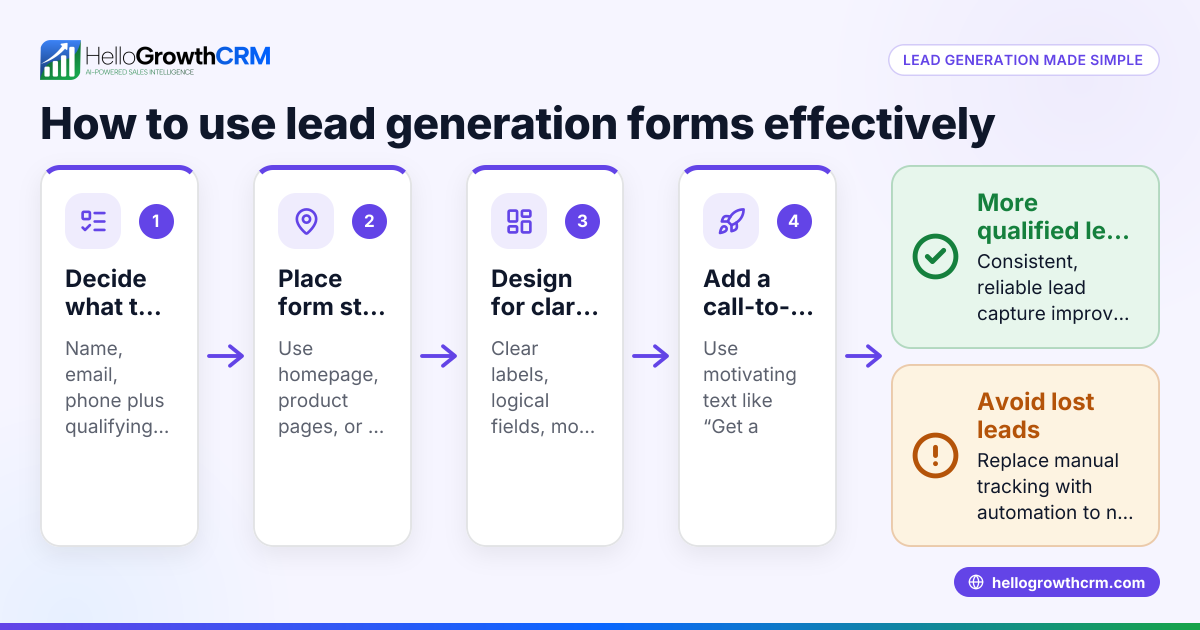
- Using spreadsheets without automation: Manual entry leads to errors and slow reports. Use CRM tools that capture leads automatically.
- Not reviewing reports frequently: Old data is less useful. Schedule weekly or monthly reviews to act on insights.
- Overlooking follow-up tasks: Without assigning next steps, leads fall through the cracks. Always assign owners and next steps.
Doing this in HelloGrowthCRM
HelloGrowthCRM helps by capturing every inquiry from forms, calls, or WhatsApp as a lead with an assigned owner and next step, preventing leads from getting lost in notebooks. Its AI lead scoring feature lets reps prioritize calls to leads most likely to convert, improving efficiency. The pipeline forecast and AI insights show where deals stall without needing spreadsheets, so owners can focus efforts where they matter most. Learn more about AI lead scoring and the WhatsApp and SMS CRM features.
Frequently asked questions
What is included in a lead generation report? A lead generation report includes the number of leads, their sources, status in the sales pipeline, quality or scoring, and conversion rates. It may also show trends over time to help optimize marketing and sales efforts.
How often should I update a lead generation report? Ideally, update it weekly or monthly depending on your sales cycle. Frequent updates ensure timely follow-up and accurate forecasting.
Can I create a lead generation report without a CRM? Yes, but it requires manually collecting data from various sources and updating spreadsheets or documents. This is time-consuming and prone to errors compared to using a CRM like HelloGrowthCRM.
How does AI lead scoring improve lead generation reports? AI lead scoring ranks leads by their likelihood to convert based on data patterns, helping sales teams focus on the best opportunities first. This improves conversion rates and sales efficiency.
What should I do if my report shows many leads lost? Analyze where leads are dropping out in the pipeline and why. It could be slow follow-up, poor lead quality, or messaging issues. Adjust processes or marketing accordingly.
How can I track leads from WhatsApp and SMS? Using a CRM with WhatsApp and SMS integration, like HelloGrowthCRM, captures these leads automatically and assigns next steps, ensuring no lead is missed.
Key takeaways
- A lead generation report tracks leads, their sources, status, and conversions to improve sales follow-up.
- Collect leads from all channels and update their status regularly to keep the report accurate.
- Use lead scoring to prioritize high-potential leads and avoid wasting time.
- Avoid manual spreadsheets by using CRM tools that automate lead capture and reporting.
- Review reports frequently and assign owners and next steps to prevent leads from falling through cracks.
- HelloGrowthCRM offers lead capture, AI lead scoring, and pipeline insights to streamline your lead management.
Start improving your lead follow-up today. Start on the Free Forever plan (200 leads, no credit card).
Ready to put this into practice?
Set up your pipeline, WhatsApp follow-ups, and AI lead scoring in minutes — free, no credit card.
Try HelloGrowthCRM freeGet CRM tips in your inbox
Join thousands of sales professionals who get weekly insights on CRM strategy, AI automation, and pipeline optimization.

The HelloGrowthCRM team publishes guides on CRM strategy, AI sales tools, and revenue operations for small business sales teams.